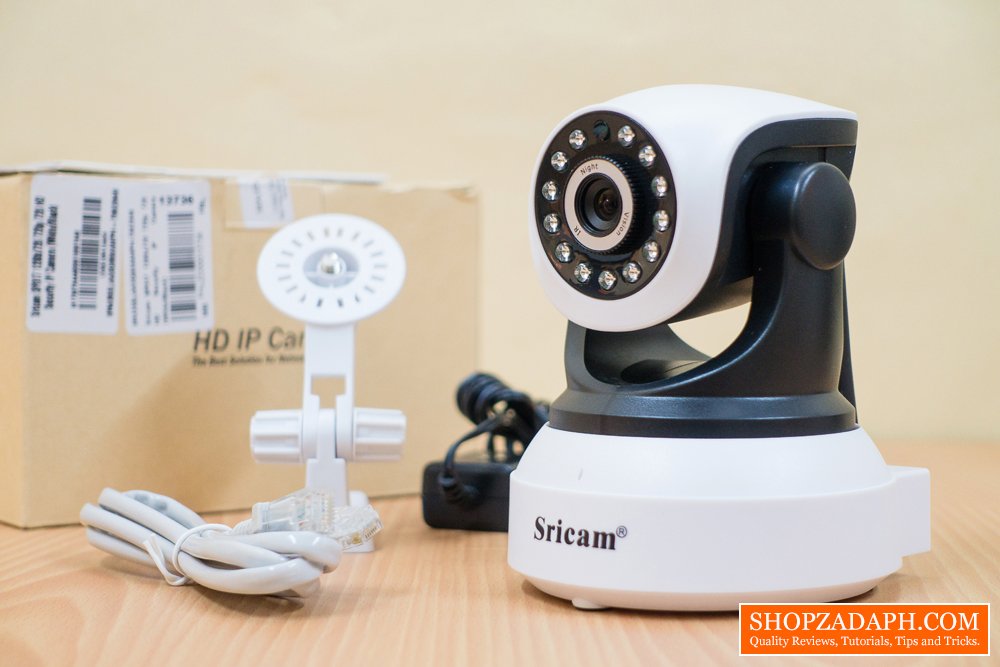
The Sricam SP017 wireless security camera is one of the most popular affordable IP cameras out in the market. I recently made a review about it here, an unboxing video here and finally a features rundown video here. If you haven’t checked those make sure to do so so you can have an idea what this device is capable of.
Whether you’re just looking around for a security camera like this or you’ve already got one and having difficulties setting it up, hopefully this article will help you figure things out.
(adsbygoogle = window.adsbygoogle || []).push({});
How to setup the Sricam SP017 in 10 easy steps
Let’s Begin:
1. Power up the Sricam SP017 using the included power adapter and wait for it to finish booting up
2. Then to make sure that the setup will be ok reset the device using the reset pin that comes with the package and wait for it to beep.
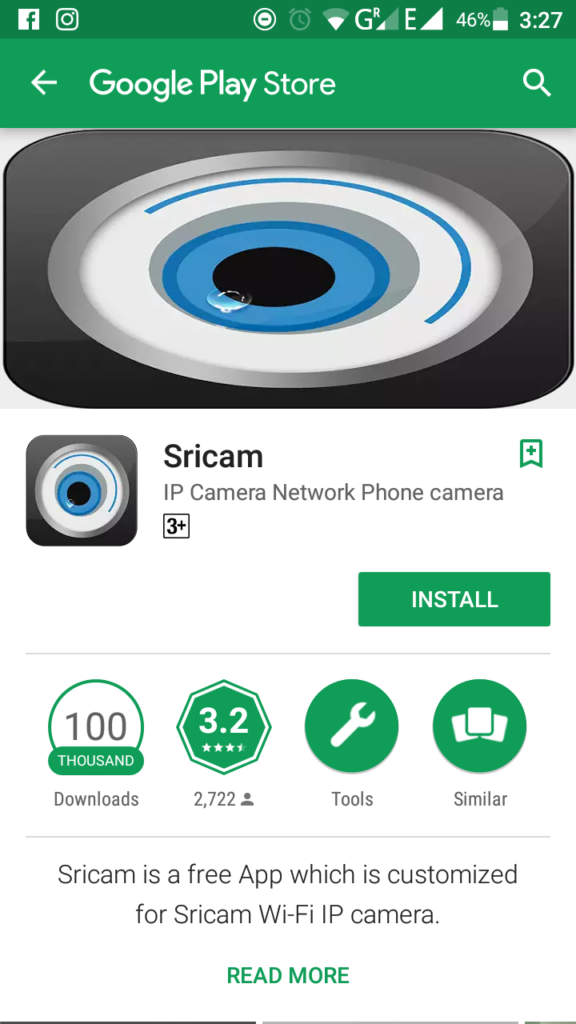
3. Then download the Sricam app by scanning the QR code on the user manual or by just searching for the app on google play-store or app store if you’re using an iPhone.
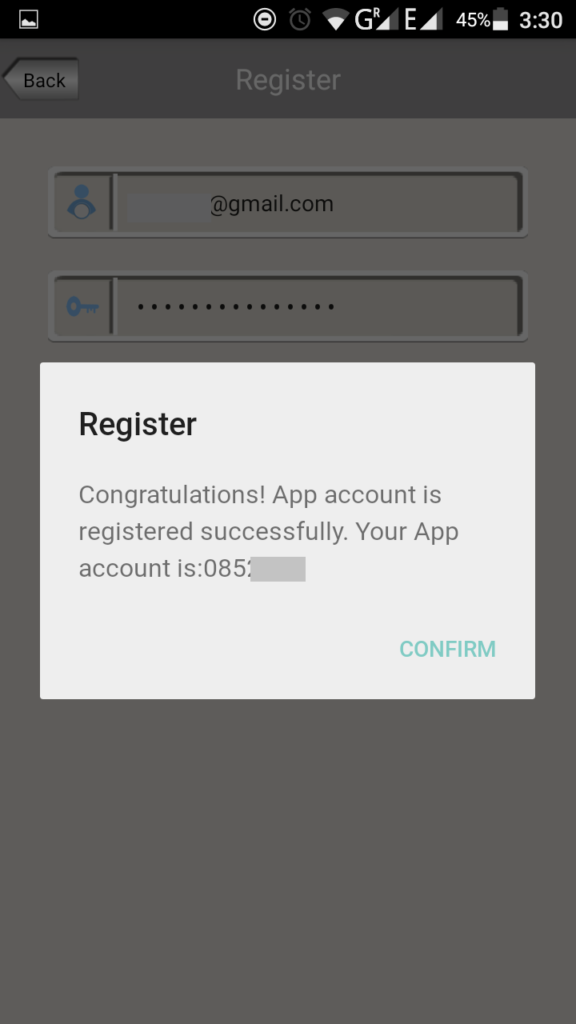
4. Open the Sricam app and register for an account

(adsbygoogle = window.adsbygoogle || []).push({});
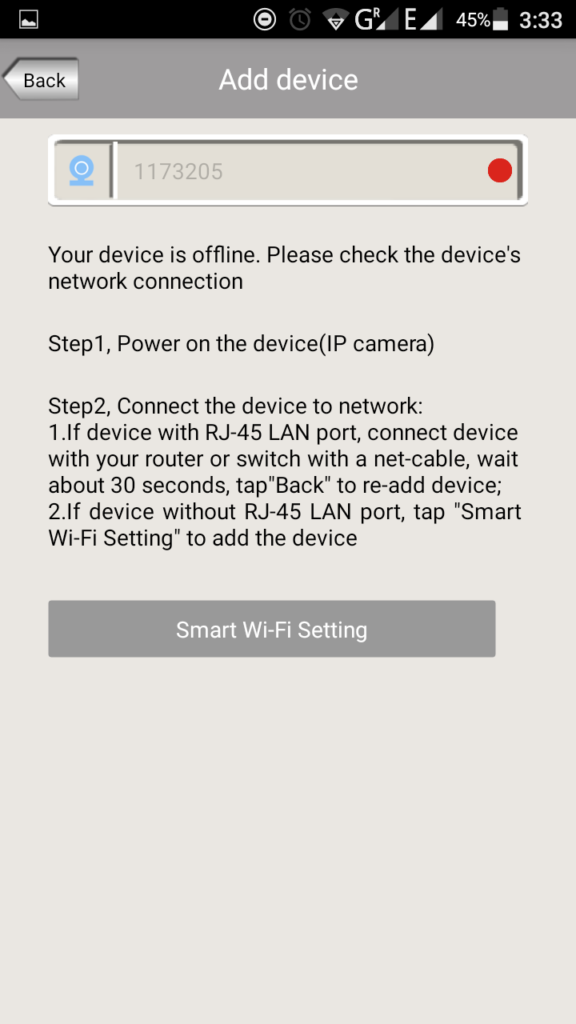
5. After registering, login using the app account provided to you and click add device. you can find the device id at the bottom of the Sricam SP017
6. Click next, and input the default password. make sure that the device is beeping while you are setting it up or else the setup will fail at the end
7. Click next and choose smart WiFi
(adsbygoogle = window.adsbygoogle || []).push({});
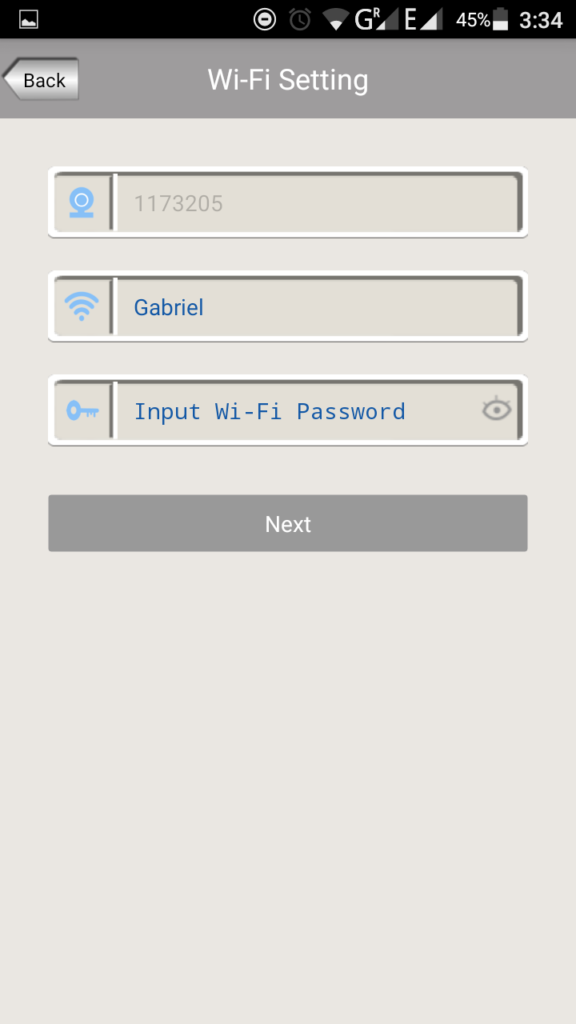
8. Click smart WiFi setting, again make sure that the device is beeping while setting it up, if it’s not beeping reset your device and start again
9. Now put your WiFi password
10. Click next, and wait for the beep sound to confirm that your device has been recognized and is now connected to the WiFi
once you’re connected, the setup is done and you can now control the device using your smart phone.
If you’re still confused or want to see the actual step by step guide on a video including the beeping sounds. check this out
(adsbygoogle = window.adsbygoogle || []).push({});
How to Setup the Sricam SP017 Security Camera – Step By Step Guide
That’s it for the setup of the Sricam SP017. I hope this article helped you with setting up your device.
Make sure to check the following related articles and videos:
(adsbygoogle = window.adsbygoogle || []).push({});
WHERE TO BUY:
LAZADA: Sricam SP017 Security Camera
Cash on Delivery | Free Shipping | Free & Easy Returns
Check out more products from Lazada
- I searched for the highest amount of ratings and good feedback from buyers
- Price may vary depending on existing promos
- The views and opinions on this review are solely based from my own personal experience, your results may vary