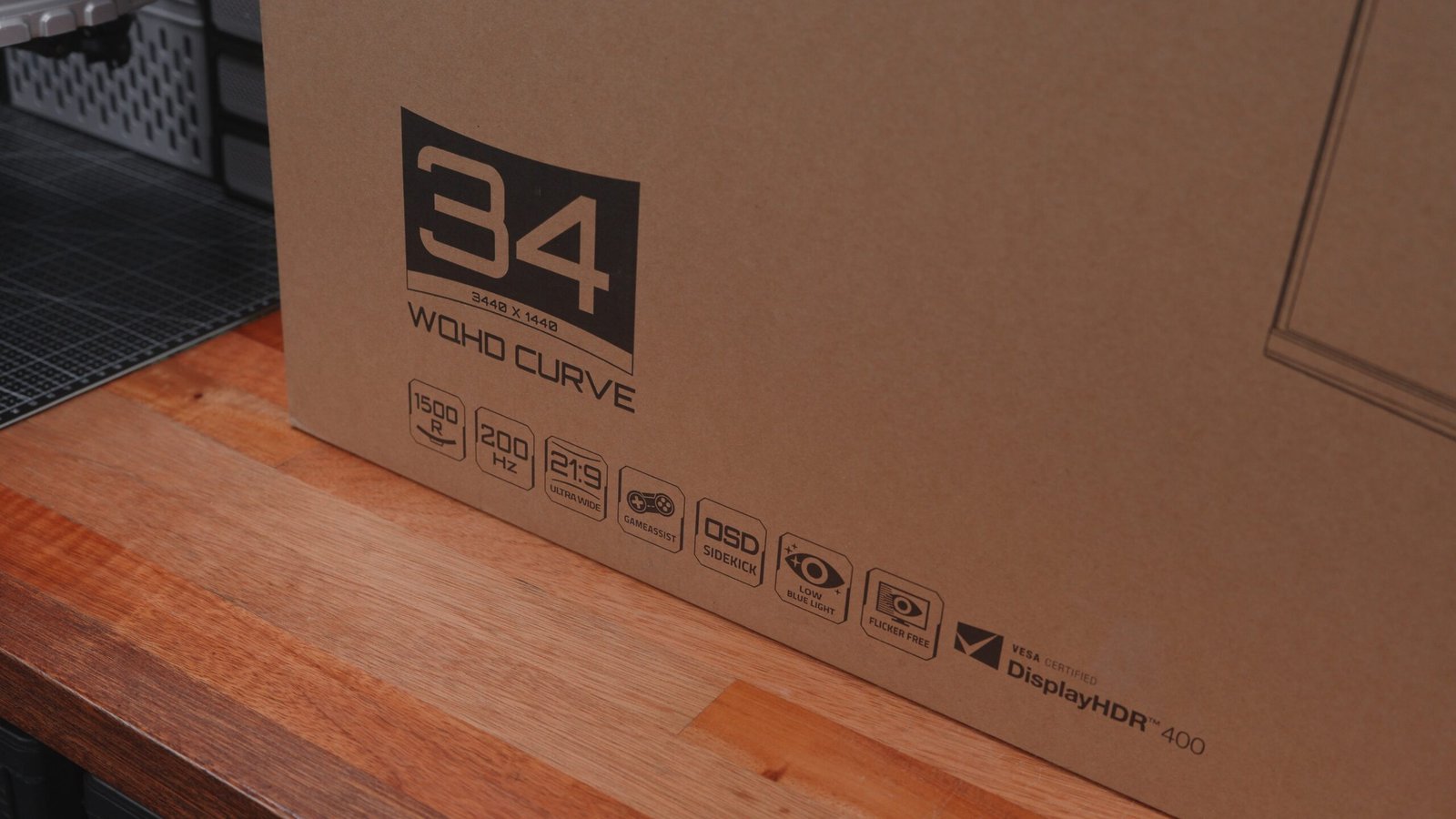
If you’re looking for an affordable ultrawide gaming monitor for a more immersive gaming experience and better multi-window productivity, check out the Gigabyte G34WQC2 because its price is practically unbeatable. For just around ₱18,490 SRP at physical stores, and as low as ₱17,635 online with vouchers, you get a 34-inch 1500R curved ultrawide monitor with up to a 200Hz refresh rate, 1ms GTG response time, and 100% sRGB color coverage.
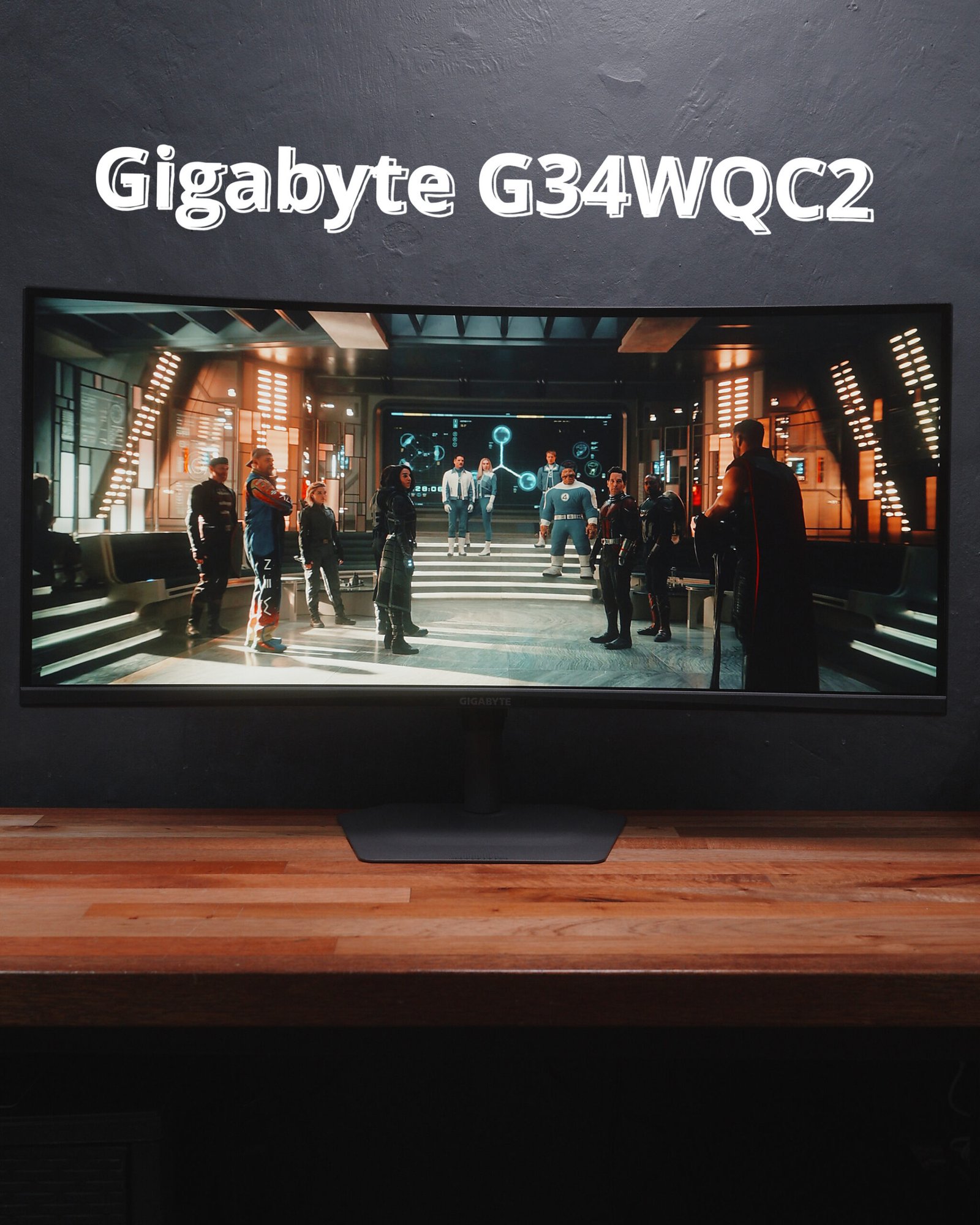
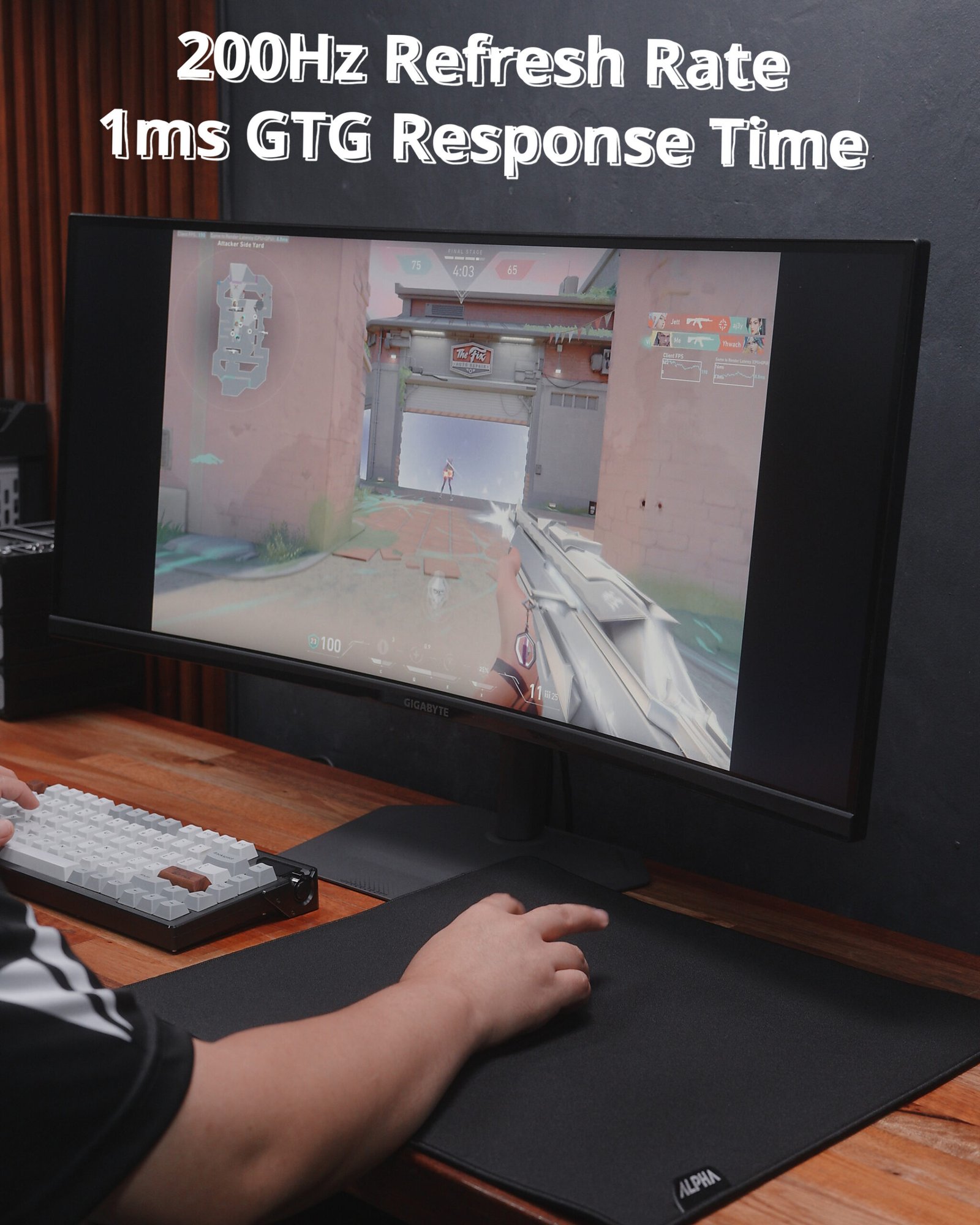
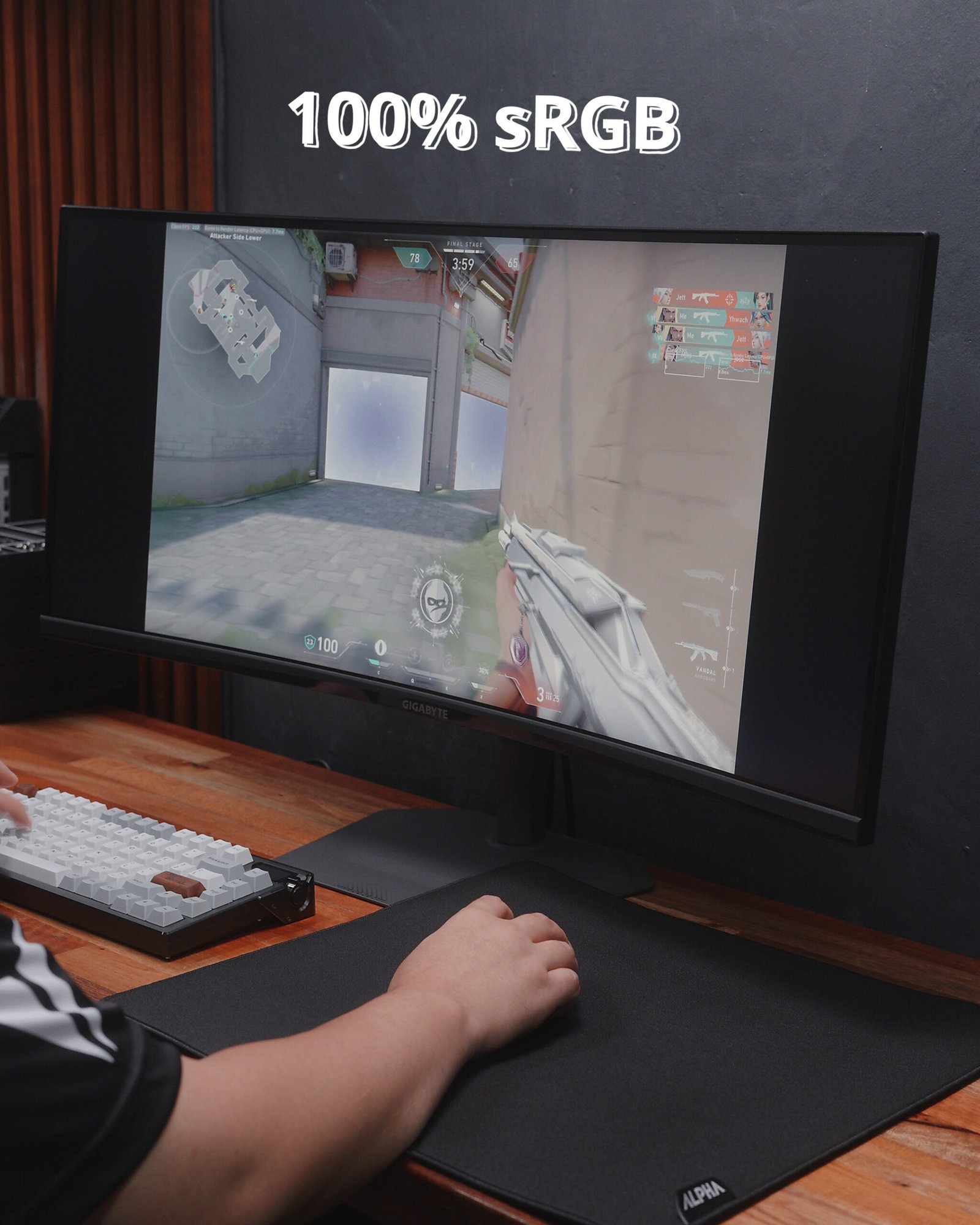
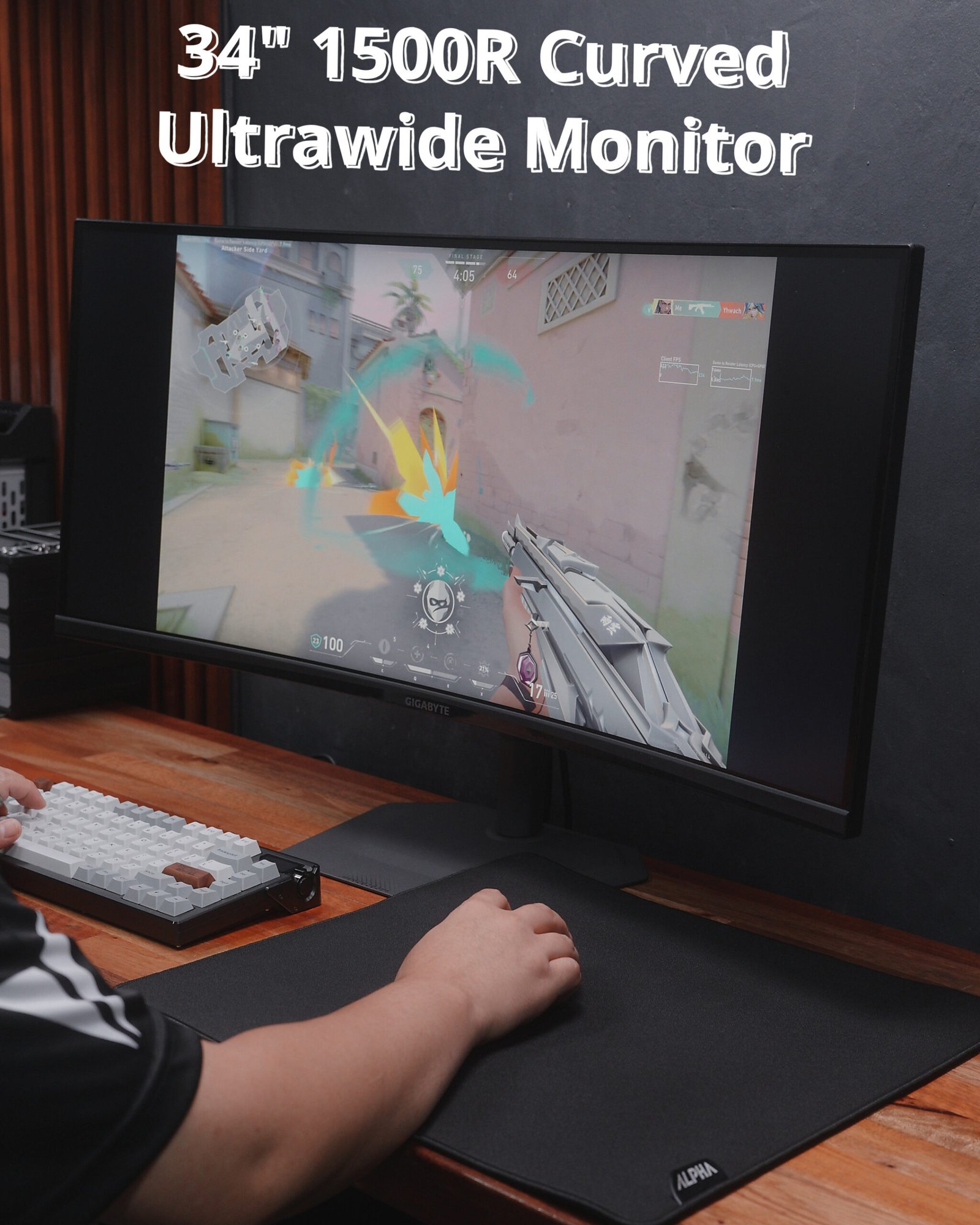
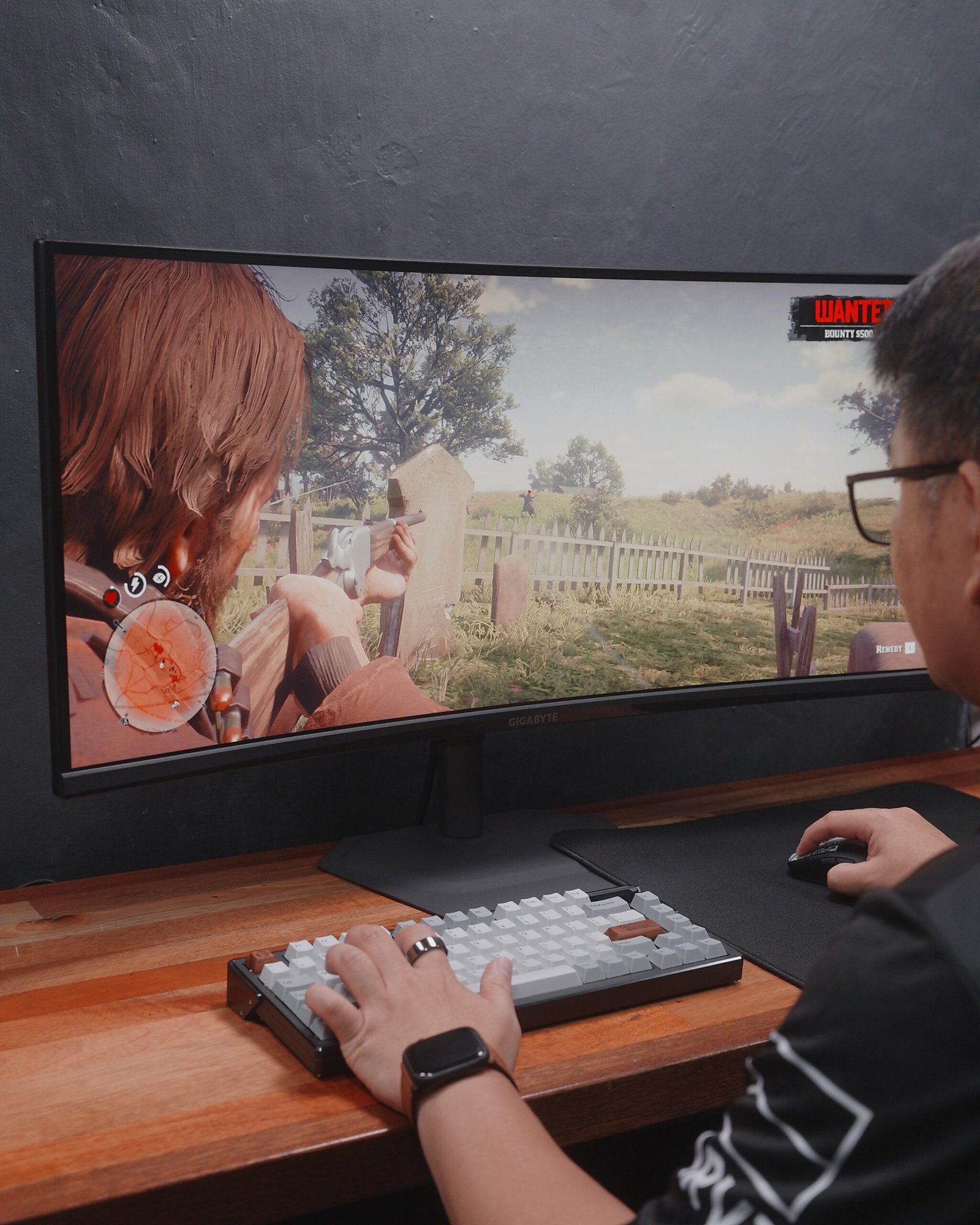
Honestly, using an ultrawide monitor is such a great experience. It’s a completely different level of immersion.
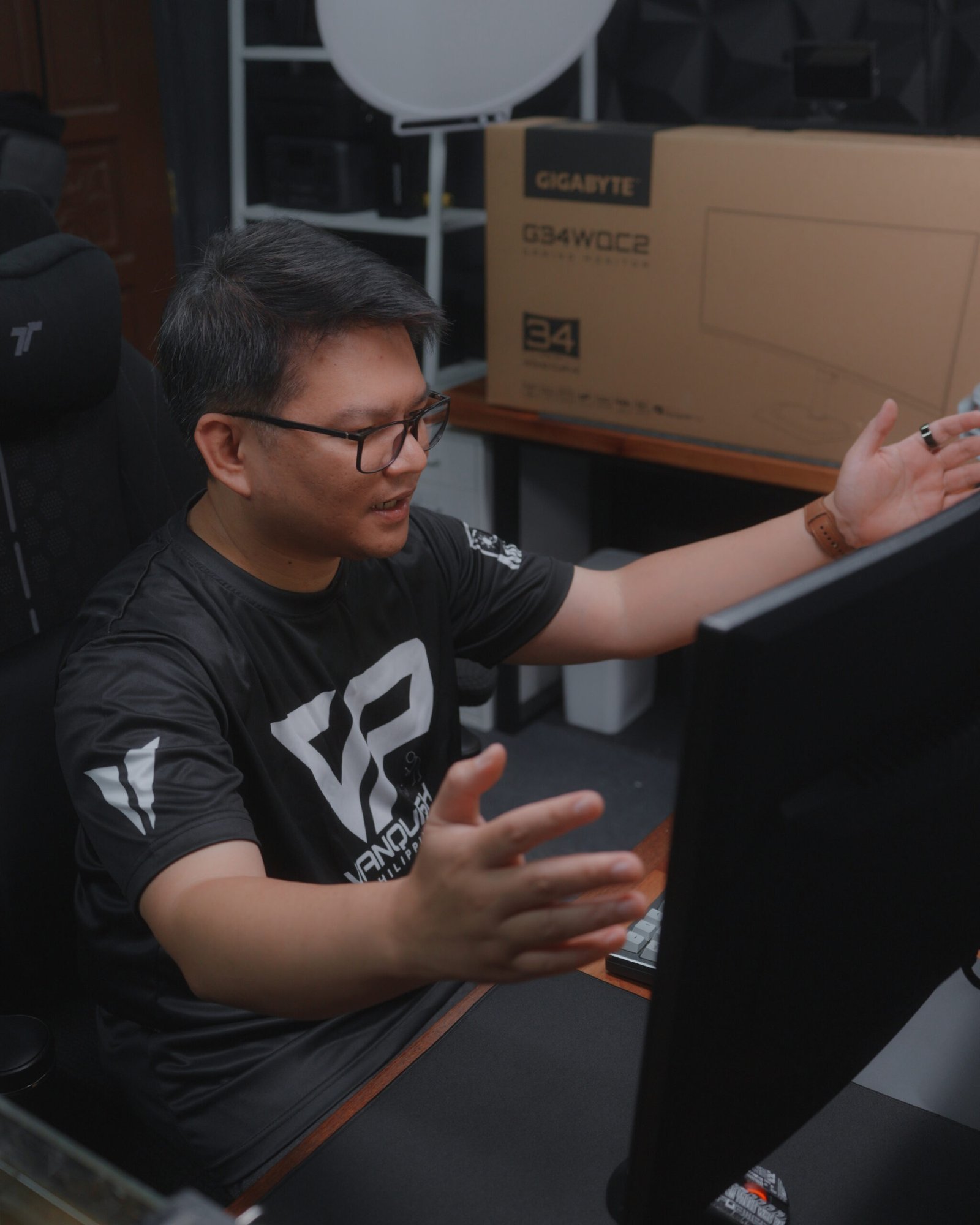
When it comes to design, this monitor keeps things simple while still offering an almost complete set of features.
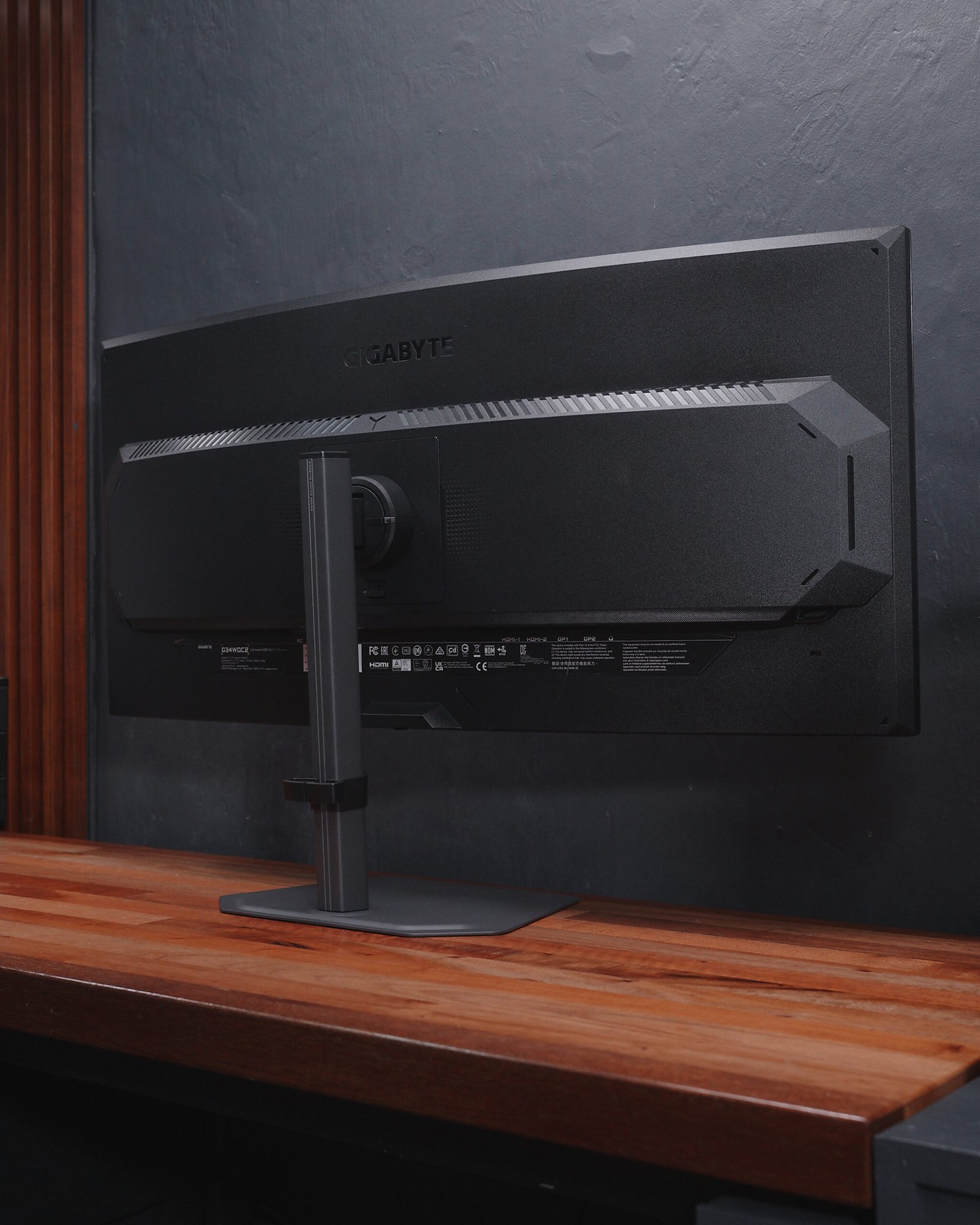
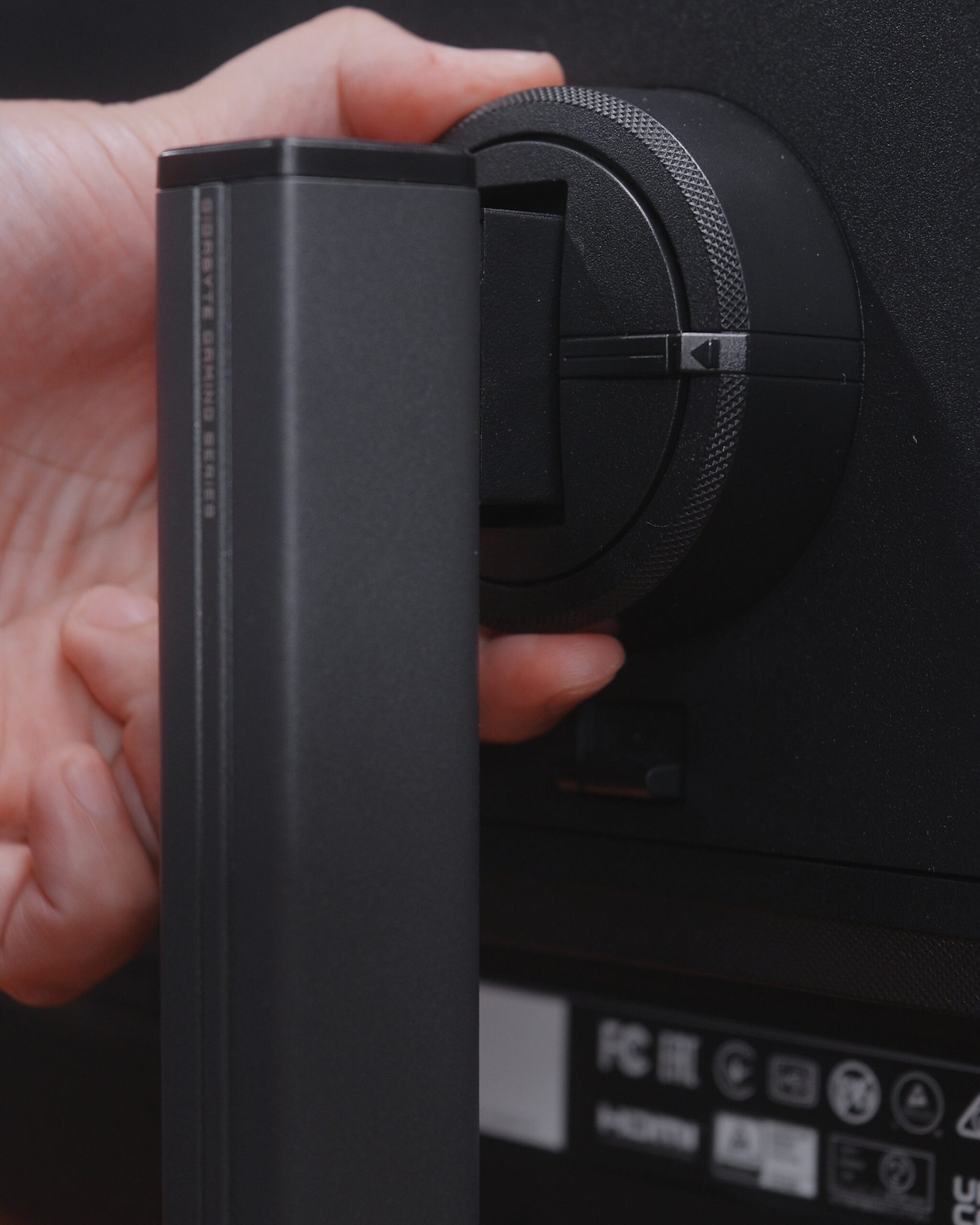
We have height adjustment, tilt, and swivel. The only thing missing is pivot adjustment for portrait mode, but that’s perfectly fine since this monitor isn’t designed for that orientation, especially given its curved form factor.
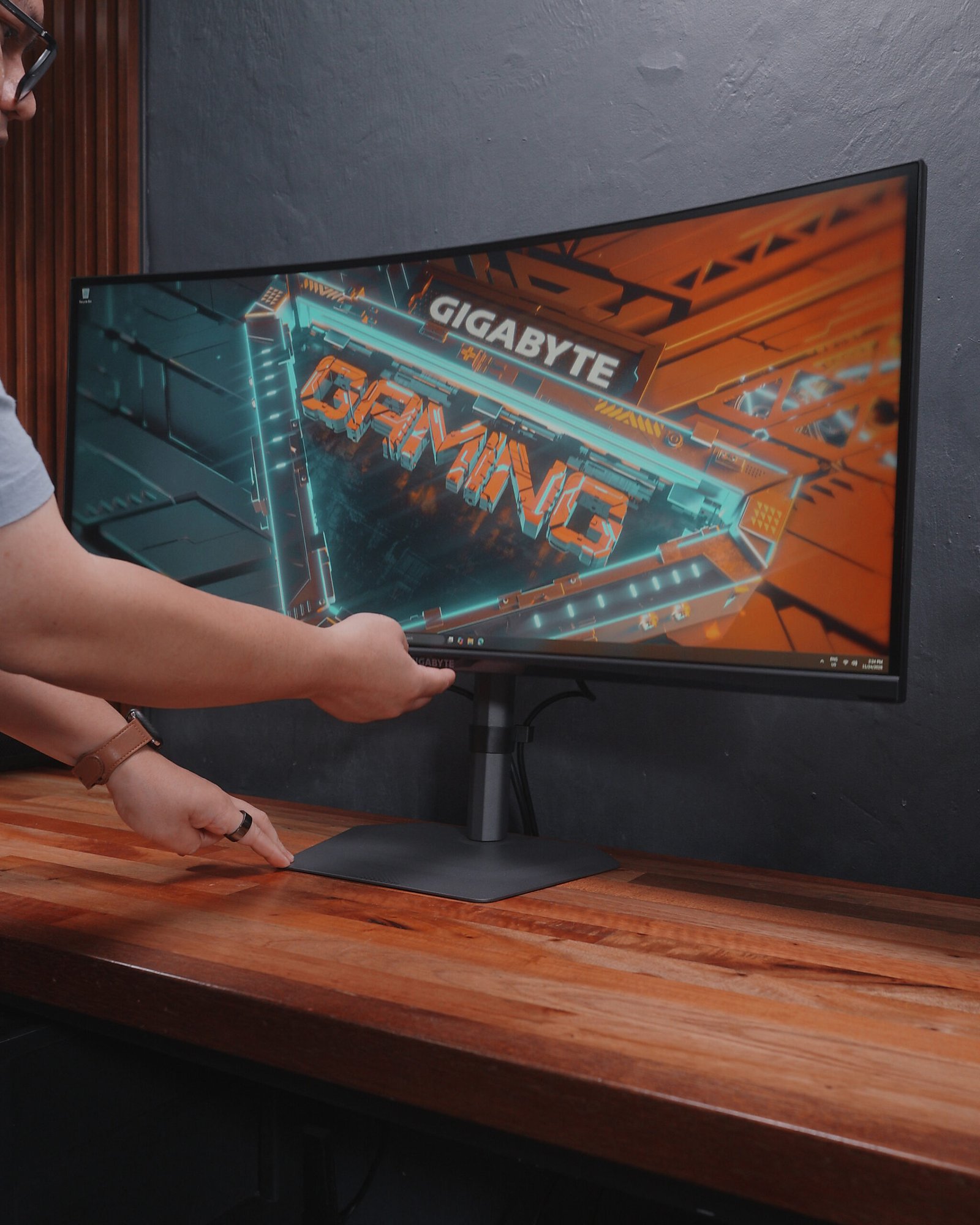
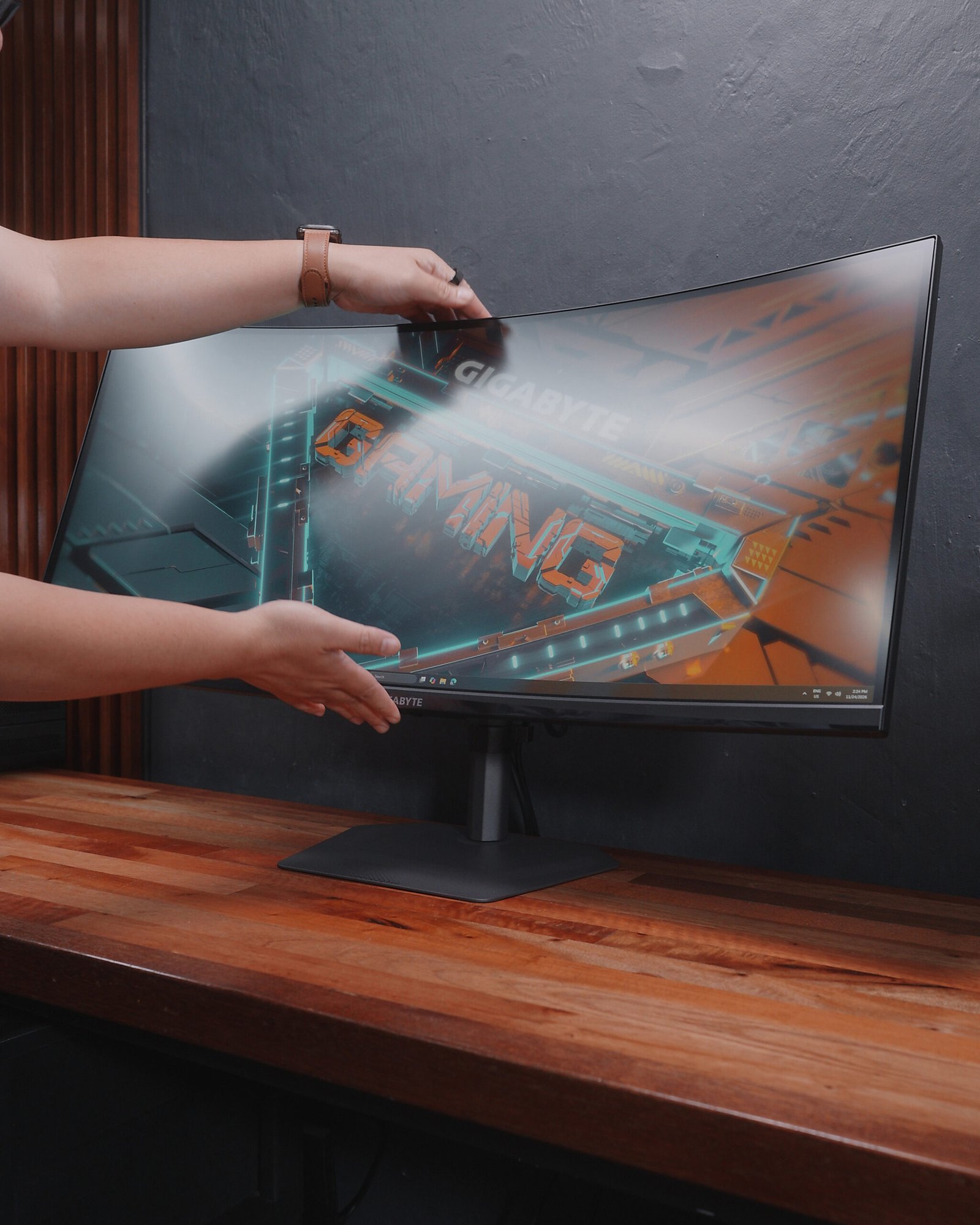
Speaking of which, it has a fairly substantial 1500R curvature, which is just right for its 34-inch size.
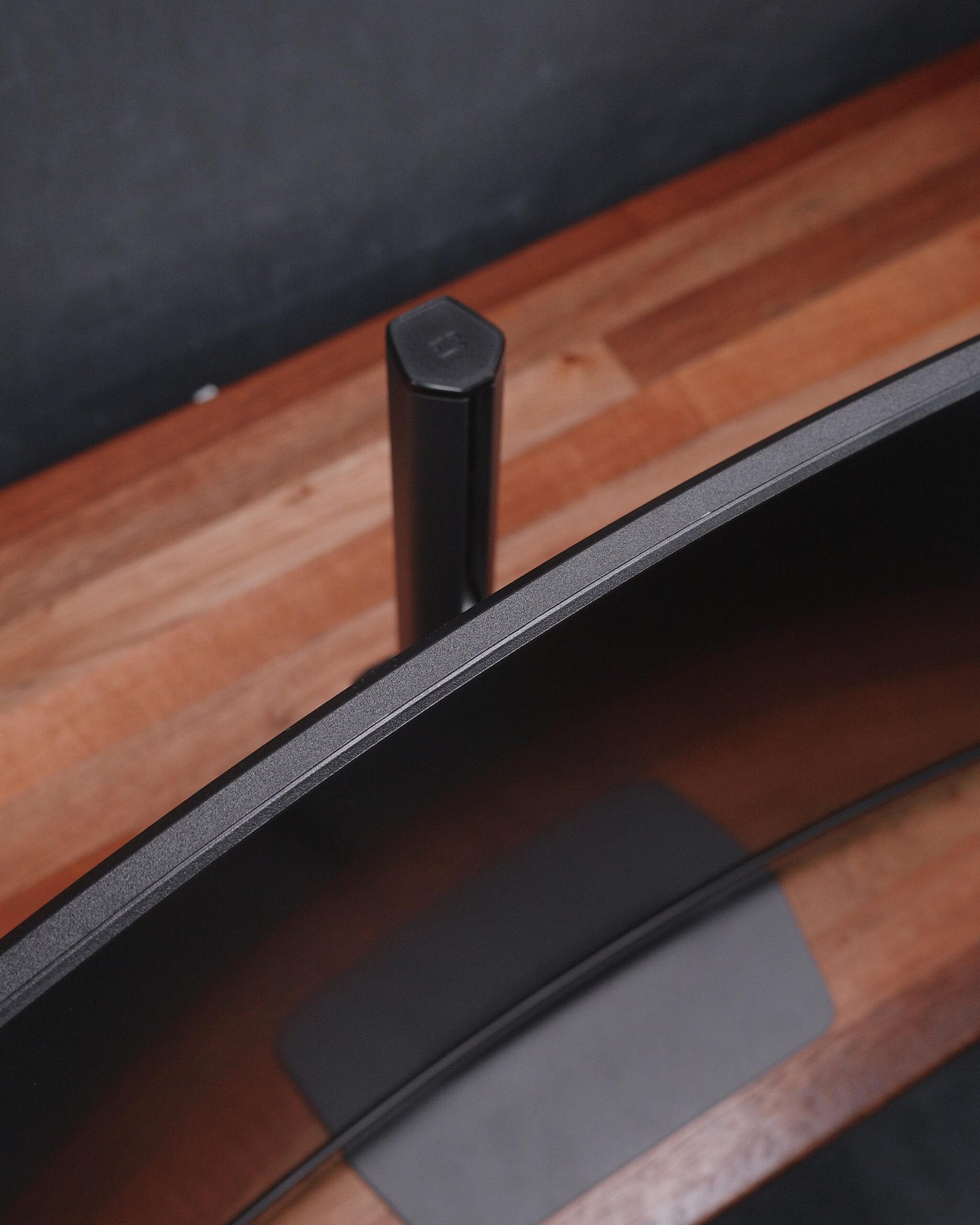
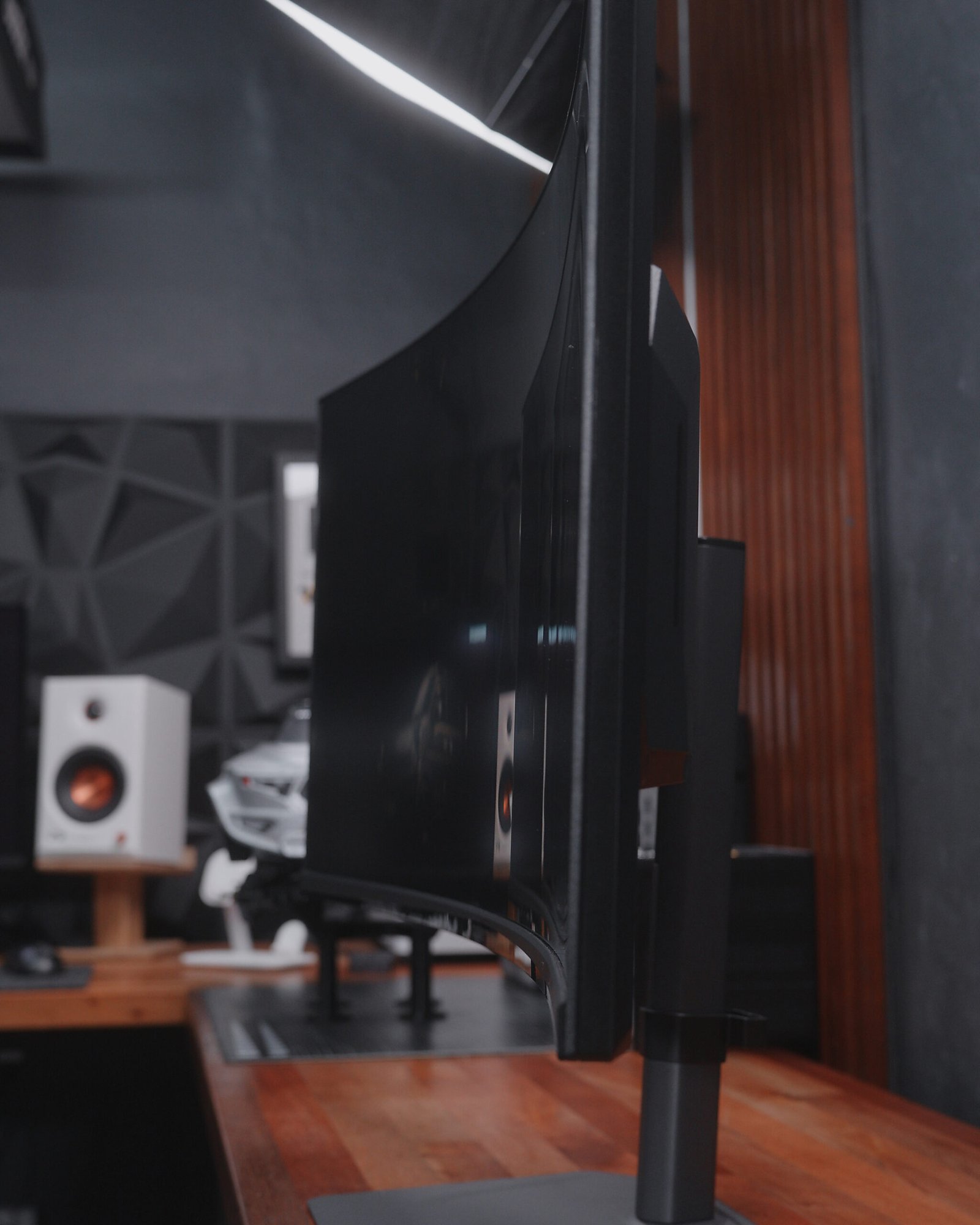
It also has a matte finish, which means minimal glare and no noticeable color tint.
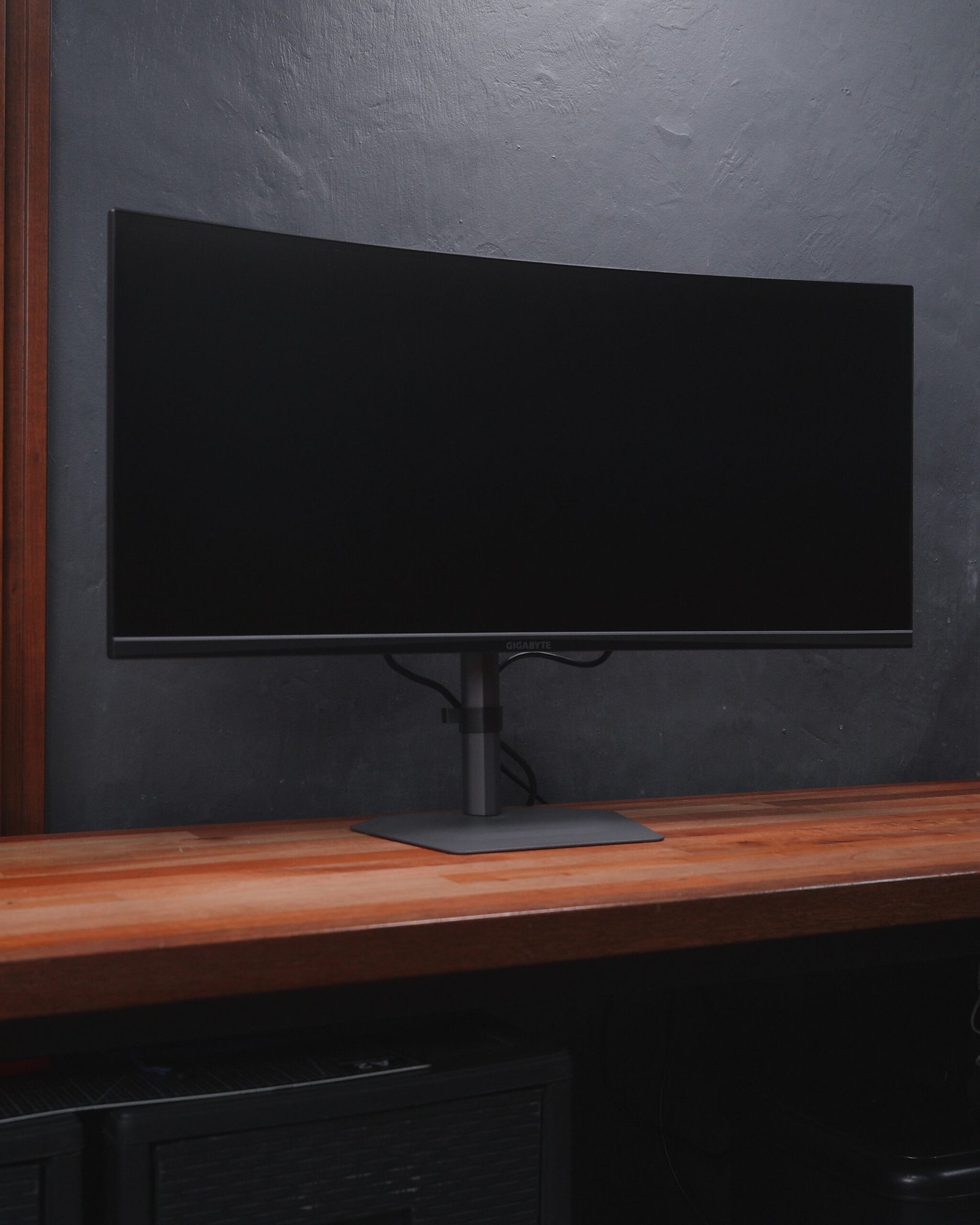
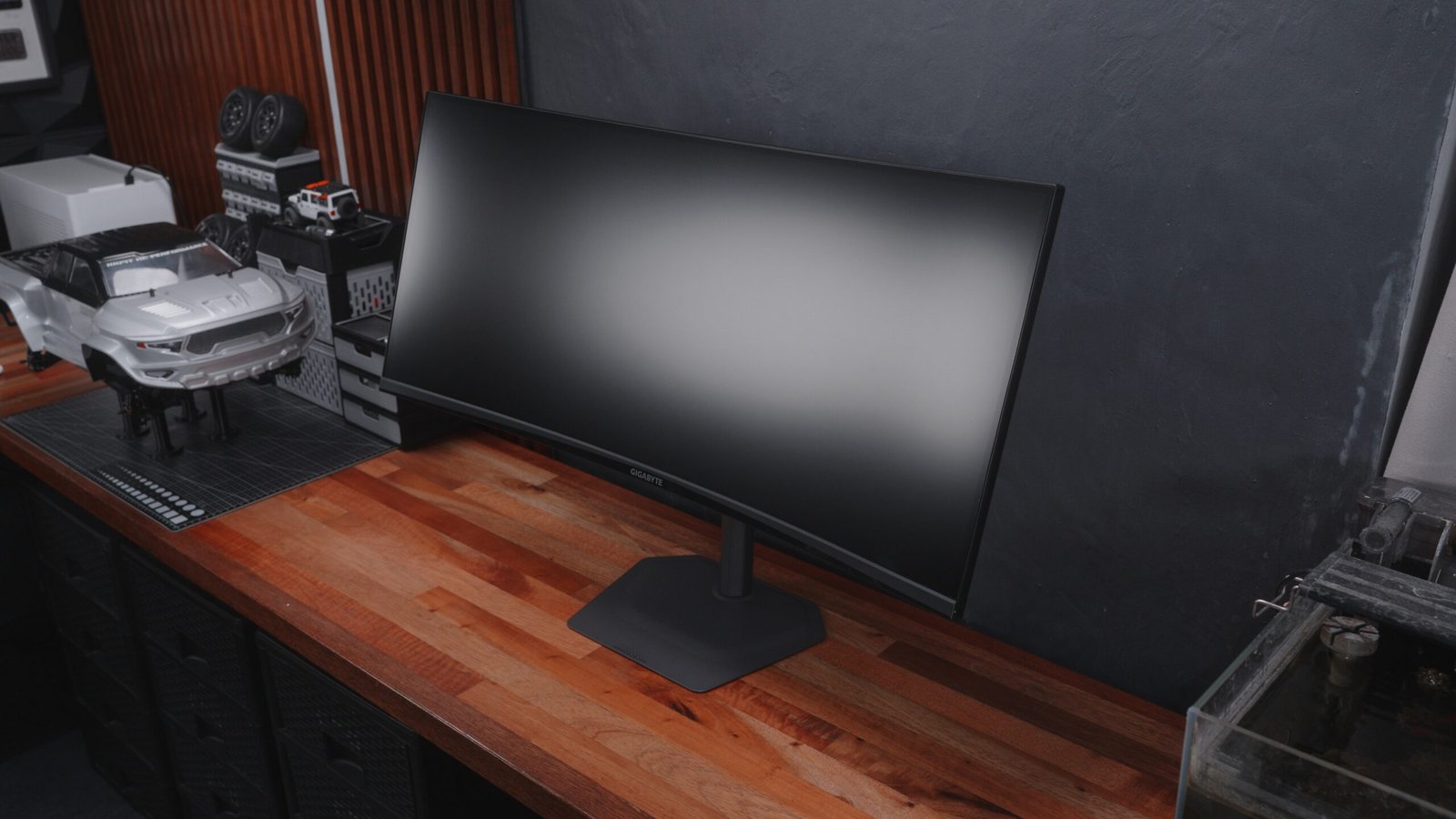
It features slim bezels all around, with minimal branding on both the front and back, along with all the essential input and output ports.
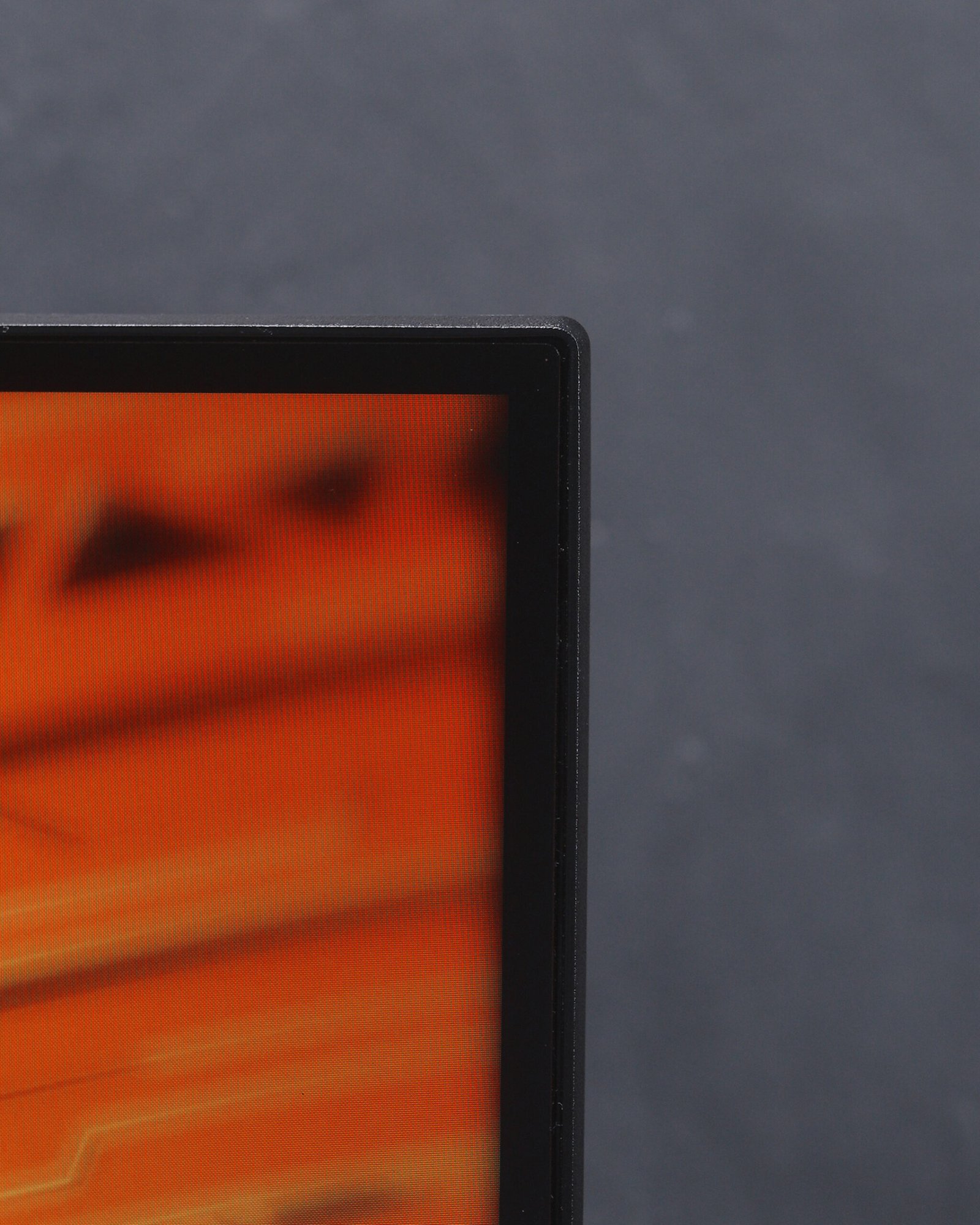
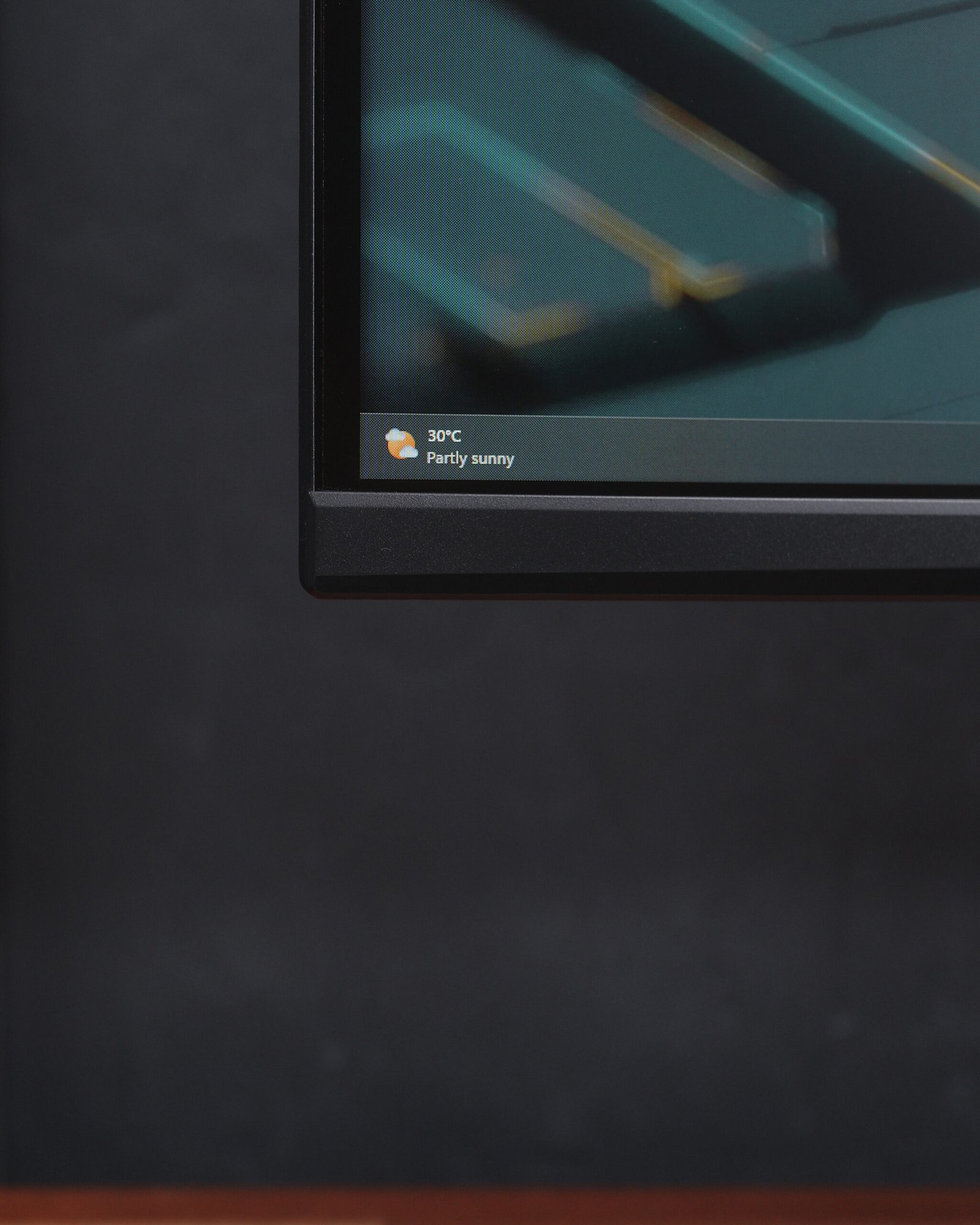
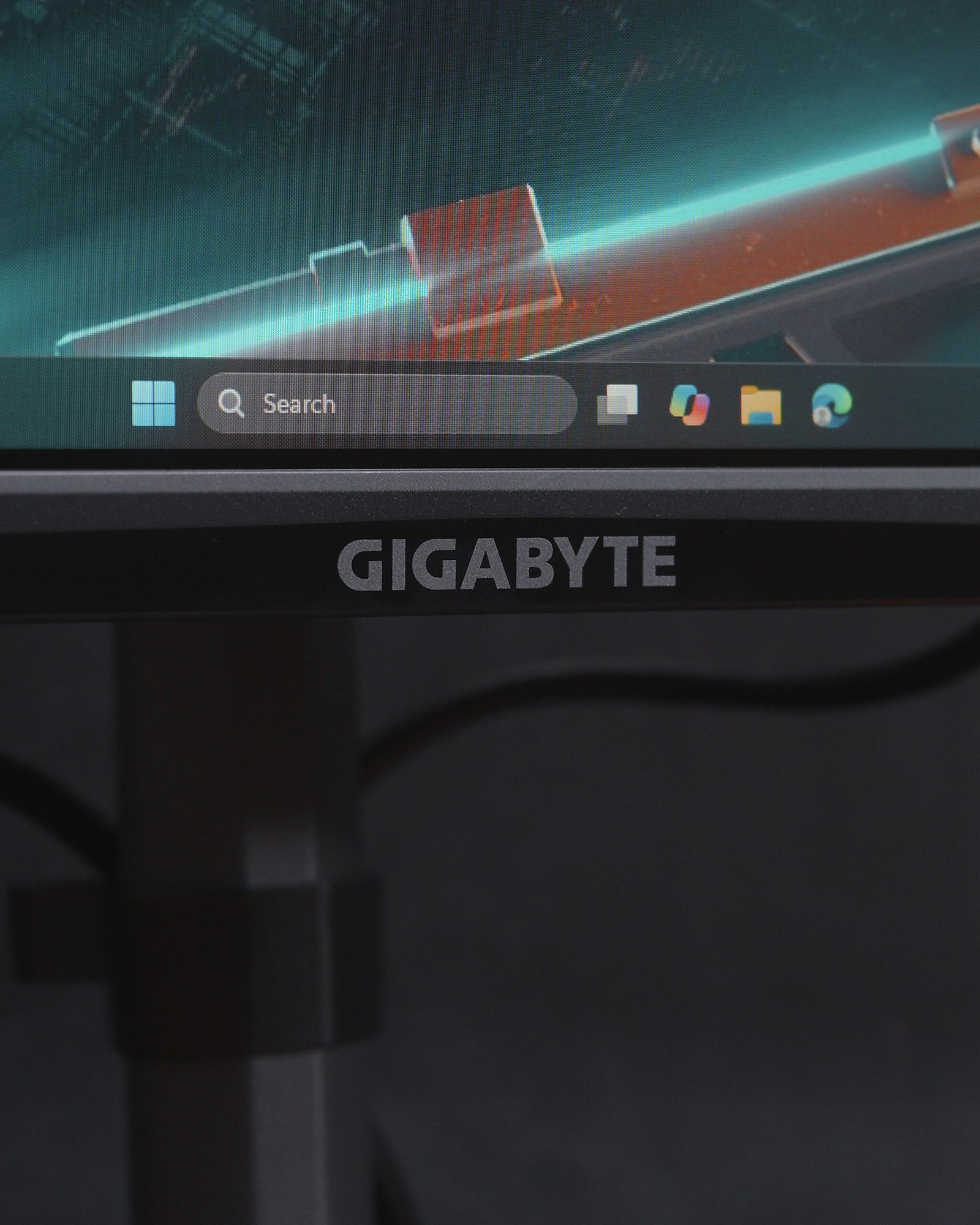
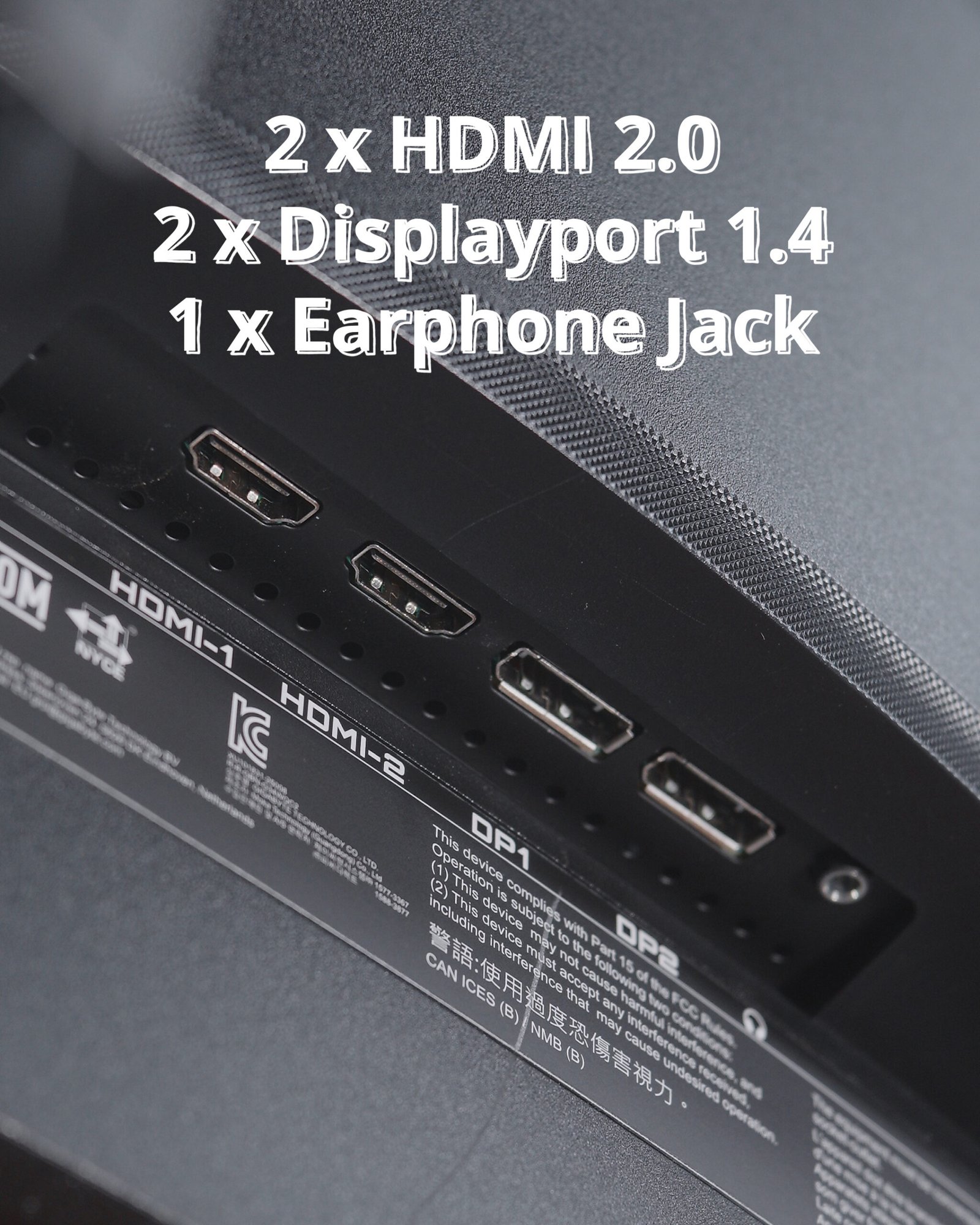
It even comes with a built-in speaker and a 5-way joystick for quick OSD control. It also has a built-in power supply, so no bulky power brick lying around the floor.
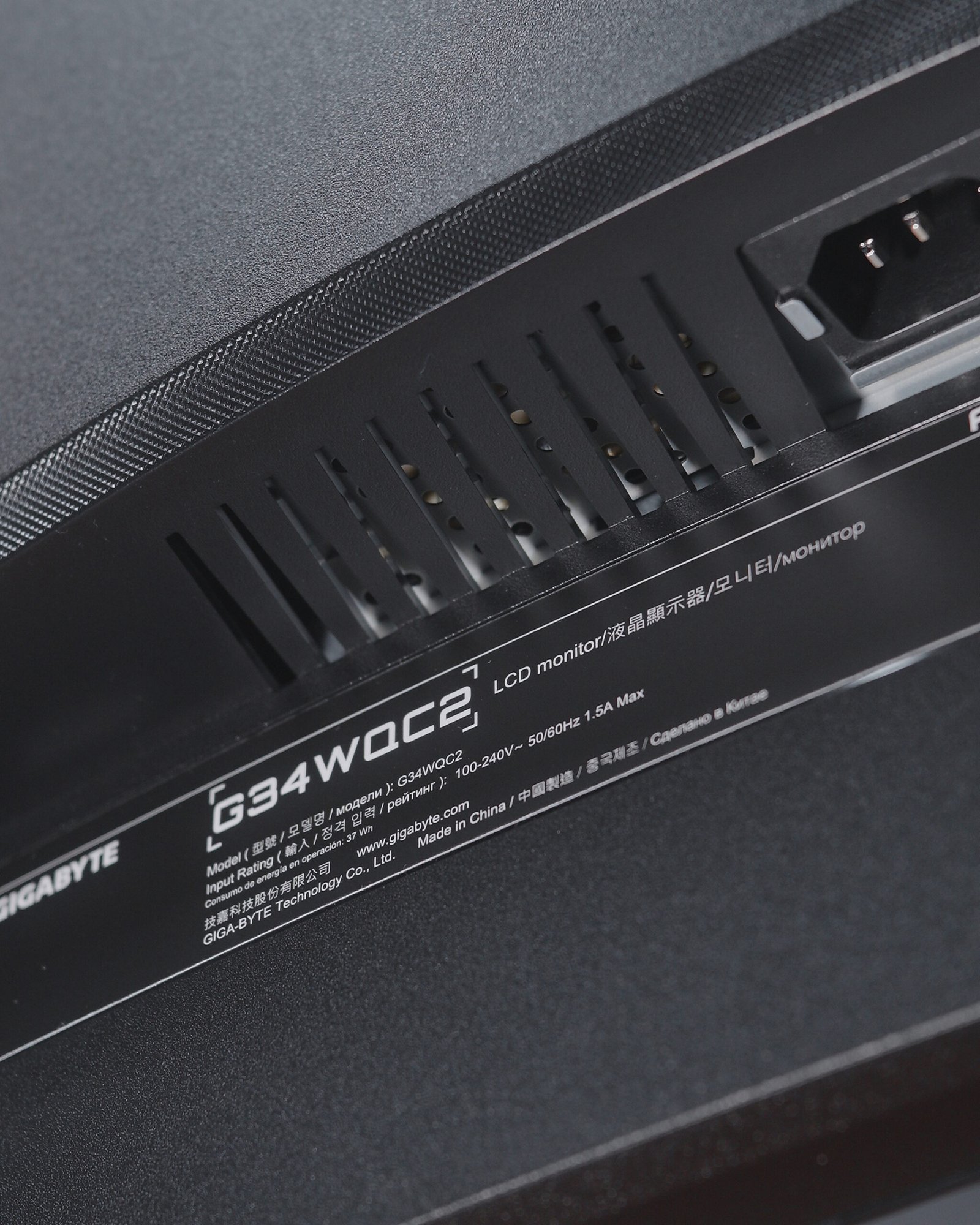
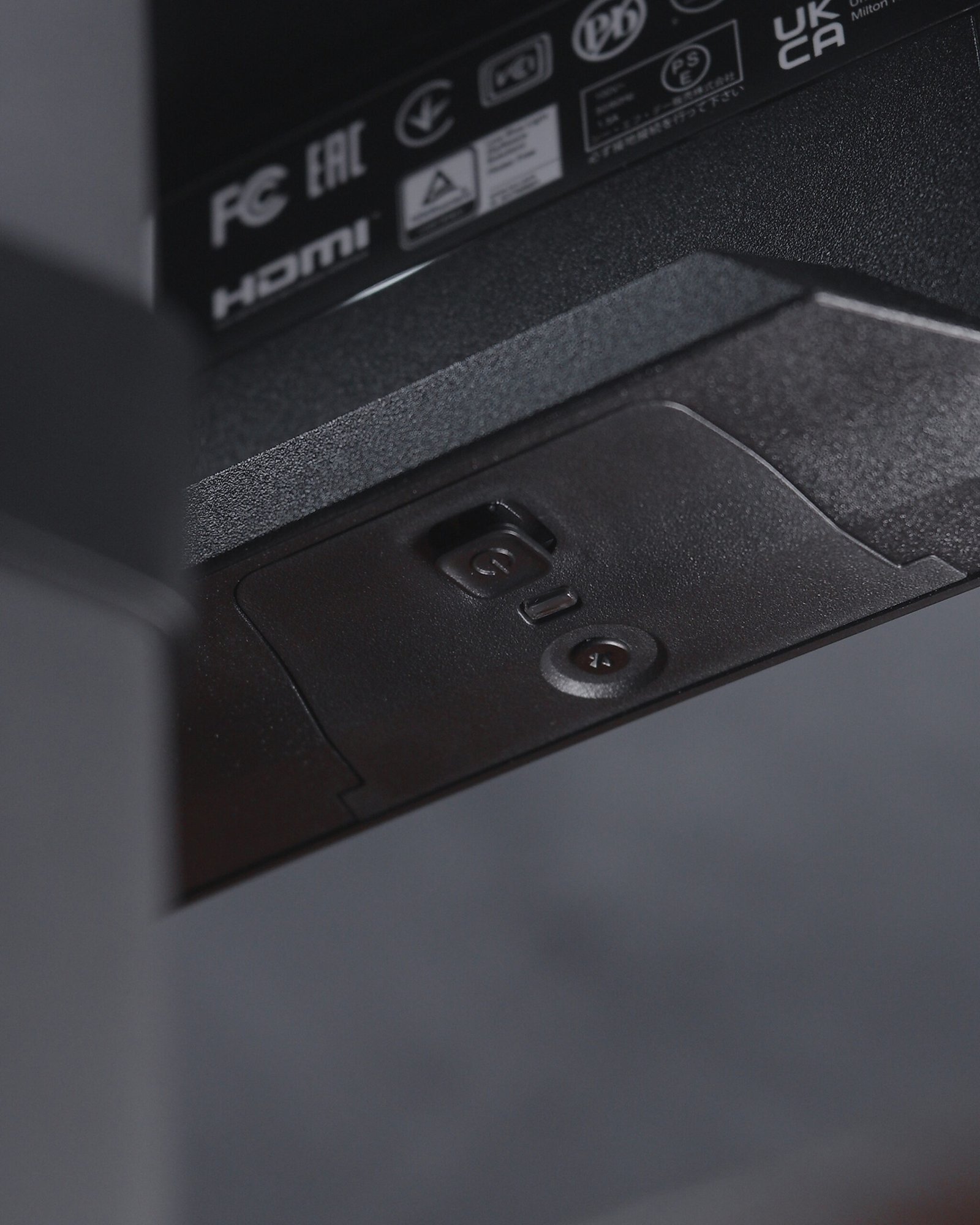
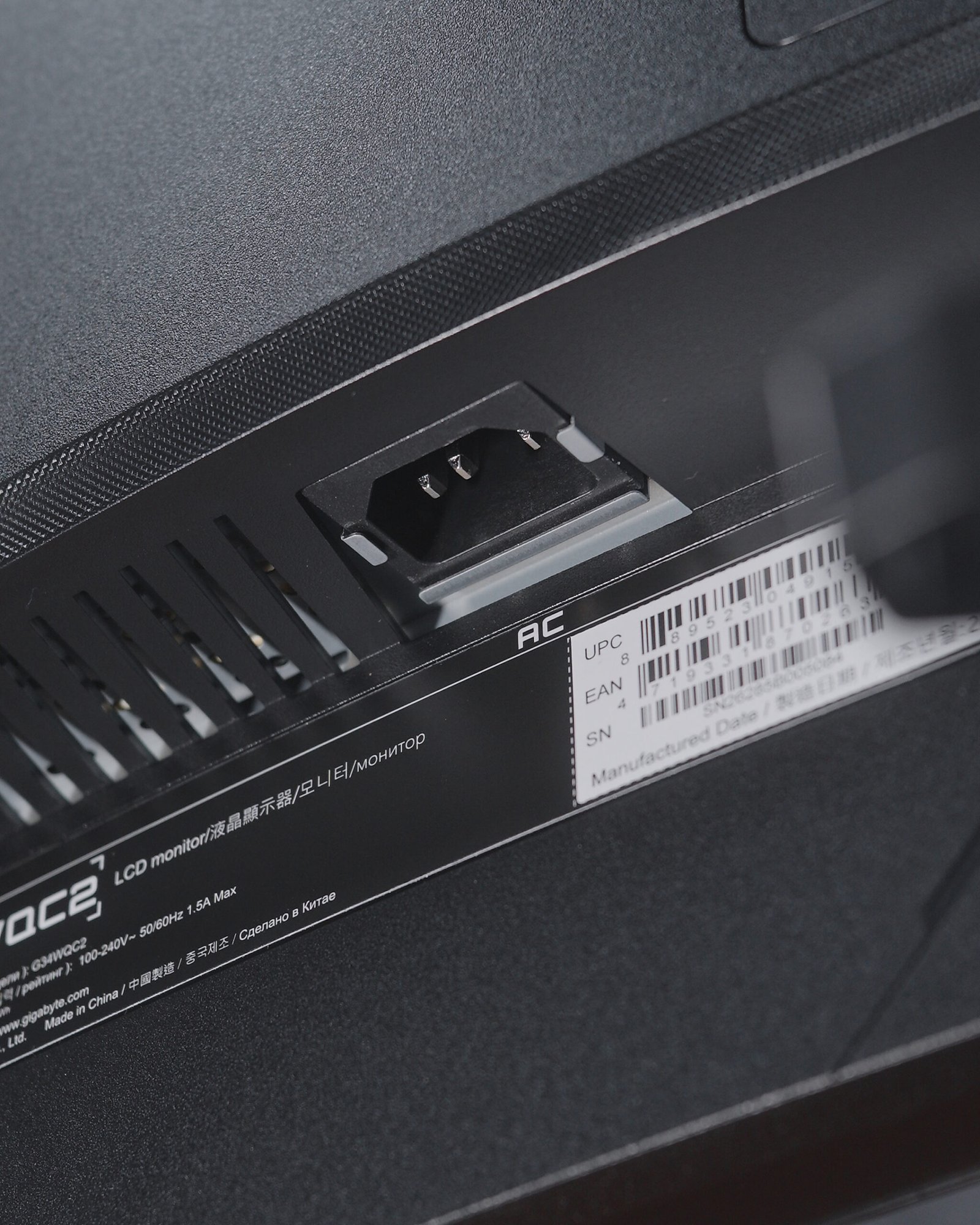
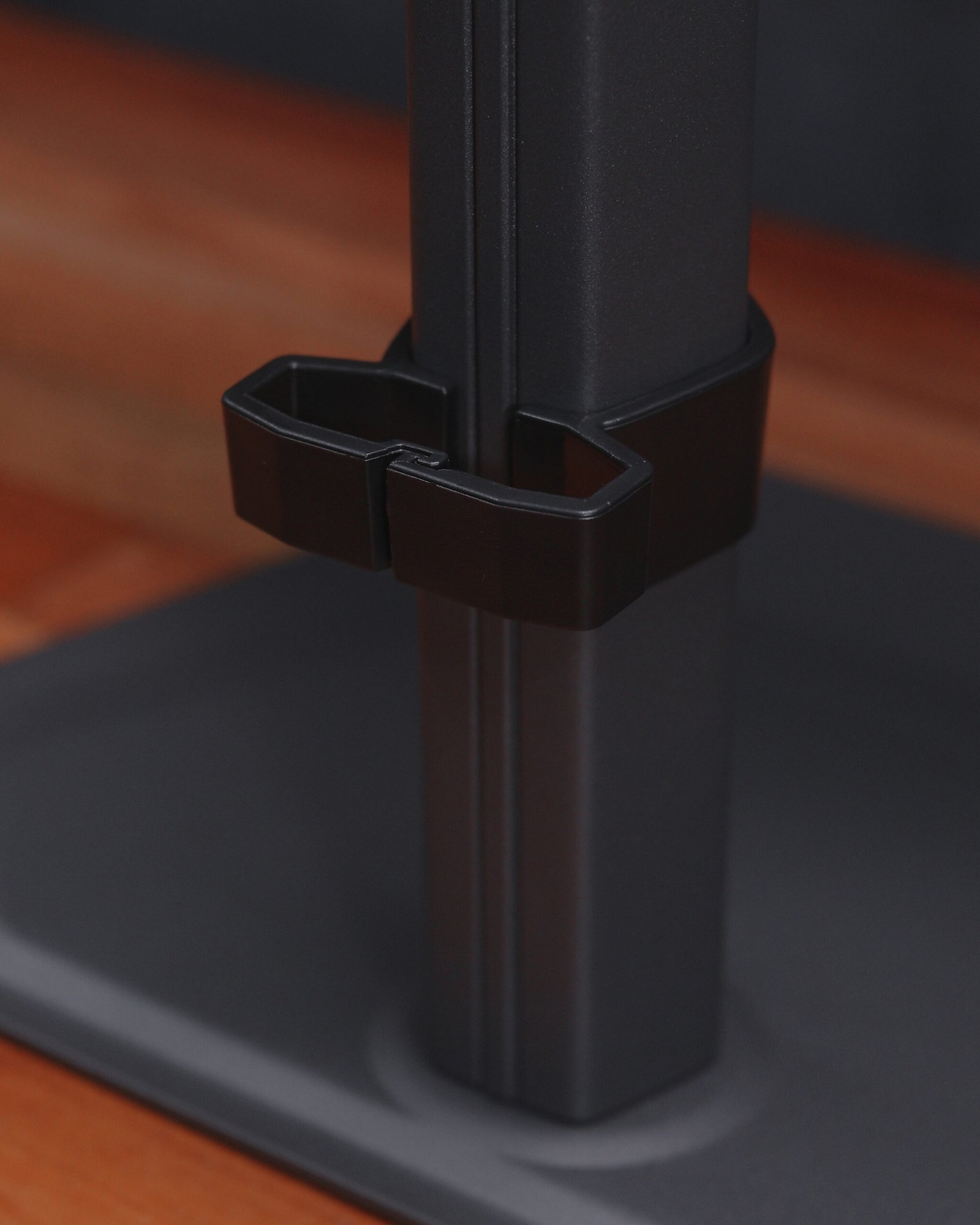
On top of all that, in terms of physical features, it also has a cable management clip and a minimalist metal stand with a small footprint.
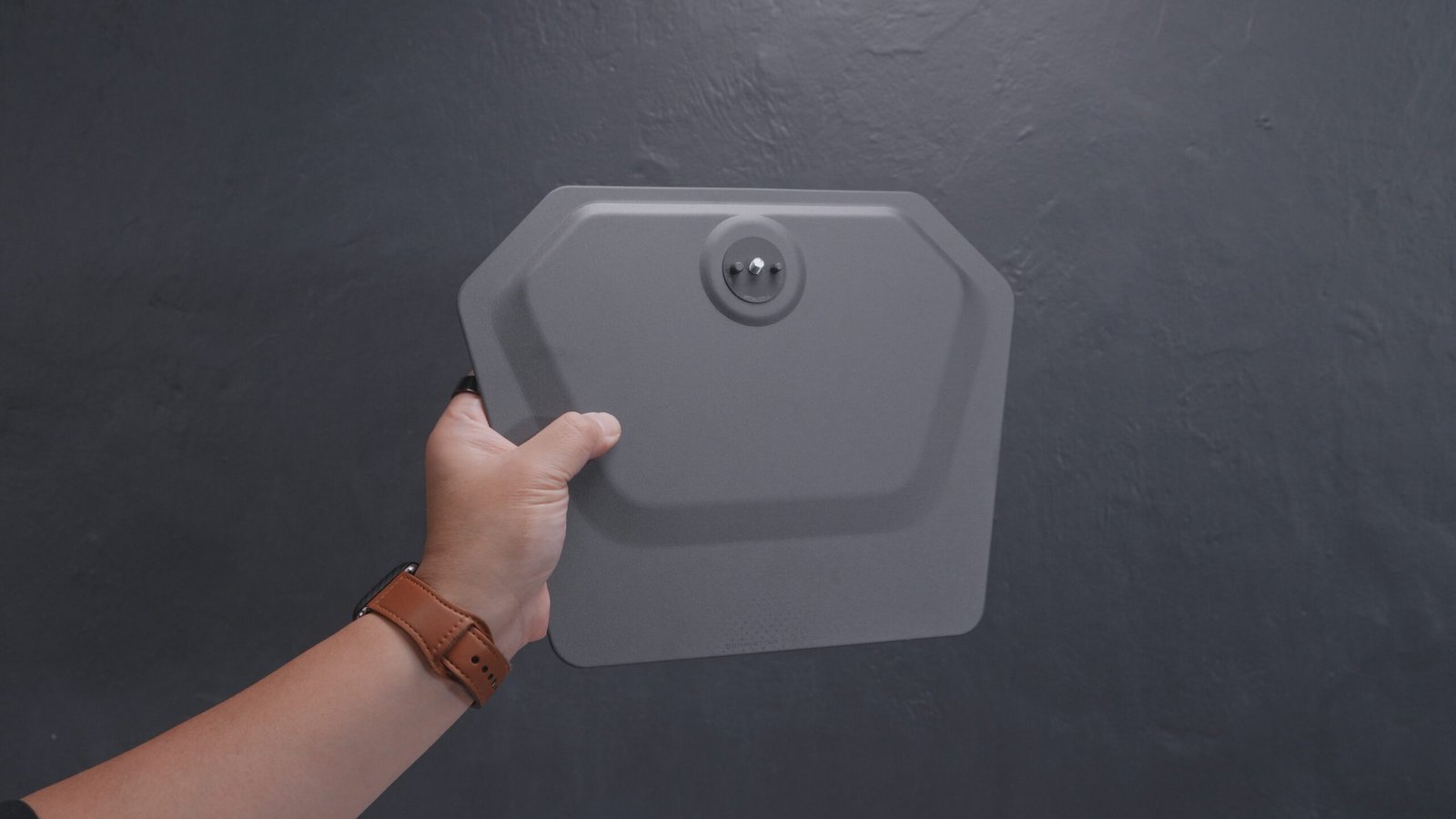
And yes, it’s also VESA 100 compatible if you prefer mounting it on a wall or monitor arm.
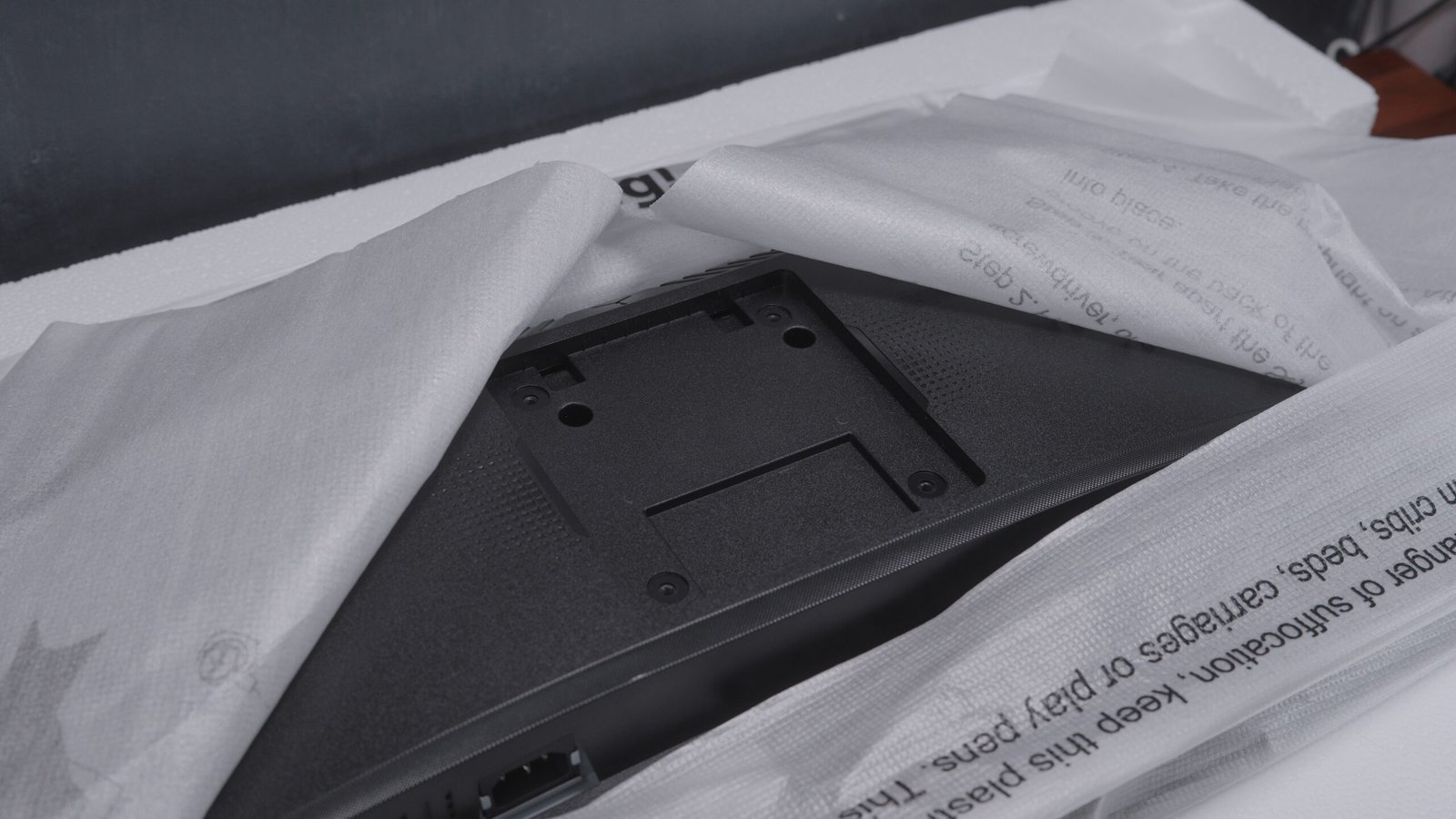
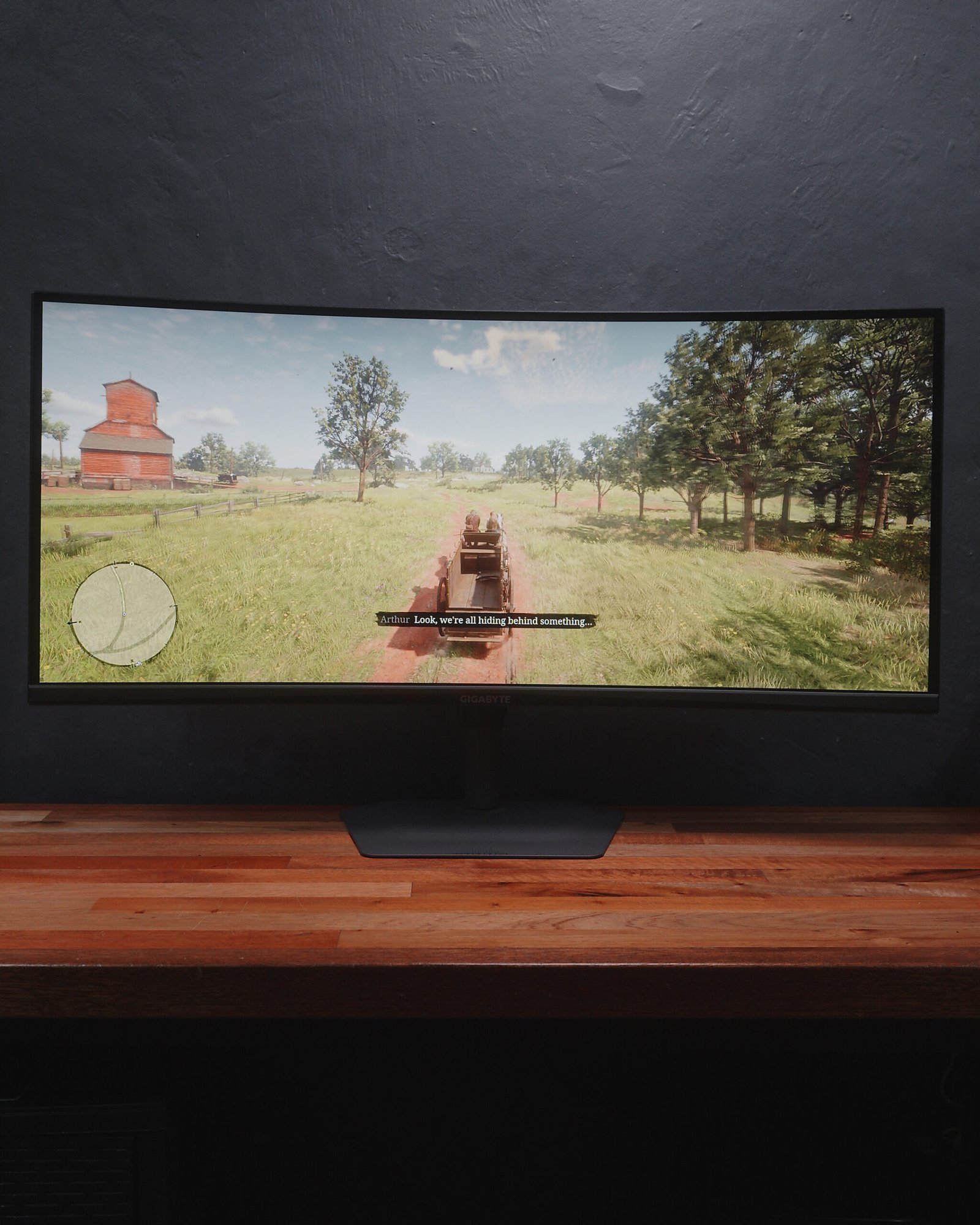
As for display quality, for a VA panel, the image quality is actually pretty solid.
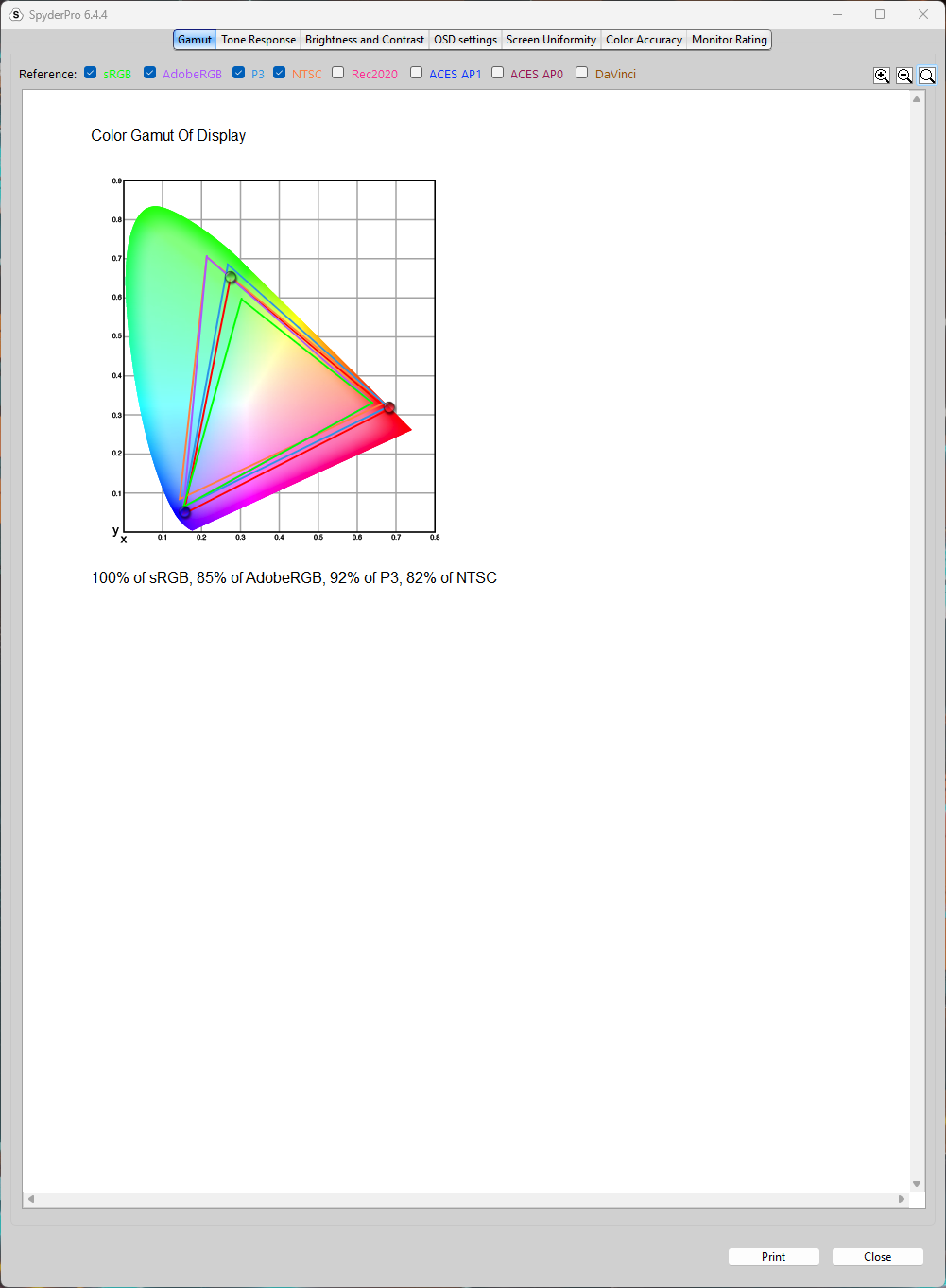
It covers at least 100% sRGB, 85% AdobeRGB, 82% NTSC, and 92% DCI-P3.
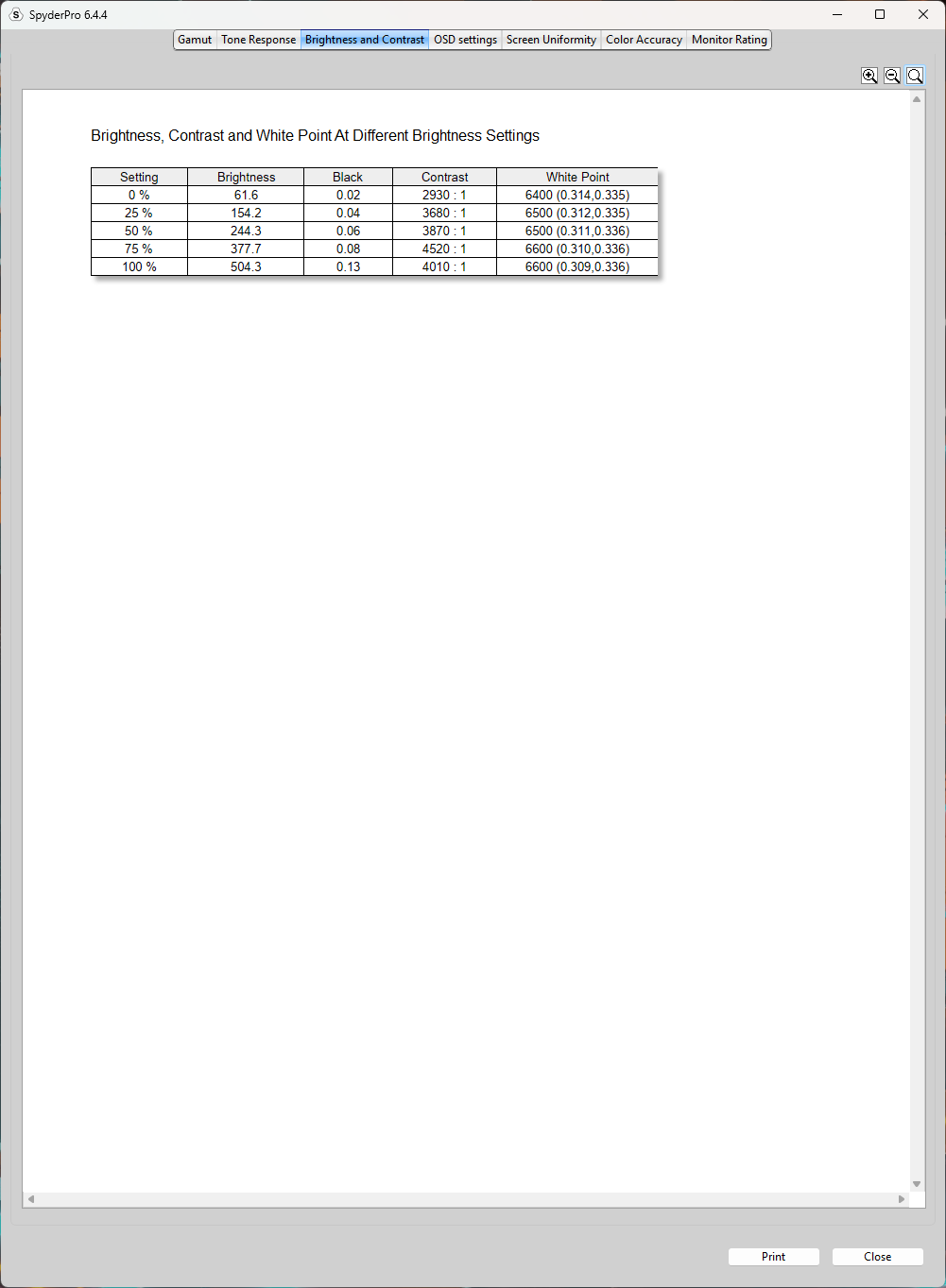
And although the specifications indicate a peak brightness of just 450 nits for its DisplayHDR 400 certification, my actual testing showed that it can reach up to 504 nits.
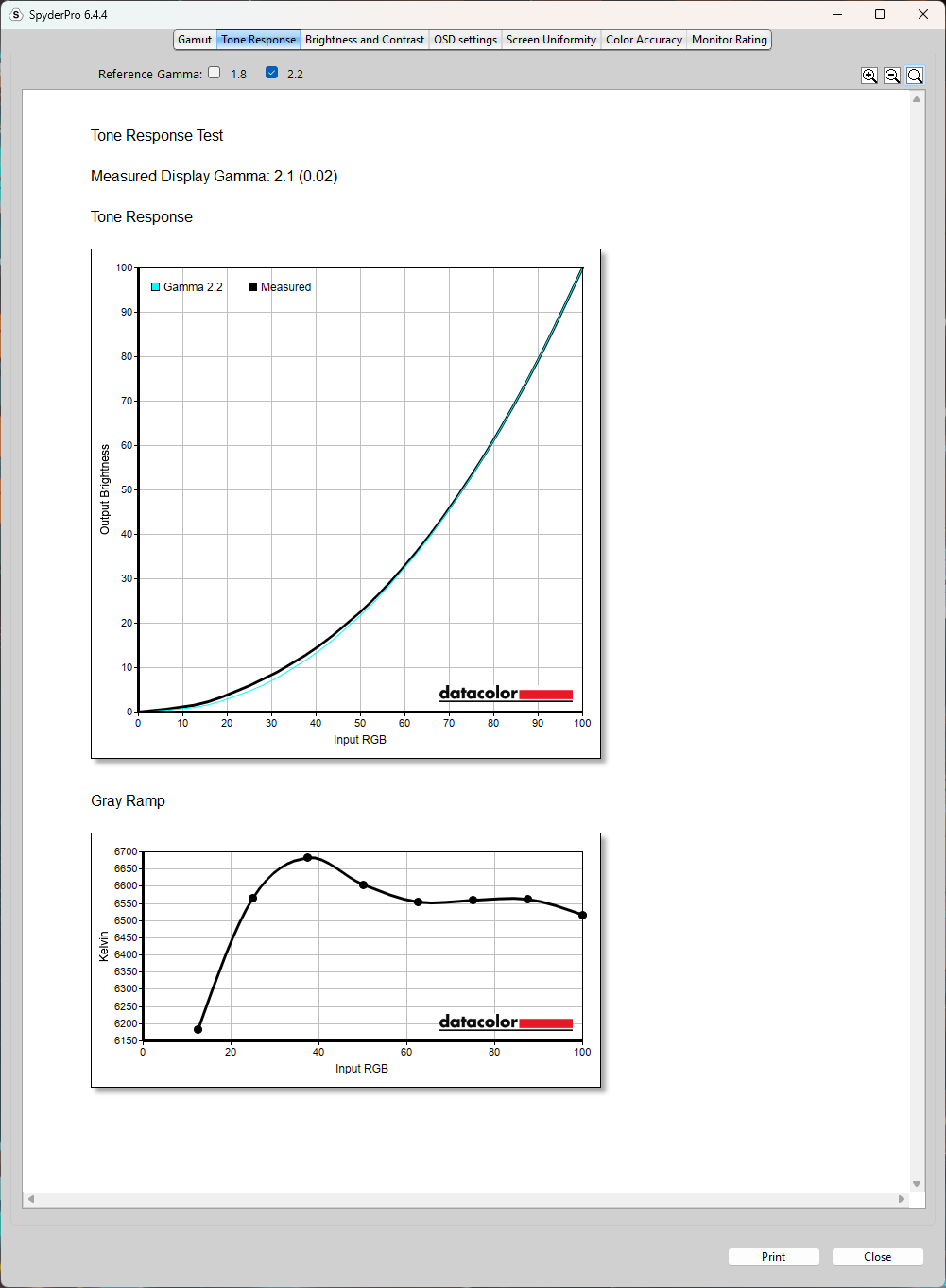
Tone response at 2.2 gamma is fairly consistent too.
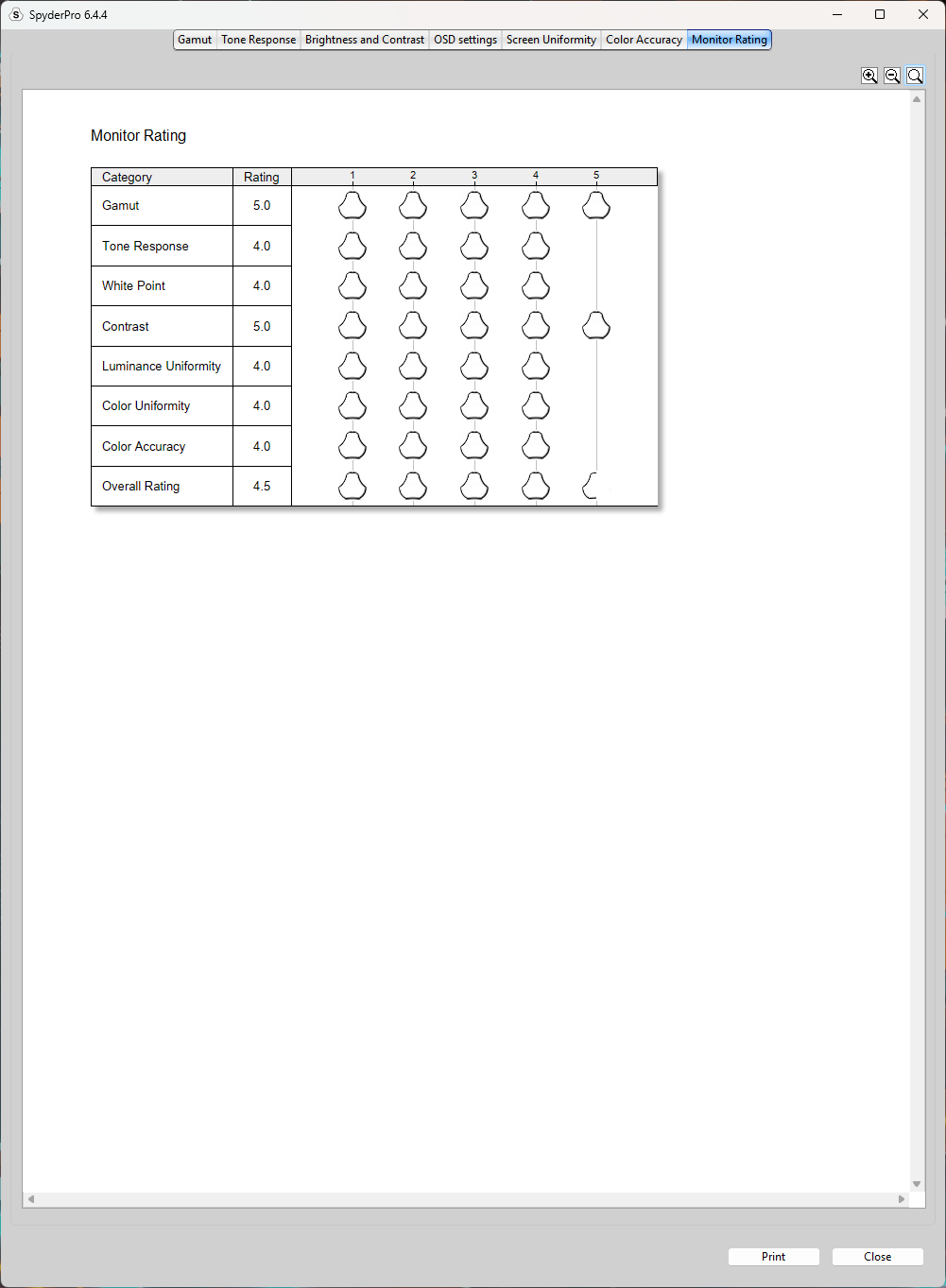
Color accuracy is also pretty good, with an average Delta E of 1.58 across 48 patches in my Datacolor SpyderPro test.
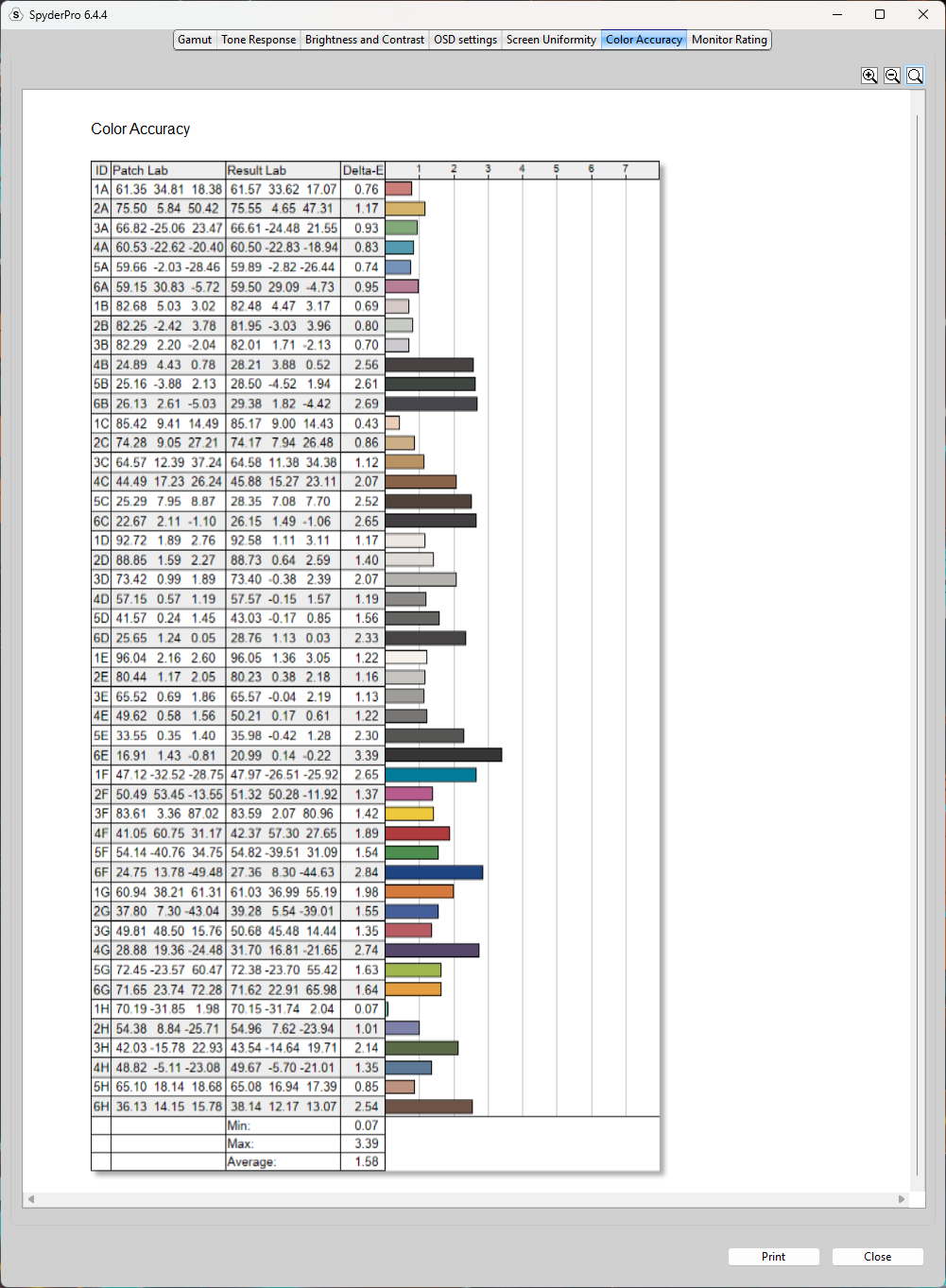
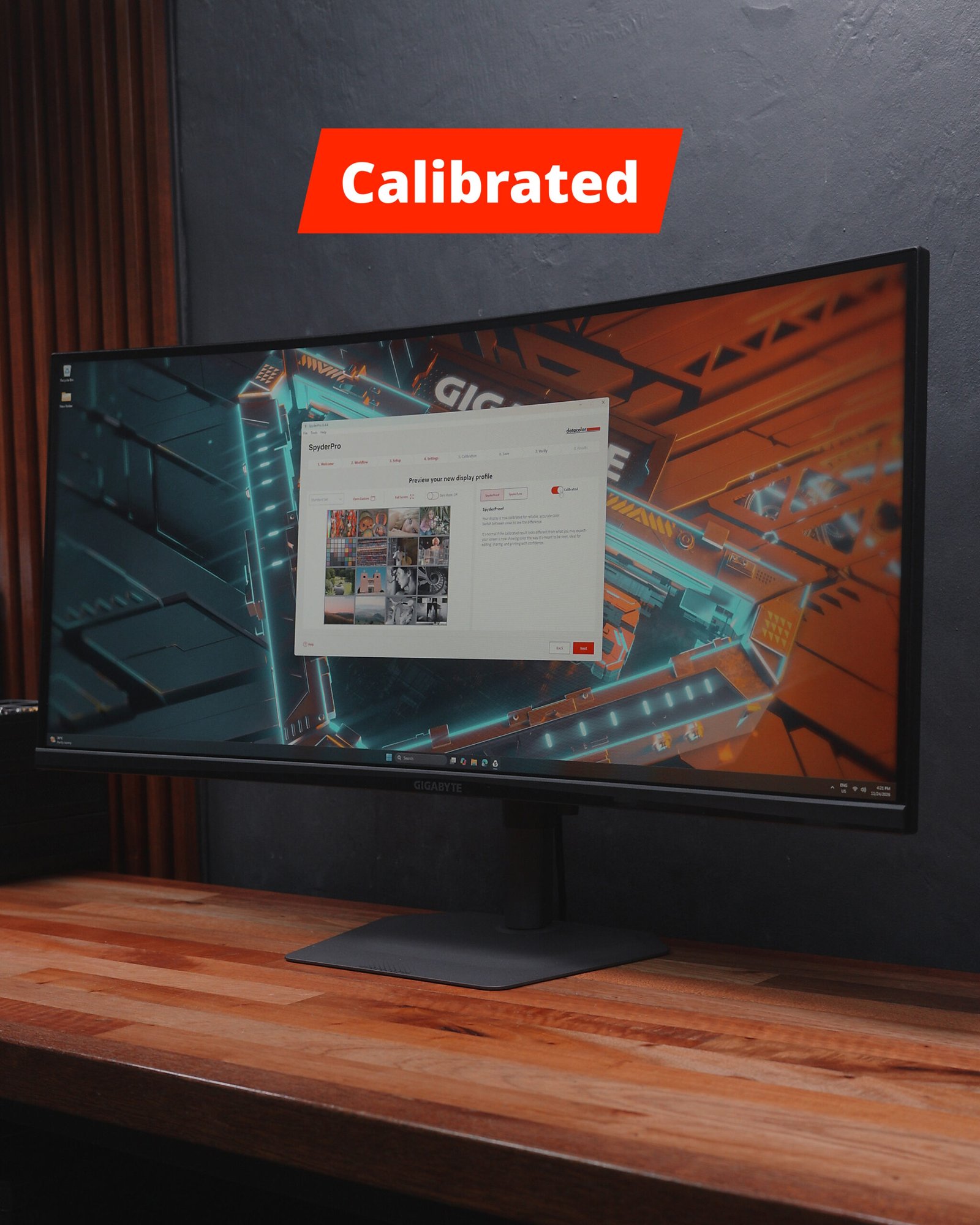
That’s already good enough for content creation, and of course, gaming. It’s scored a decent 4.5 on the Datacolor SpyderPro Monitor Rating.
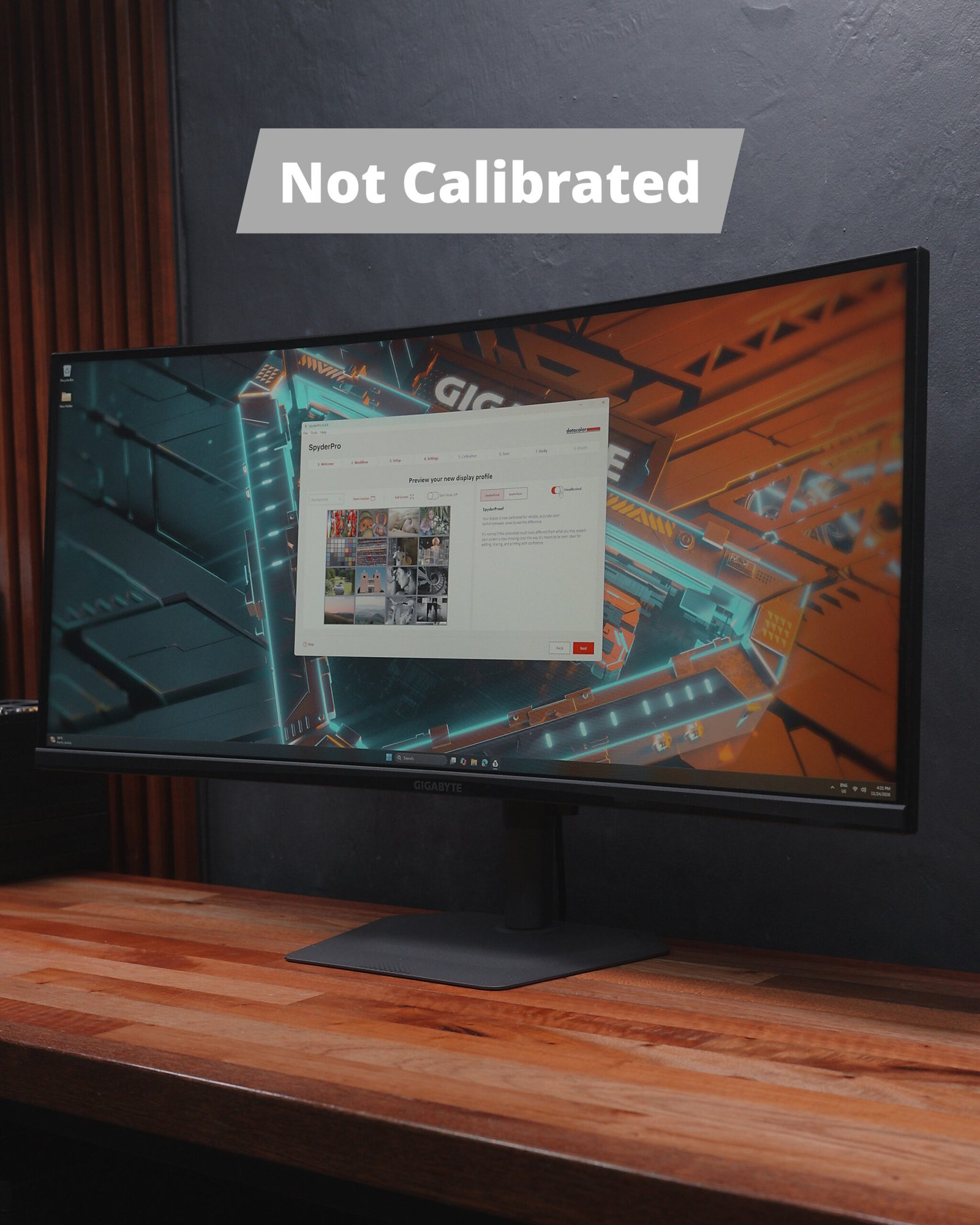
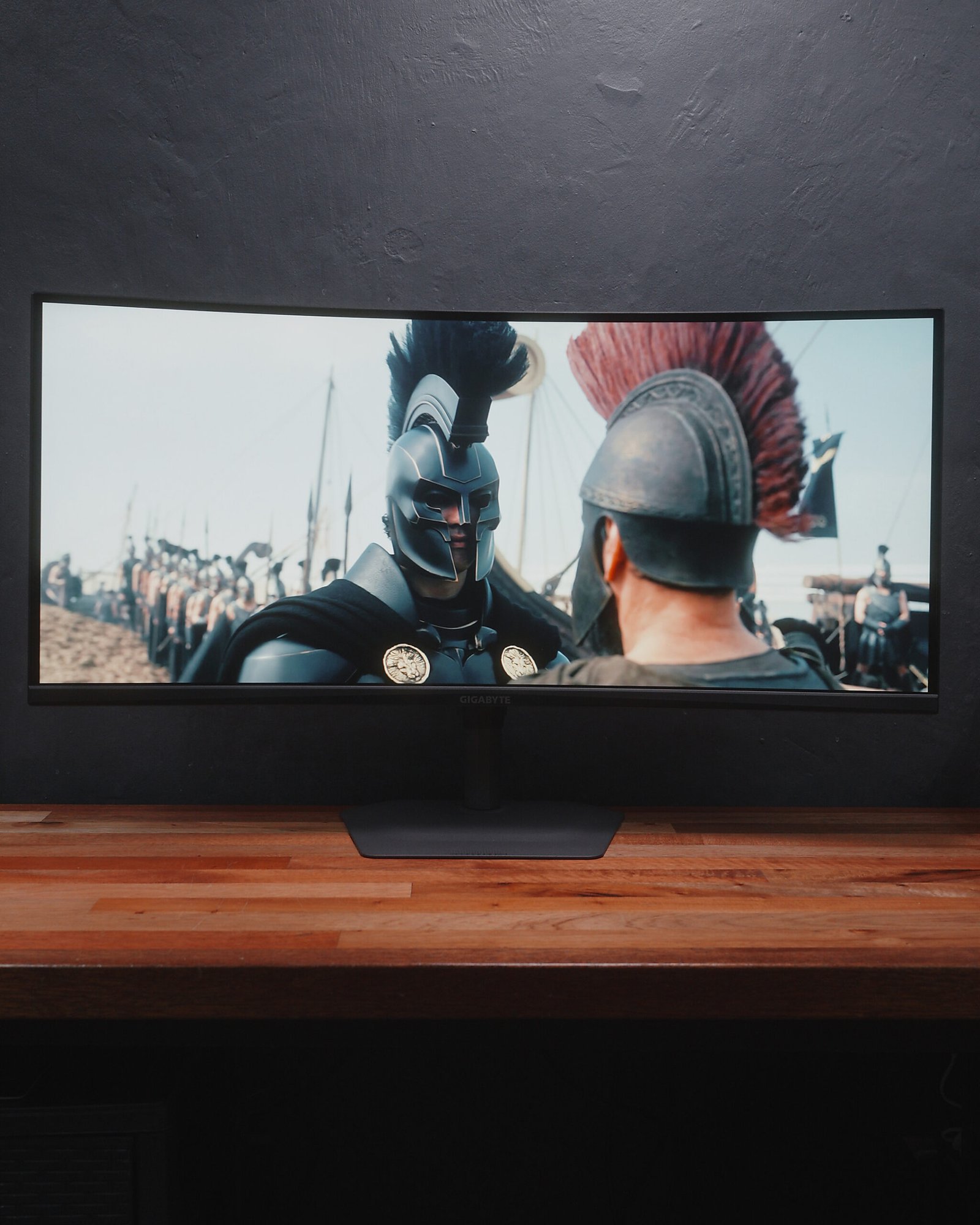
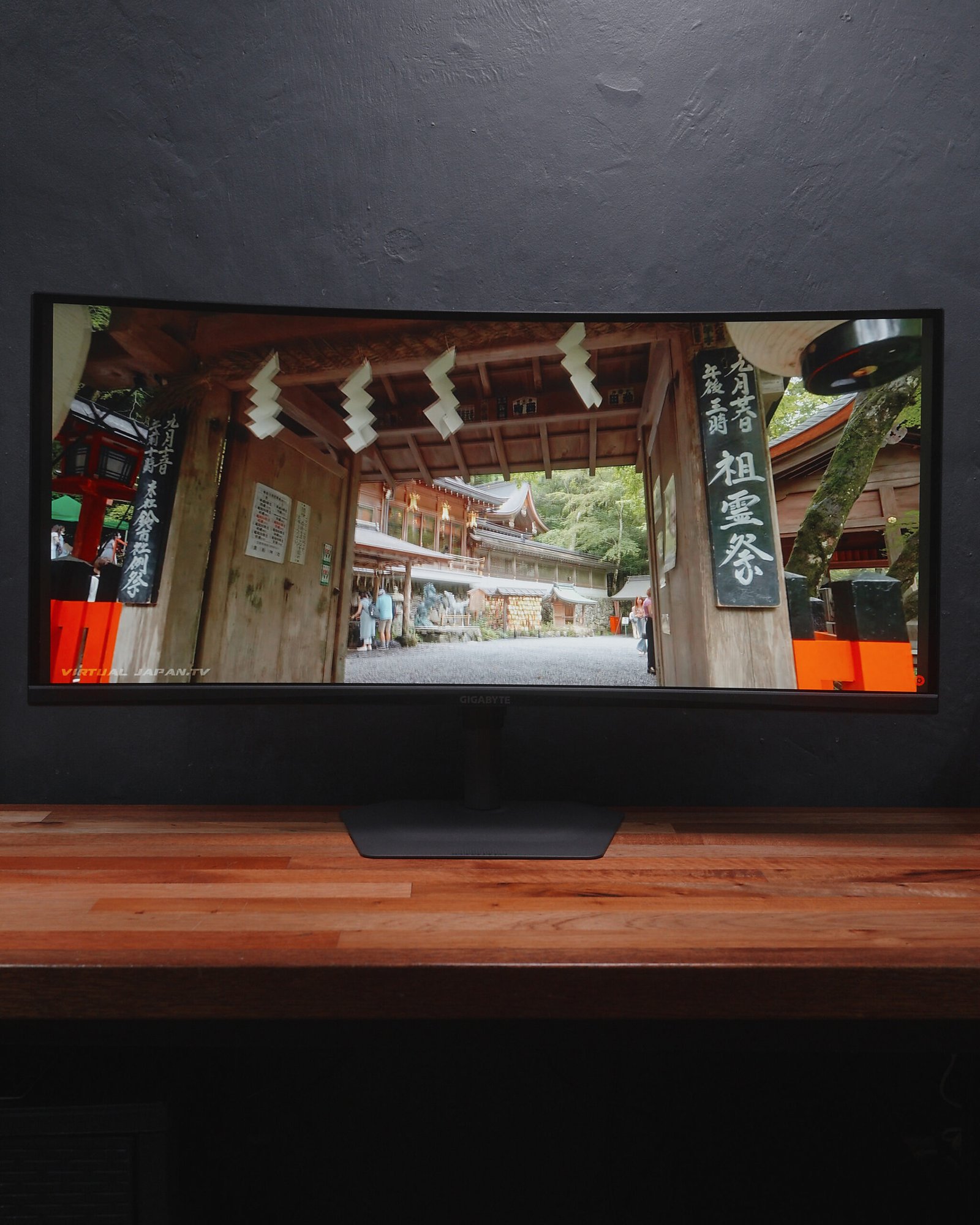
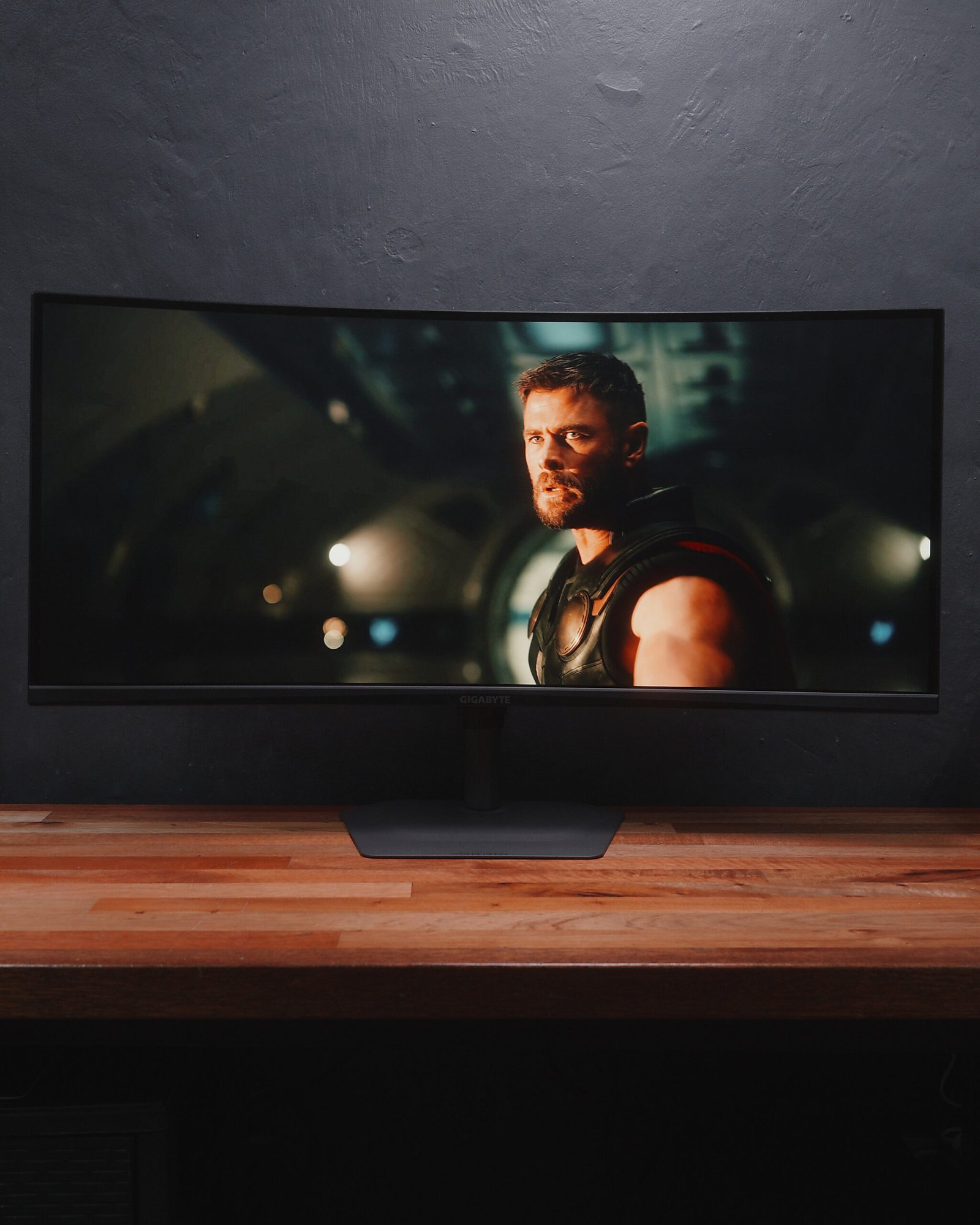
And as you can see, the overall image quality really looks great, especially considering that this is a VA panel and, of course, given its price.
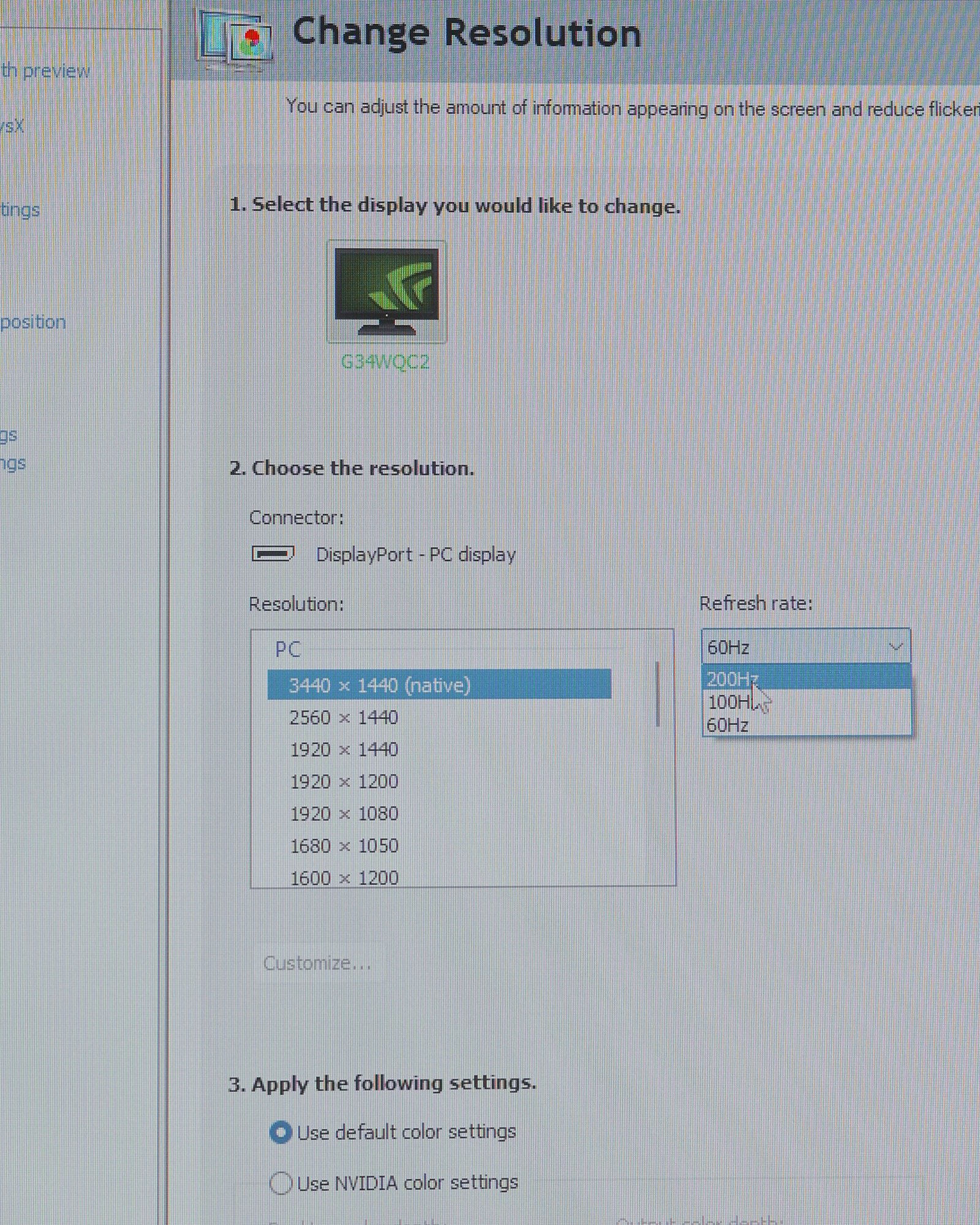
When it comes to gaming features, this monitor is also well-equipped, with a decent 200Hz refresh rate and 1ms GTG response time.
And as you can see, it also runs natively at a 1440p resolution.
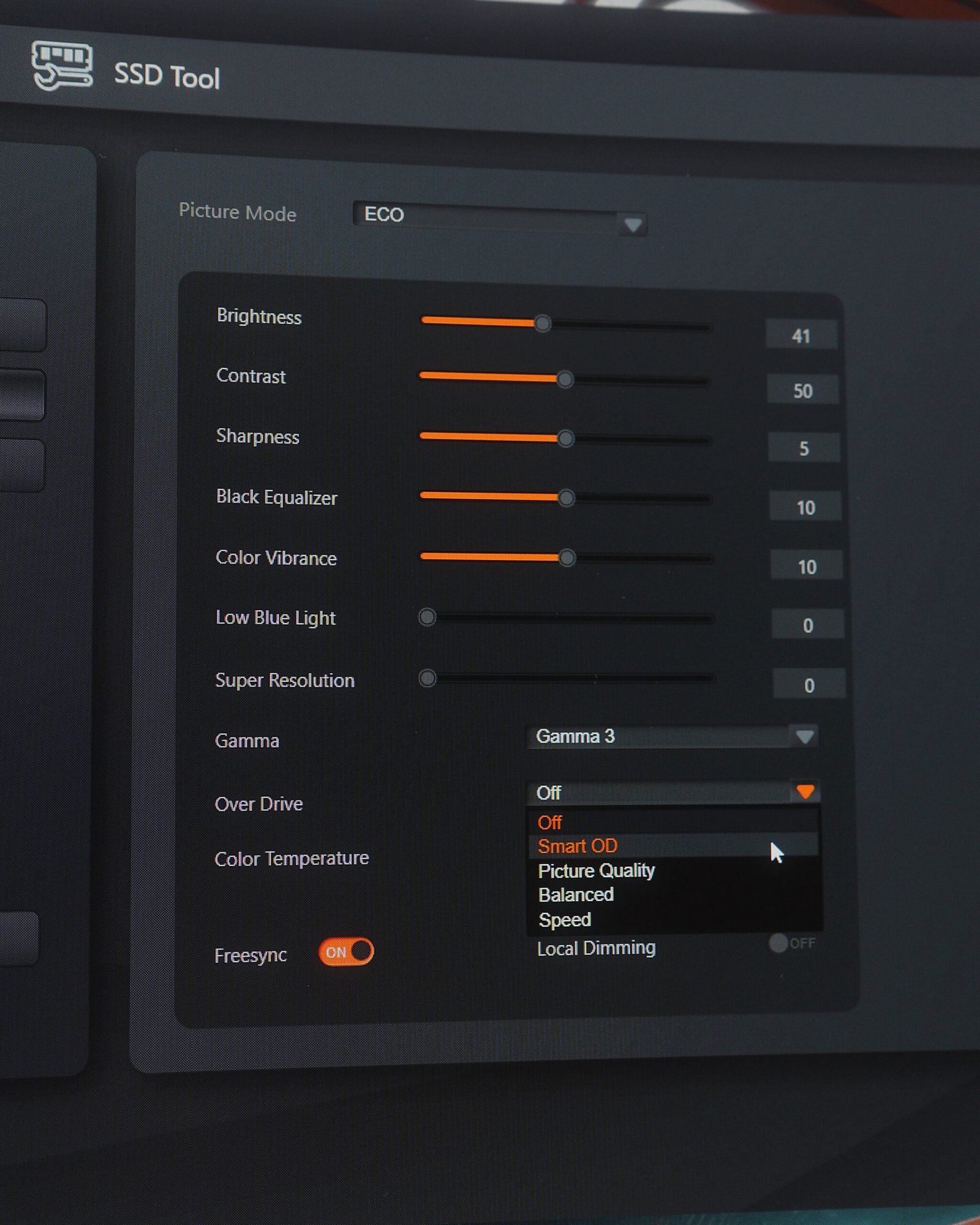
We still have Gigabyte’s familiar gaming features, such as Smart OD, which automatically adjusts the overdrive settings;
Aim Stabilizer, Gigabyte’s version of backlight strobing, which helps minimize ghosting, although it does reduce brightness somewhat;
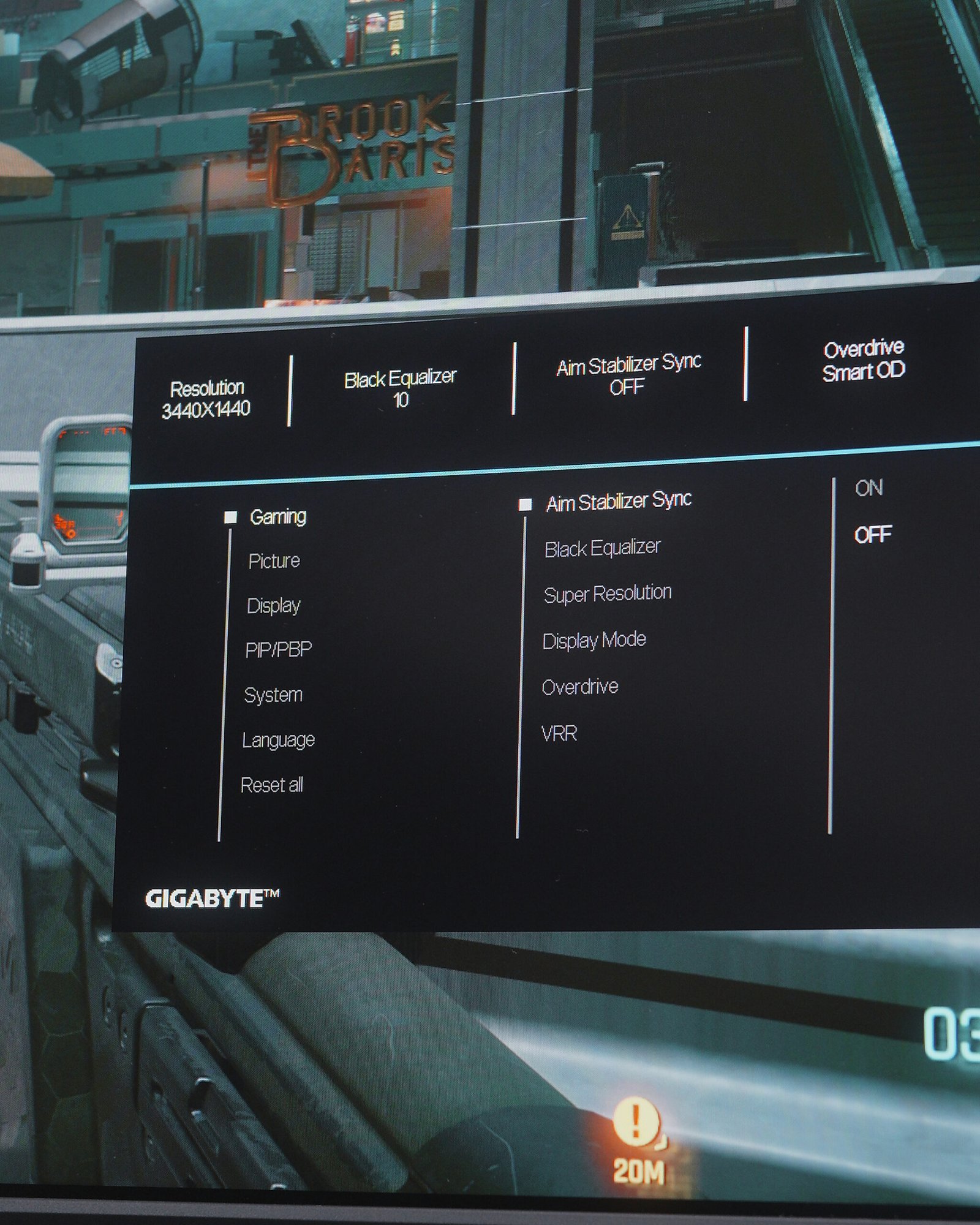
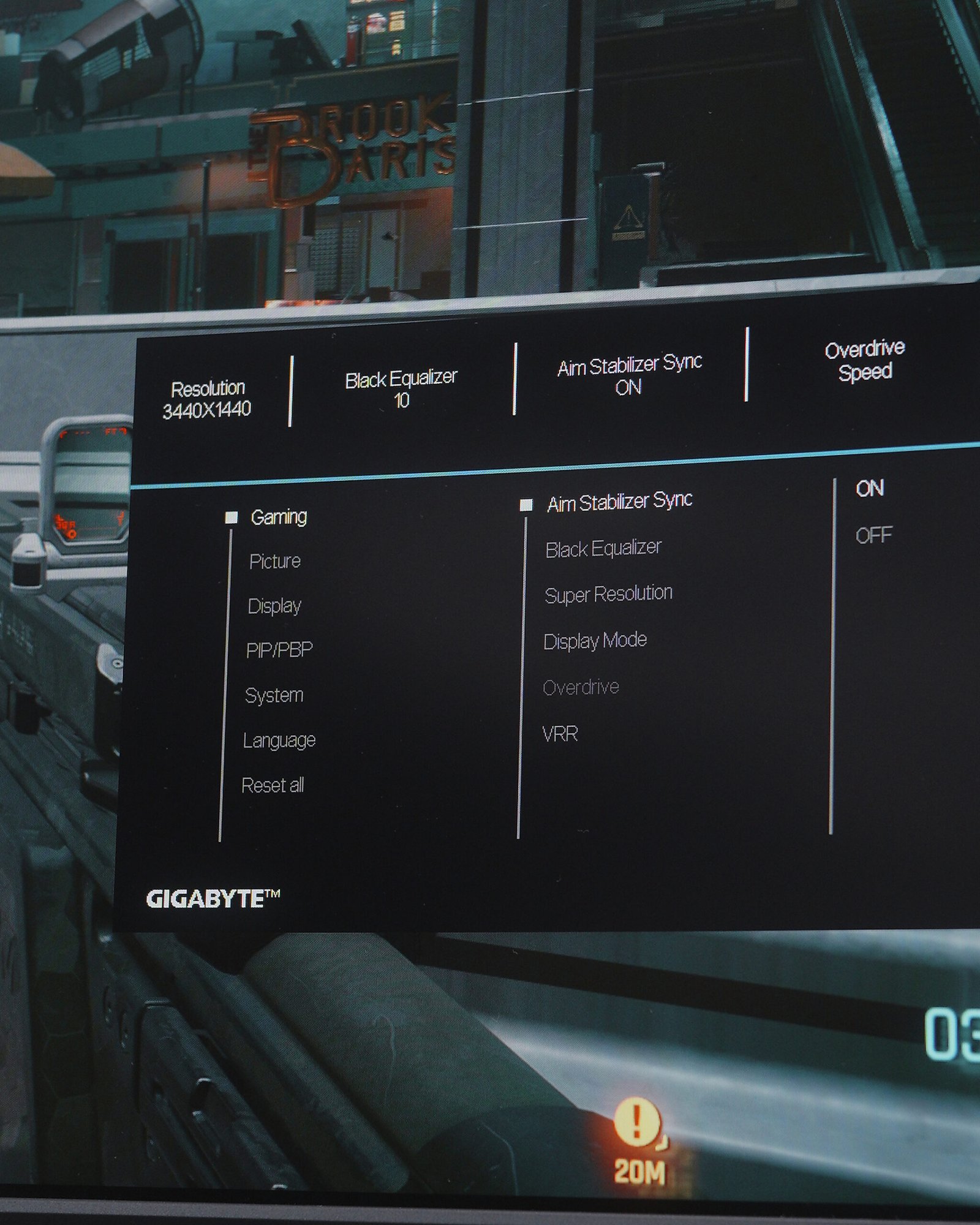
and Black Equalizer, which enhances shadow details to make it easier to spot enemies in dark areas.
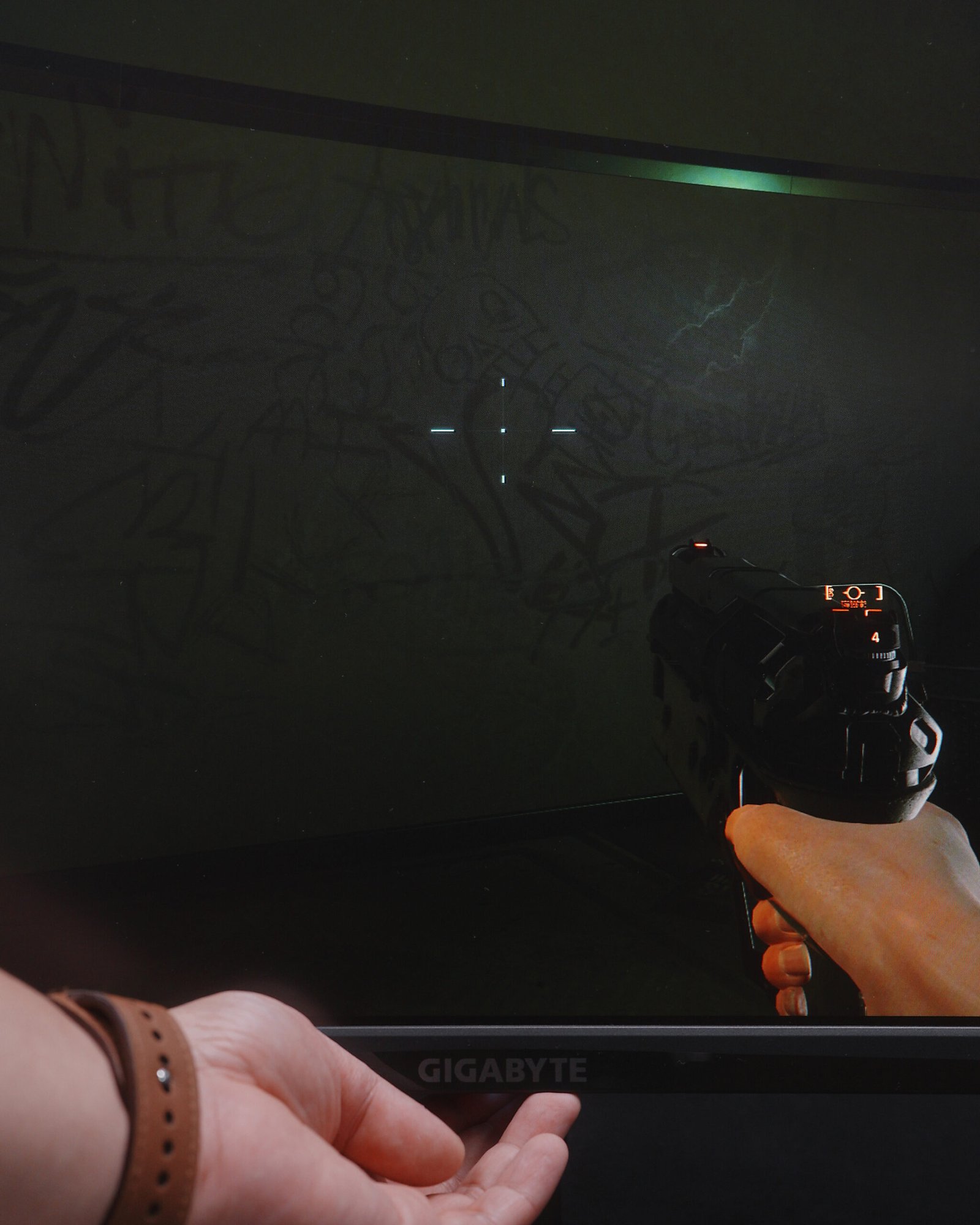
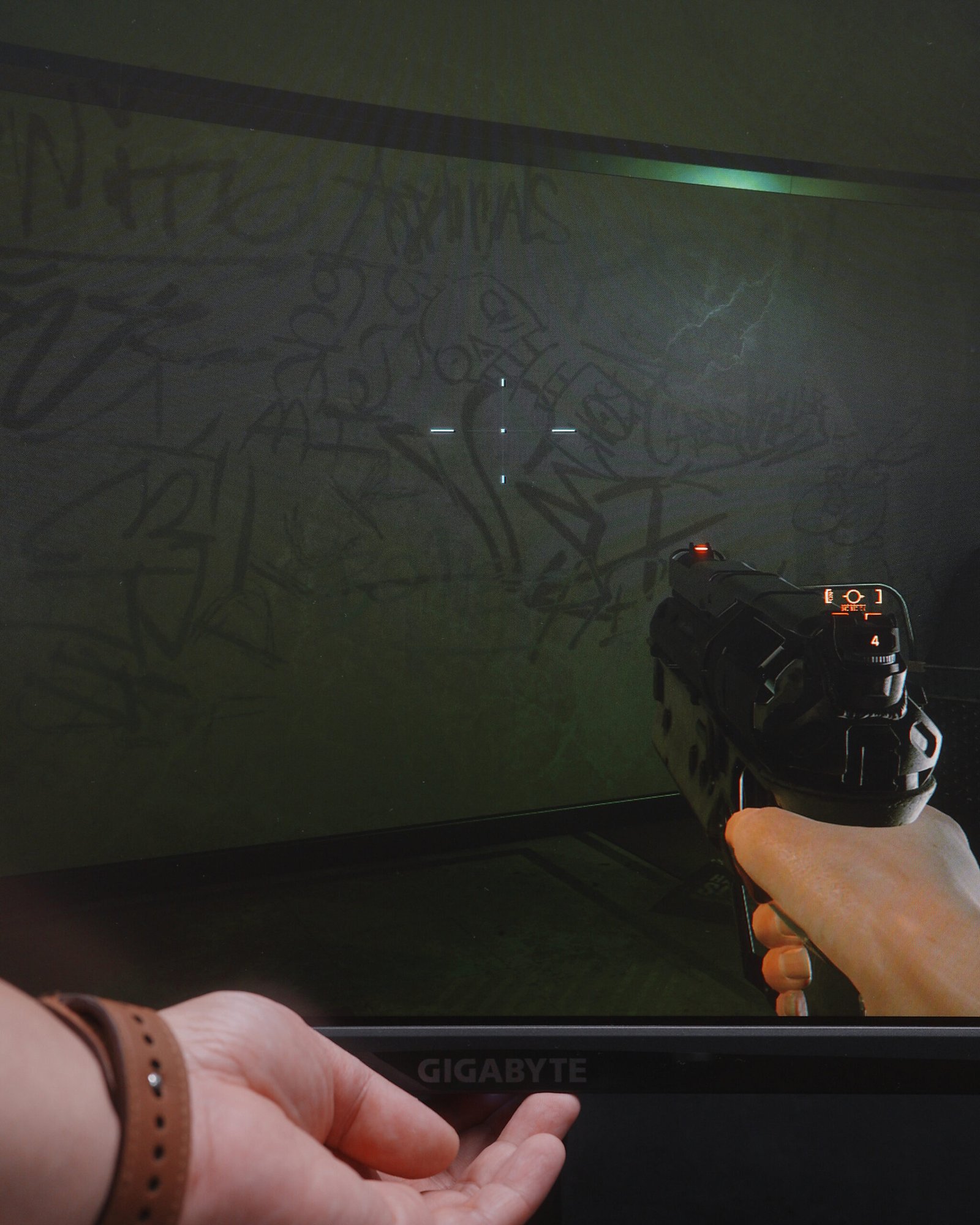
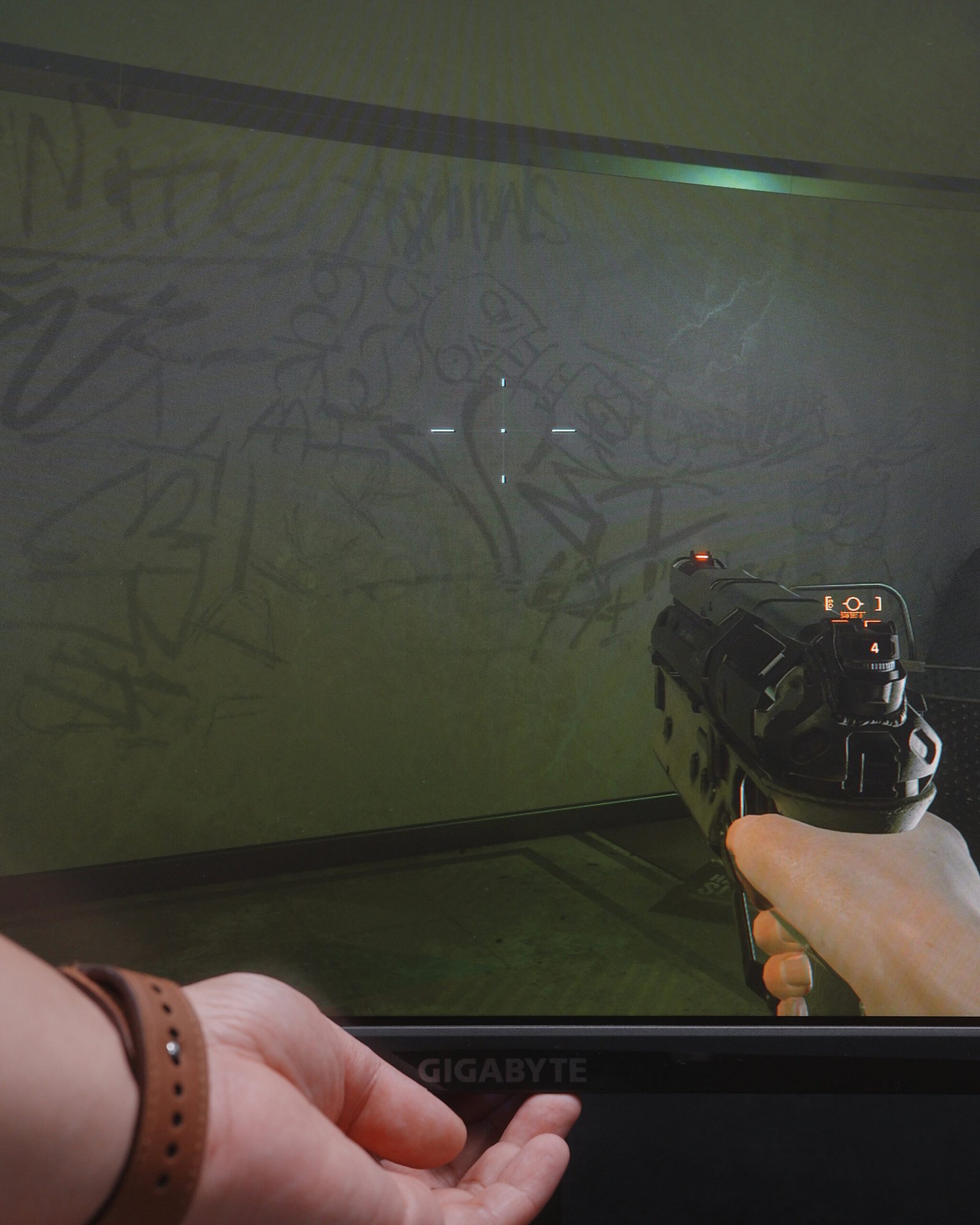
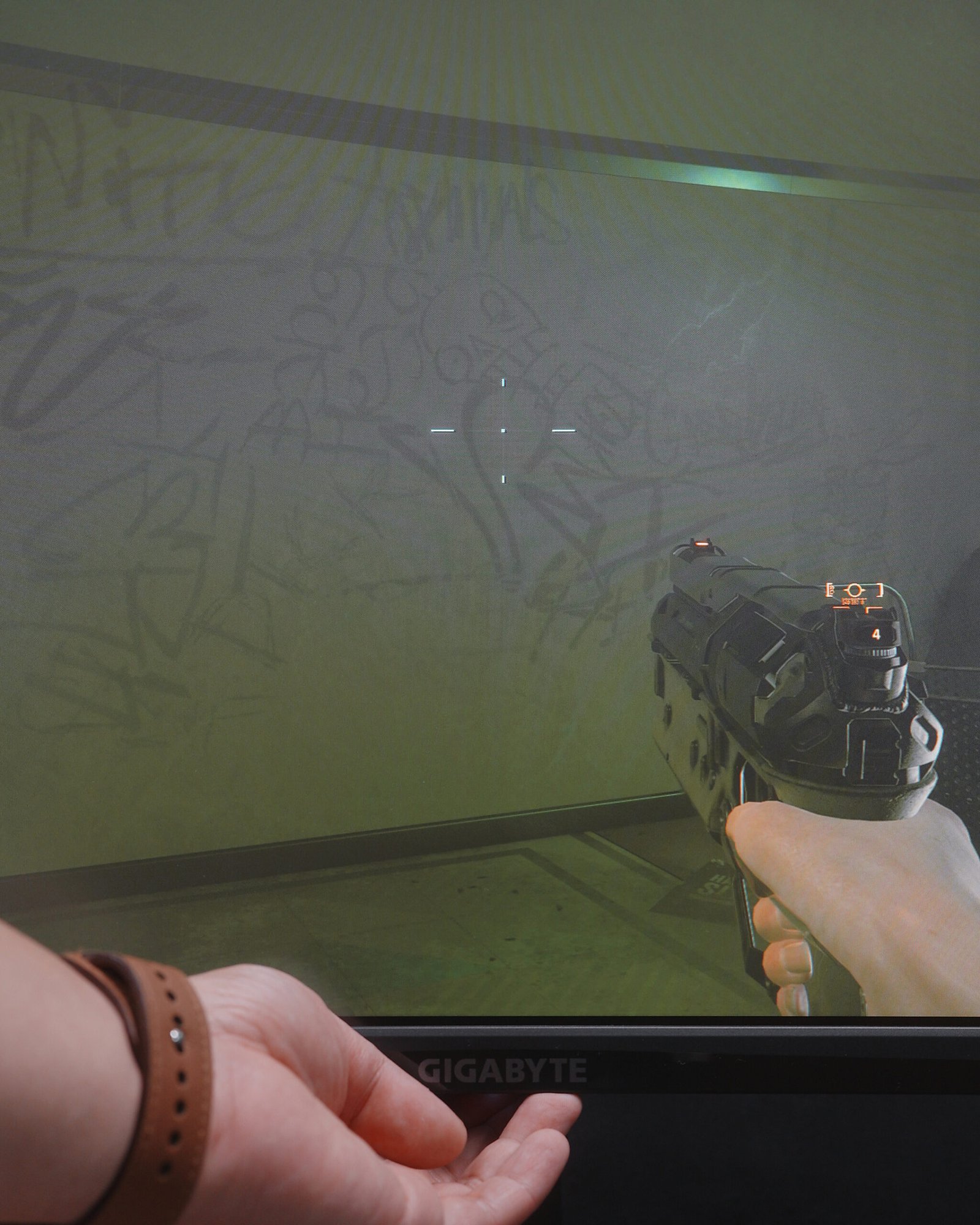
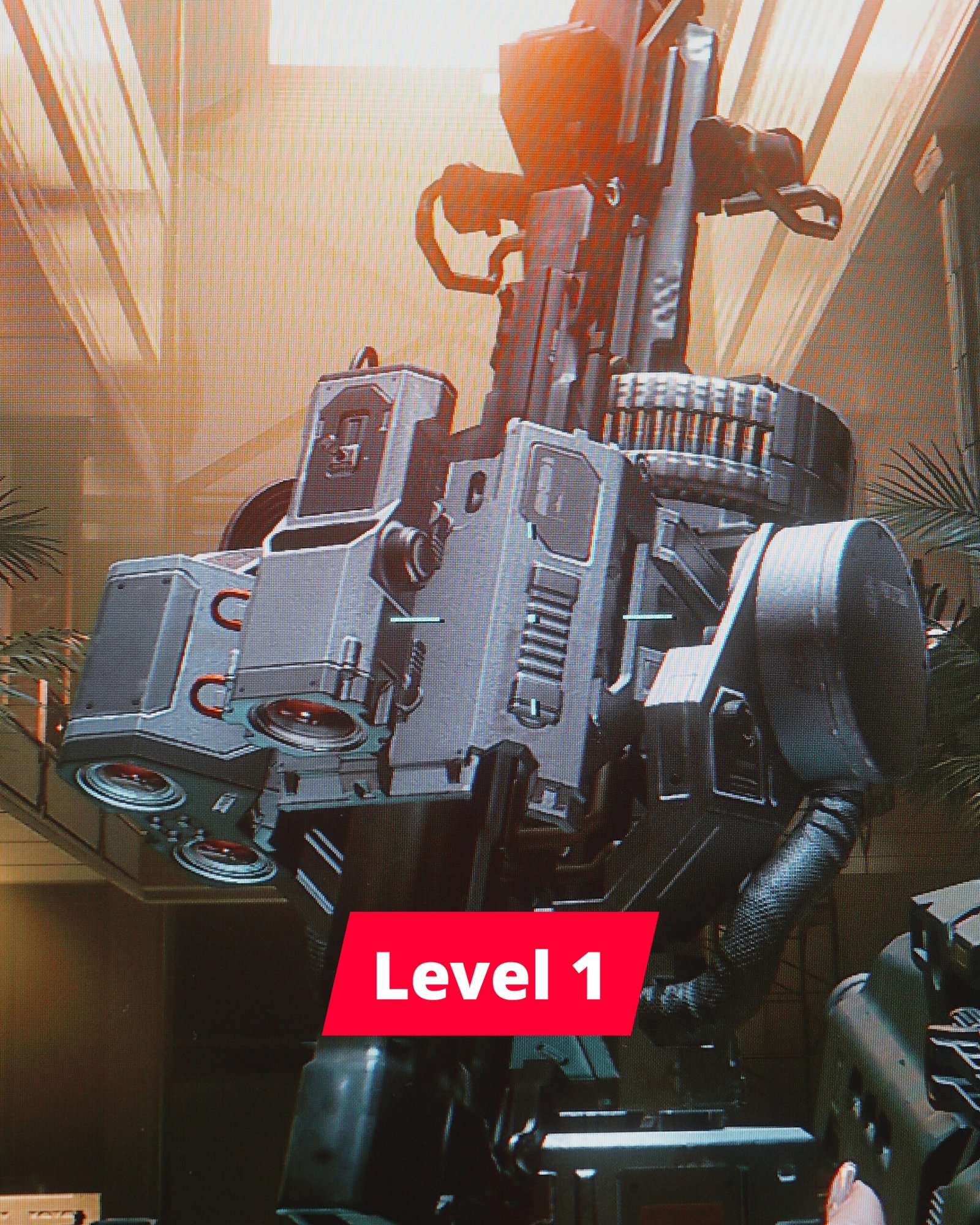
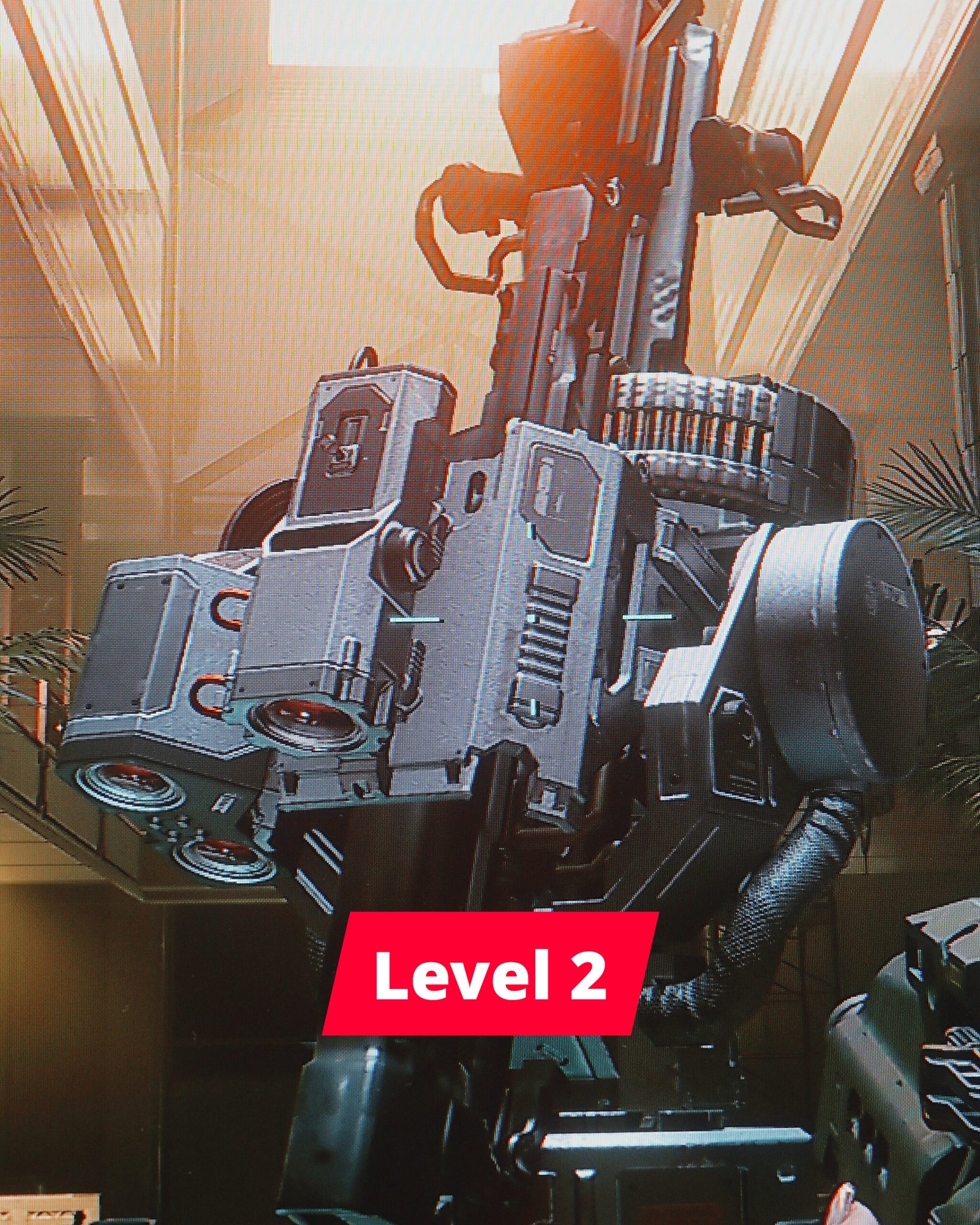
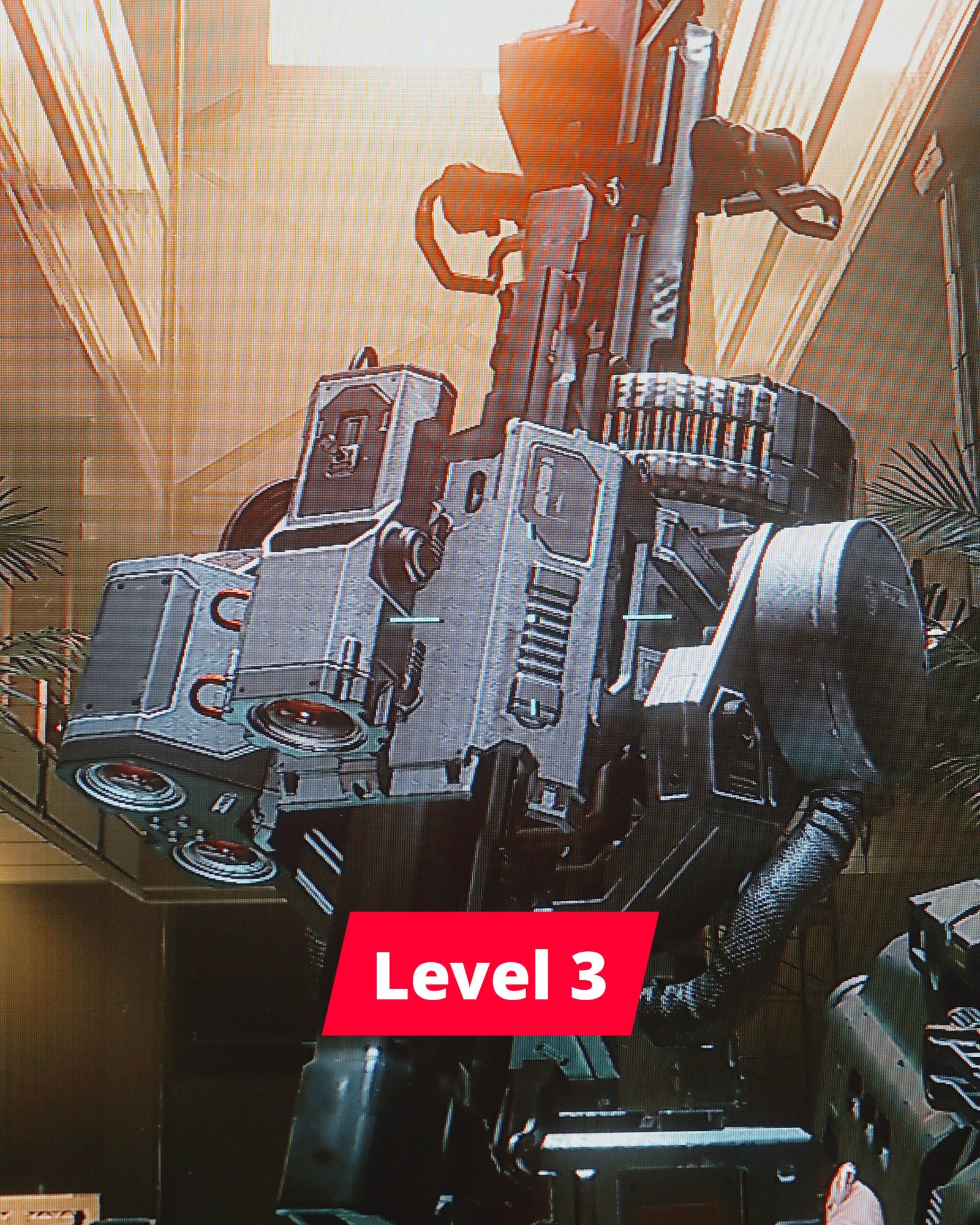
We also have Super Resolution if you want a quick and easy way to enhance image details and sharpness.
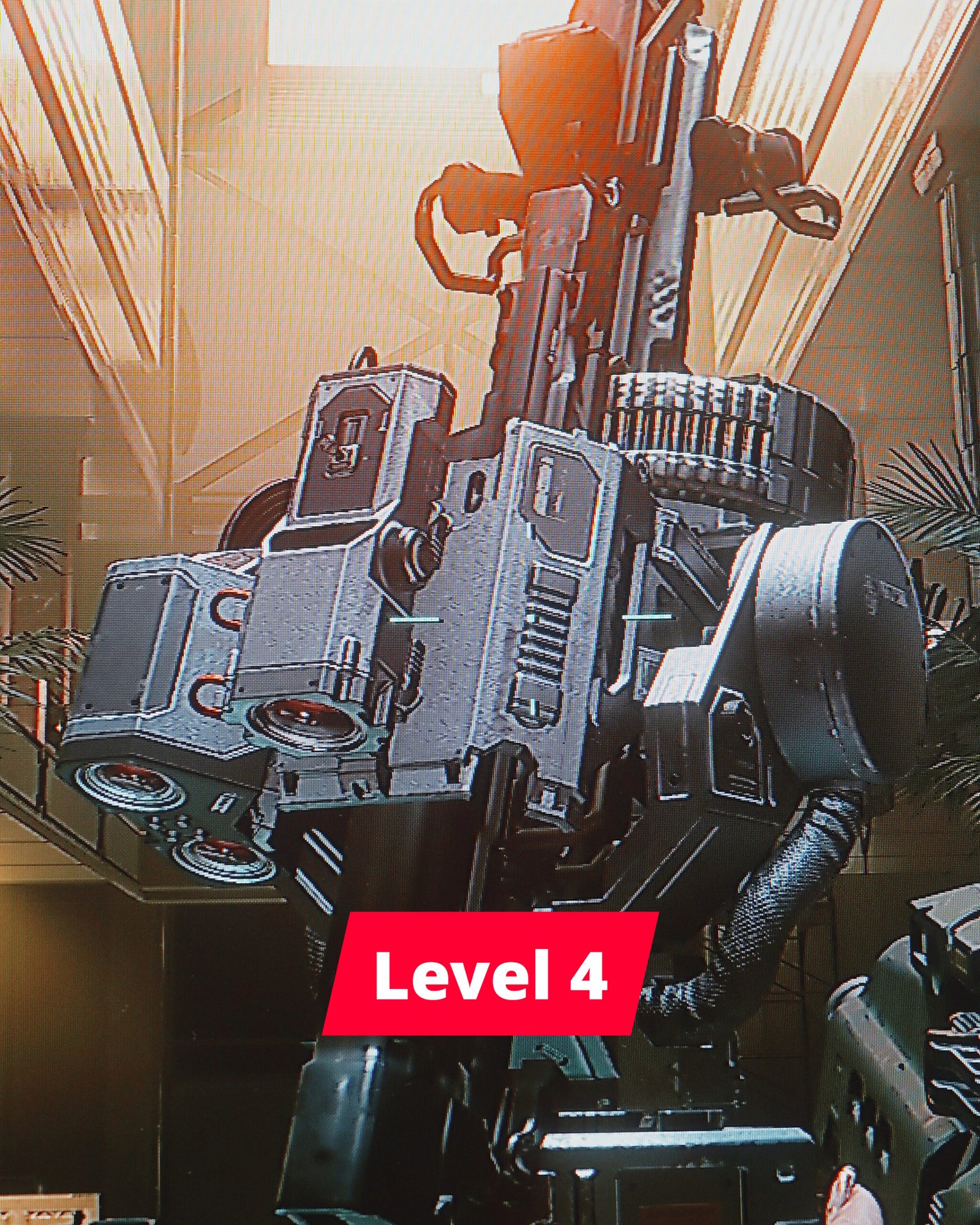
And of course, there are some on-screen overlays, such as the refresh rate counter, timer, and crosshair, if you’re into those features.
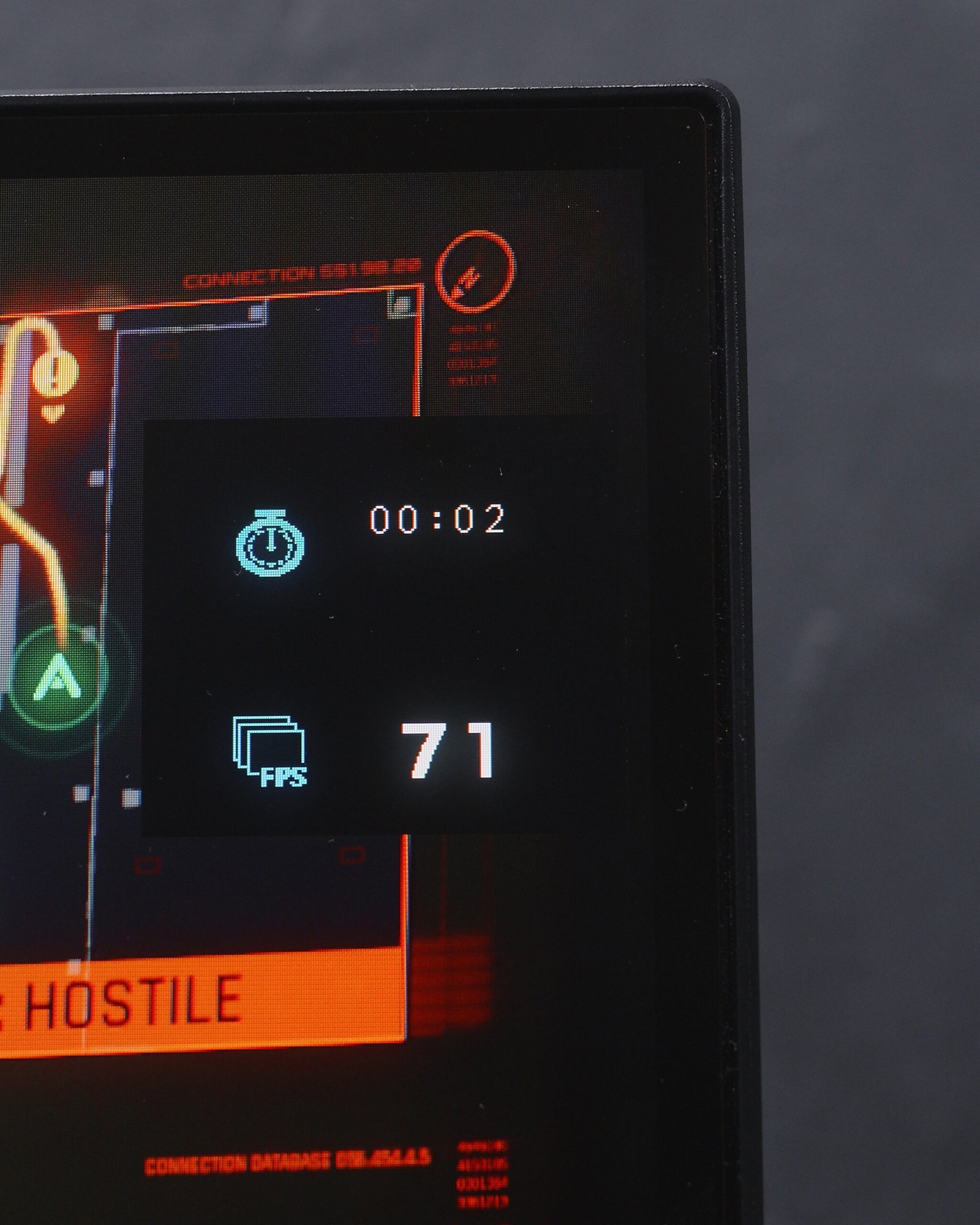
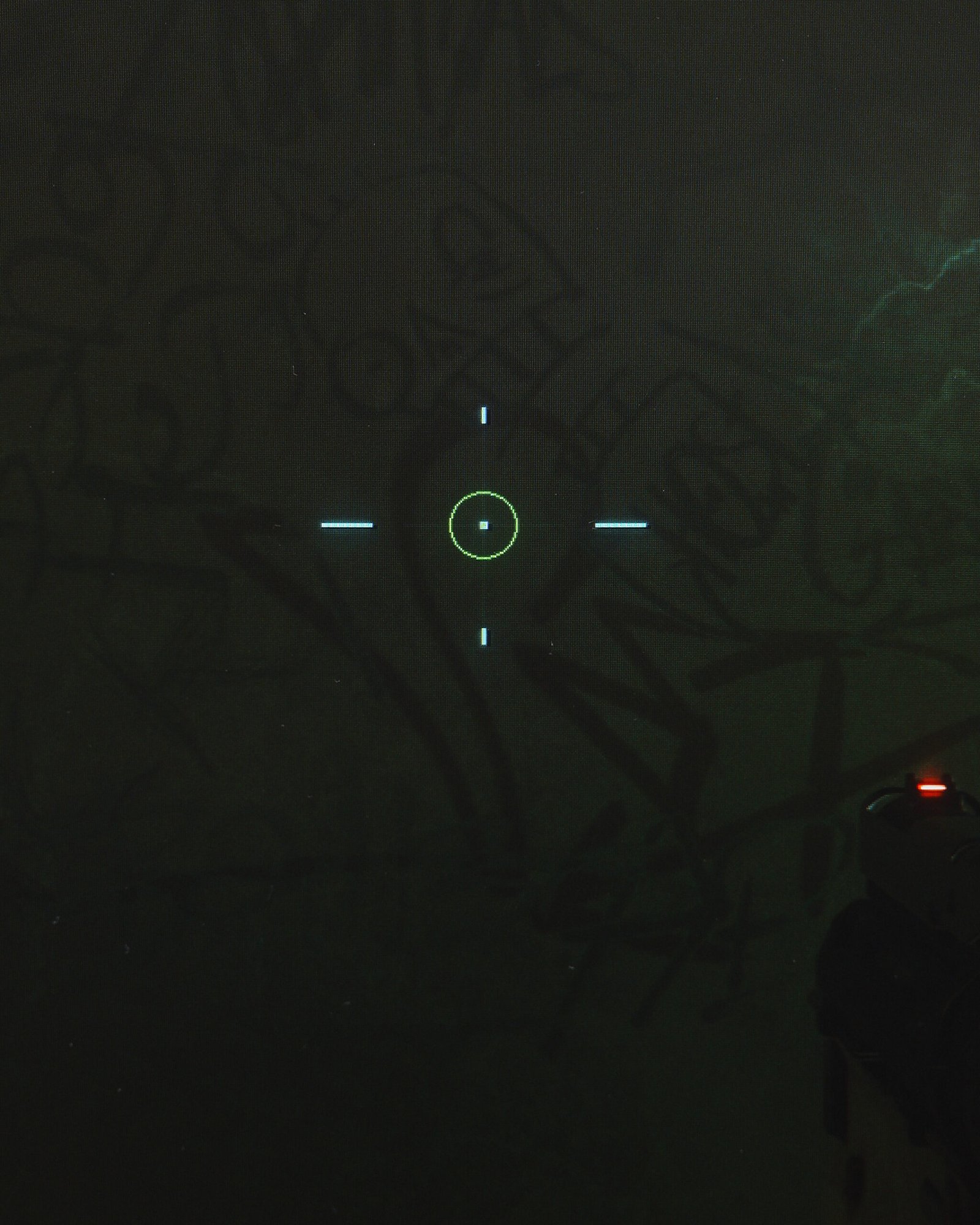
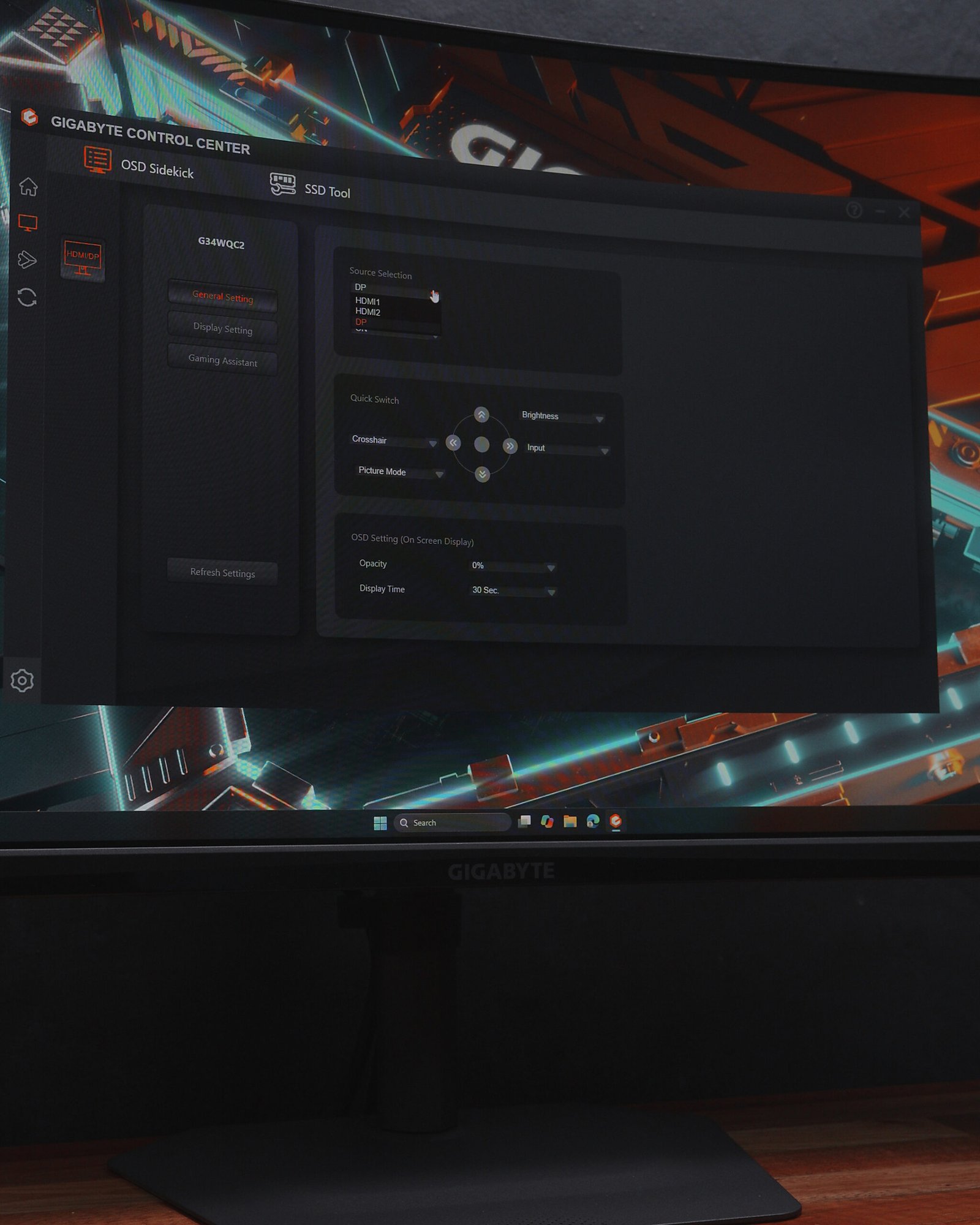
On top of that, it’s also compatible with the OSD Sidekick software, allowing you to easily adjust the monitor’s settings using your keyboard and mouse.
Gaming on this monitor is a pleasure, especially for games that support the full 21:9 aspect ratio. It makes the overall experience more immersive.
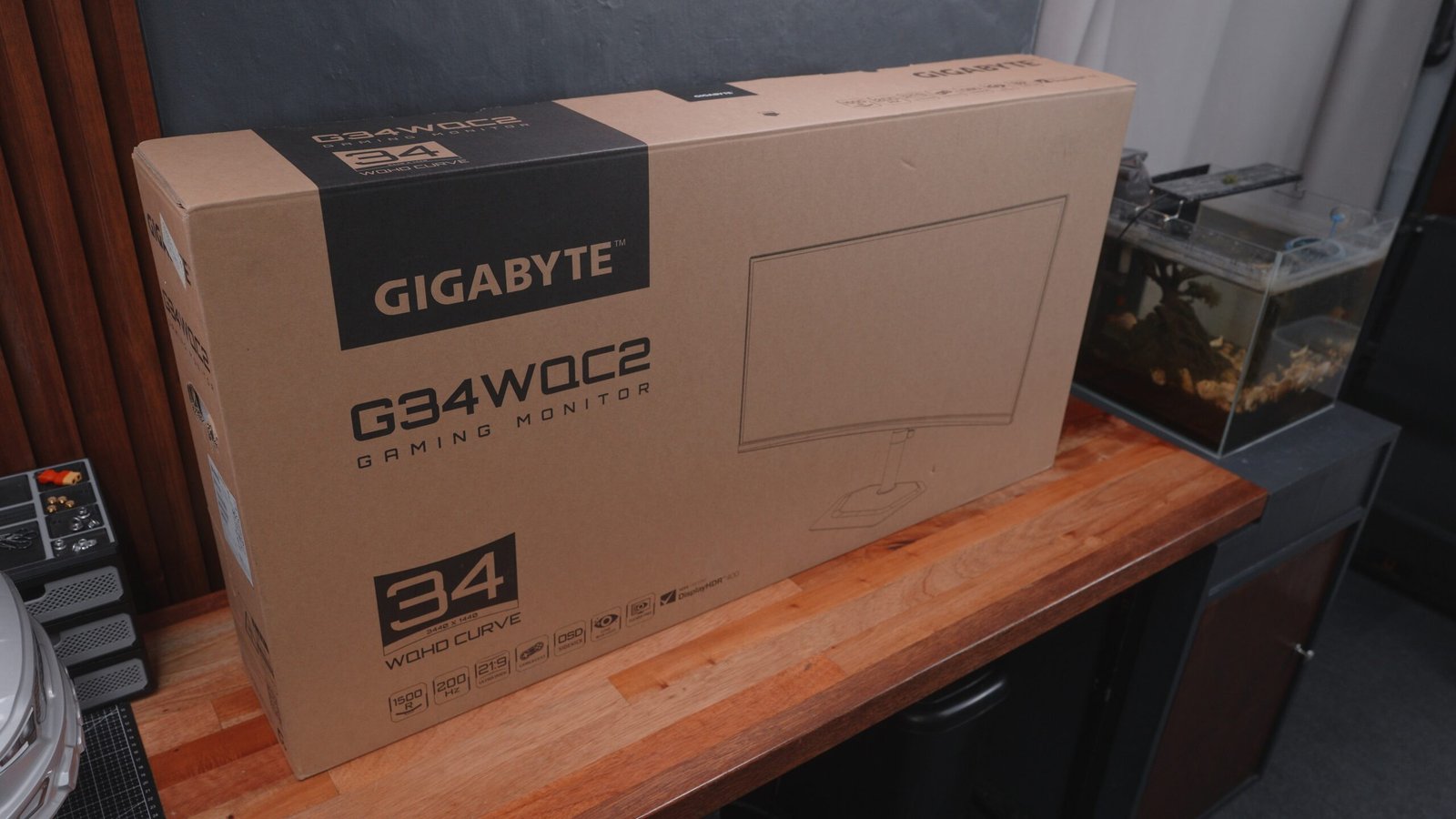
In terms of the unboxing experience, we have a pretty standard brown box, with all the accessories and the monitor itself tucked inside a pair of styrofoam.
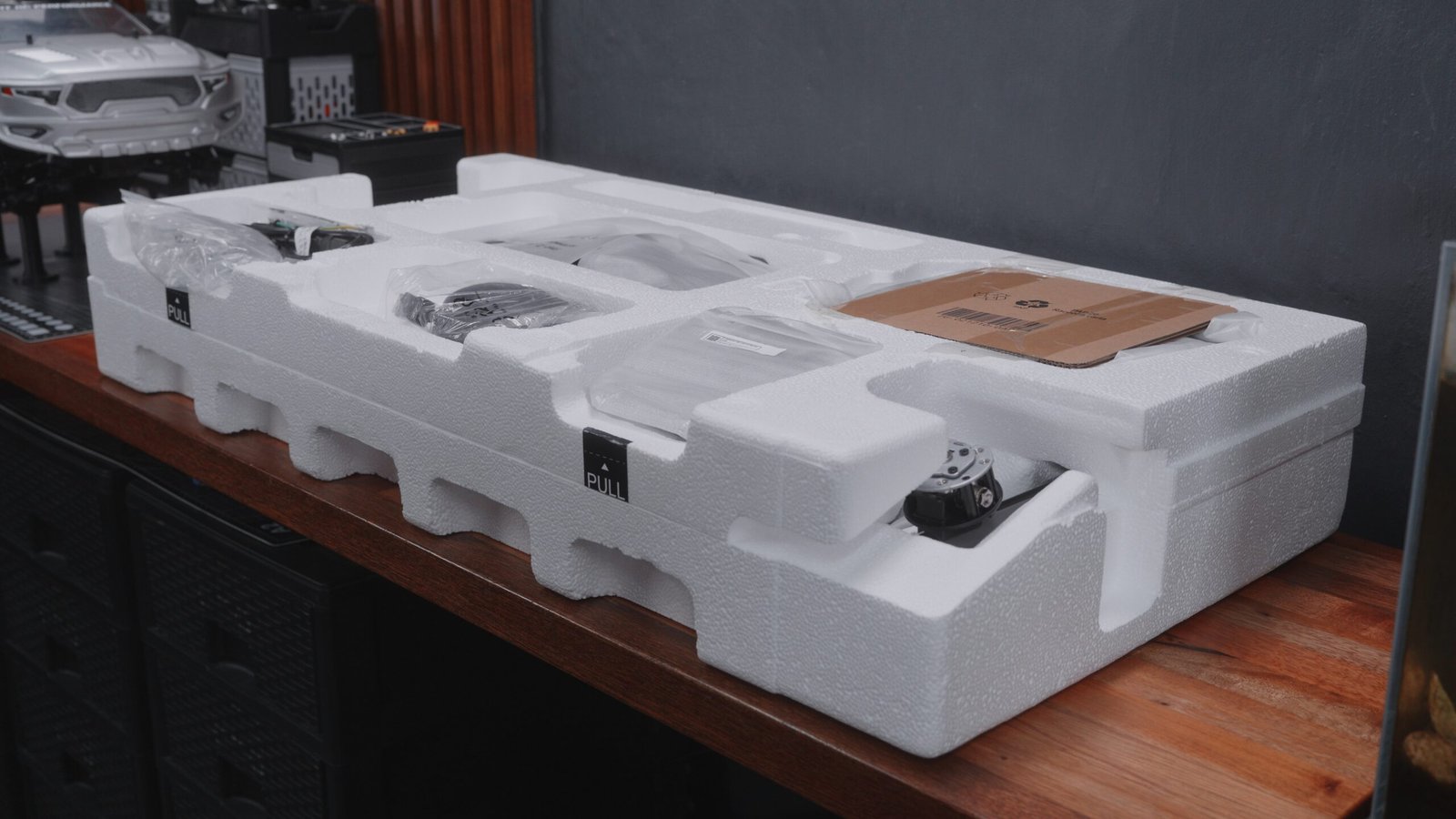
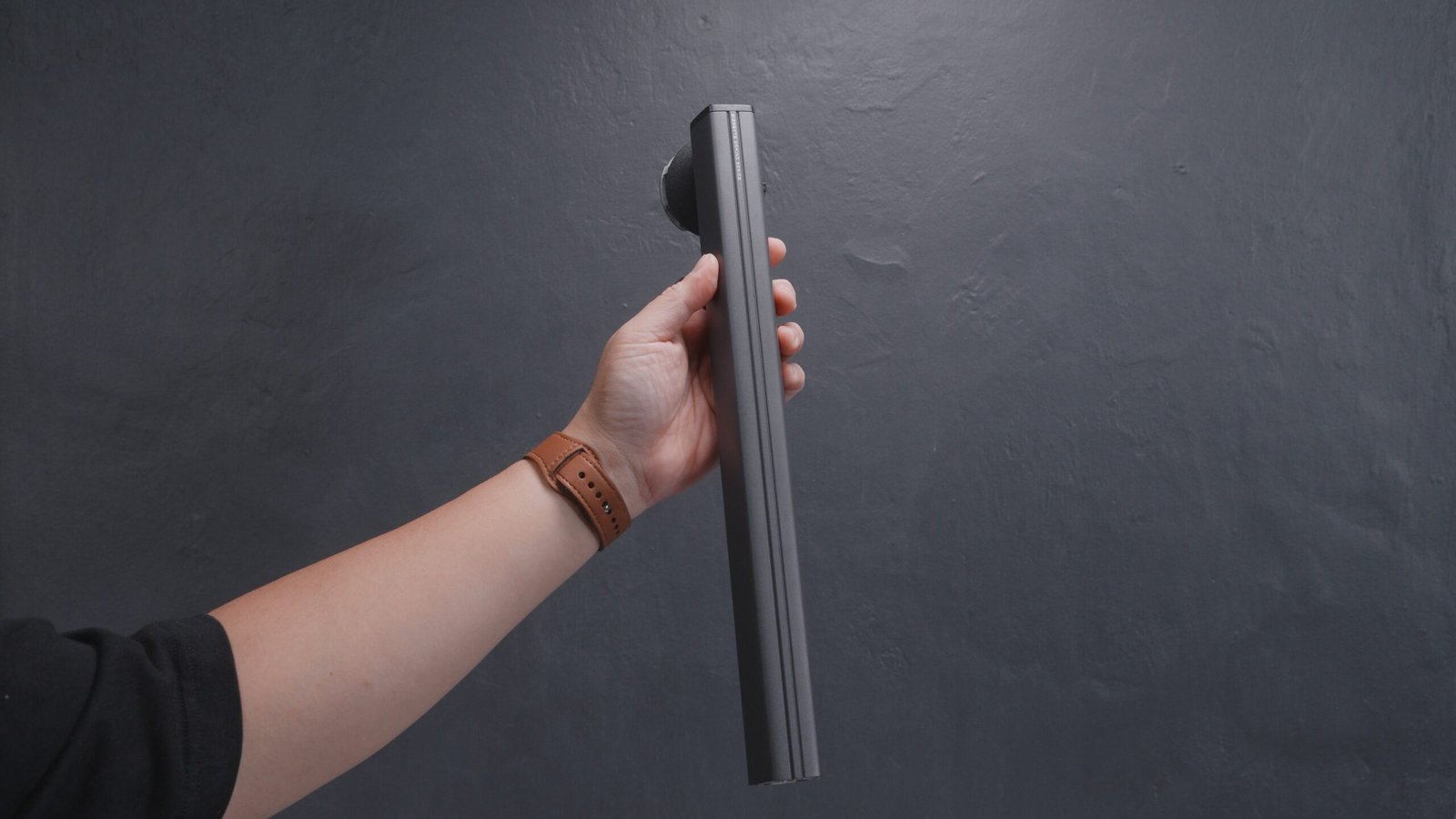
We have a power cable, a DisplayPort cable, a metal support bar and its mounting bracket, and a metal base.
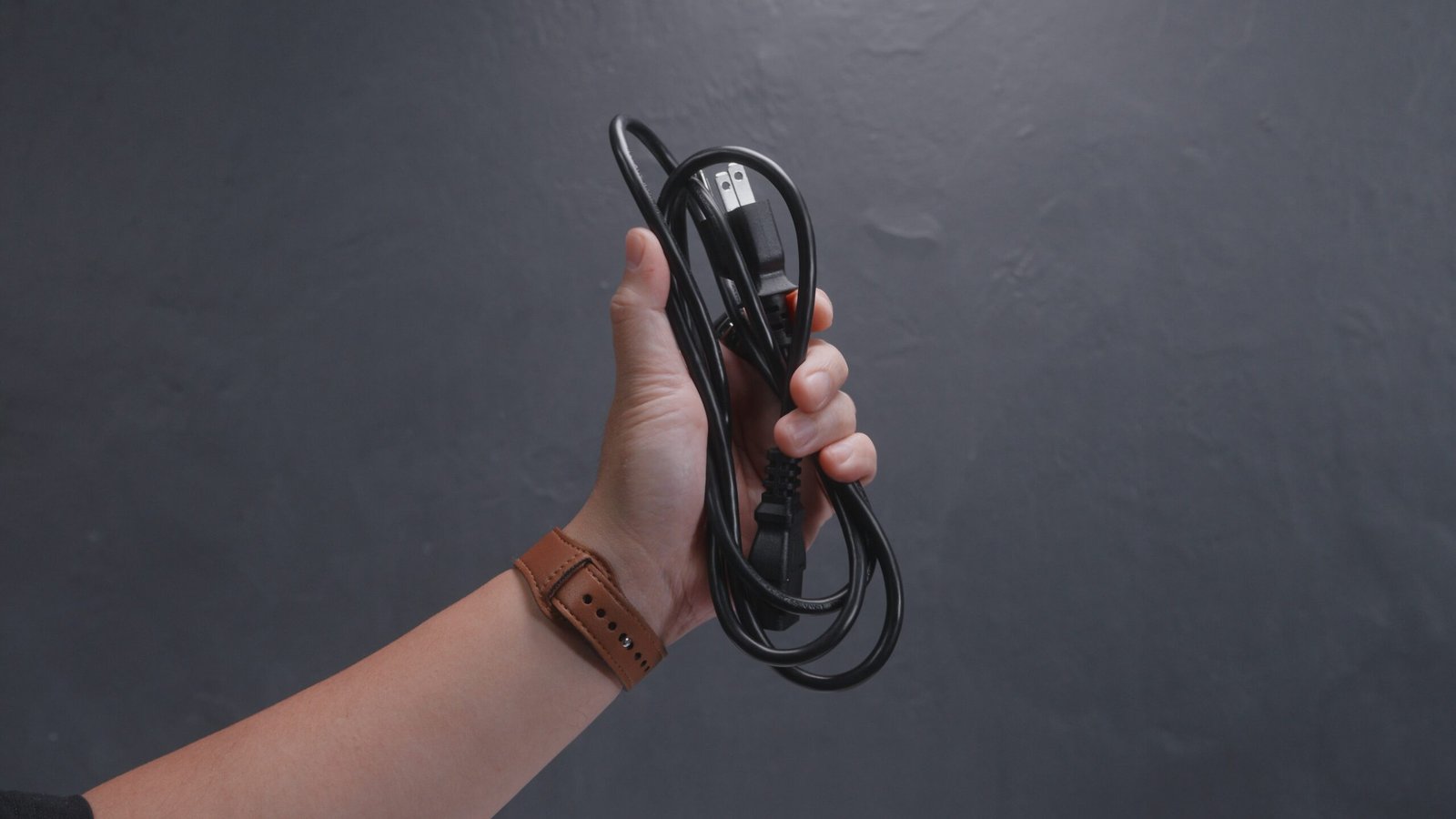
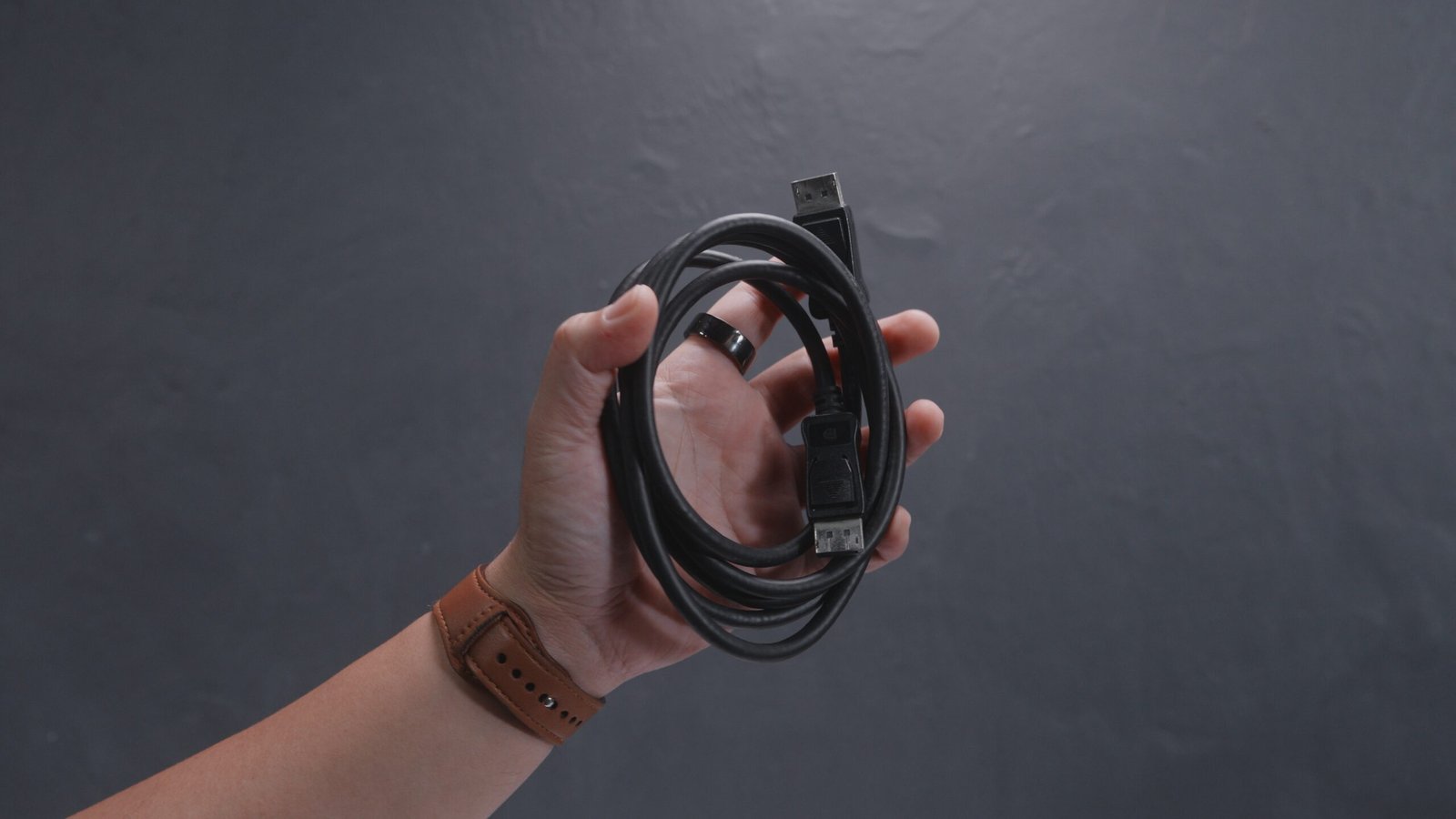
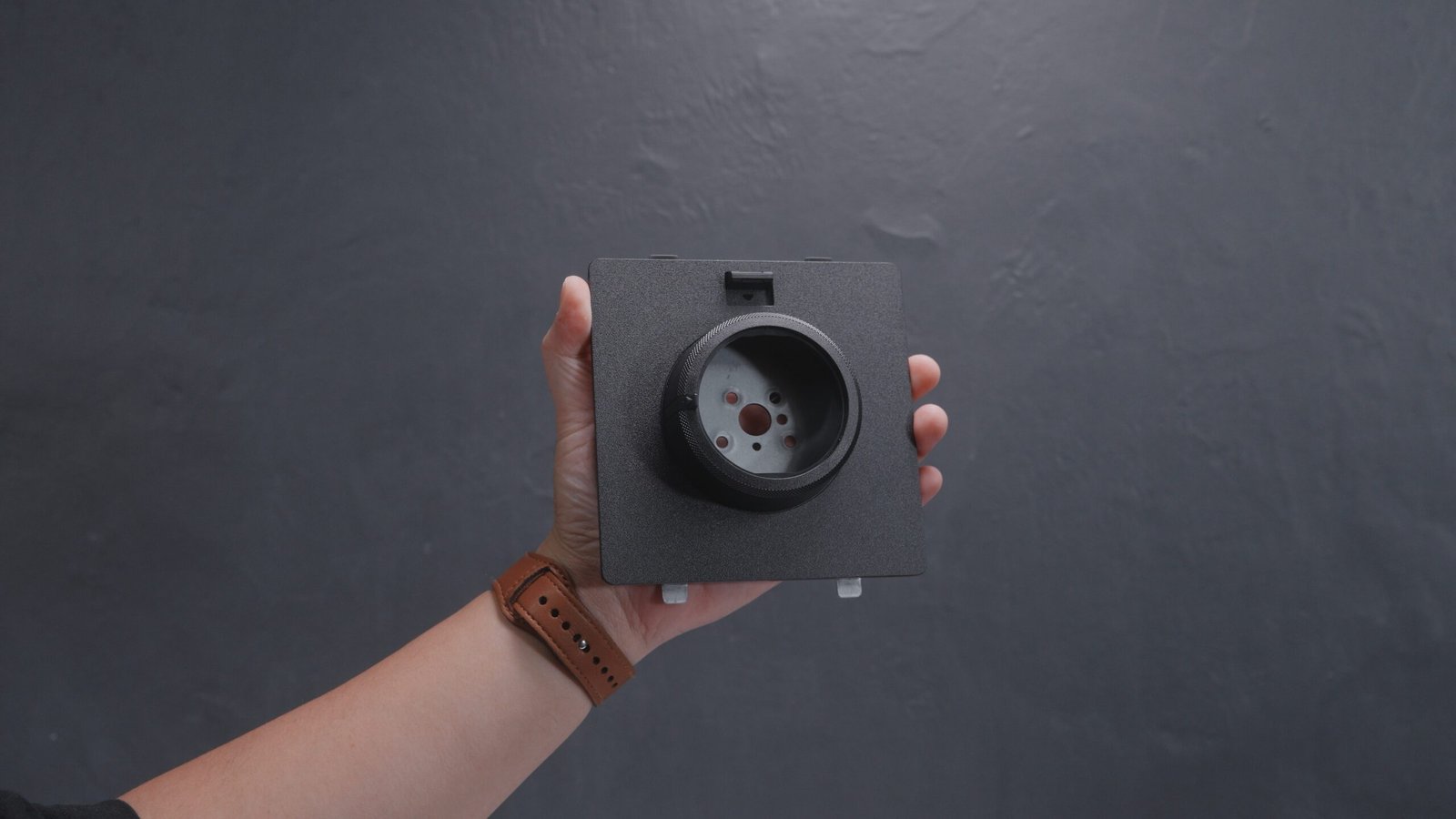
Overall, as I’ve mentioned, this monitor offers excellent value considering all the features and image quality it has to offer. Check out this link to learn more.