This is probably one of the best OLED gaming monitors right now in terms of overall value.
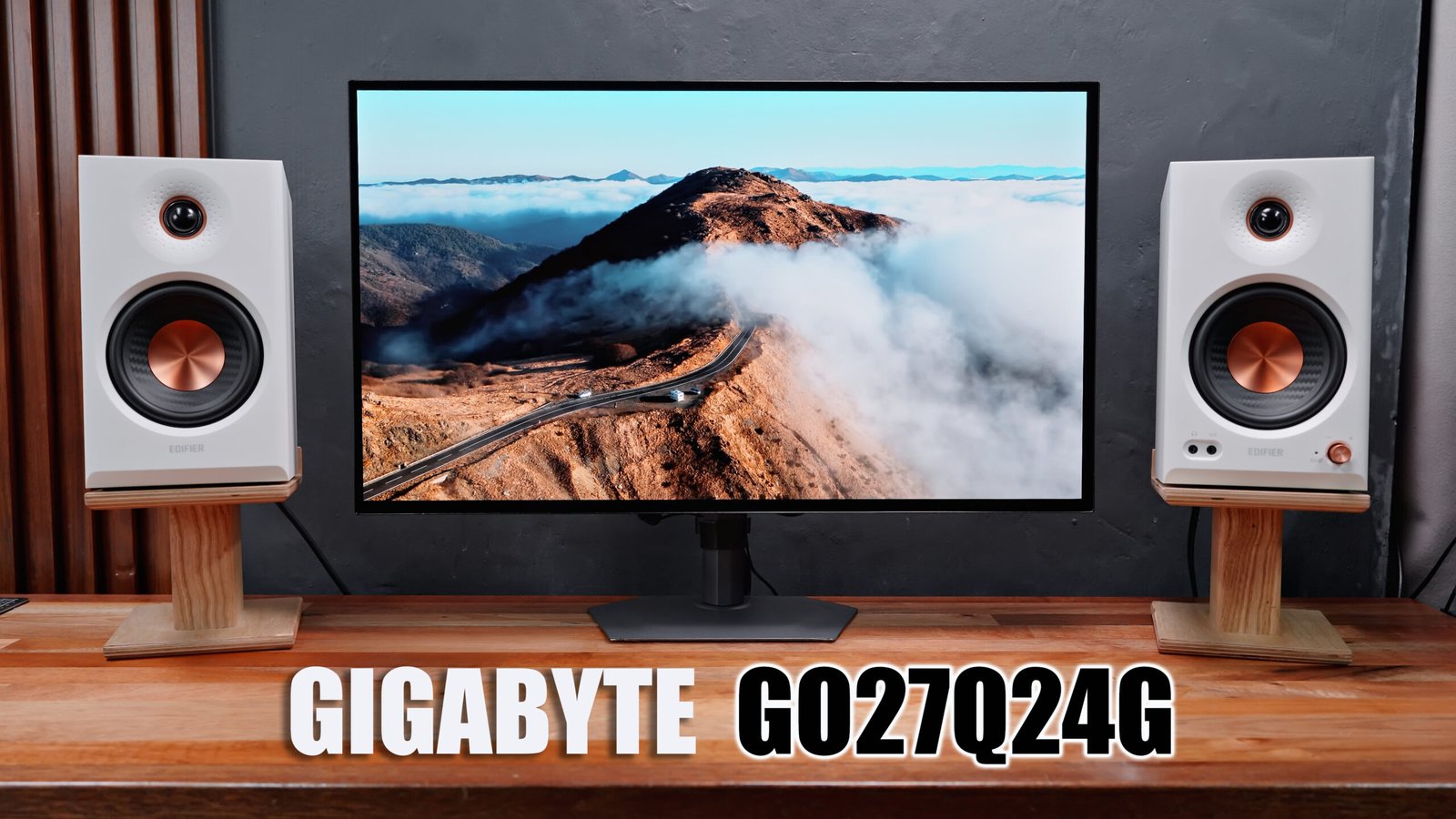
Imagine a 27” 1440p Glossy WOLED panel with up to a 240 Hz refresh rate, 0.03 ms GTG response time, and up to 1300 nits peak brightness for just under Php 29k? And if you’re outside the Philippines, you can even get this on Amazon for only 350 USD. That’s an absolute bargain!
However, there are a couple of things that you should take into consideration before pulling the trigger, so here, let me share with you all my thoughts about it.
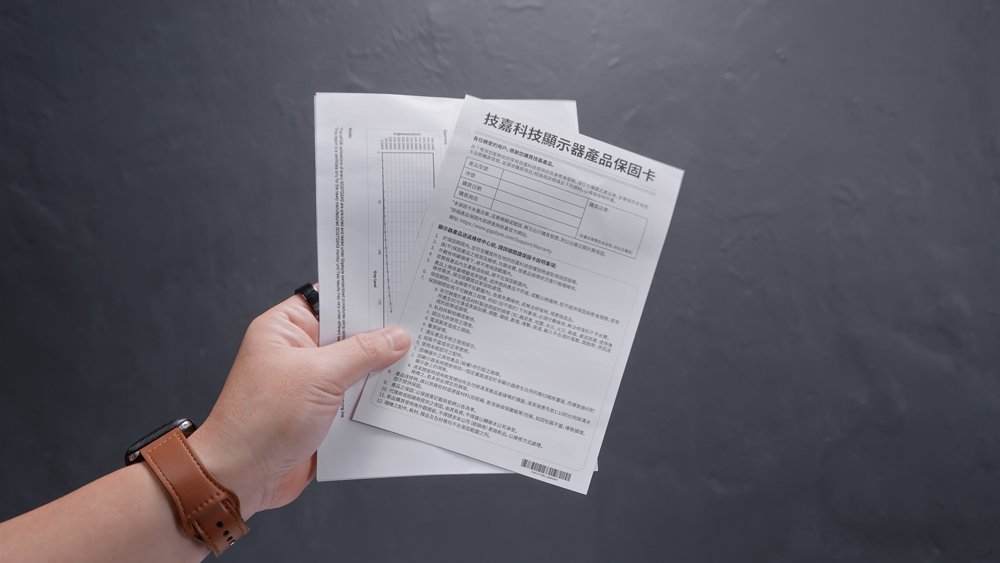
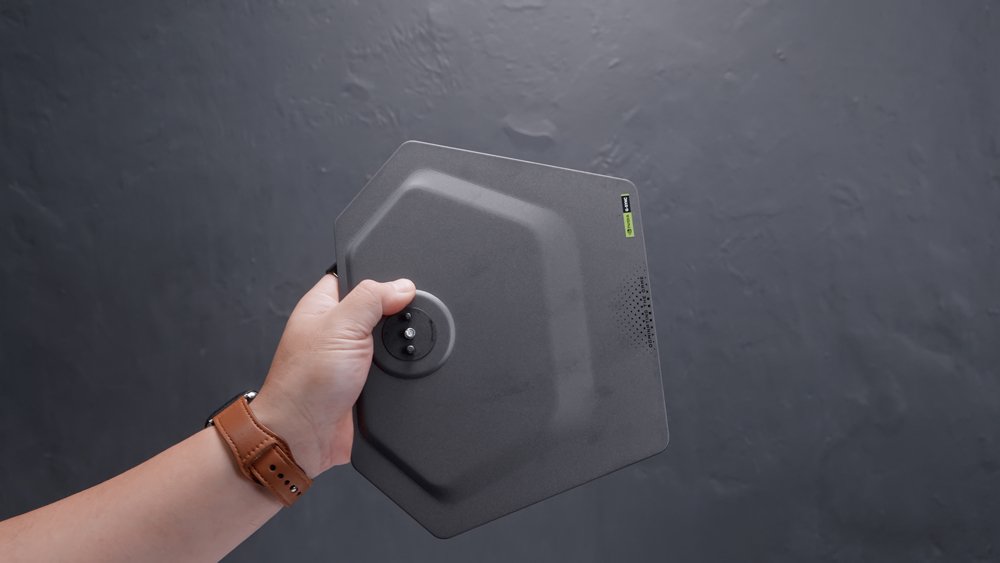
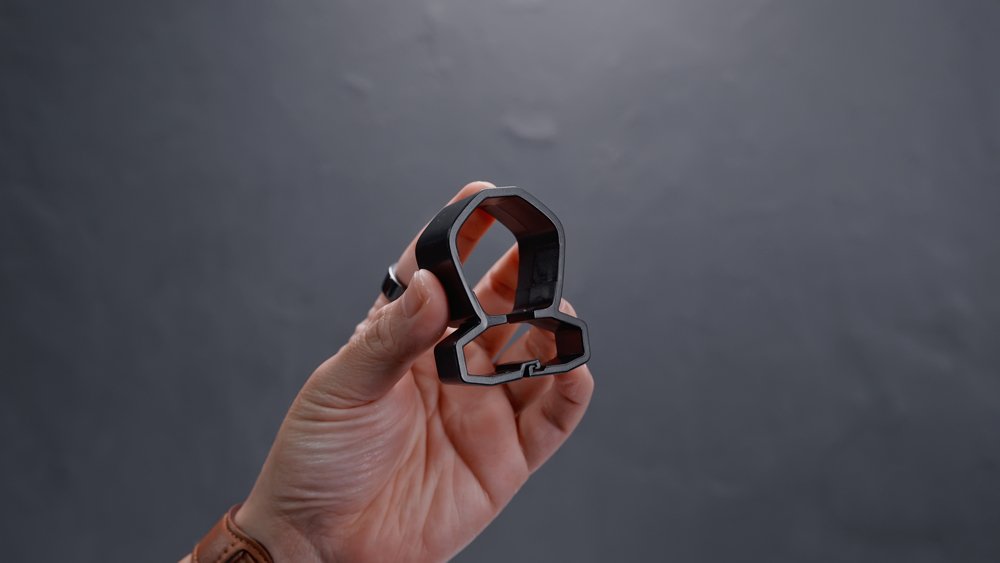
Out of the box, you’re getting a power cable, a power brick, a DisplayPort cable, a quick start guide, a warranty card, a color calibration test report, and, of course, the support bar, metal base, and a cable management clip.
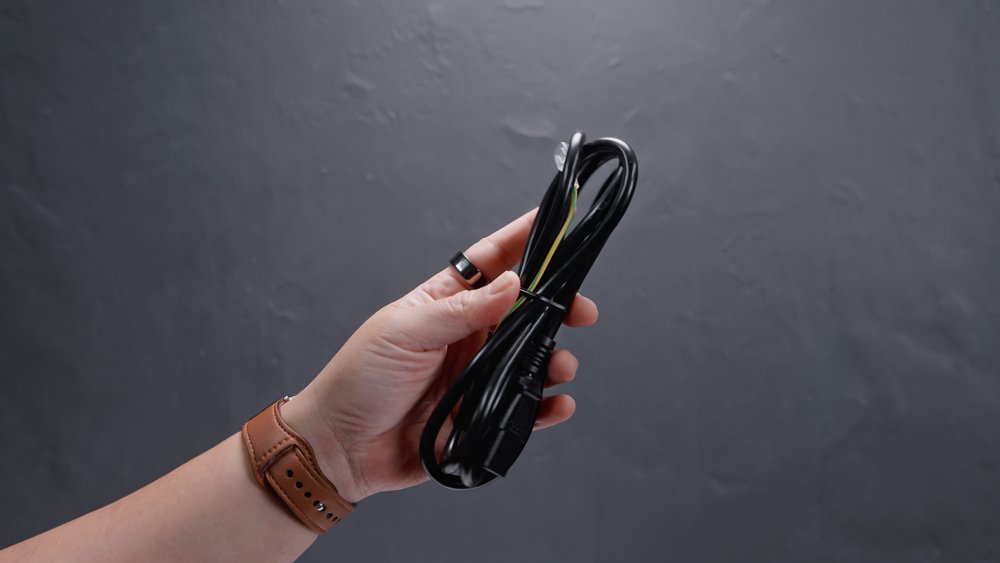
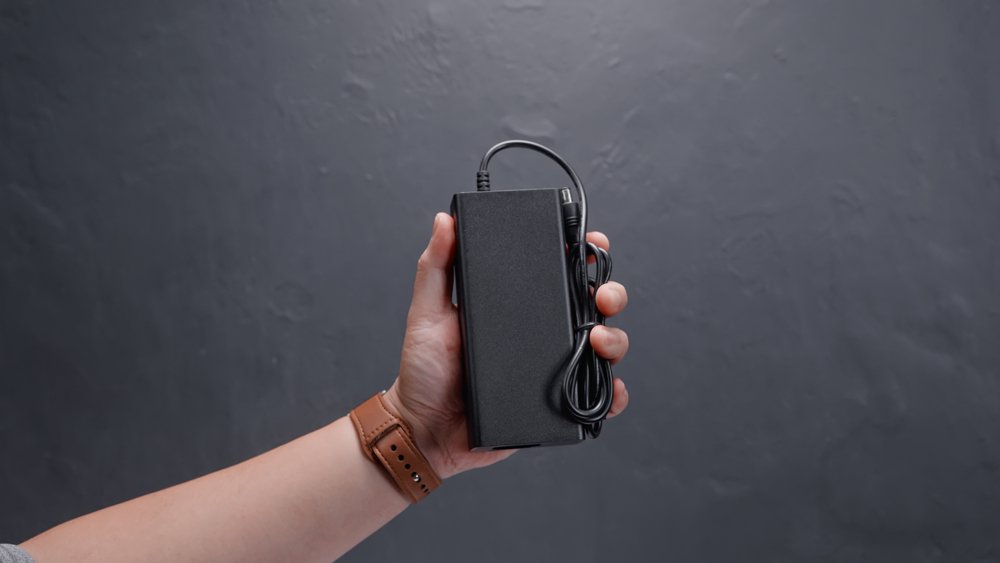
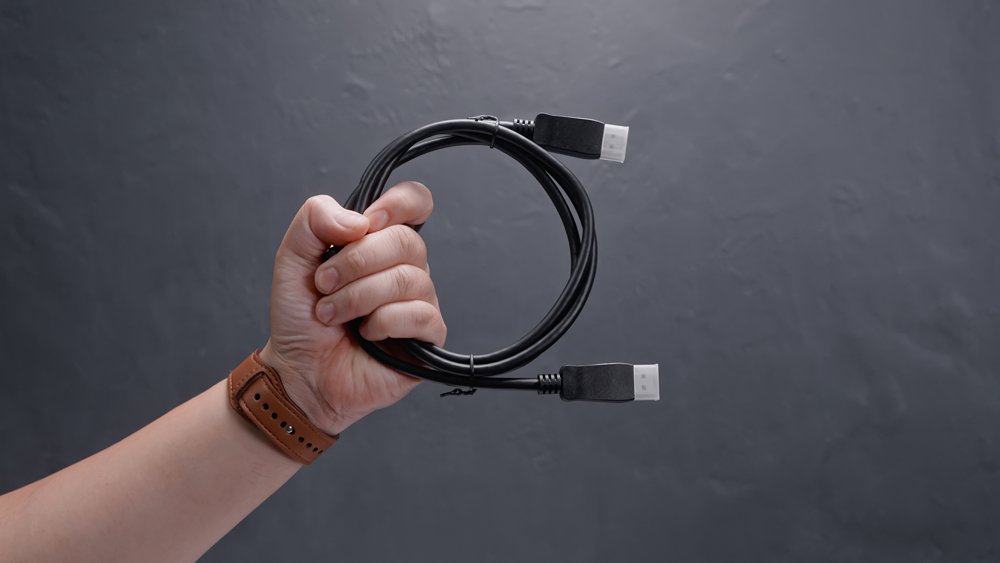
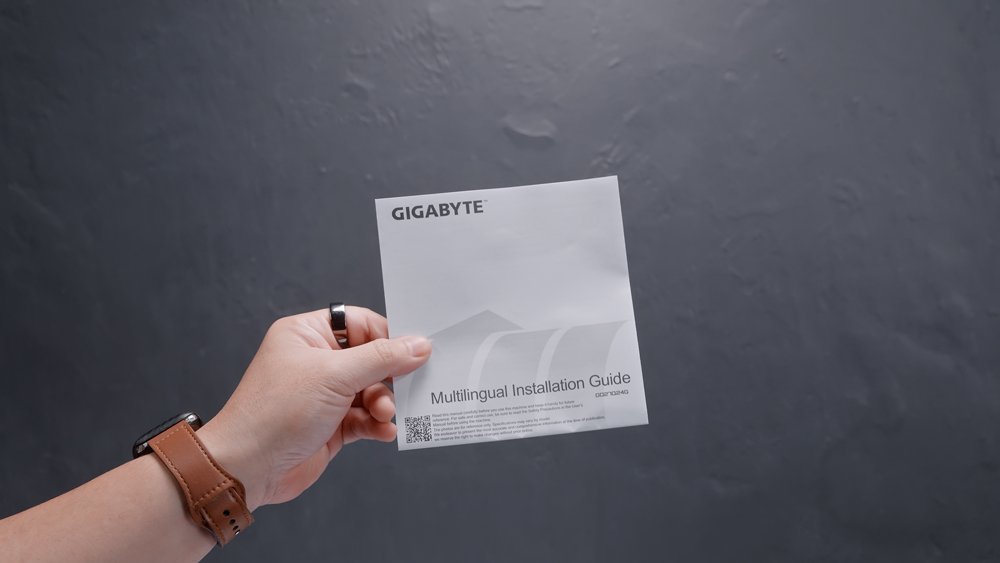
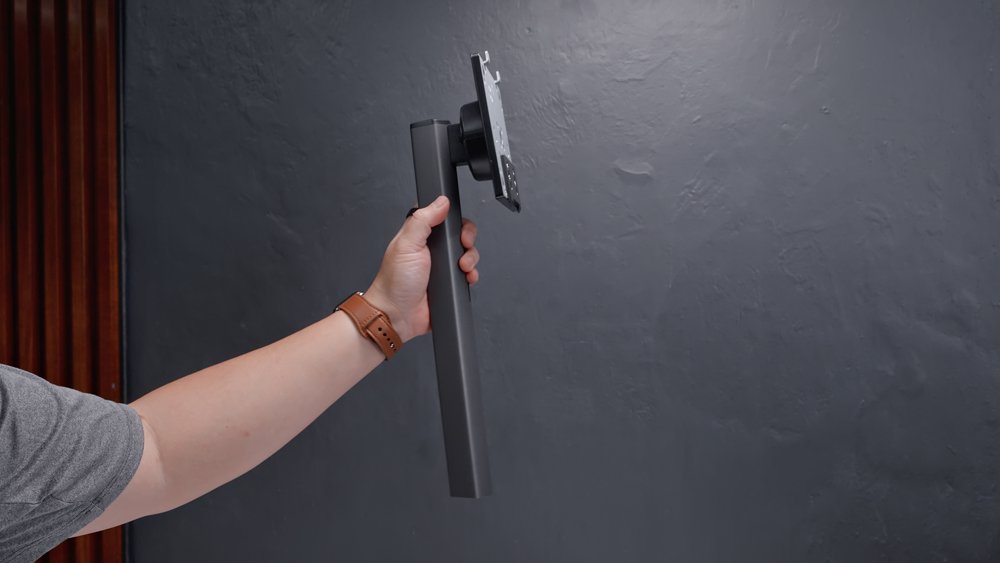
Now, on the surface, it looks like your typical modern gaming monitor with a relatively slim profile, minimal footprint, and tons of adjustment options, including height, swivel, tilt, and pivot,
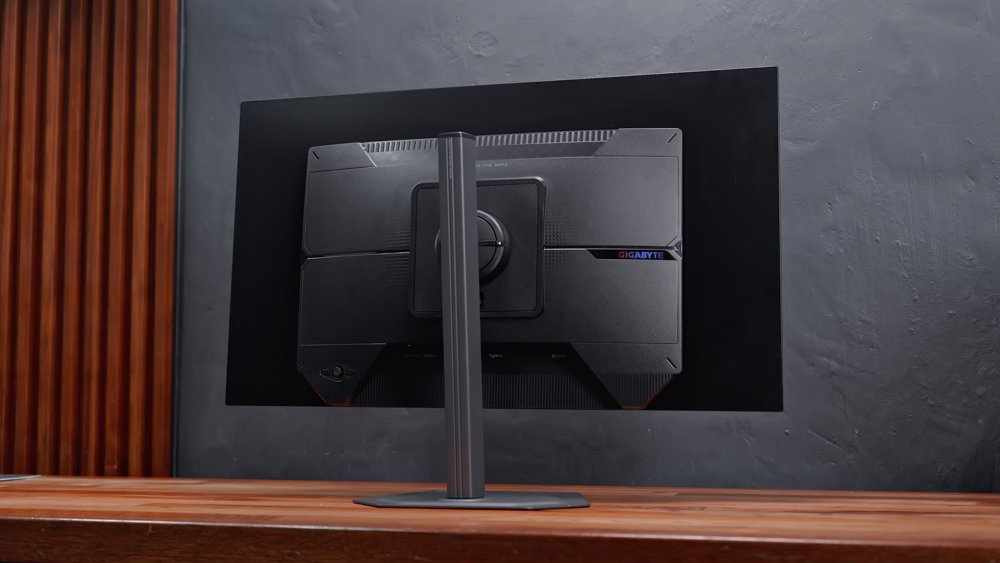
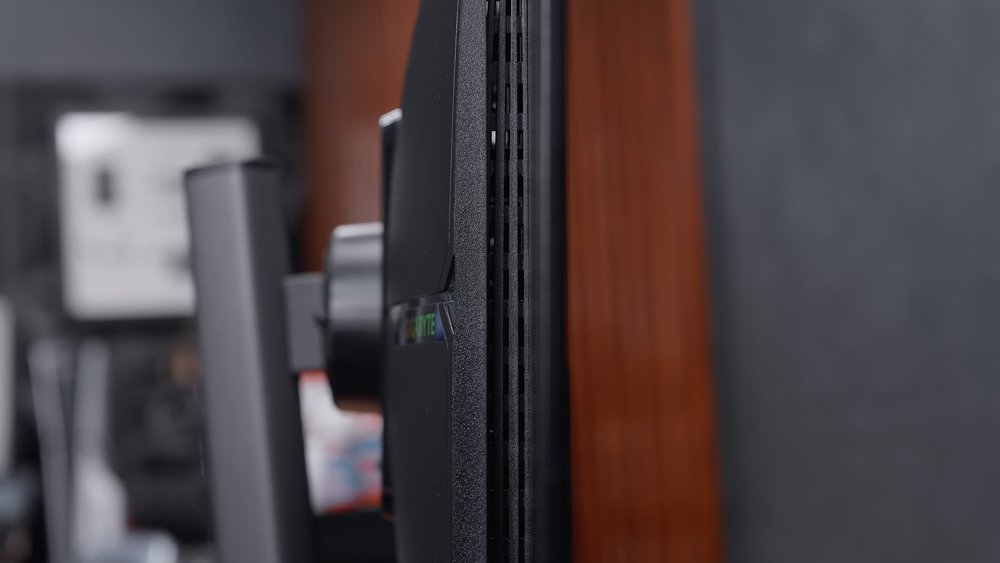
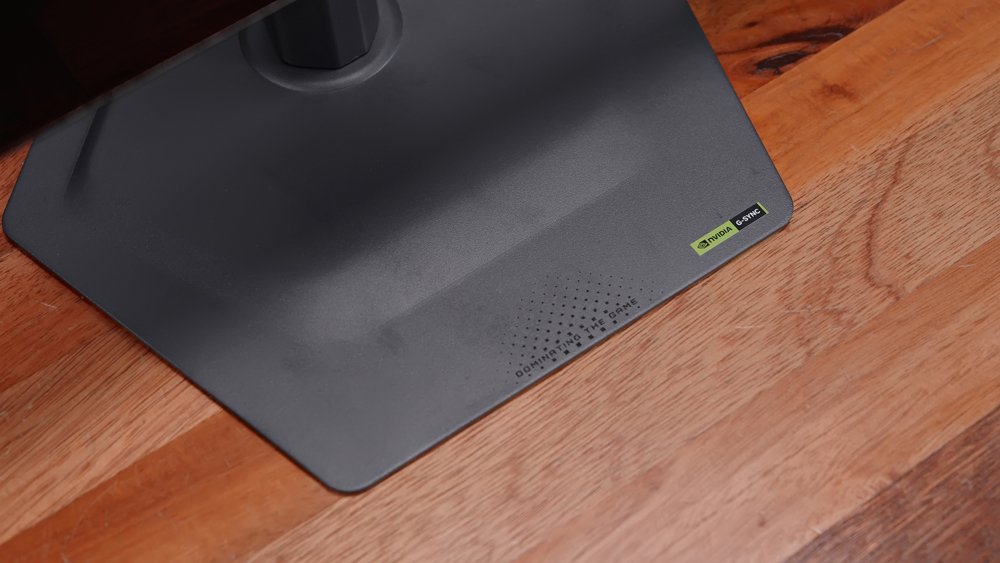
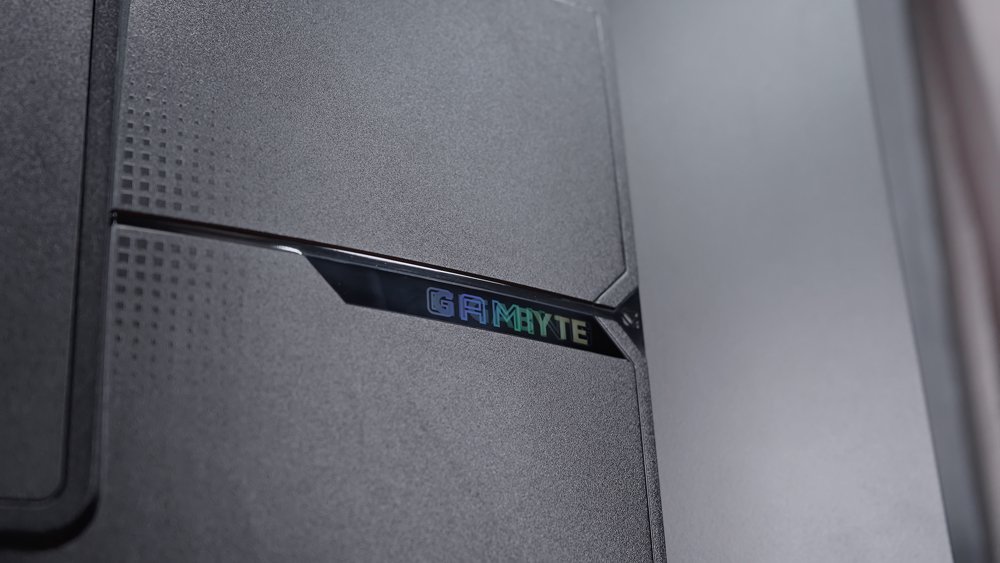
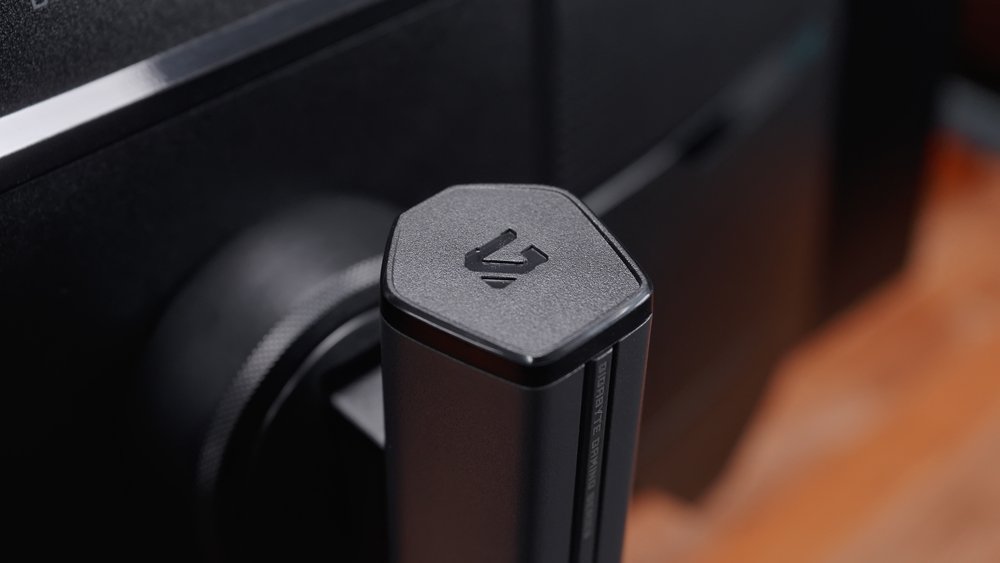
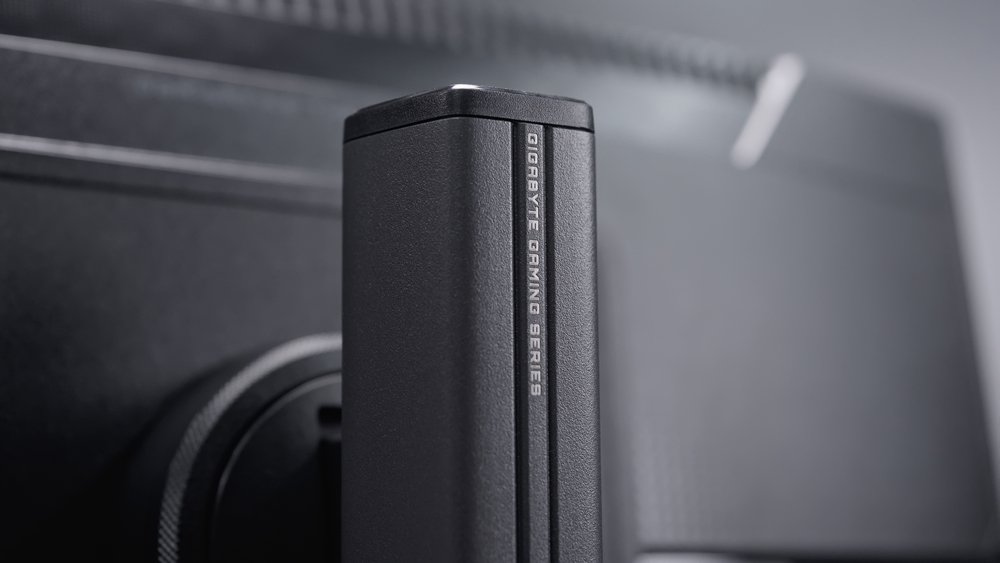
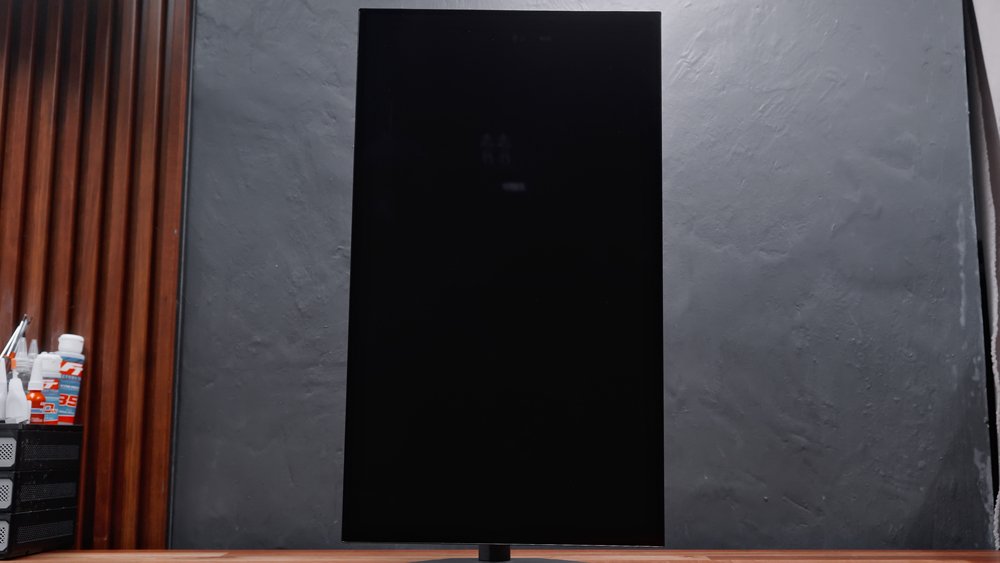
With VESA 100 wall-mounting support, and for its price, it’s nice to see a metal base and a pretty robust build.
It has a substantial amount of I/O, including 2 HDMI 2.1, 1 DisplayPort 1.4, a USB-C with DisplayPort Alt Mode and 15W power delivery, and an earphone jack.
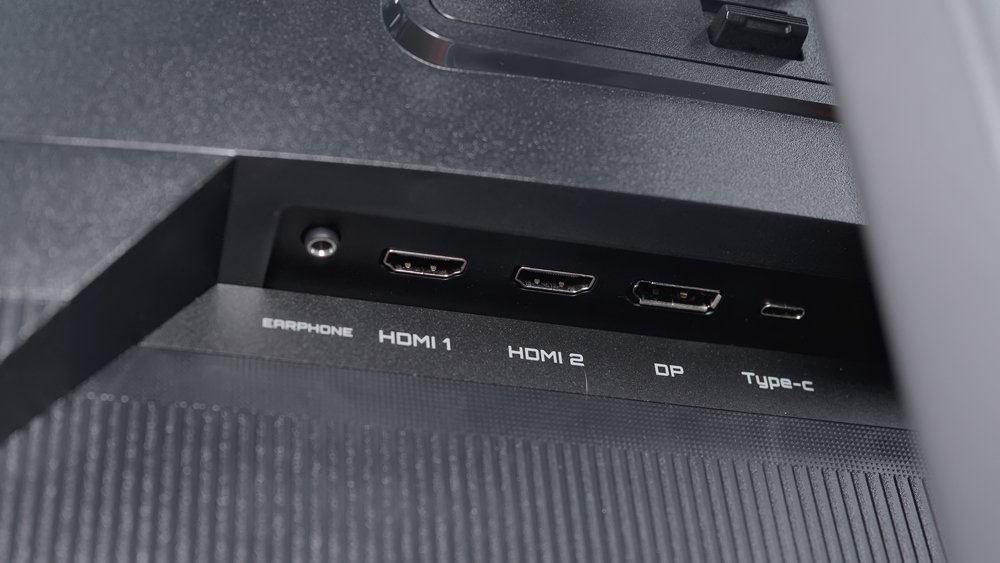
We also have a couple of buttons here at the back, a 5-way joystick, an LED indicator at the bottom, and a Kensington lock on the other side. Plus a number of vents around.
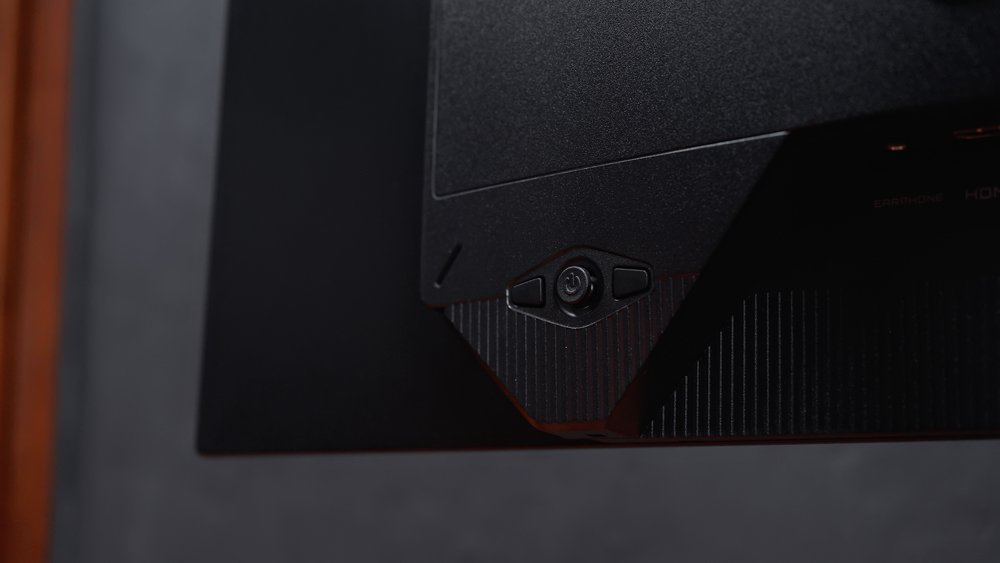
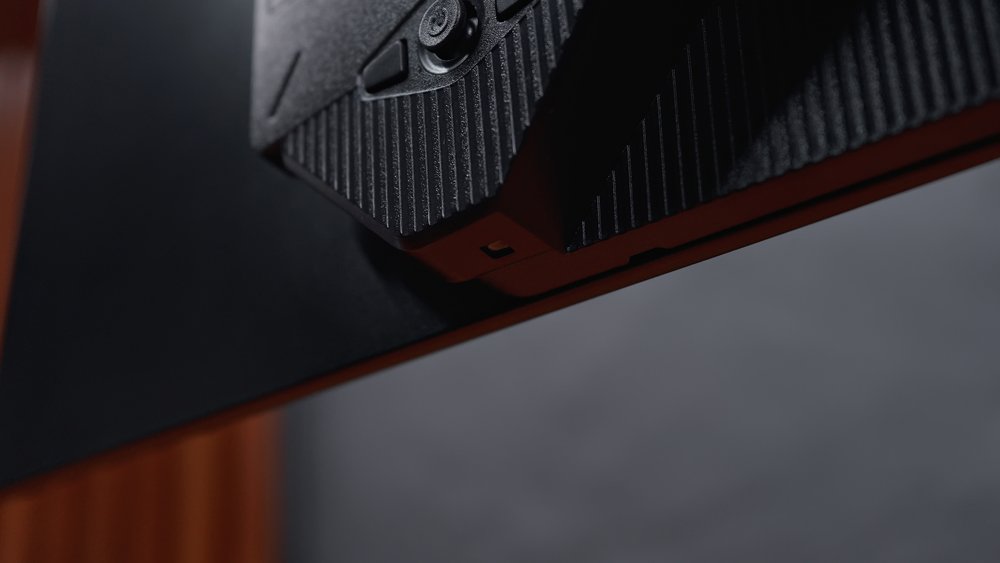
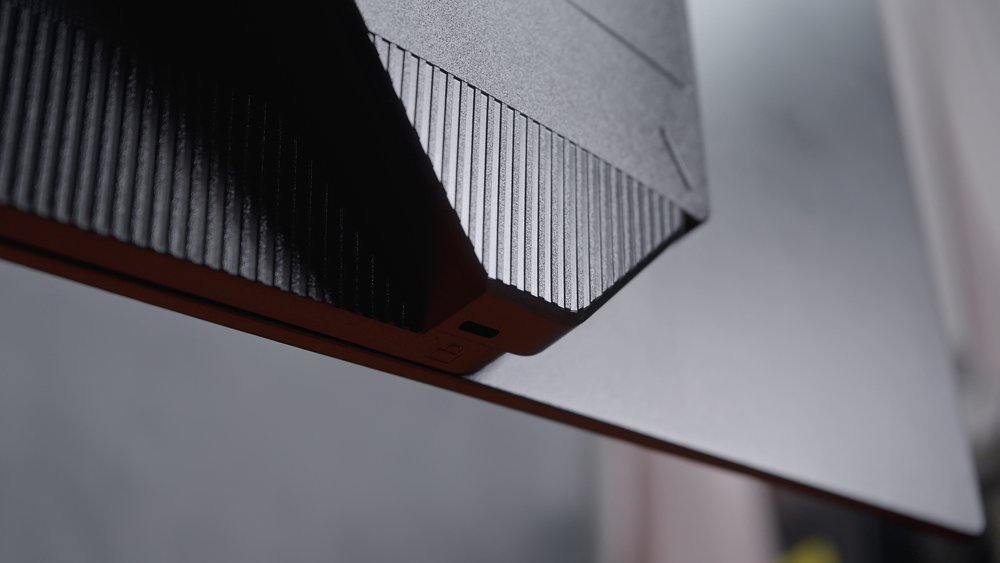
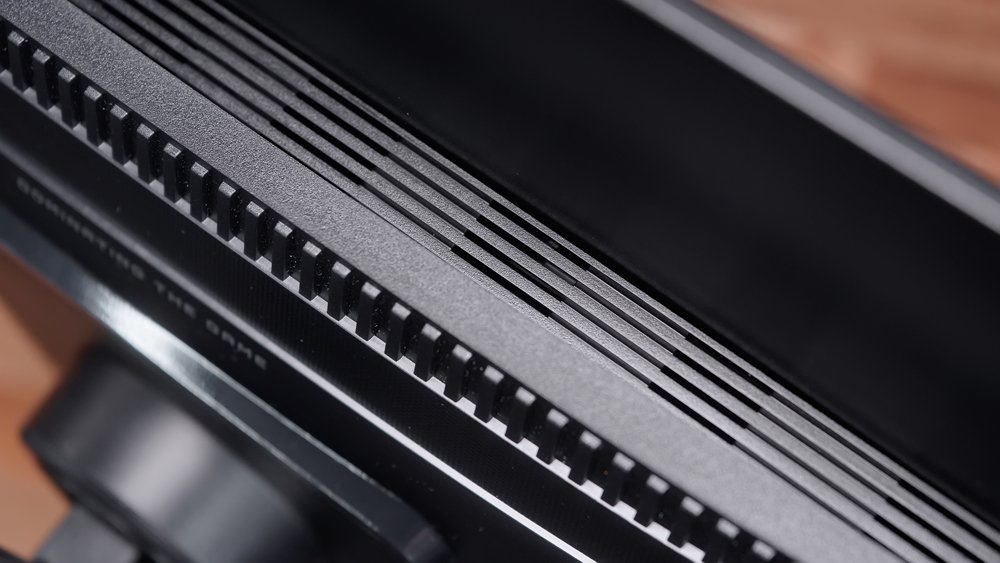
Overall, the design and construction are comparable to most higher-end Gigabyte monitors.
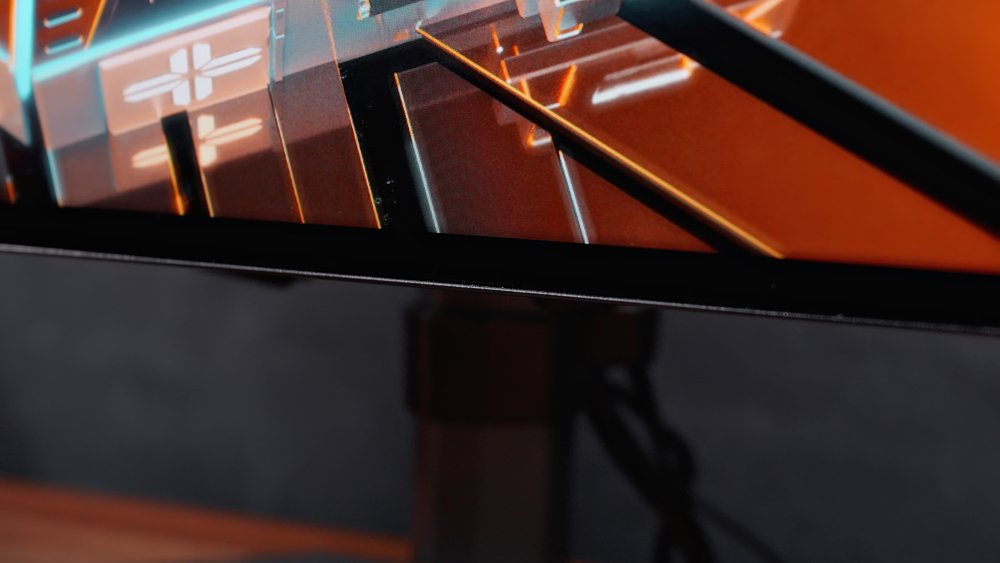
Now, Gigabyte advertises this as a borderless display, but in reality, even though the bezels are super thin, the panel itself still has noticeable black borders.
What I like about this panel, though, is that, being a WOLED panel, it doesn’t suffer from any significant purple tint compared to other types of OLED panels, especially QD-OLEDs.
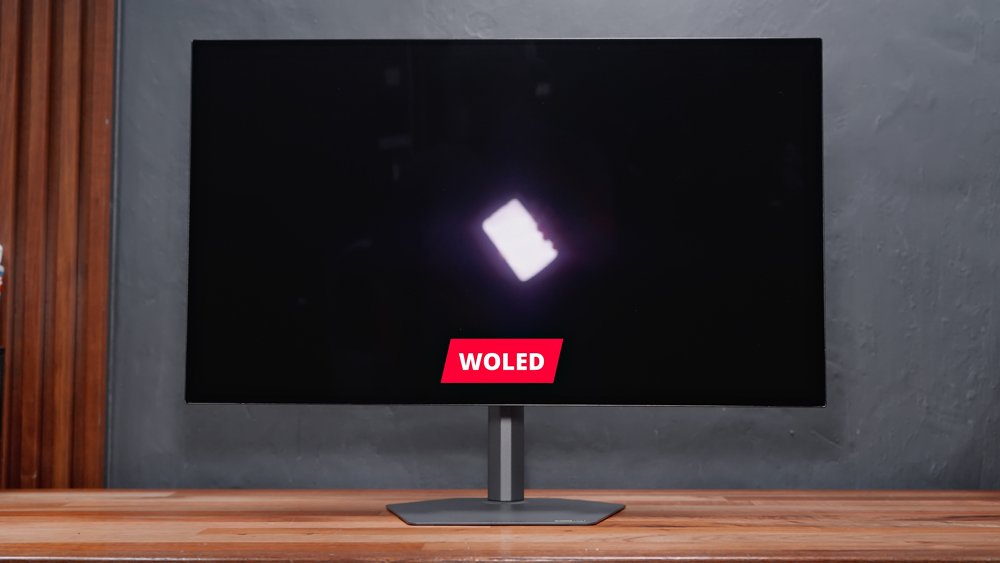
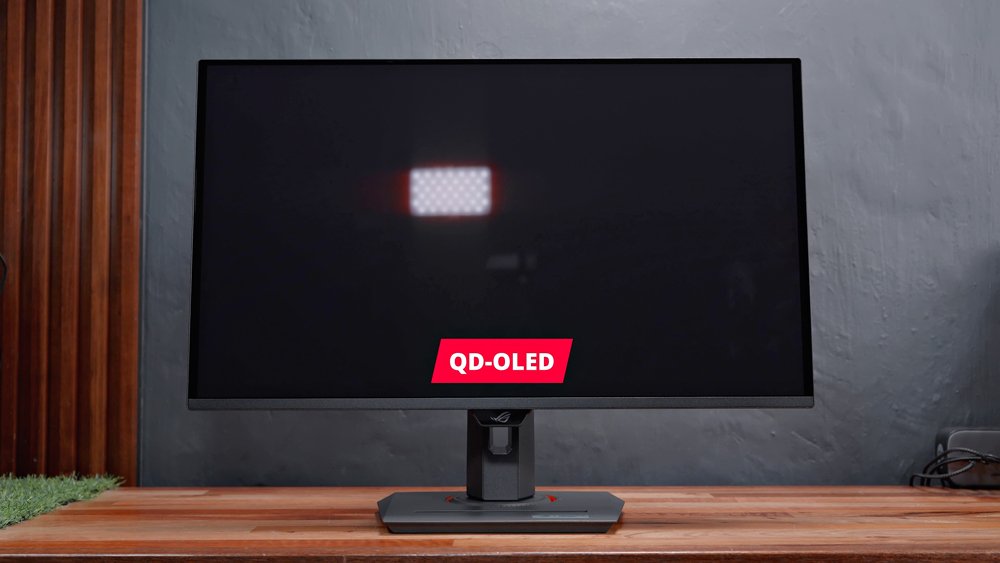
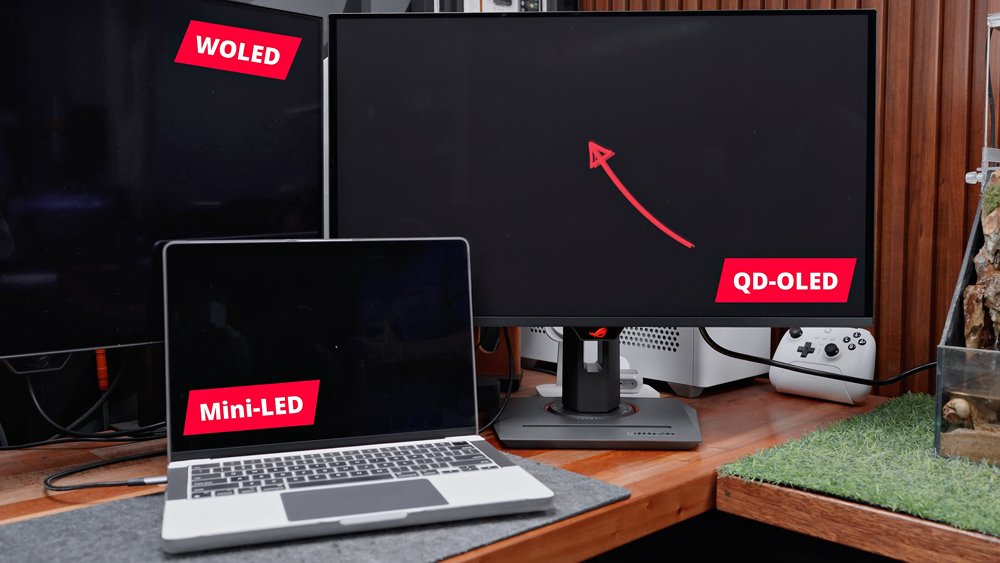
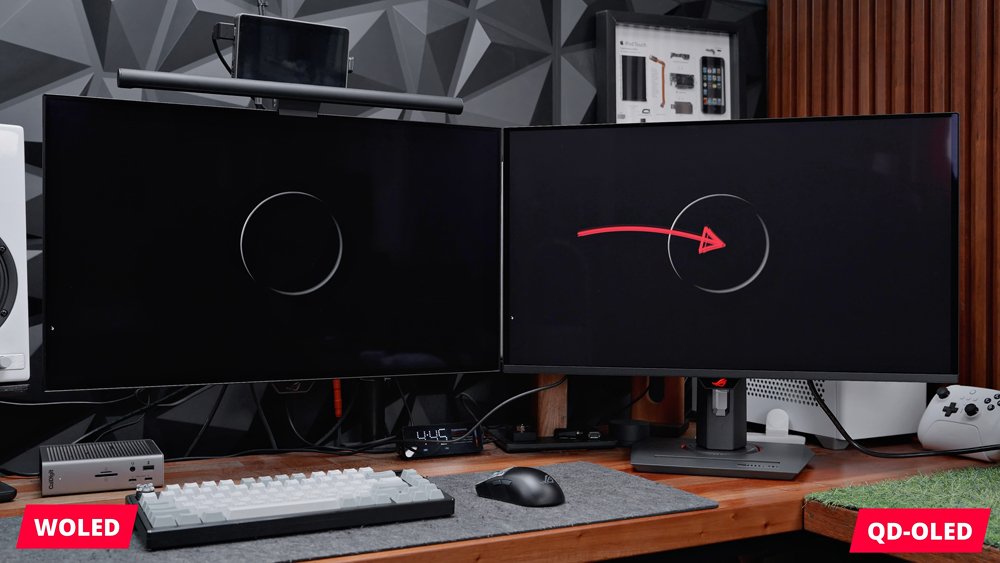
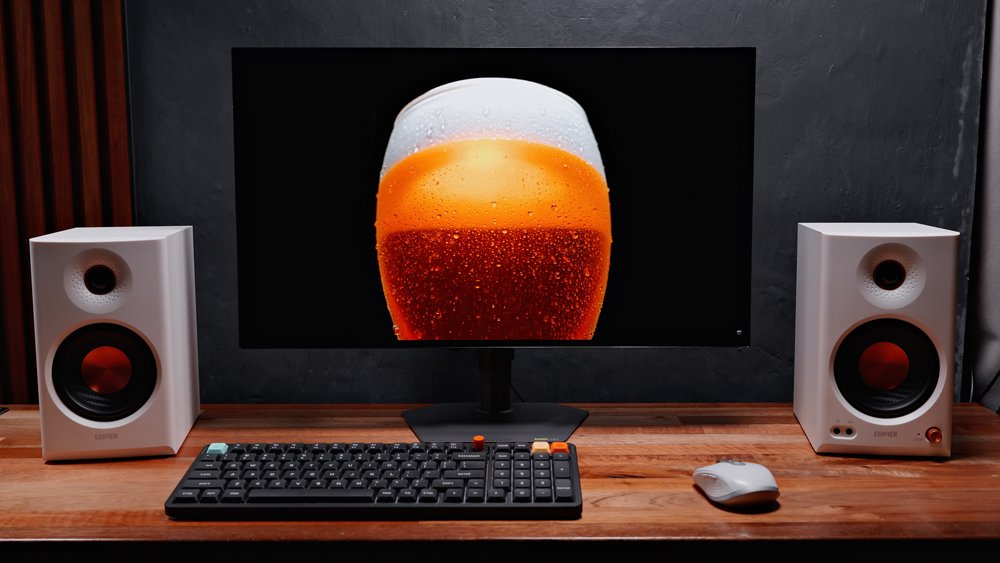
In fact, as you can tell, it’s super black, especially in the dark.
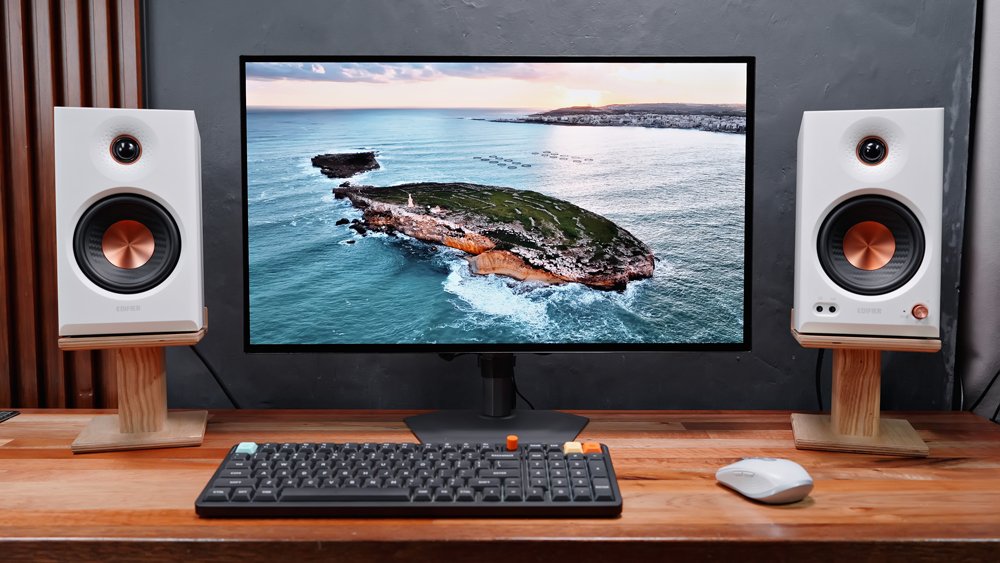
It’s also glossy, so you’ll get the best image quality possible compared to a matte finish, for example.
The Following Display Analysis has been updated as of 9/8/2026 with more details and better explanation.
You can download my calibrated profile here. I calibrated it under the factory settings (Eco mode).
Factory Settings (Eco Mode at 70% Brightness)
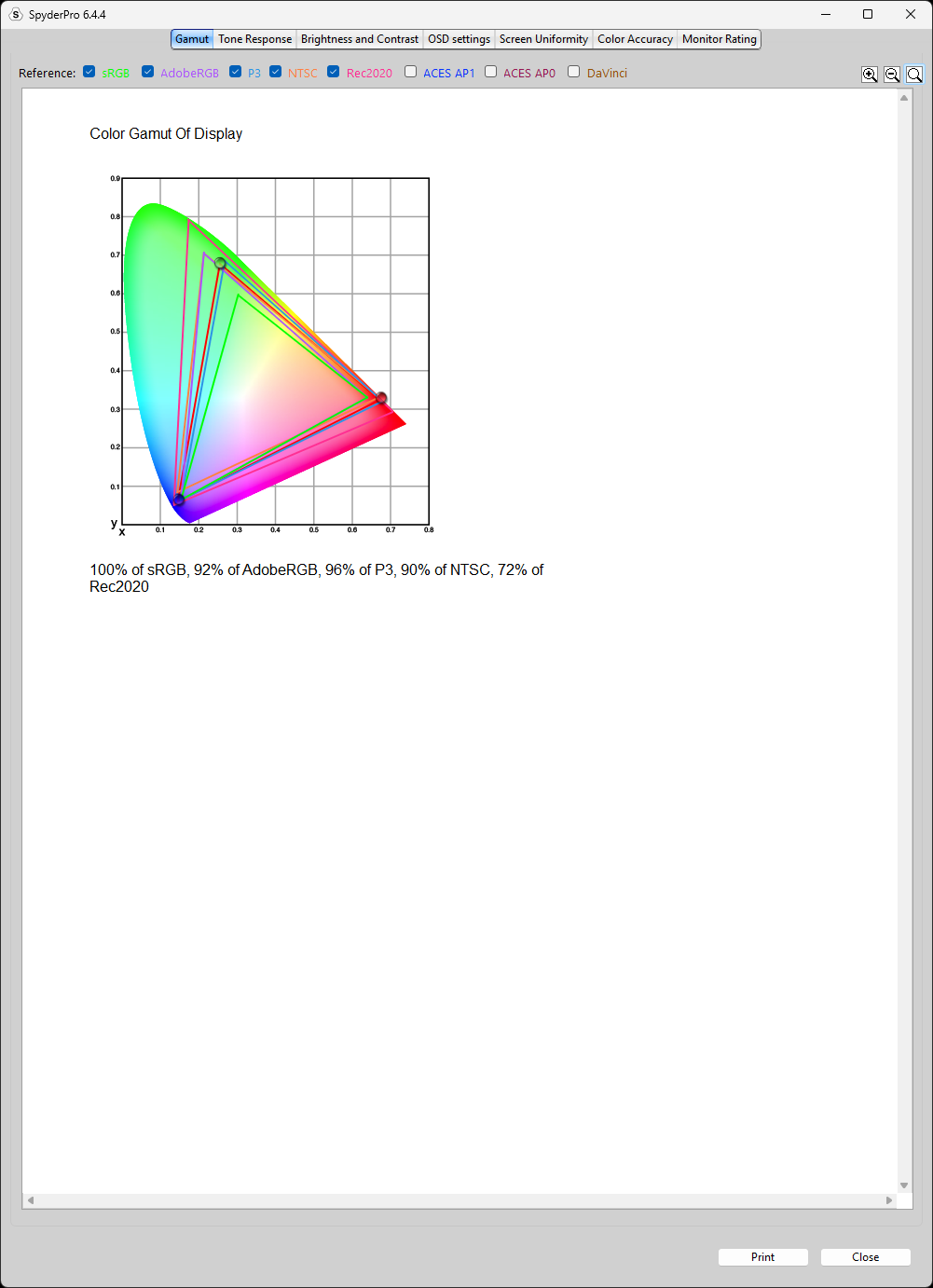
Out of the box, the Gigabyte GO27Q24G is set to Eco mode with 70% brightness, and in this configuration, it outputs 100% sRGB, 92% AdobeRGB, 90% NTSC, and 96% P3, which is close to its rated 99% P3 color coverage.
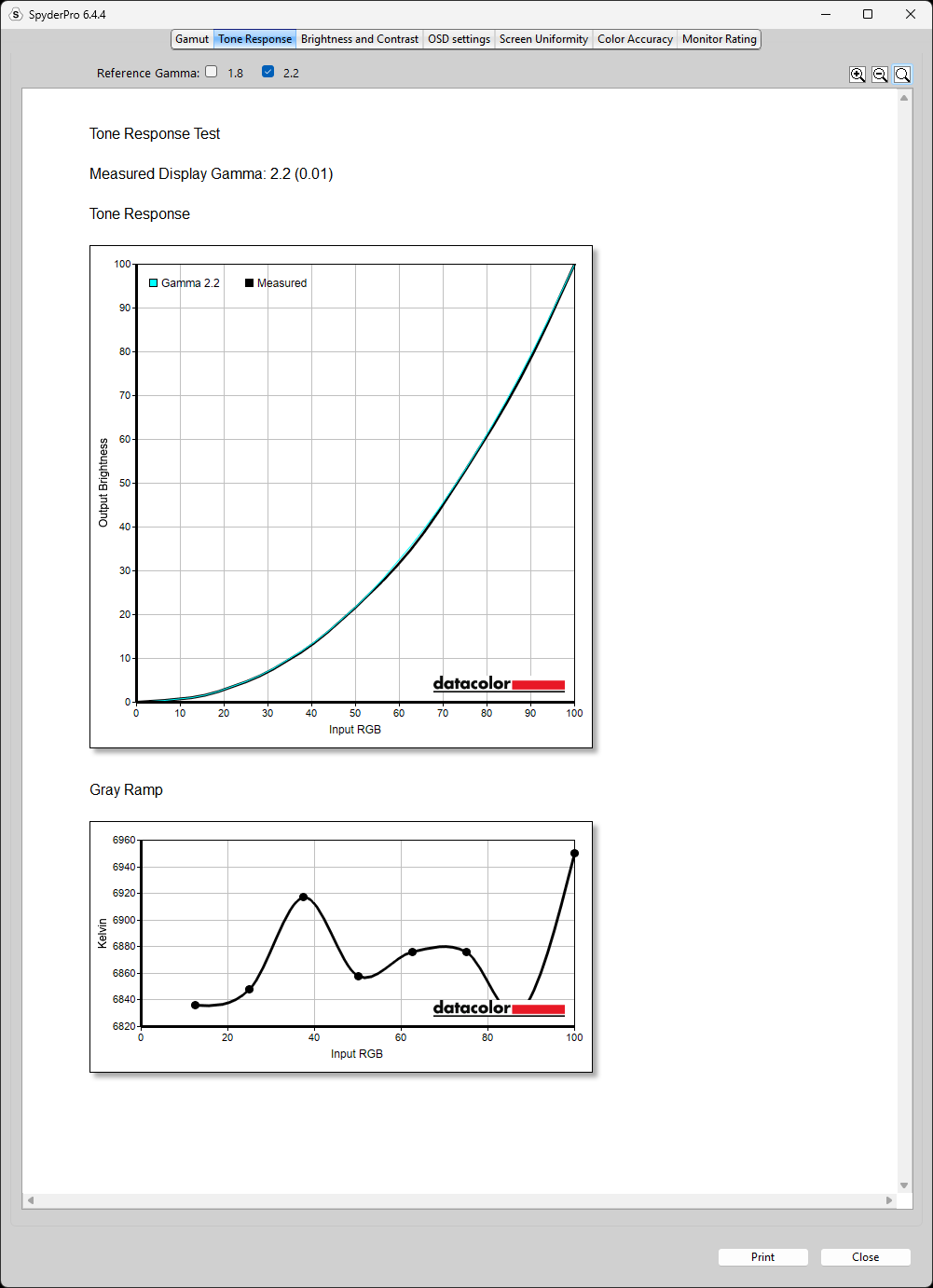
It also boasts a good tone response at a 2.2 gamma, which means grayscale and color transitions are smooth and that gray banding is not an issue at all.
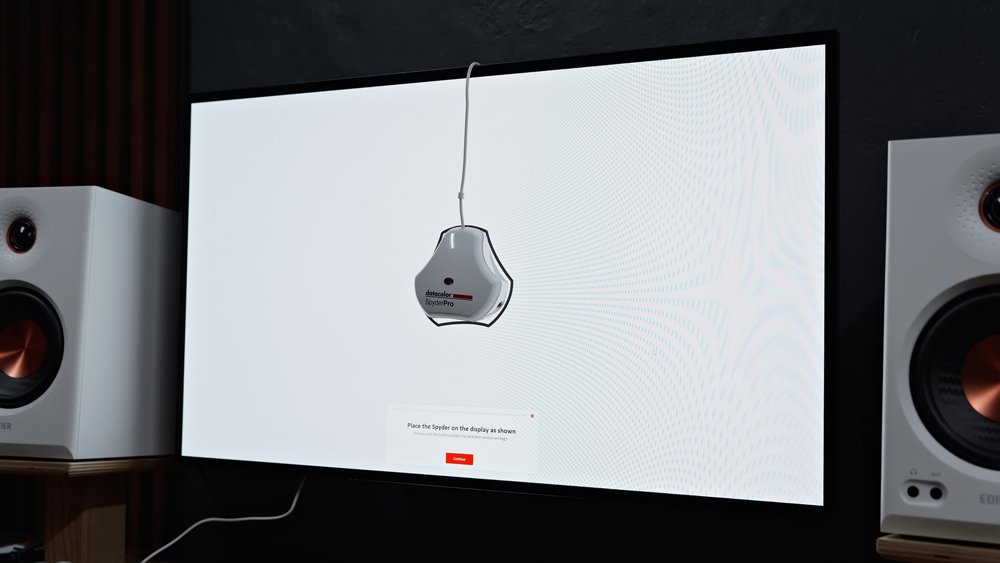
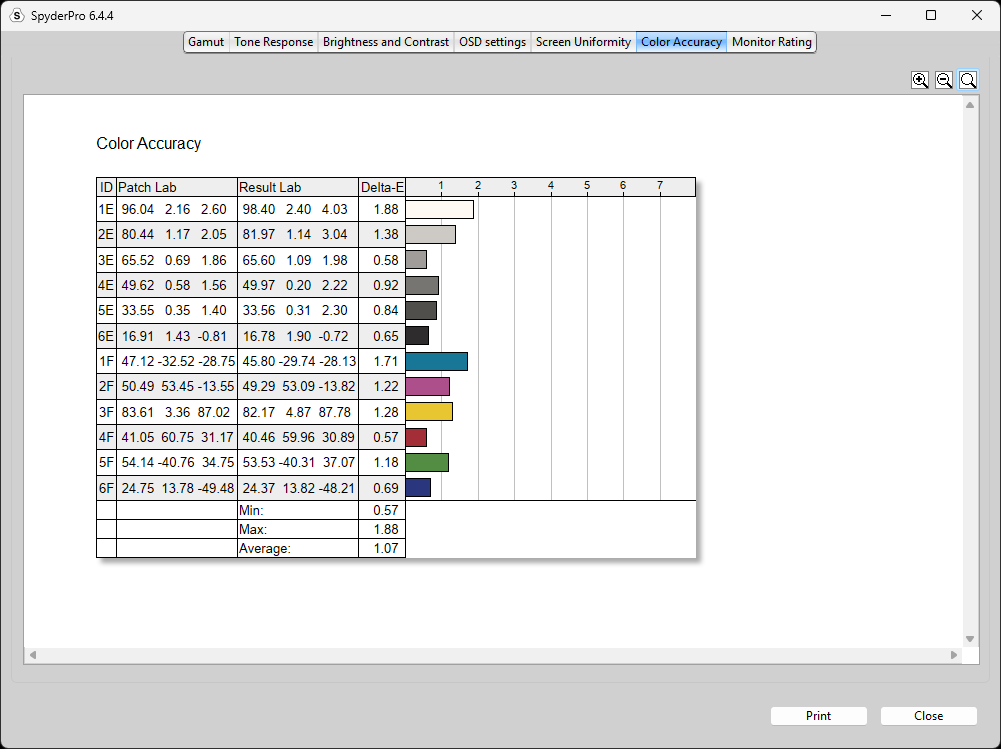
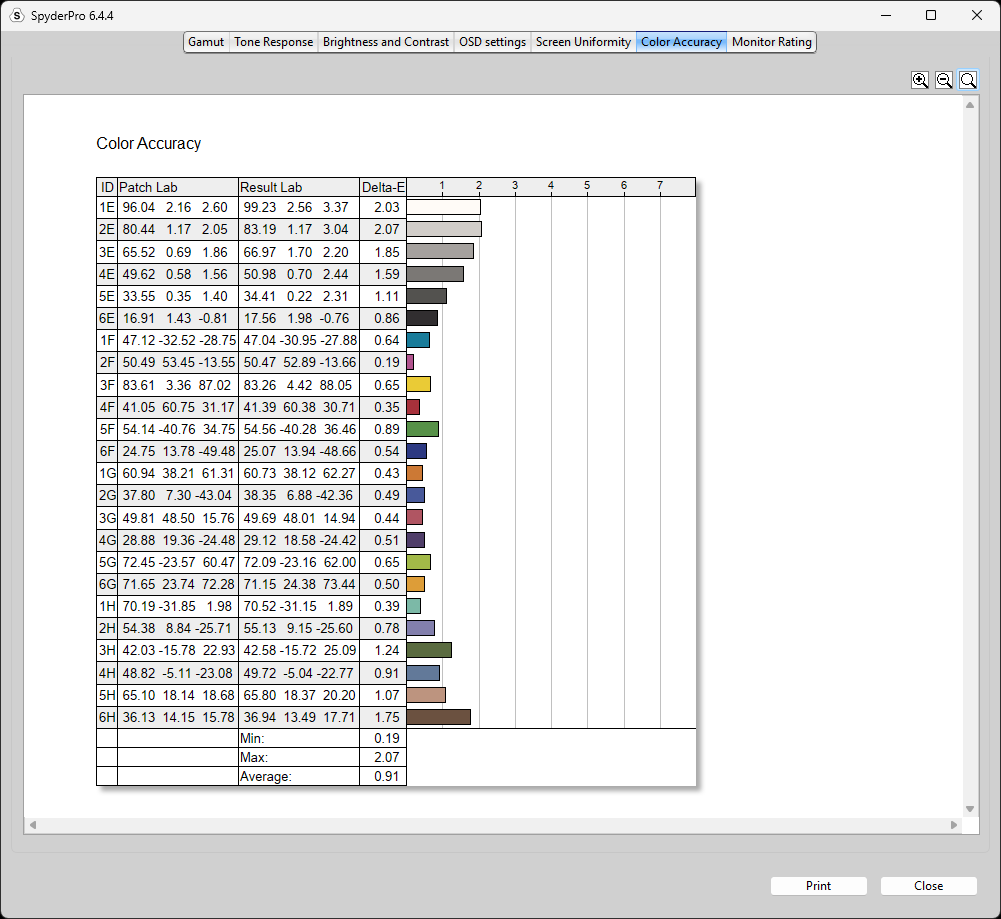
Both Eco and Standard modes offer the widest gamut available on this monitor, while also achieving pretty decent Delta E averages across all three patch sets in Datacolor SpyderPro.
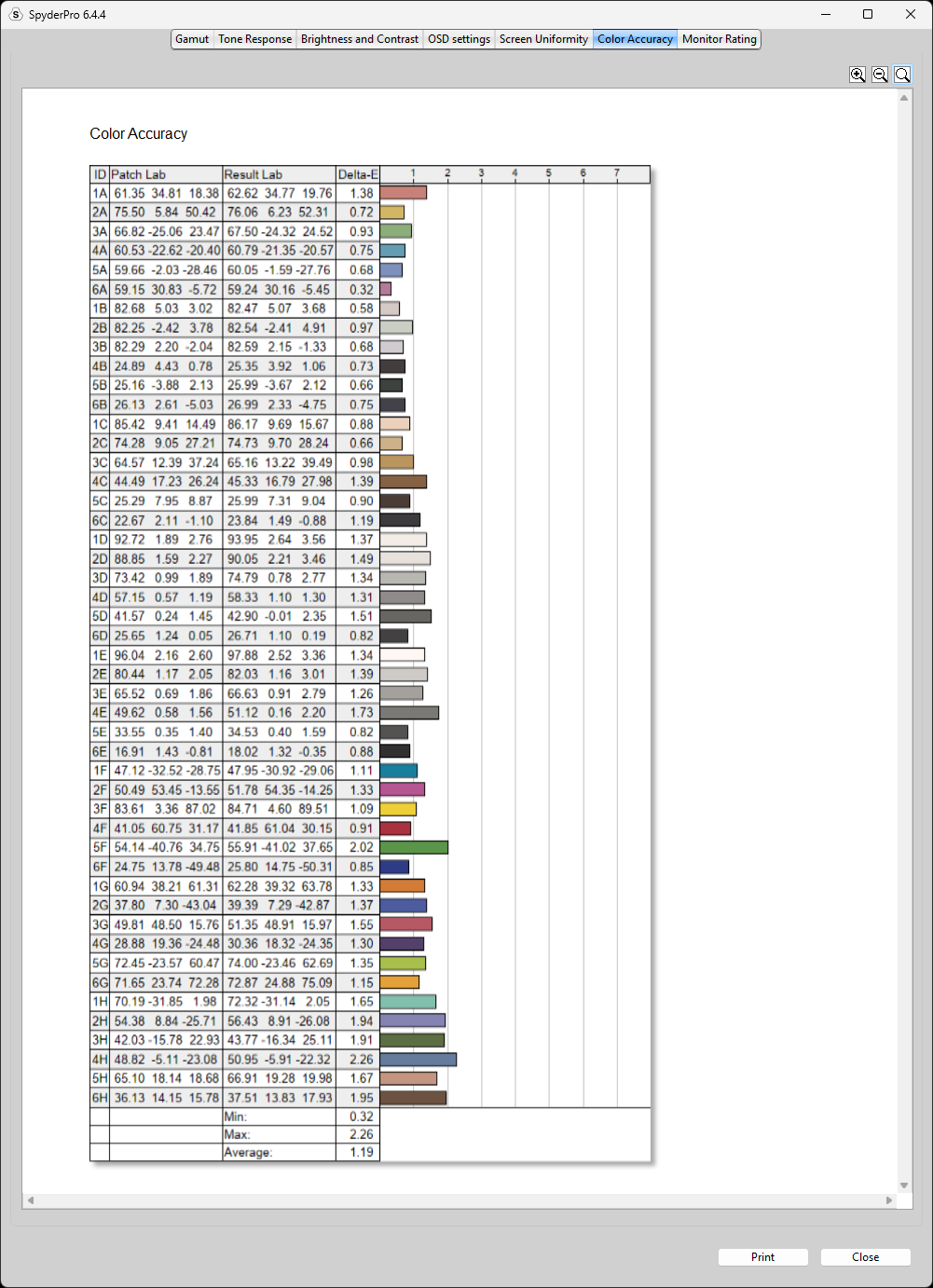
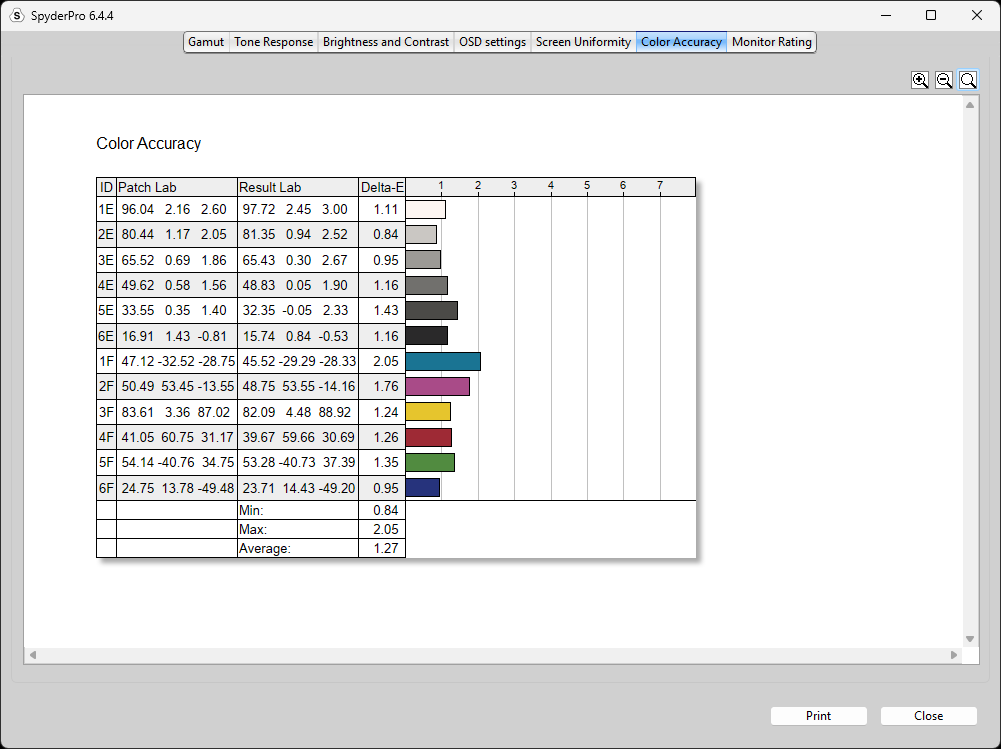
For color accuracy in this mode, the monitor achieved an average Delta E of 1.19 with the 48-patch set, 0.91 with the 24-patch set, and 1.07 with the 12-patch set.
Note: These Delta E results are not measured against a specific color space (e.g., sRGB or Display P3). Instead, they represent the average color difference measured across three different reference patch sets: 12, 24, and 48 color patches.
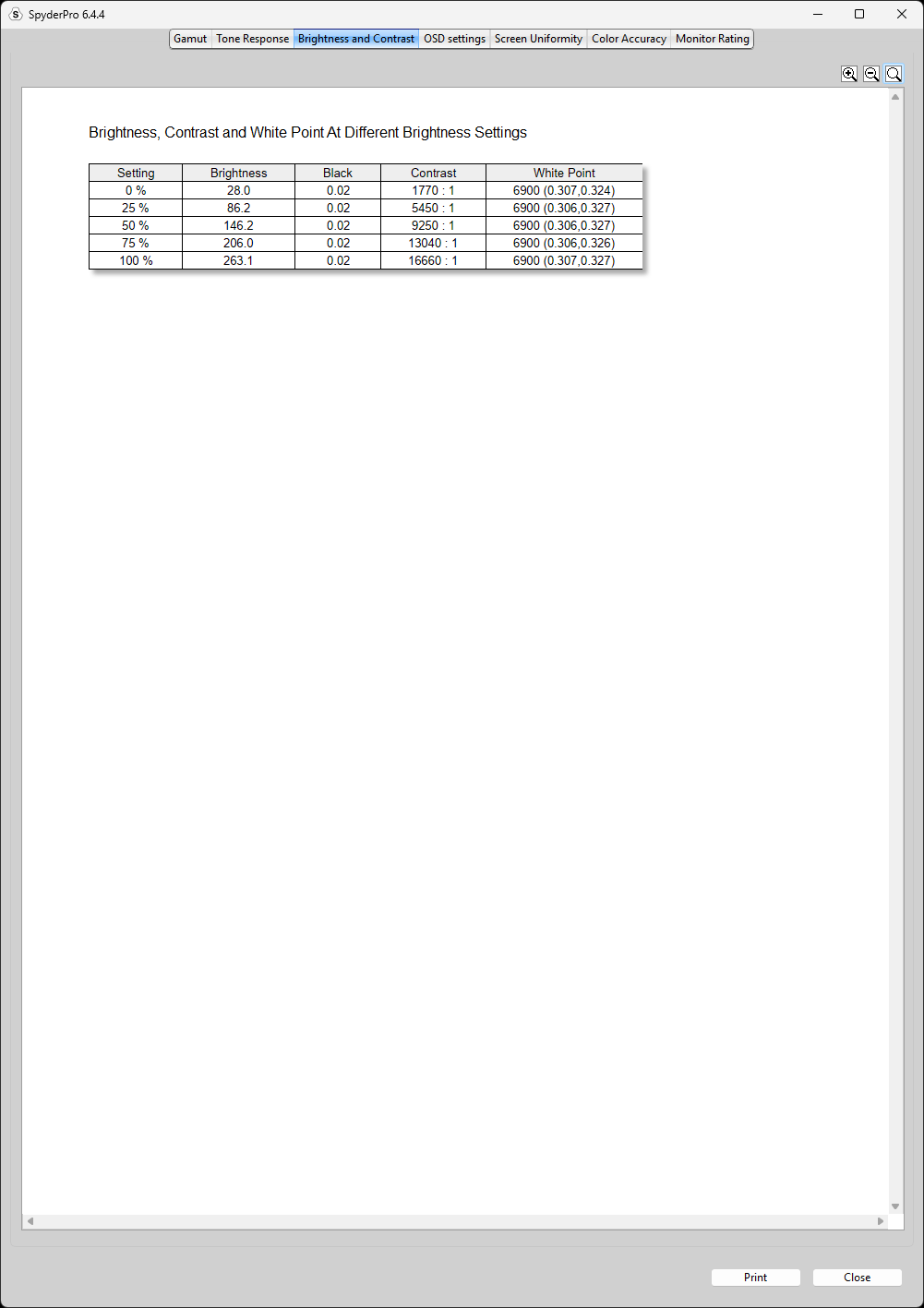
Factory Settings but with 100% Brightness
Peak brightness clocks in at around 263.1 nits for SDR at 100% APL, meaning across the entire panel, which is close enough to its rated specifications of 275 nits.
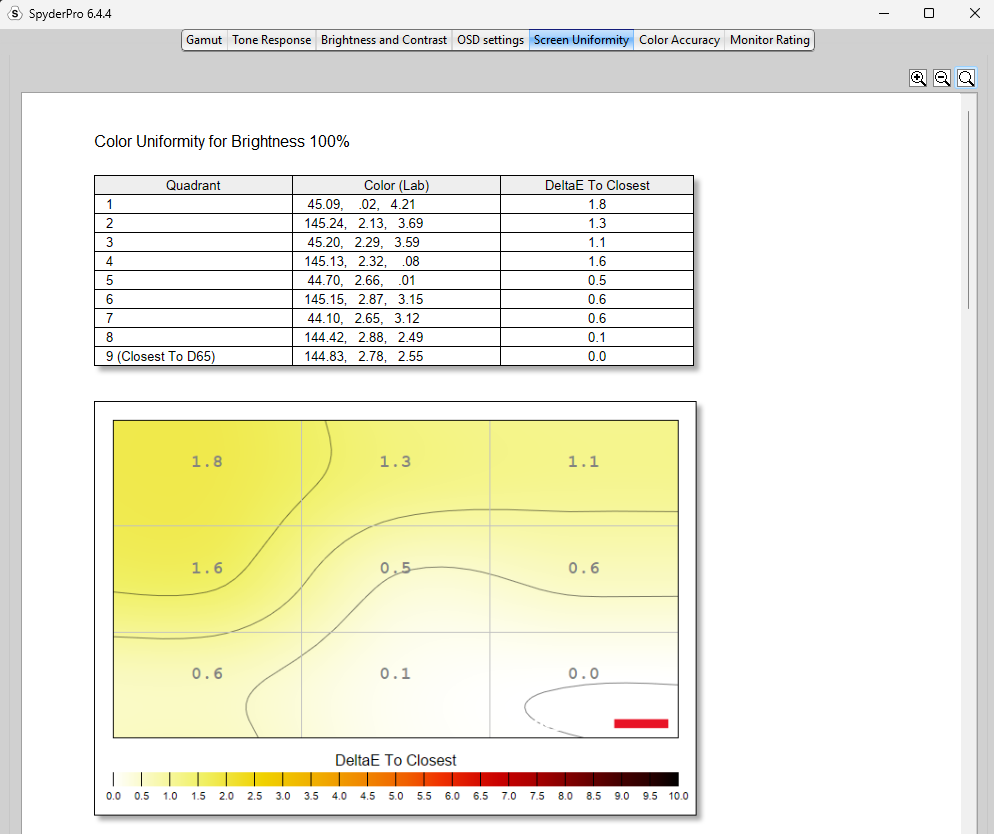
Screen Uniformity at Factory Settings but with 100% Brightness
Color uniformity is quite excellent as well, with a maximum Delta E deviation of just 1.8 across the screen at maximum brightness.
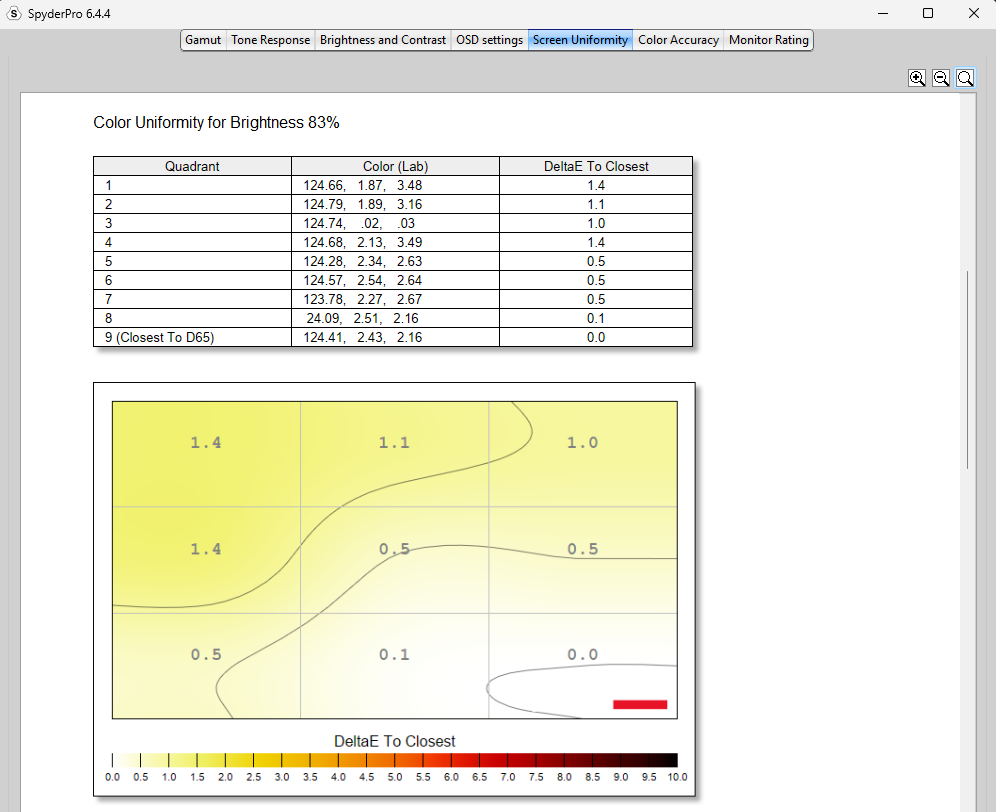
And it gets even better at lower brightness settings. Most users won’t run their monitor at maximum brightness all the time, so lowering the brightness to 83% results in an even better maximum Delta E deviation of just 1.4, which is outstanding.
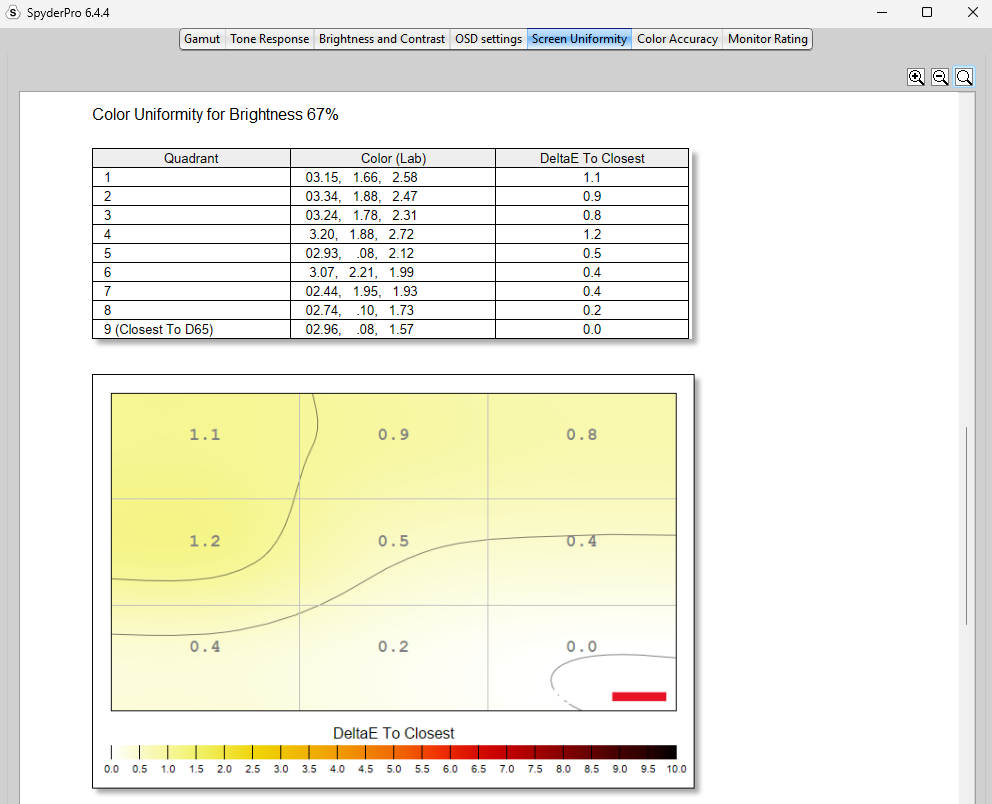
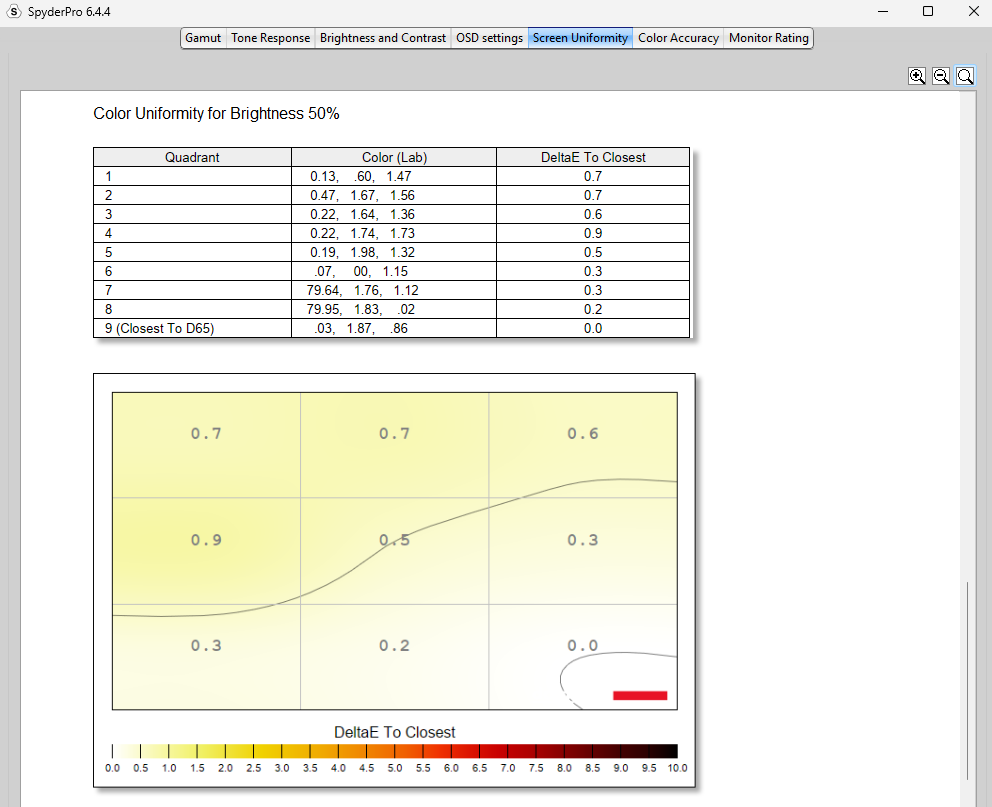
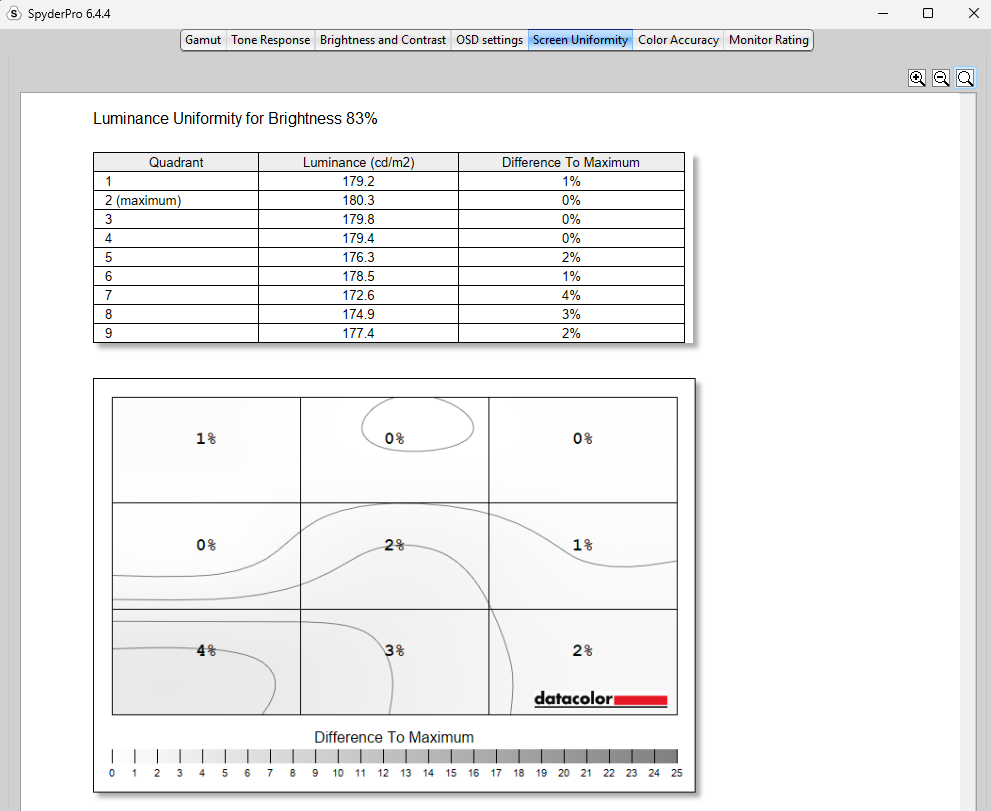
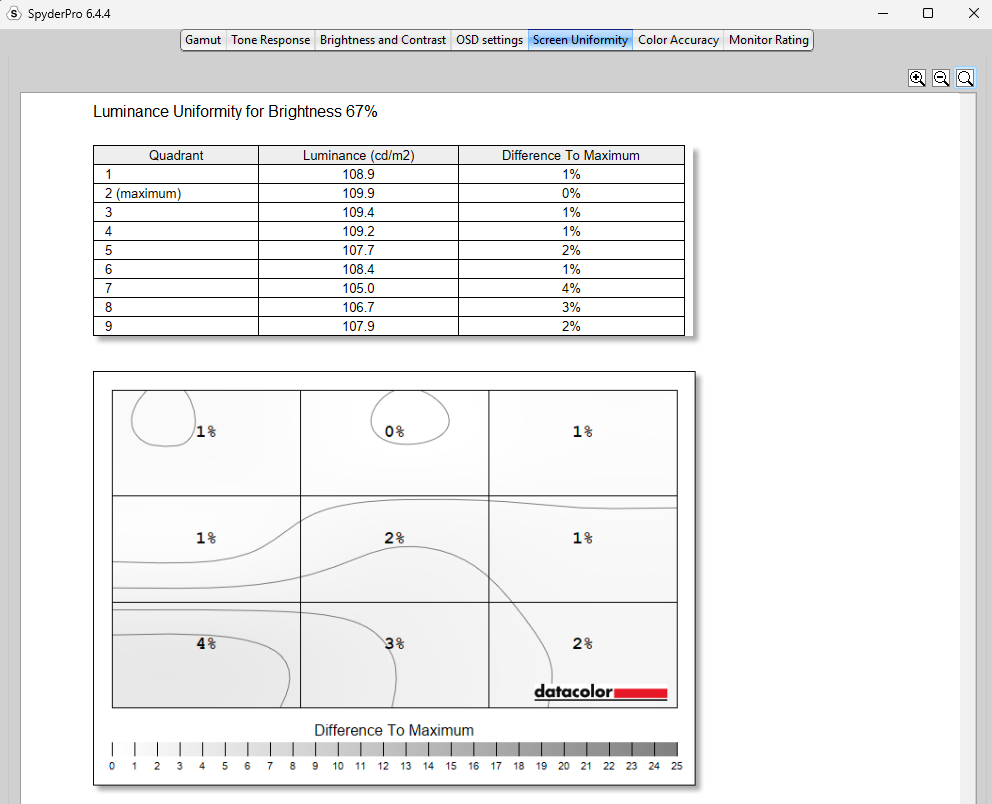
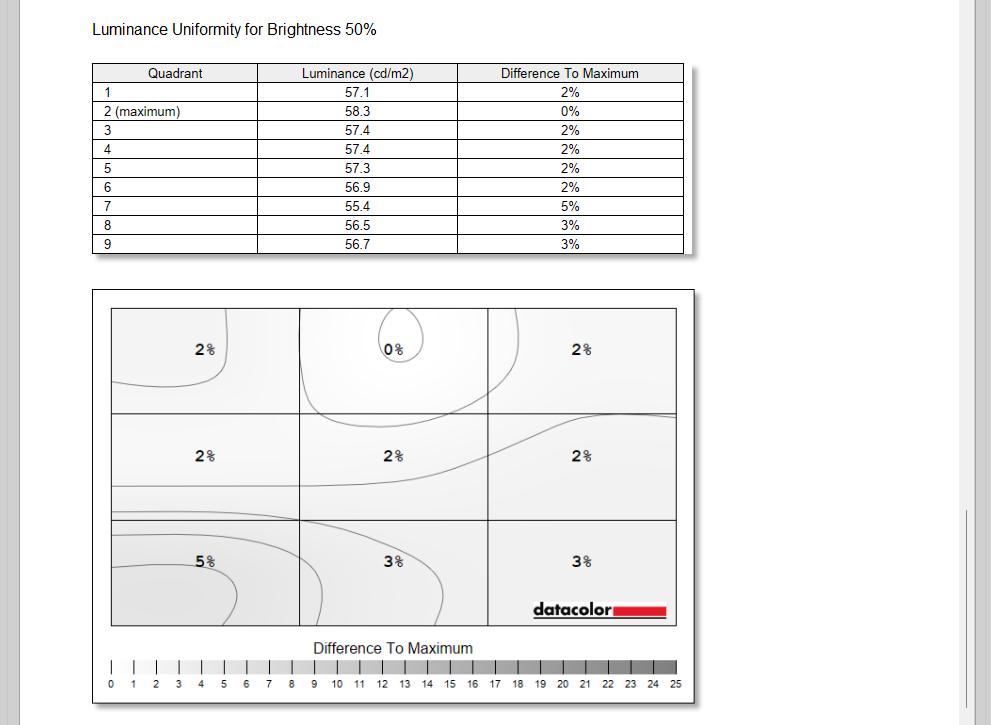
It’s the same case with luminance uniformity, which measures brightness levels across different areas of the screen.
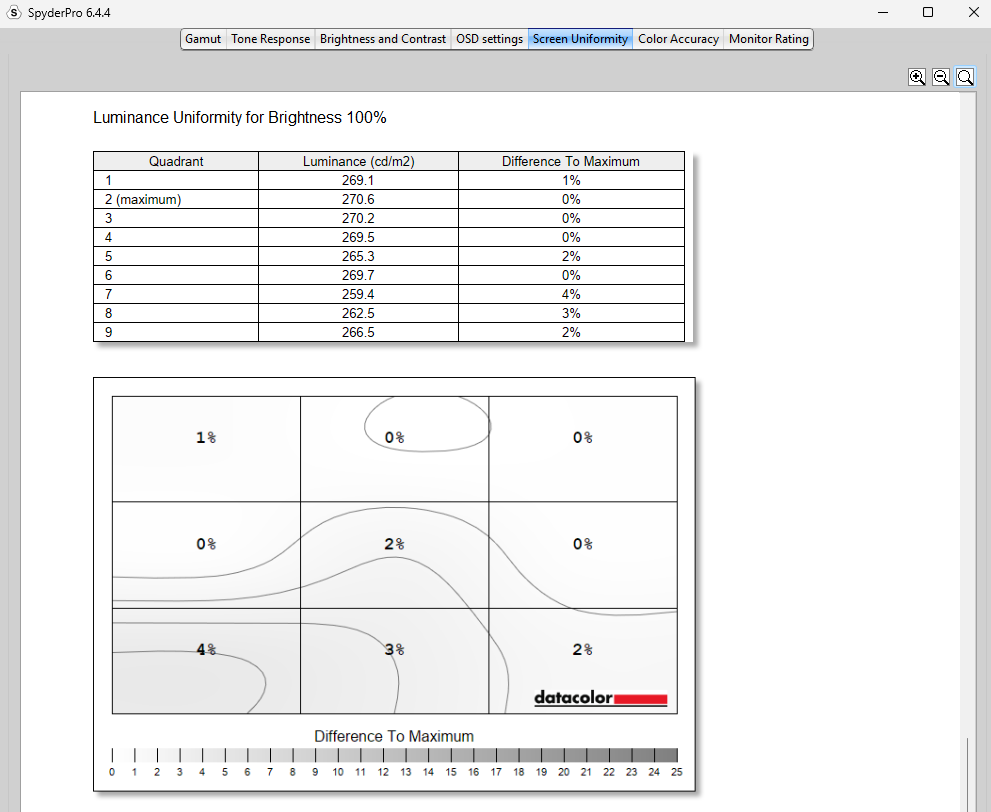
We saw a maximum luminance deviation of just 4% across most brightness settings, with only a minor spike to 5% at the 50% brightness level. That’s still an excellent result, as variations below 10% are generally considered very good for display uniformity.
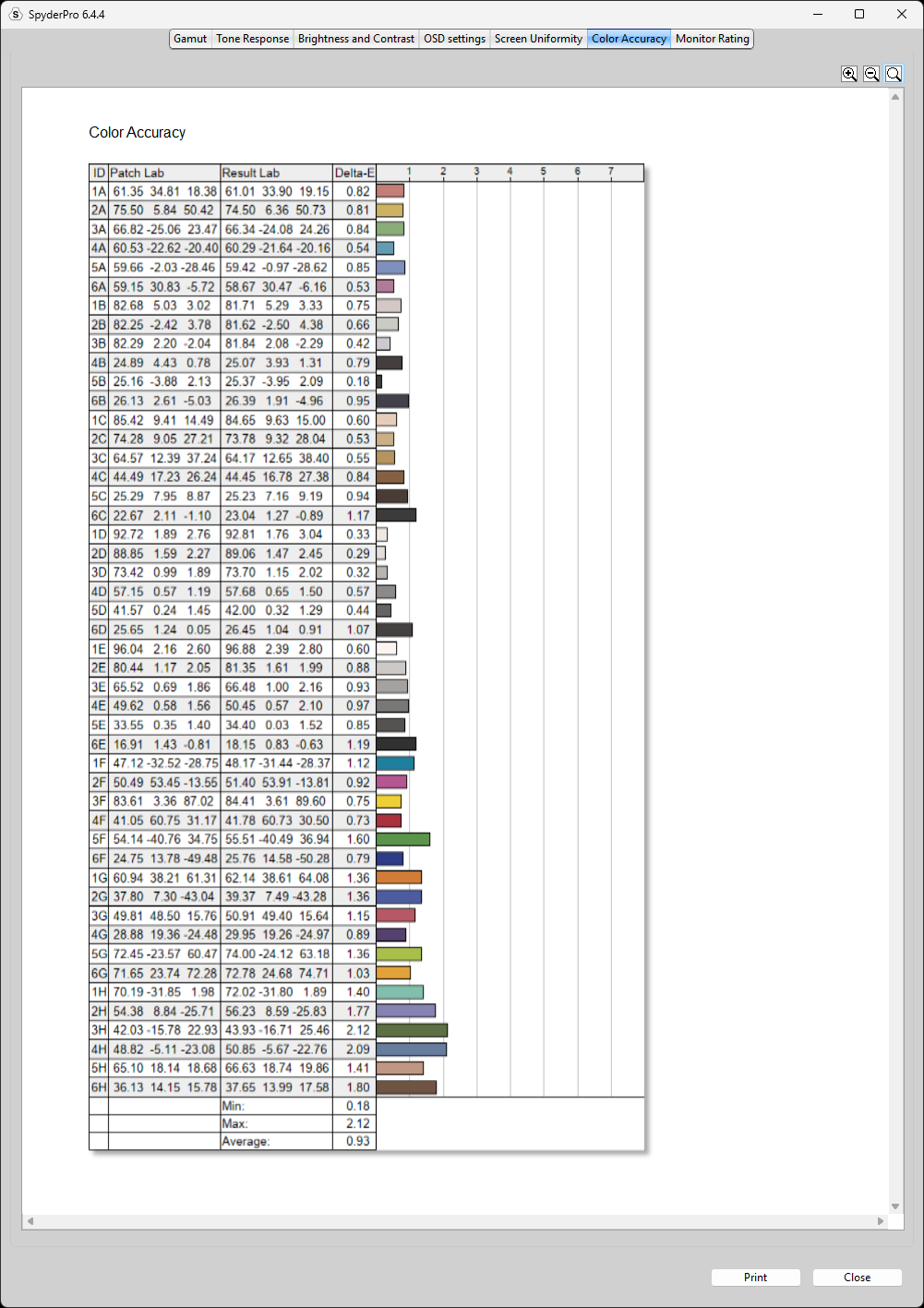
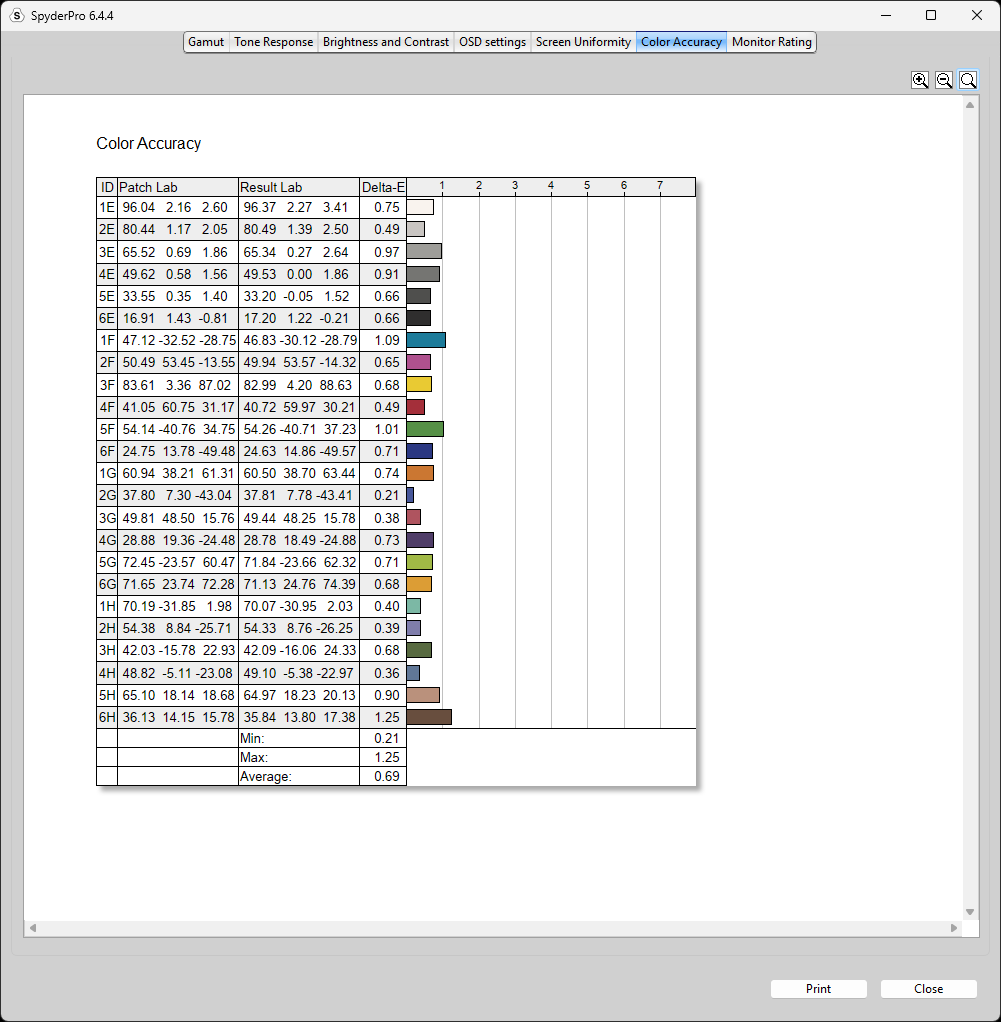
Ultimately, the monitor achieved an average Delta E of 0.93 with the 48-patch set, 0.69 with the 24-patch set, and 1.01 with the 12-patch set. While the results vary slightly between patch sets, the 48-patch test provides the most comprehensive representation of the monitor’s overall color accuracy because it evaluates a larger range of colors.
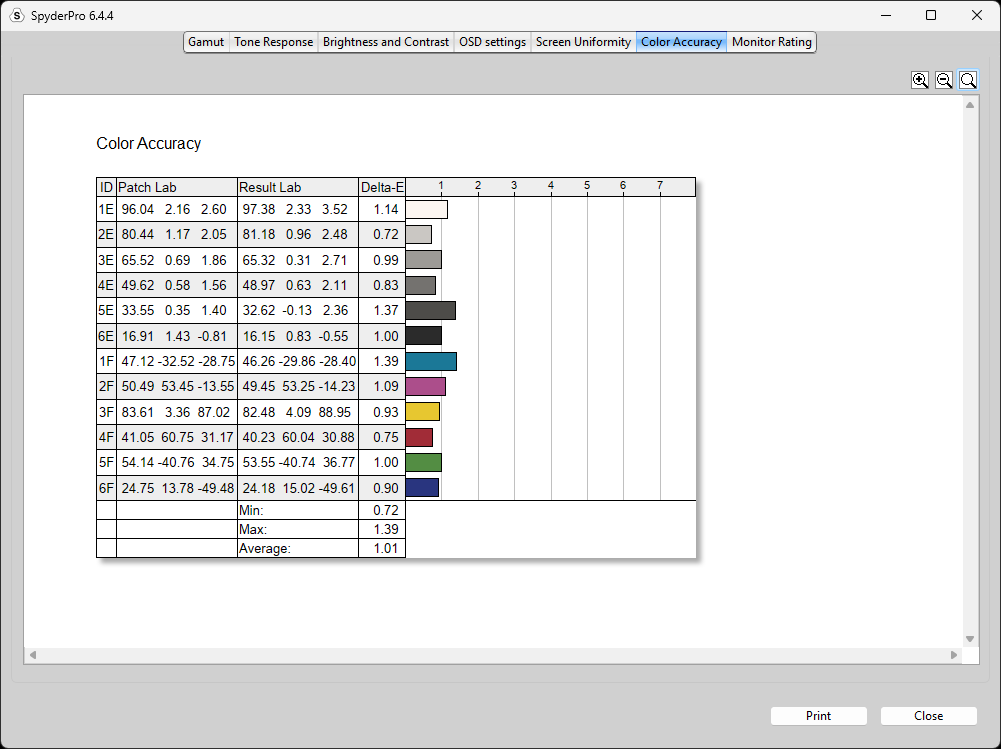
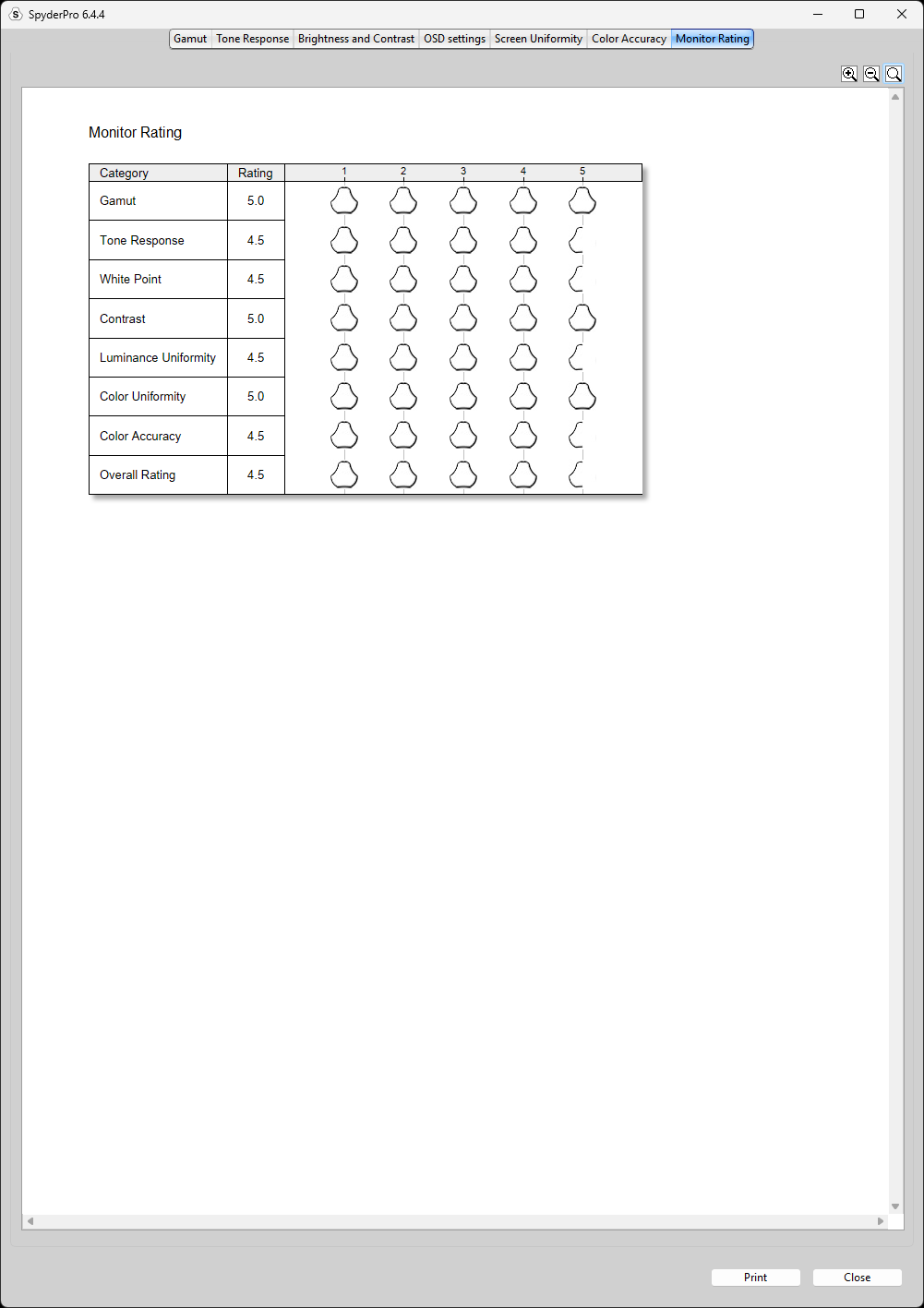
Overall, the Gigabyte GO27Q24G scored an excellent 4.5 rating in the Datacolor SpyderPro Color Calibration tool at Factory Settings, 100% Brightness.
With that said, this monitor also has dedicated emulation modes for sRGB and Display P3, so let’s put those to the test as well.
Dedicated sRGB Emulation Mode (100% Brightness)
In sRGB emulation mode, Gigabyte clamps the monitor’s color gamut to closely match the sRGB color space, making it well-suited for typical Windows SDR content. However, this mode also disables several monitor settings, leaving brightness adjustment as one of the few user-adjustable options.
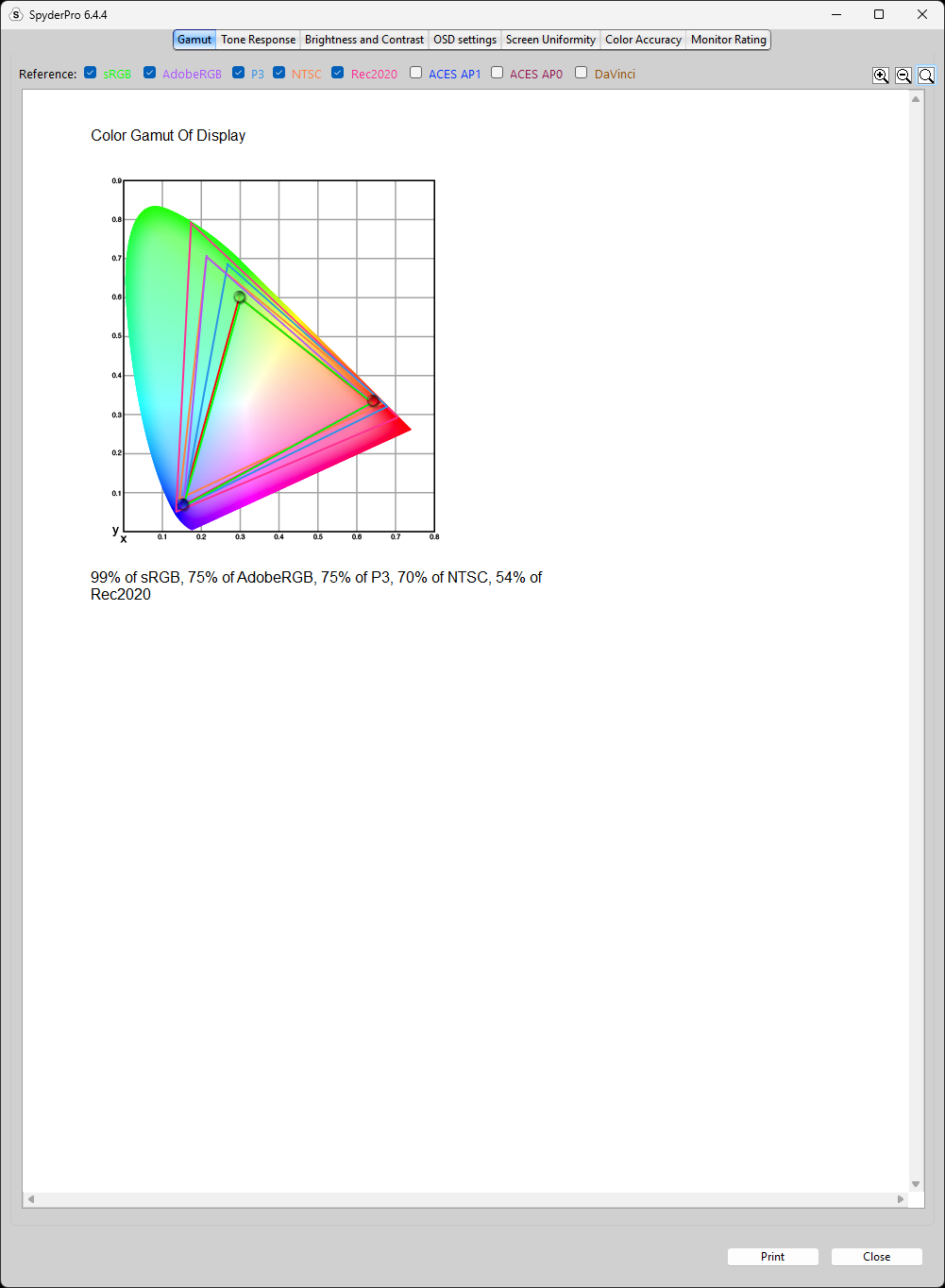
In sRGB emulation mode, we measured 99% sRGB coverage, 75% AdobeRGB, 70% NTSC, and 75% Display P3 coverage.
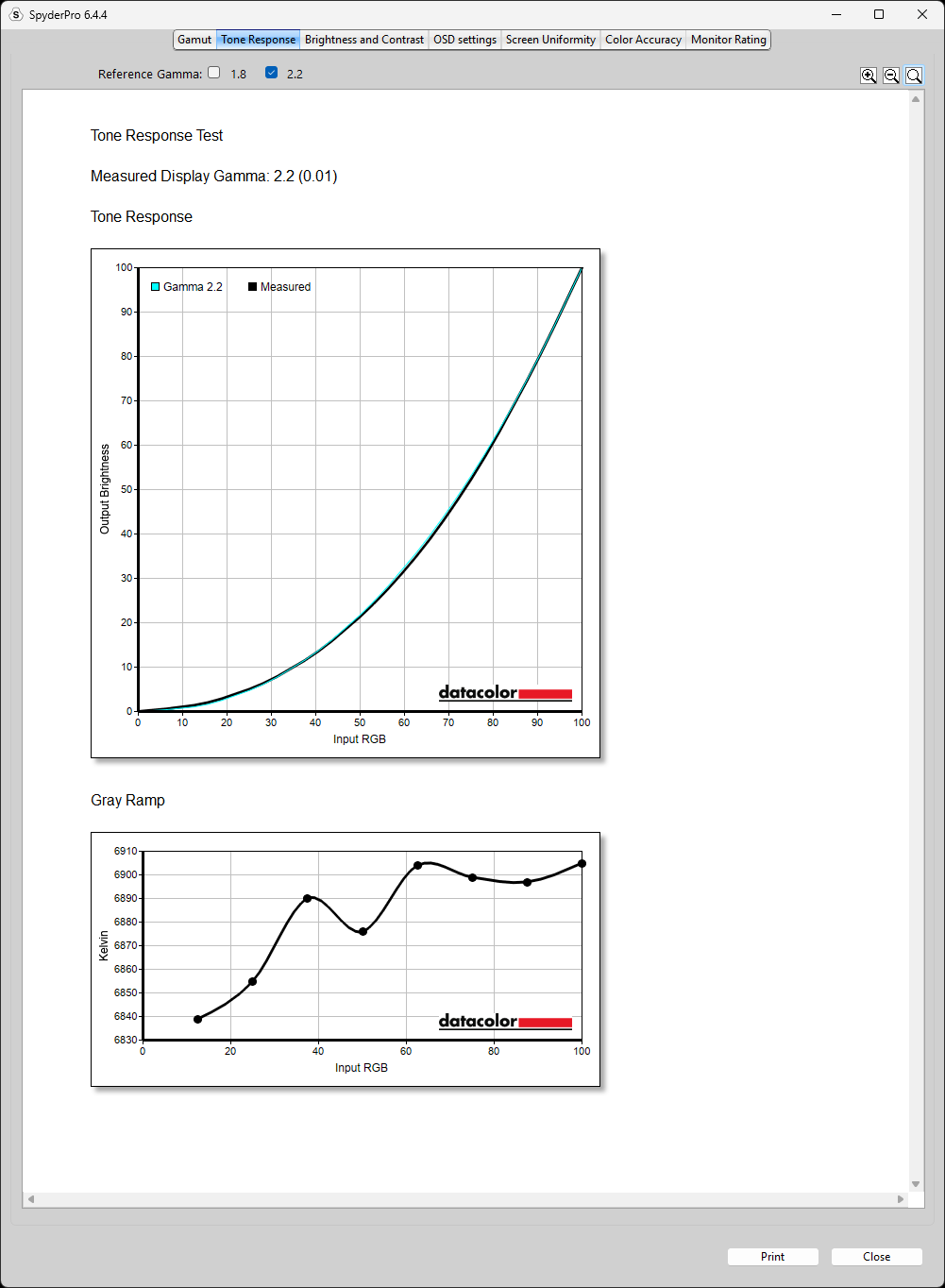
Tone response at 2.2 gamma remains consistently good.
For color accuracy, the GO27Q24G achieved an average Delta E of 1.60 with the 48-patch set, 1.60 with 24 patches, and 1.55 with 12 patches while in sRGB emulation mode. The results are remarkably consistent across all three patch sets, with the 48-patch measurement providing the most comprehensive representation of the monitor’s color accuracy in this mode.
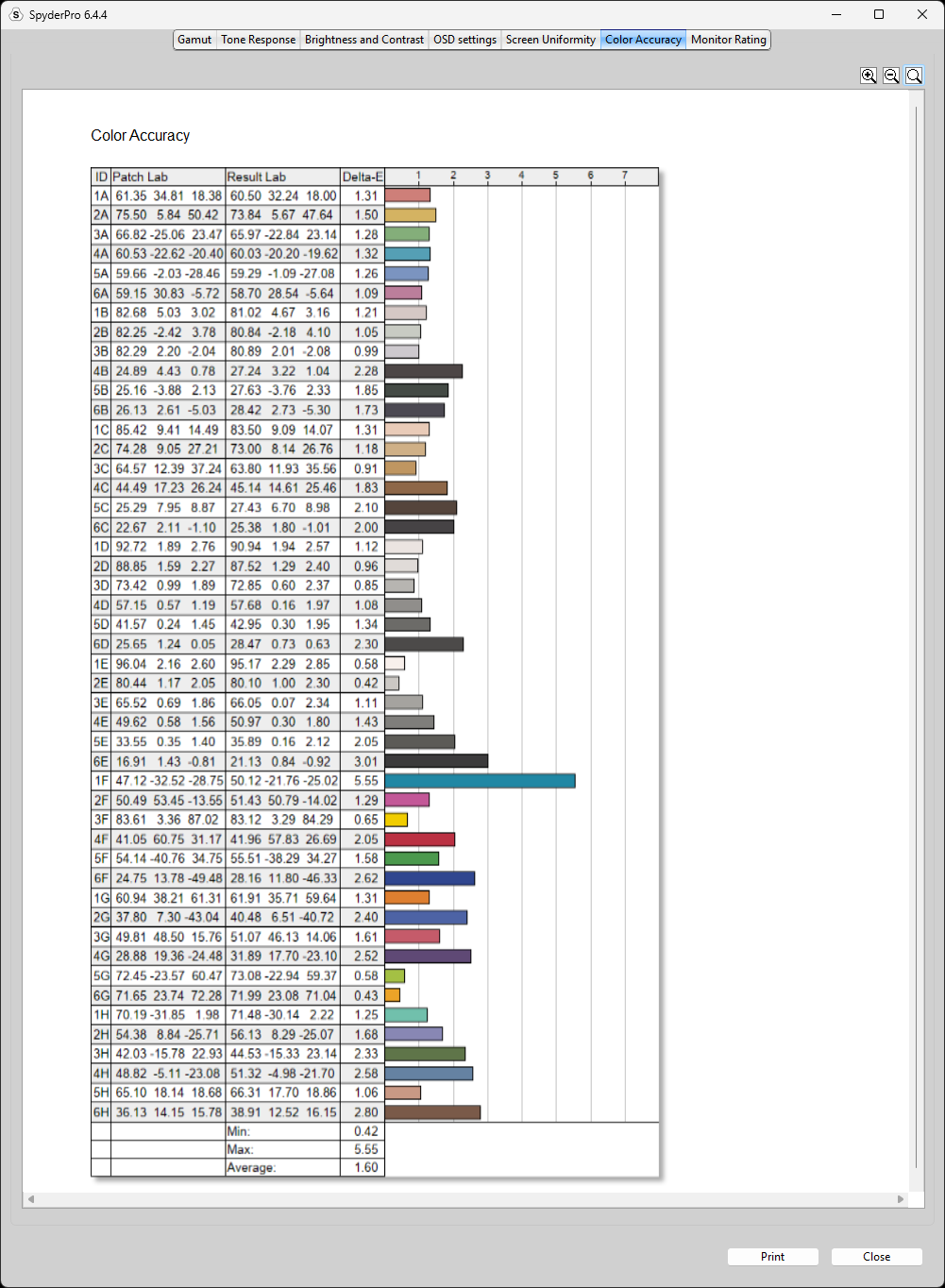
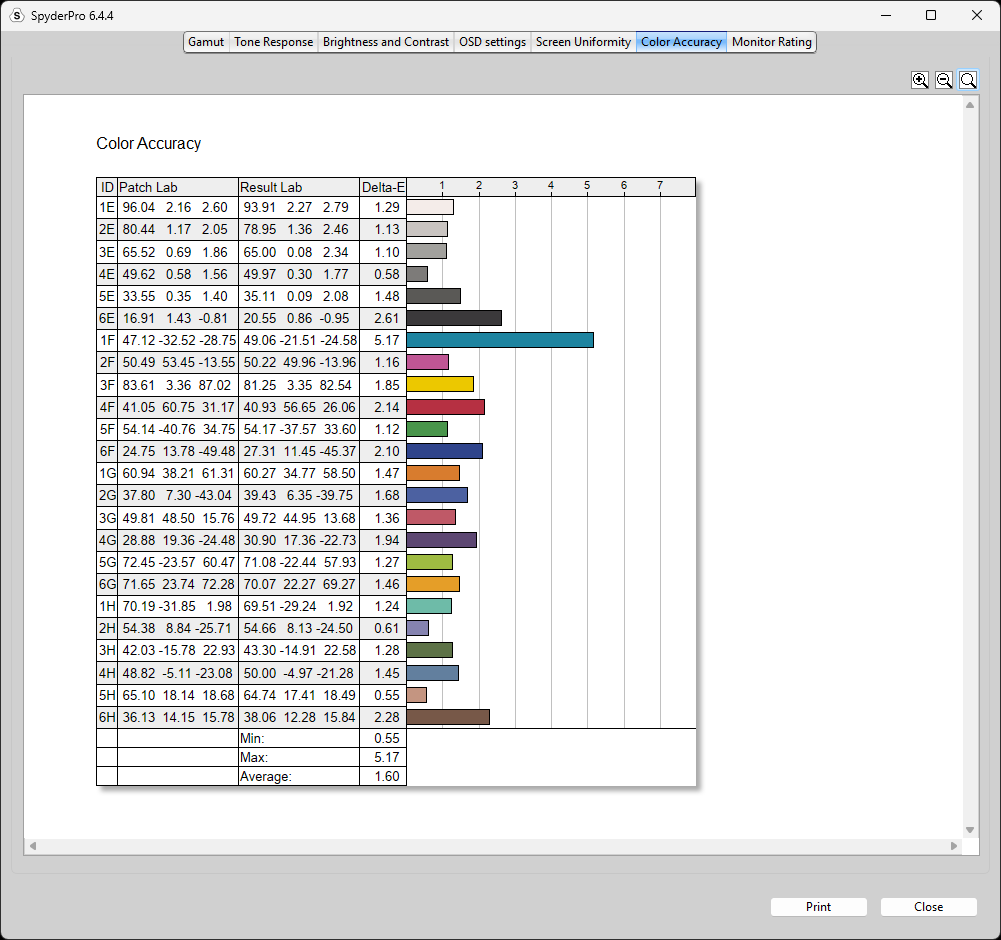
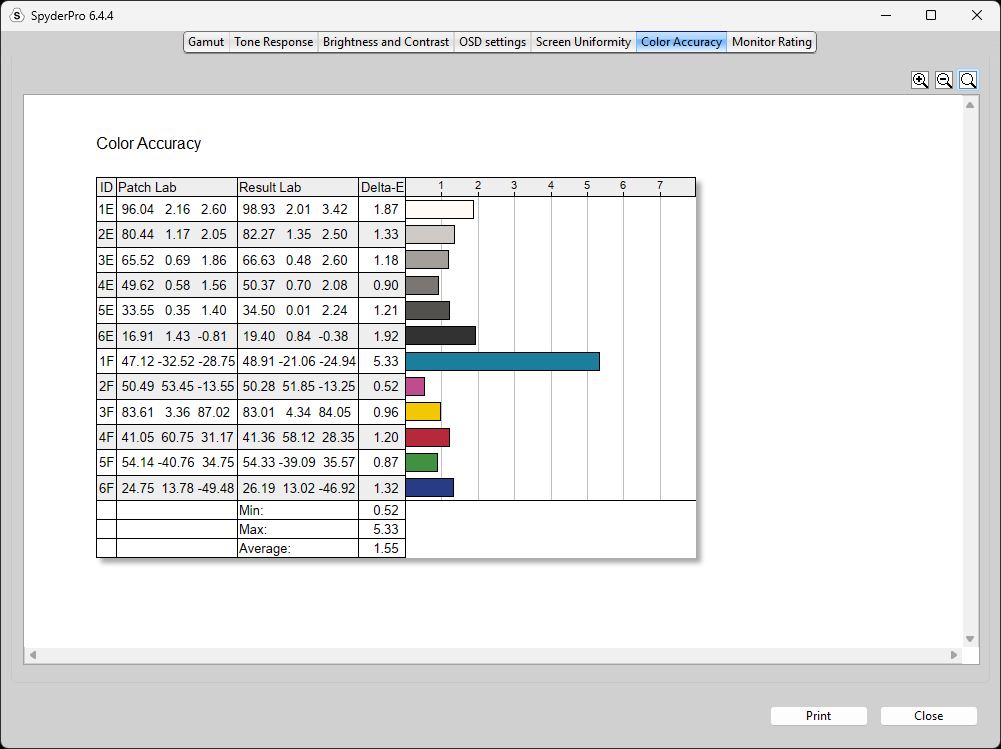
Note: Delta E results are calculated from SpyderPro’s reference color patches and are not directly measured against a specific color space. In this section, the monitor is operating in its sRGB emulation mode, which limits its gamut to closely match sRGB.
Display P3 Emulation Mode (Under Eco Mode > Color Space > Display p3) (100% Brightness)
For Display P3 emulation, Gigabyte provides a dedicated Display P3 mode under the ECO picture mode’s Color Space setting. This mode is designed to constrain the monitor’s native wide gamut to closely match the Display P3 color space, making it suitable for content and workflows that target P3.
In this mode, we measured 100% sRGB, 90% AdobeRGB, 88% NTSC, and 95% P3 coverage.
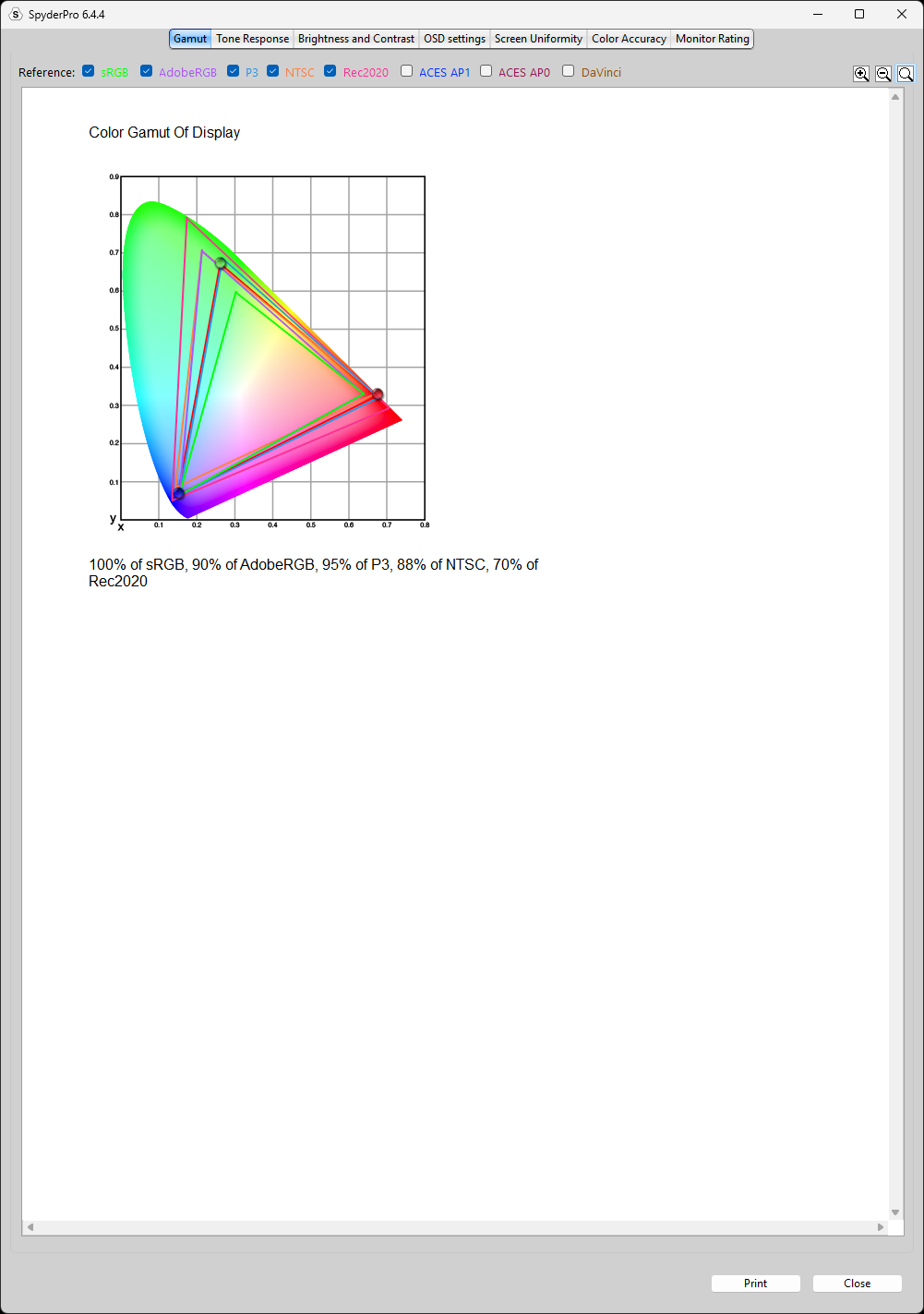
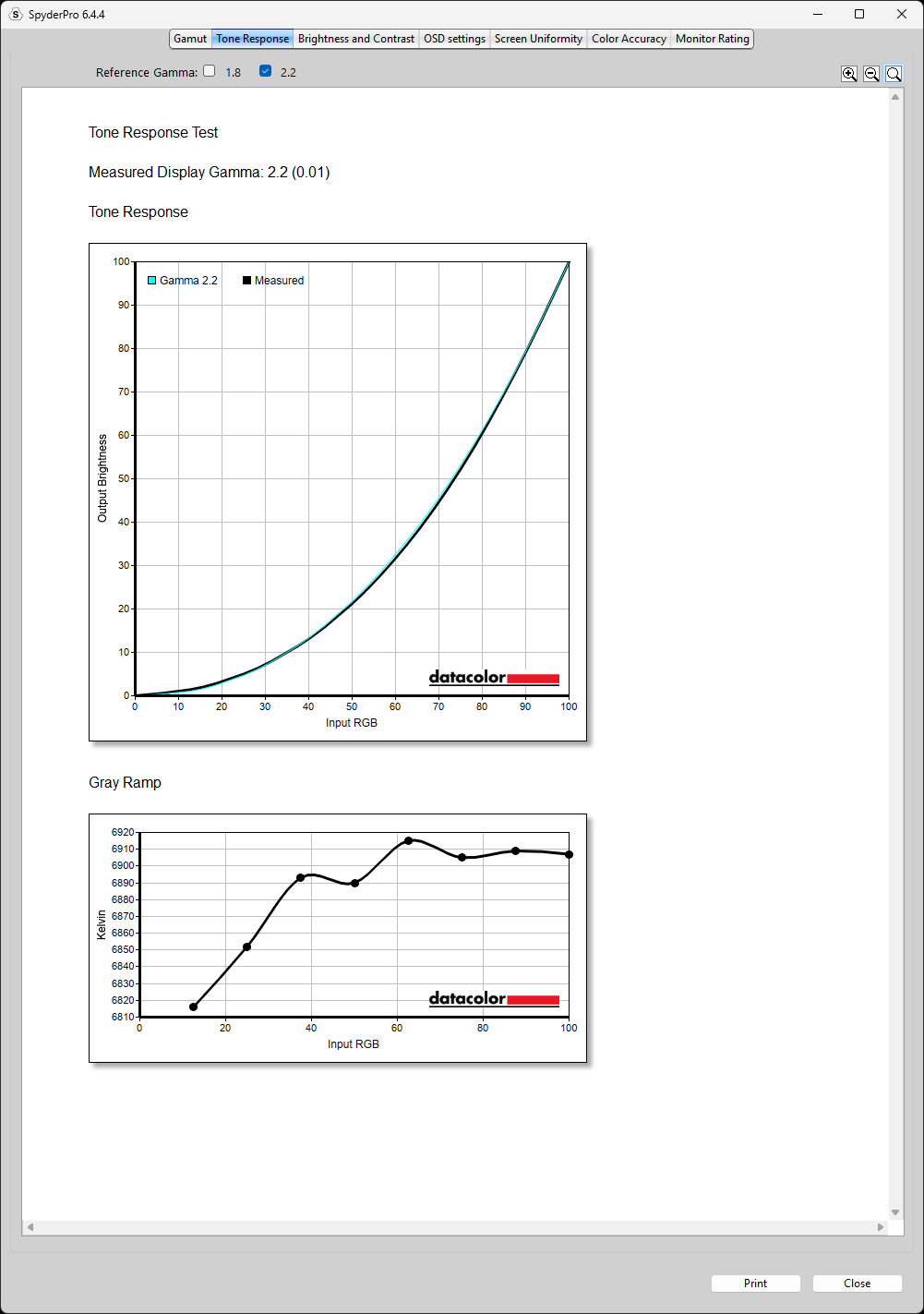
Tone response at 2.2 gamma is still very consistent.
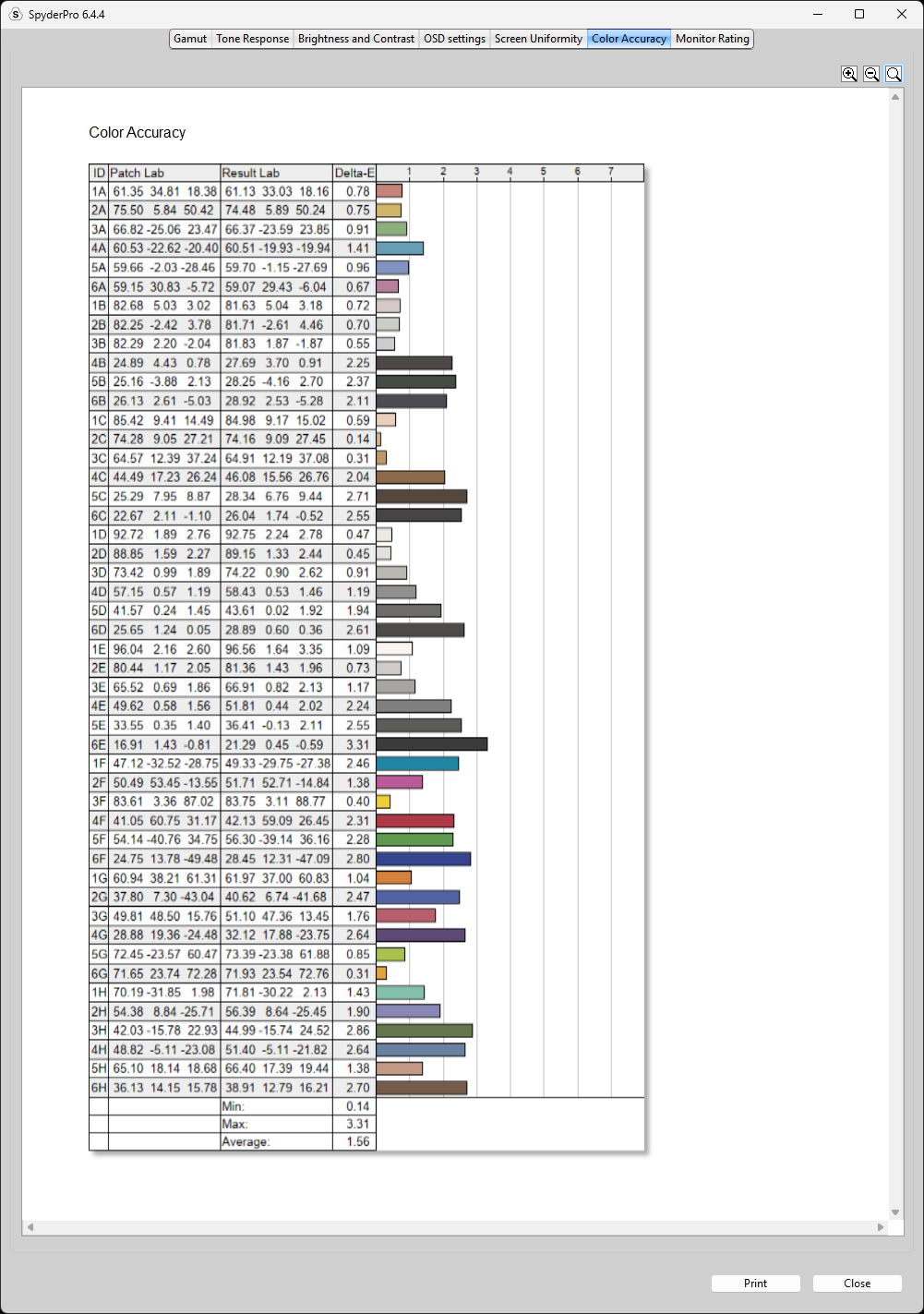
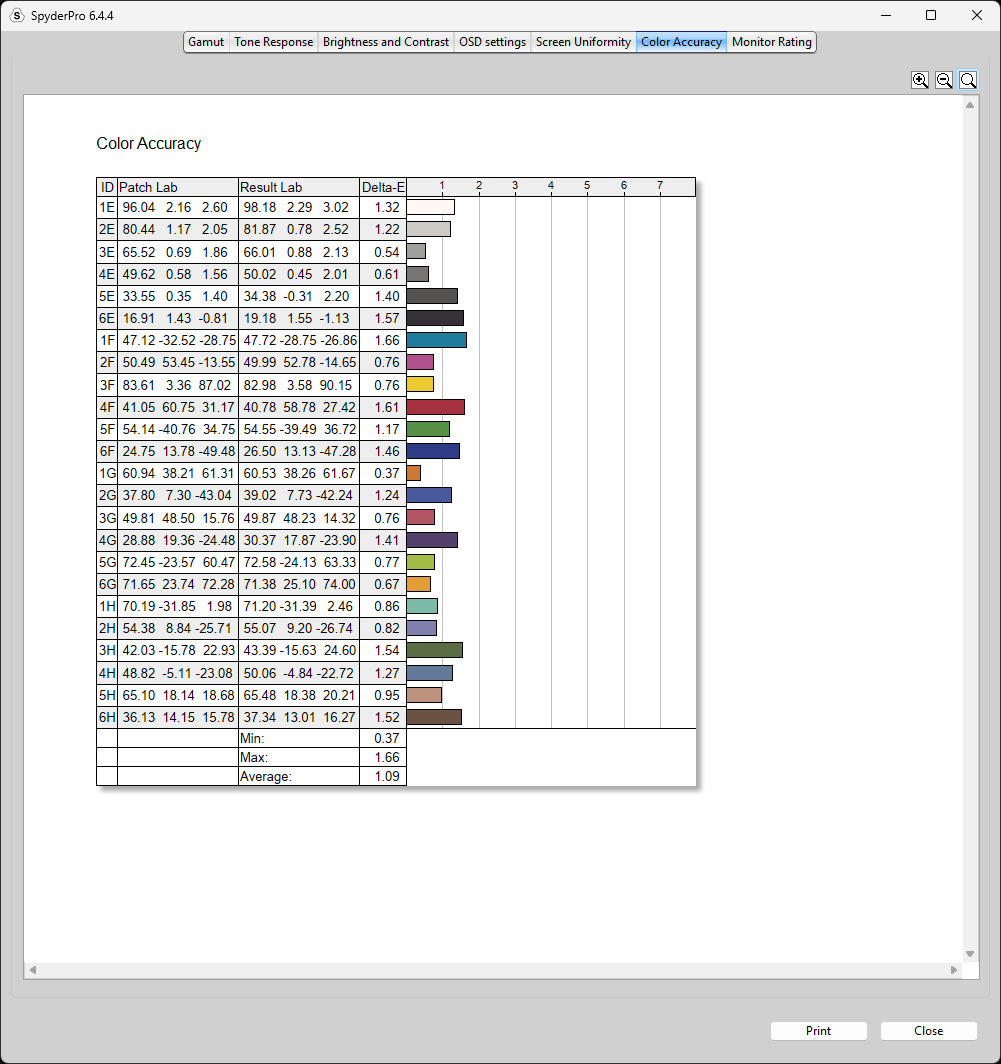
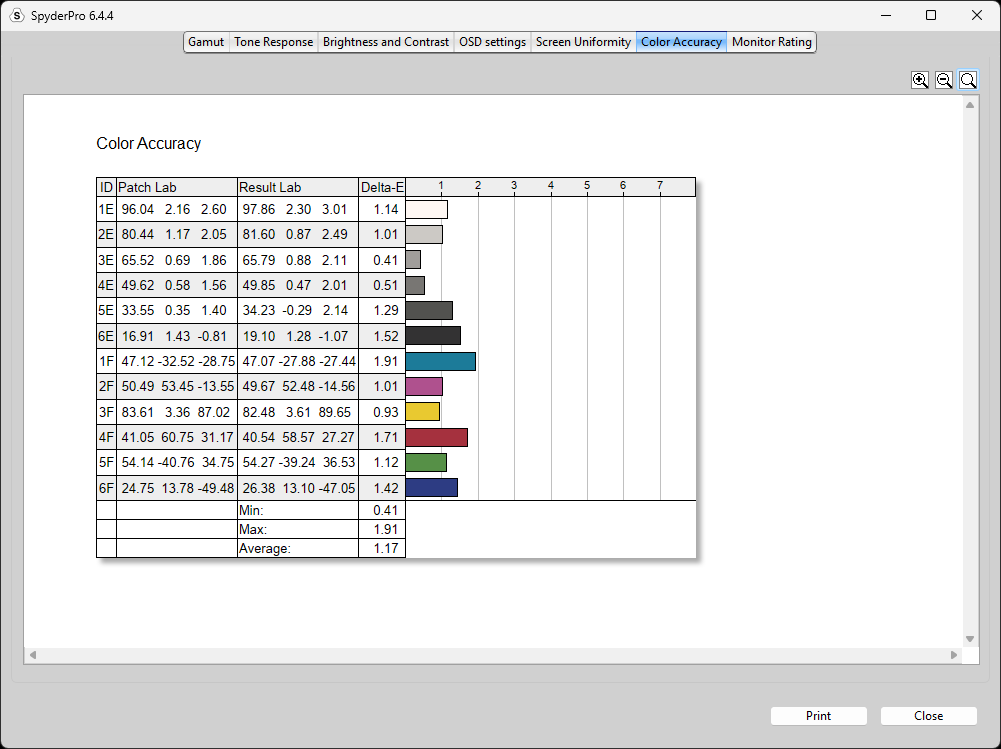
For color accuracy, the monitor achieved an average Delta E of 1.56 with the 48-patch set, 1.09 with the 24-patch set, and 1.17 with the 12-patch set. As with our previous tests, these Delta E values are calculated from SpyderPro’s reference color patches and are not directly measured against a specific color space.
However, the monitor was operating in its Display P3 emulation mode during these measurements.
Dedicated Standard Mode (100% Brightness)
For good measure, I also tested the monitor in Standard Mode, which also offers a wide gamut.
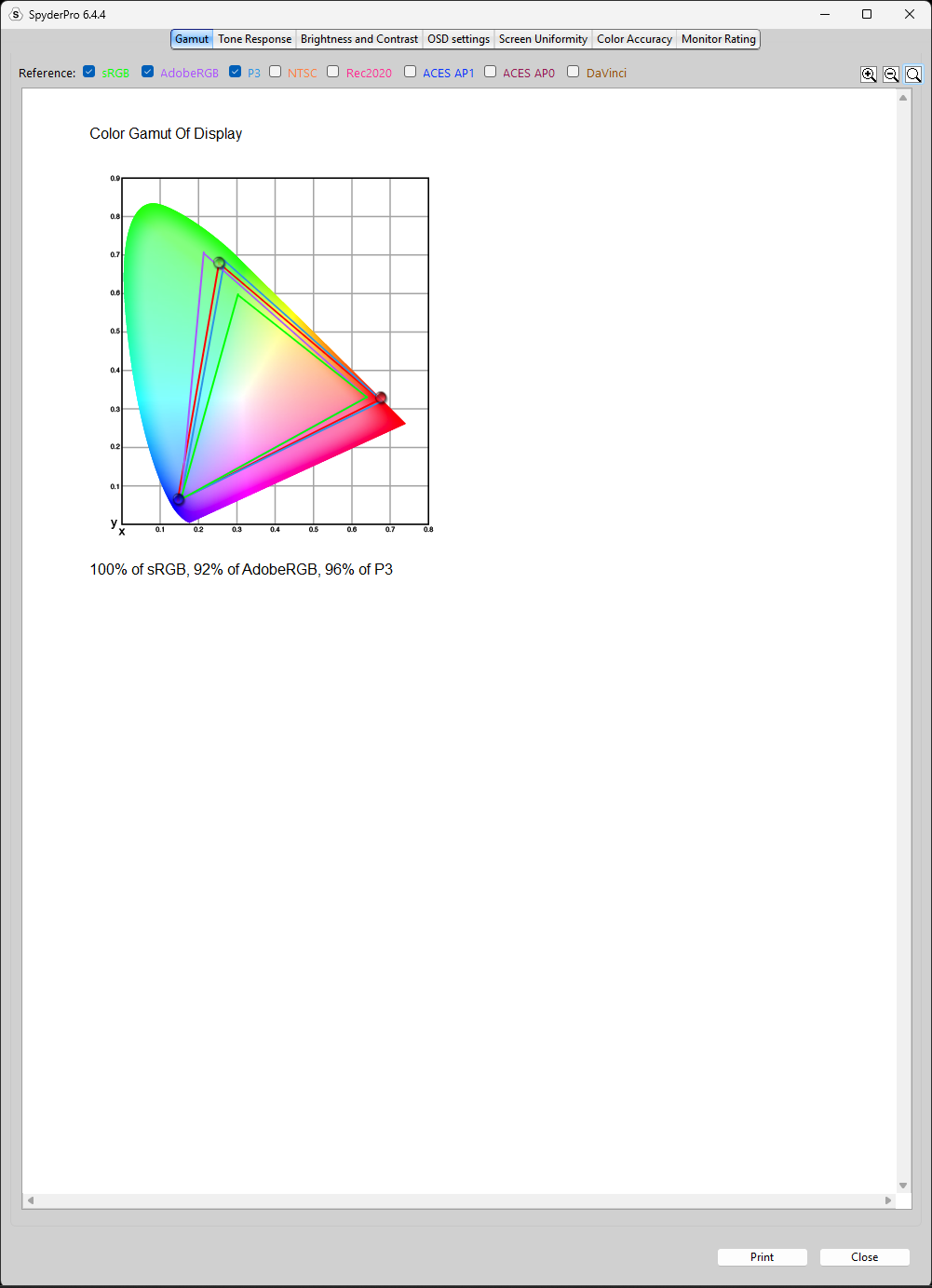
In this mode, we measured 100% sRGB, 92% AdobeRGB, and 96% Display P3 coverage, which is very similar to what we measured in ECO mode.
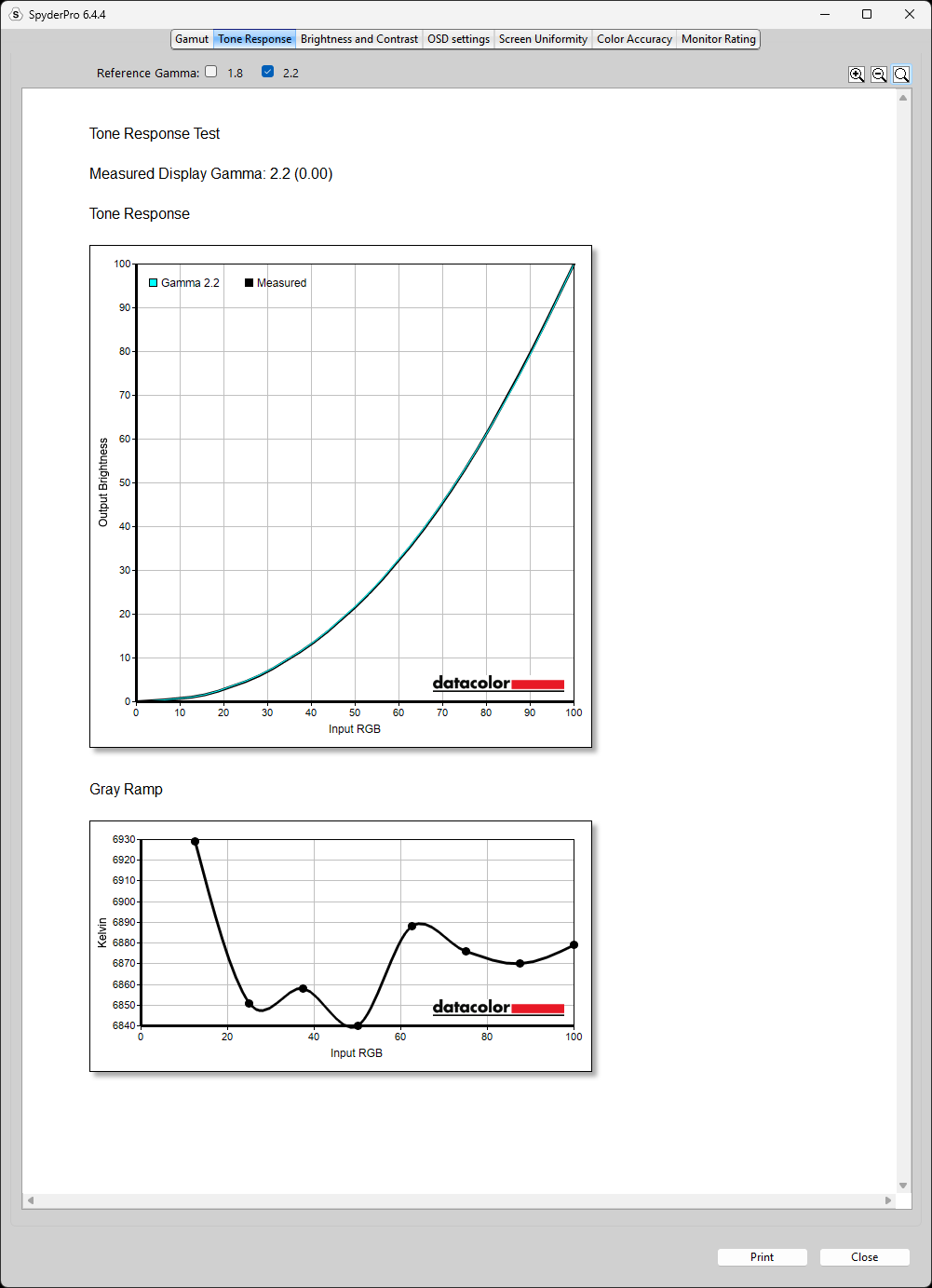
Same good tone response at 2.2 gamma.
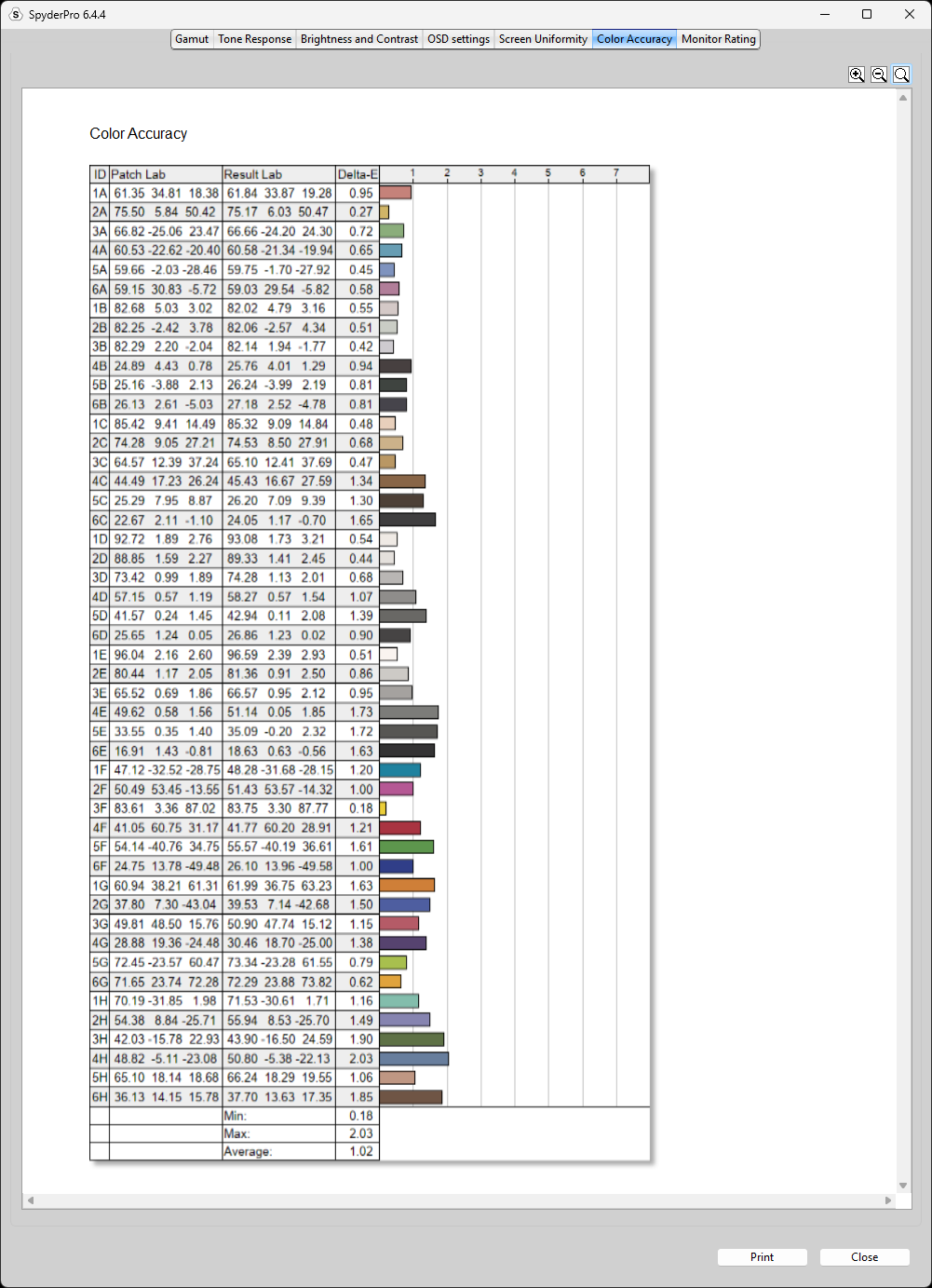
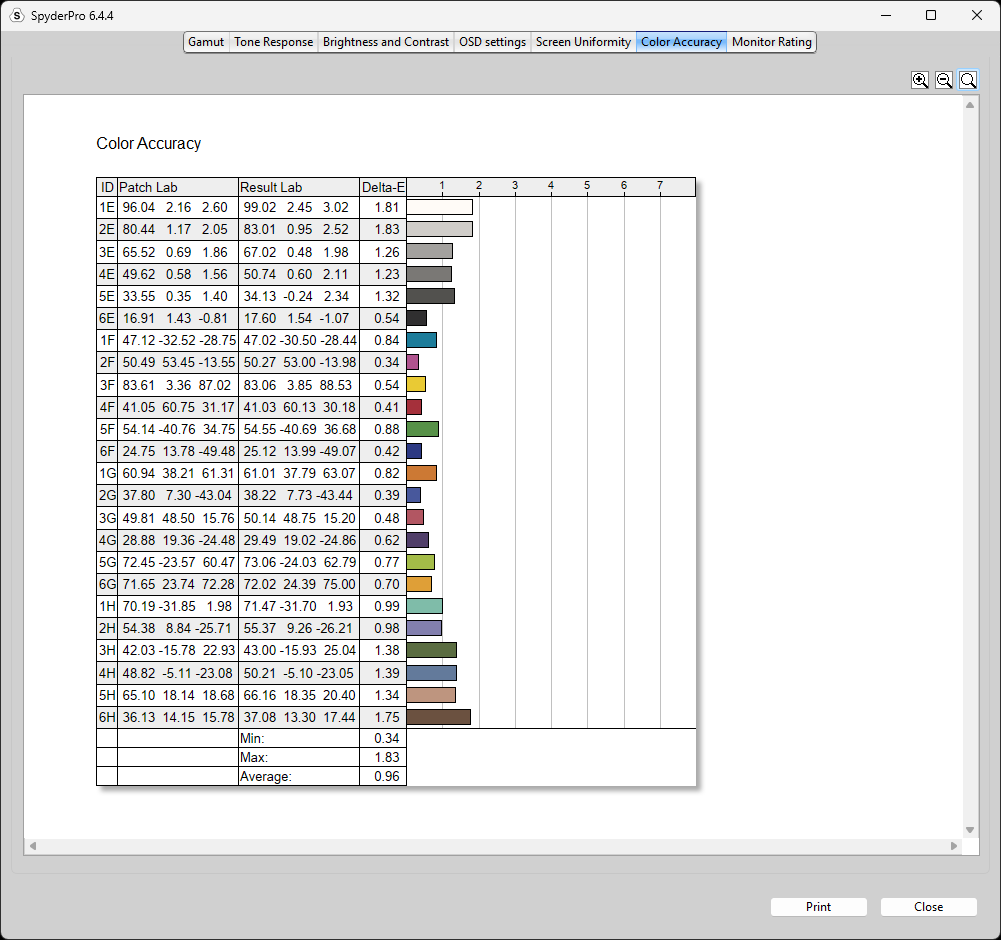
For color accuracy in this mode, the monitor achieved an average Delta E of 1.02 with the 48-patch set, 0.96 with the 24-patch set, and 1.27 with the 12-patch set. As with our previous tests, these Delta E values are calculated from SpyderPro’s reference color patches and are not directly measured against a specific color space.
HDR Tests
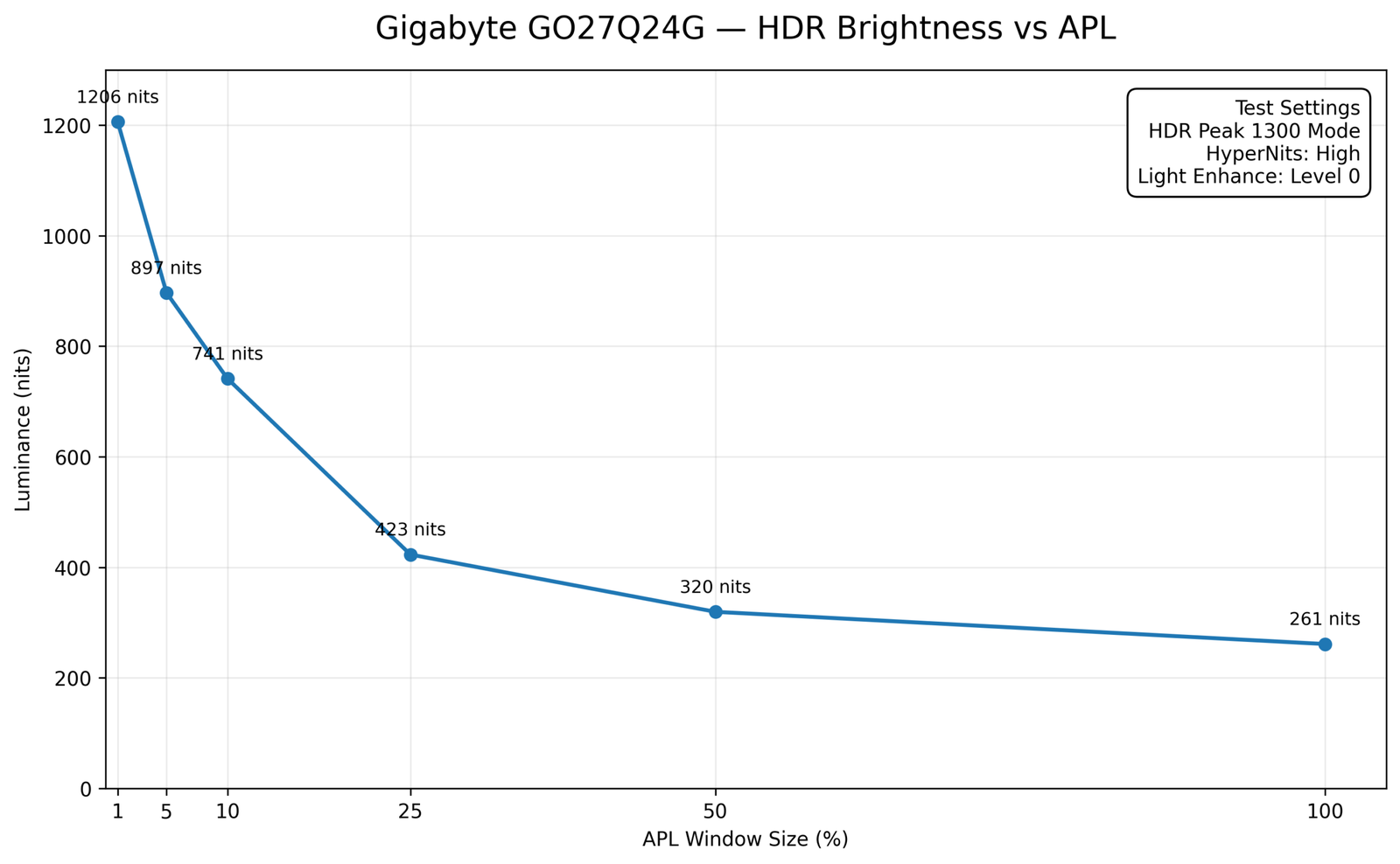
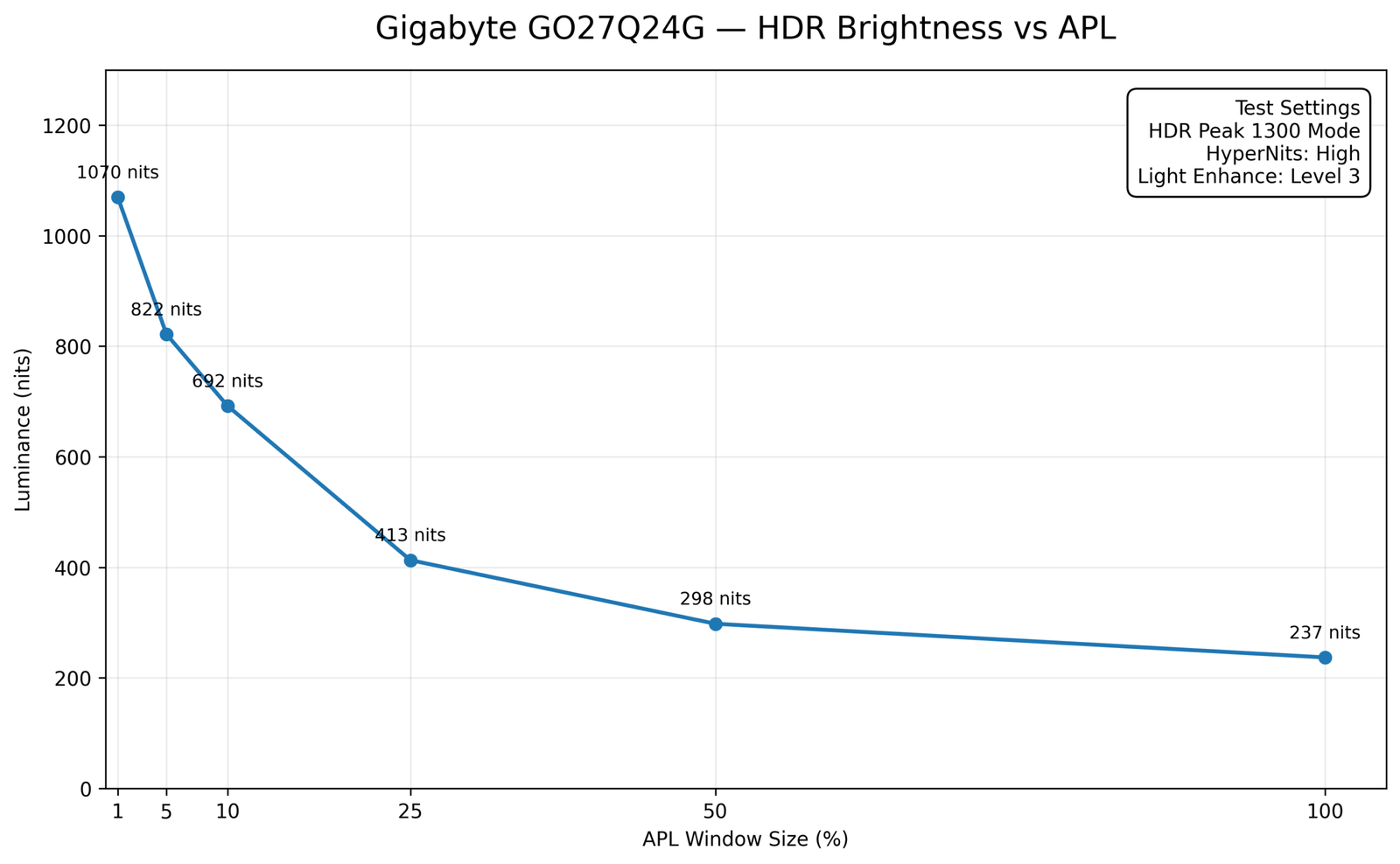
Now, while SDR peak brightness reaches 264 nits at 100% APL, the Gigabyte GO27Q24G is rated for up to 1300 nits at 1.5% APL in HDR mode.
Keep in mind that 1.5% represents just a tiny fraction of the panel, reserved for highlights like explosions or bright lights rather than the entire screen. So, don’t get misled by that headline specification.
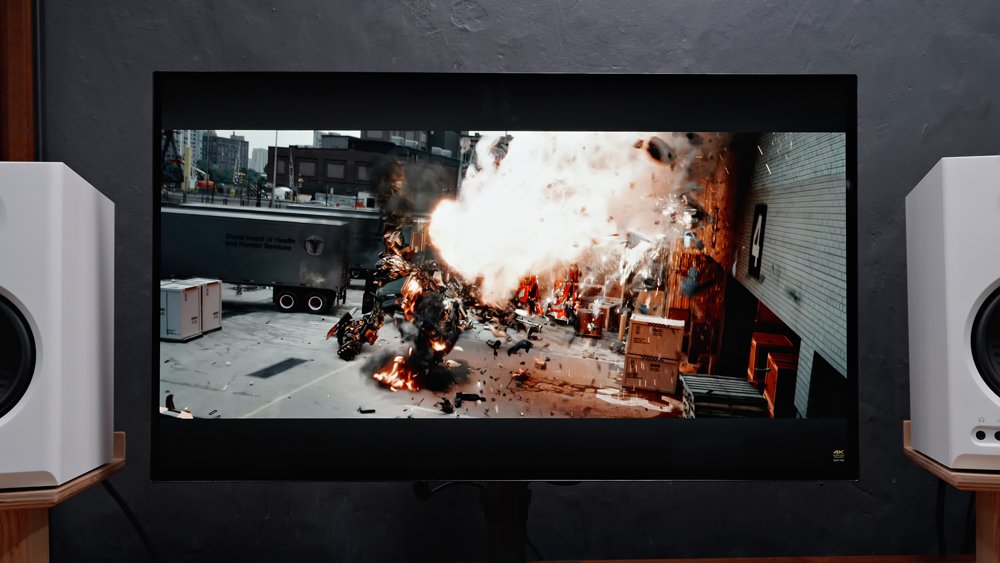
That said, we’ve tested HDR brightness levels across different APL window sizes. In HDR Peak 1300 Mode, with HyperNits set to High and Light Enhance set to Level 0, we measured up to 1206 nits at 1% APL. While this was measured at a slightly different APL than Gigabyte’s 1.5% specification, it’s still a very strong result and comes reasonably close to the advertised 1300-nit peak.
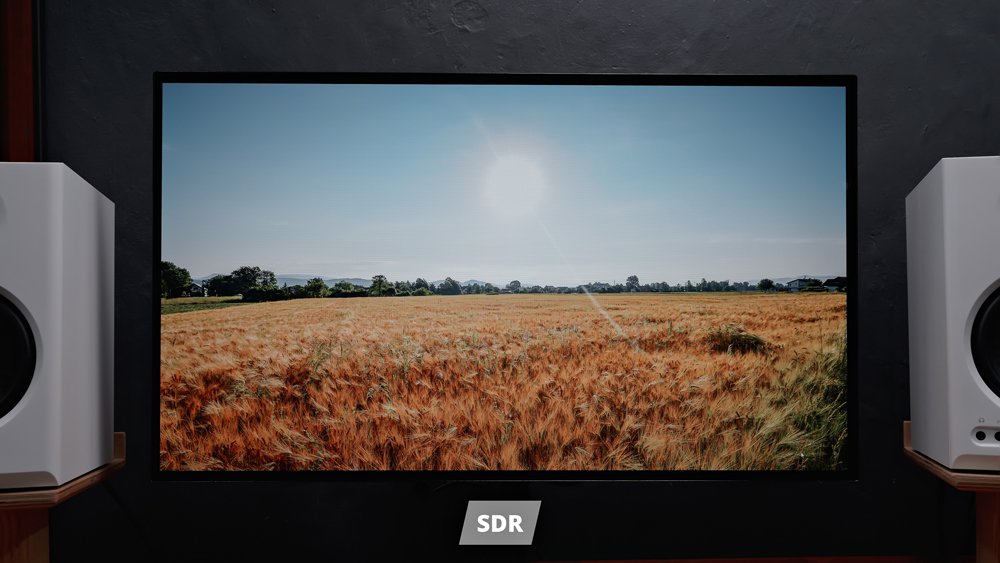
HyperNits is a unique feature on select Gigabyte monitors that allows for up to a 30% boost in brightness in HDR mode, prioritizing highlights.
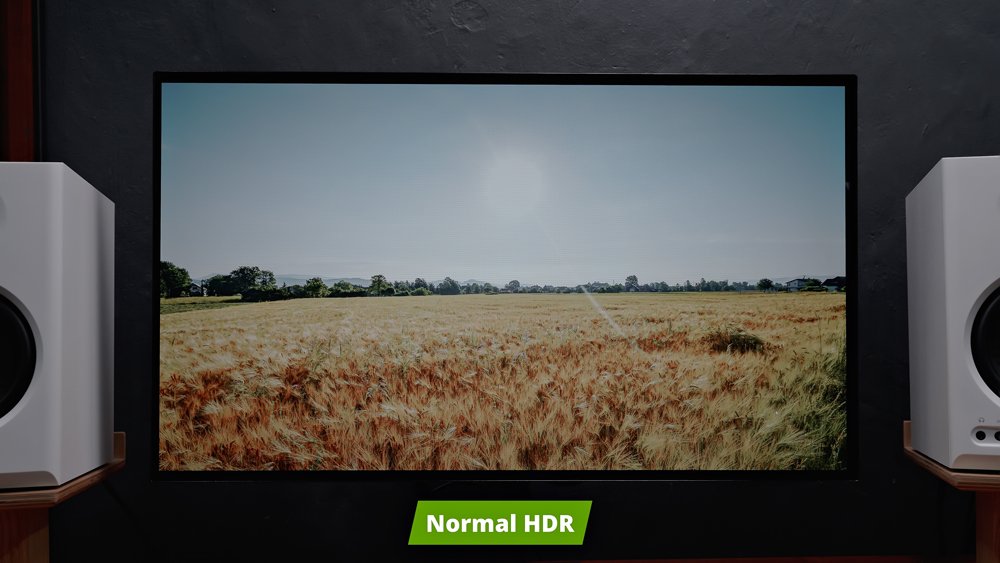
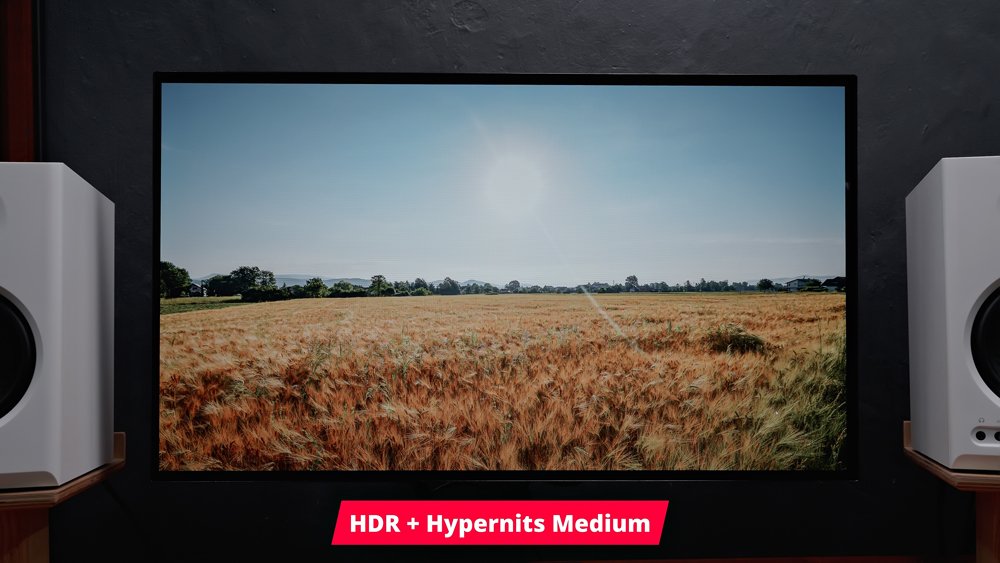
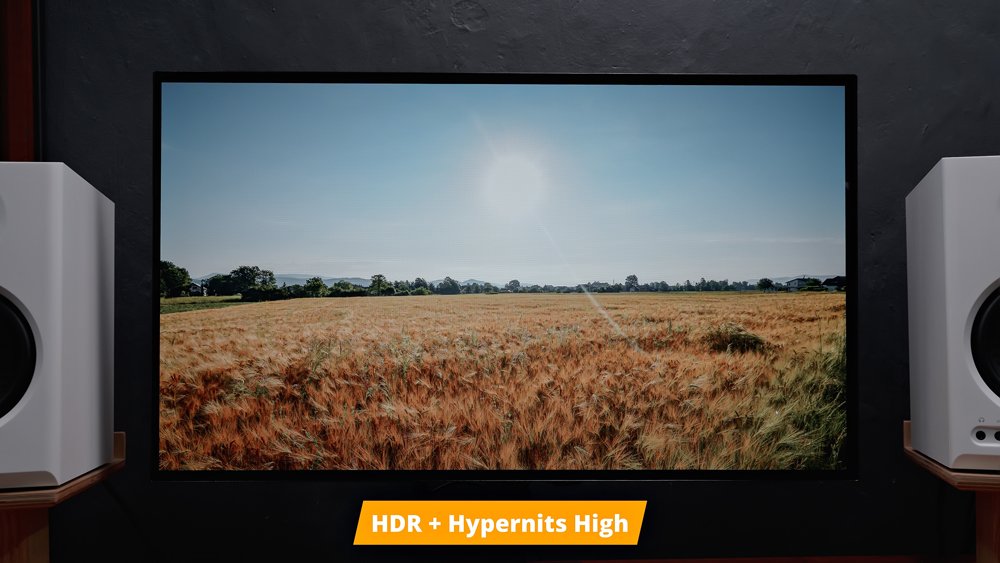
Light Enhance, on the other hand, is a feature that makes the entire image look significantly brighter, but at the expense of contrast and color accuracy.
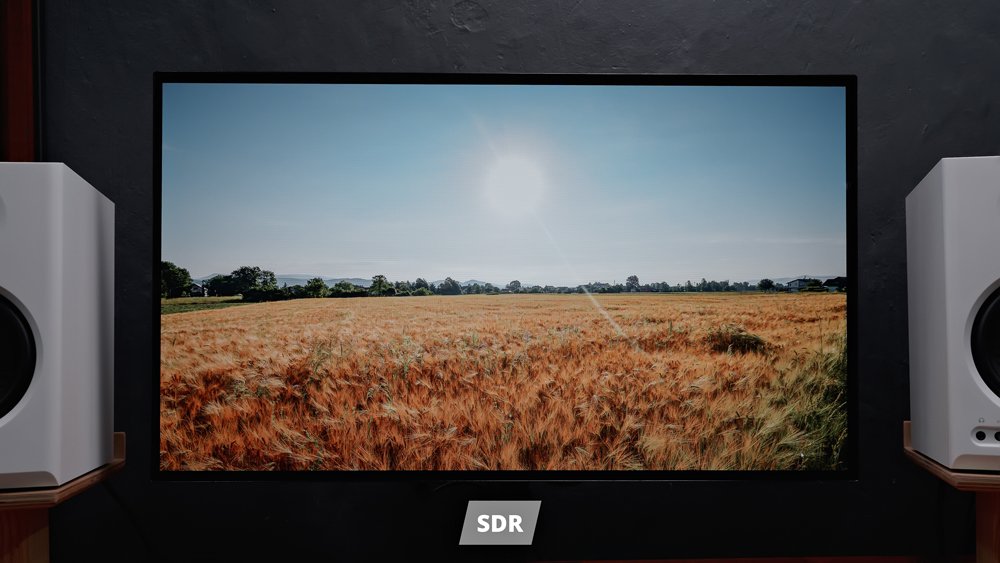
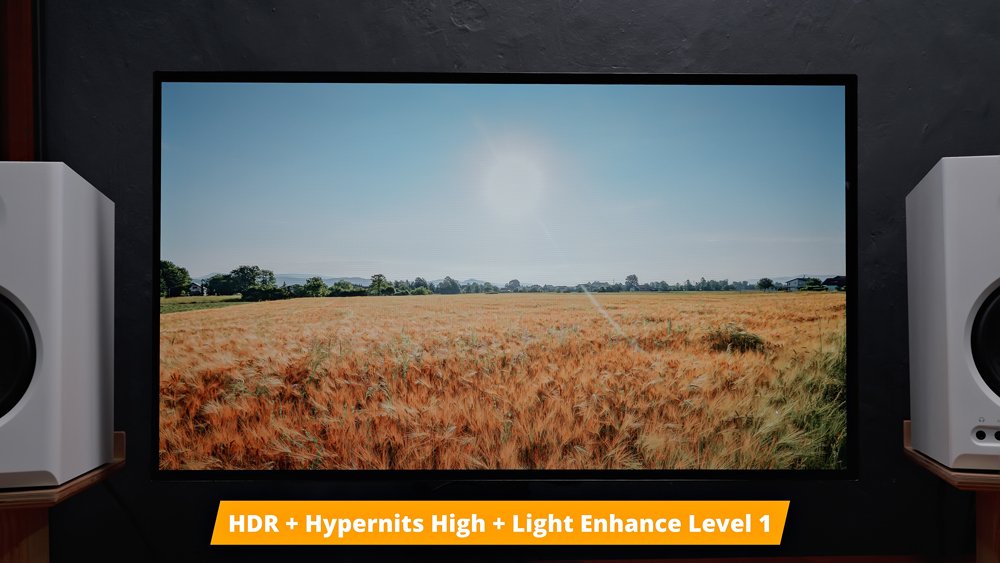
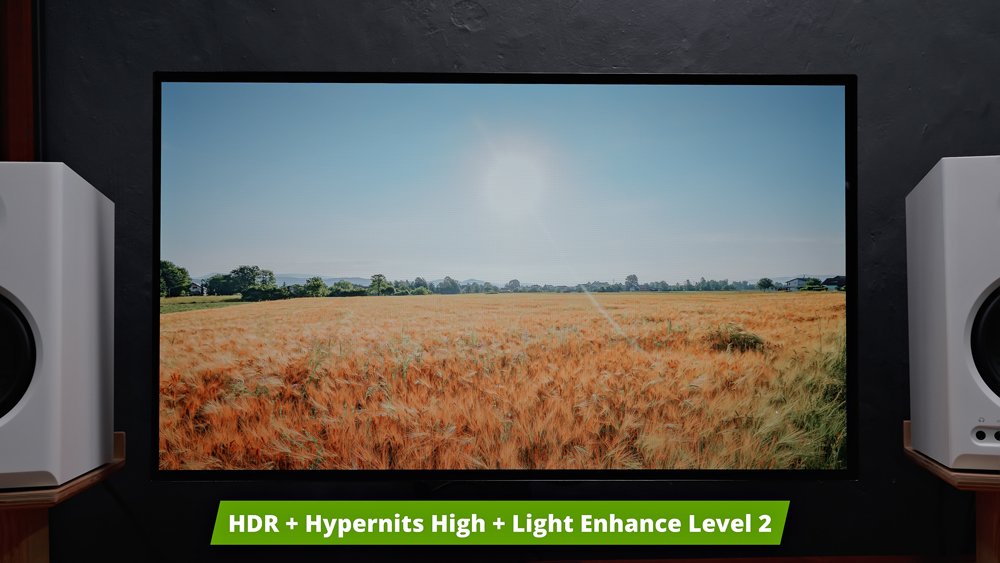
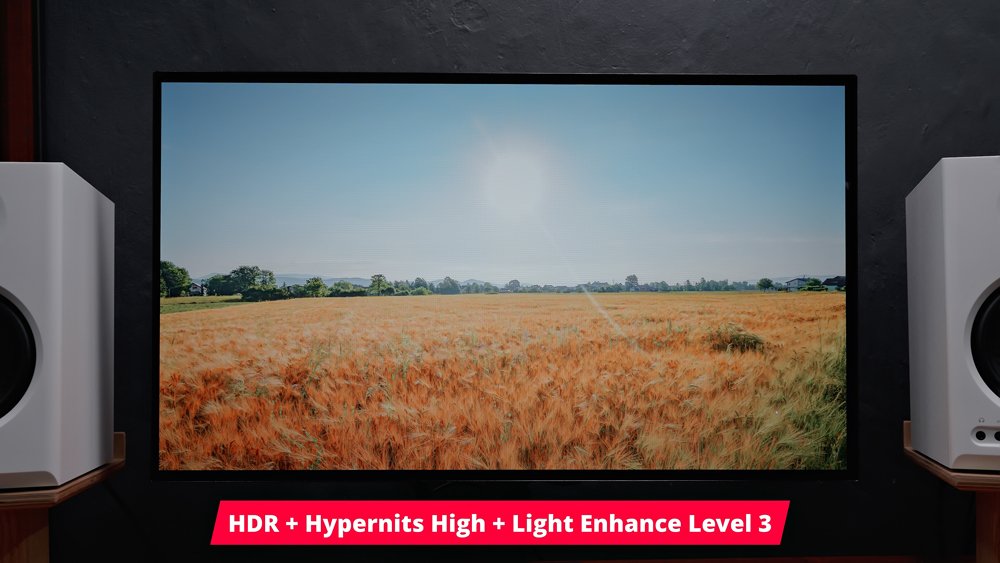
Based on our testing, it appears to alter the HDR tone mapping rather than simply boosting peak brightness. Even though the image looks noticeably brighter overall, our measured brightness levels were actually lower across the board with Light Enhance enabled.
For me, the only practical reason I’d enable this would be when using the monitor in an exceptionally bright environment.
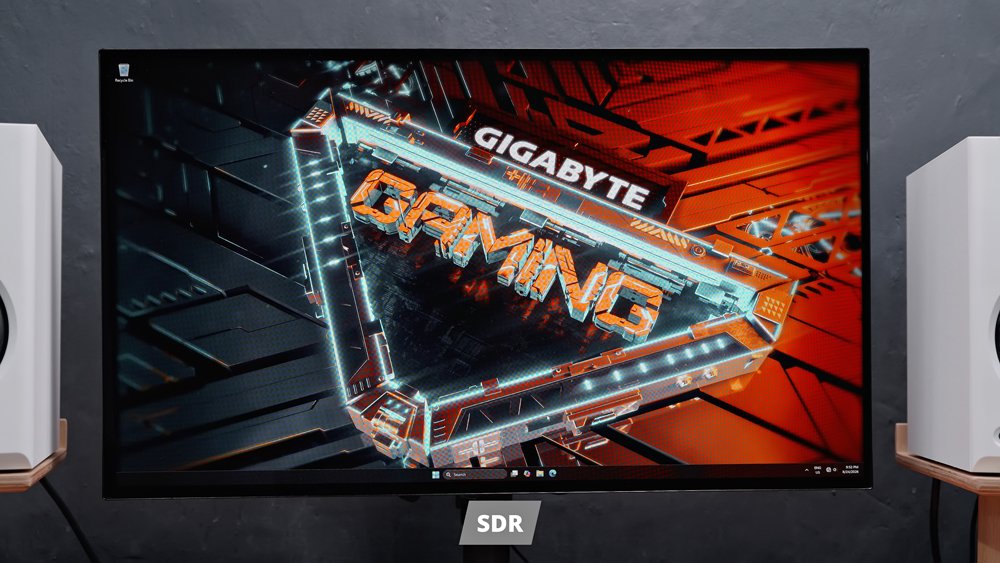
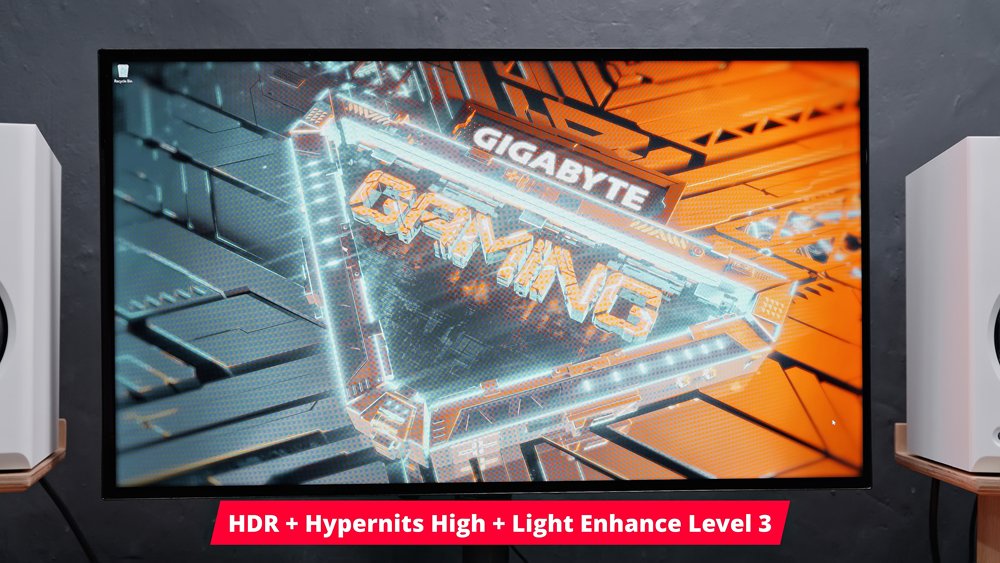
Technical details aside, I must say the overall image quality of this monitor, especially at its price, is really amazing, at least for gaming and media consumption.
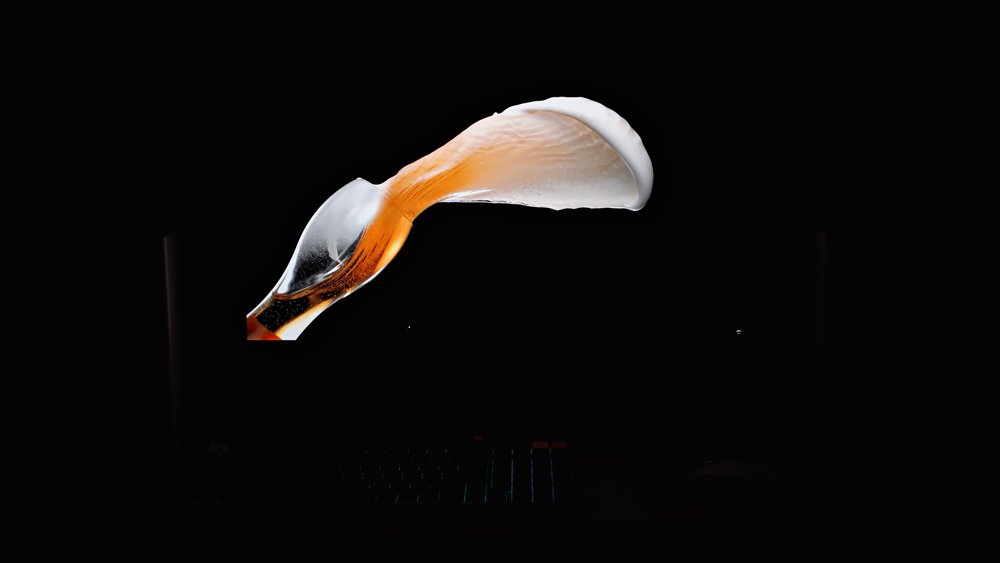
The colors are super vibrant; details and sharpness look natural, and more than anything else, the contrast and blacks are really outstanding.
Especially in a pitch-black environment, you can’t even tell where the borders are. This is VESA DisplayHDR True Black 400 certified, by the way.

In terms of gaming features, this monitor is fully packed as well. We have a bunch of tactical features, including a physical tactical switch for quickly changing resolutions, activating overlays, or muting audio.
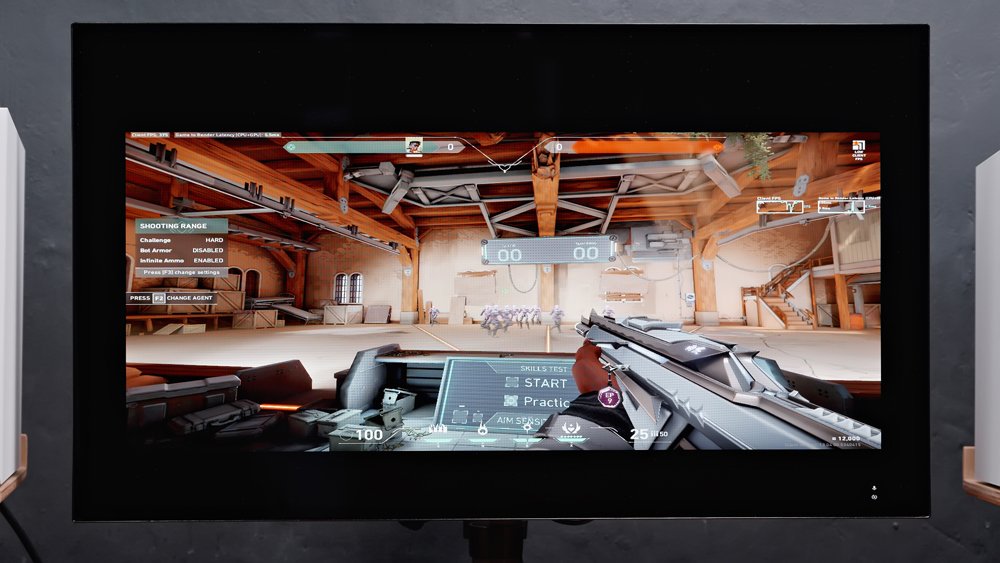
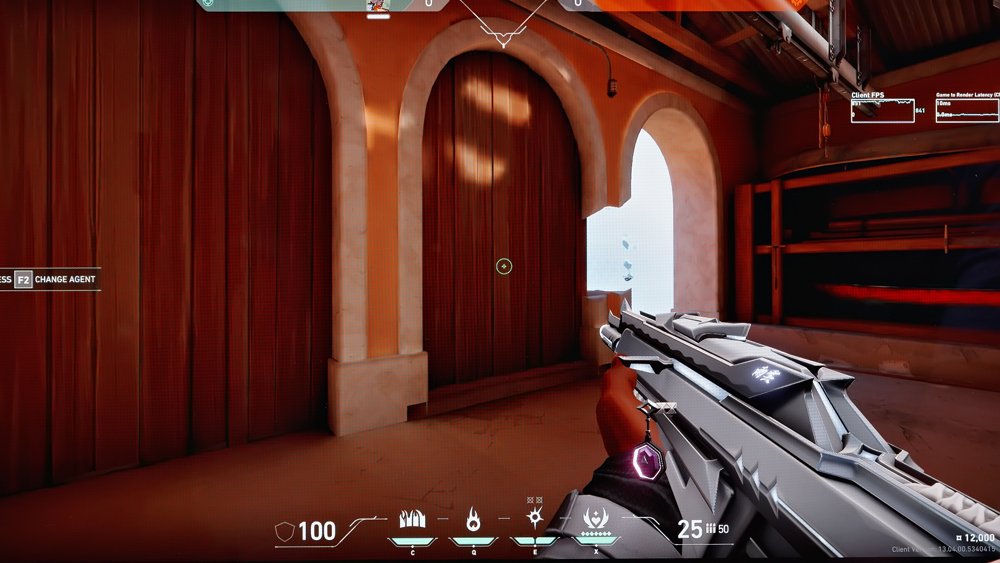
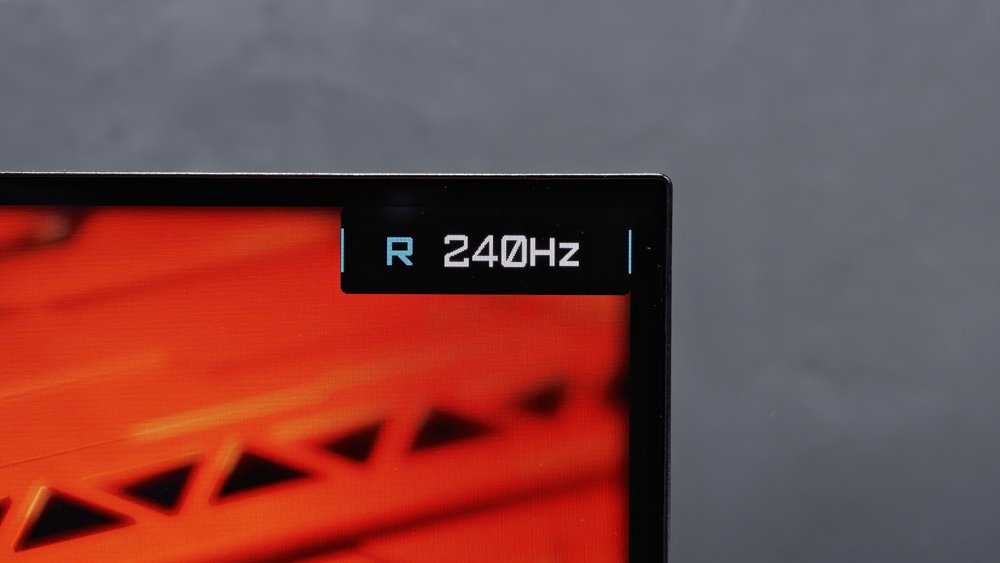
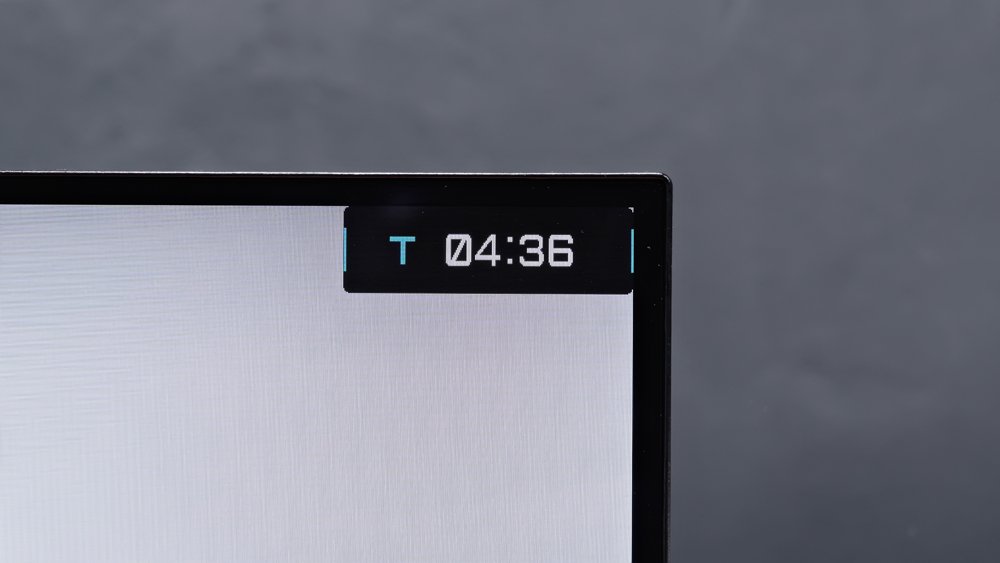
Speaking of which, we also have game assist overlays like a refresh rate counter and timer, on top of the built-in crosshairs.
It also features a black equalizer, which allows you to adjust the black levels without completely blowing out the highlights.
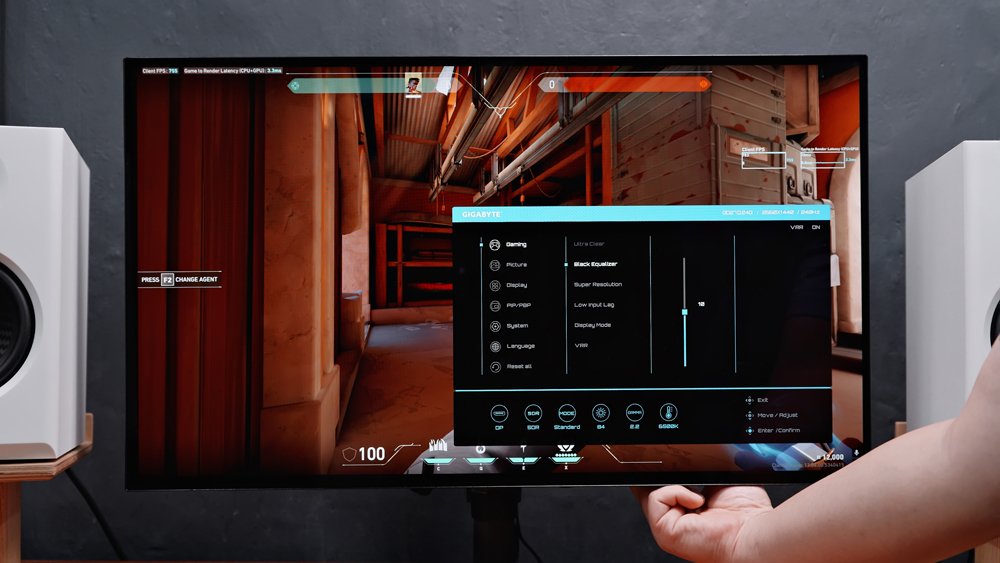
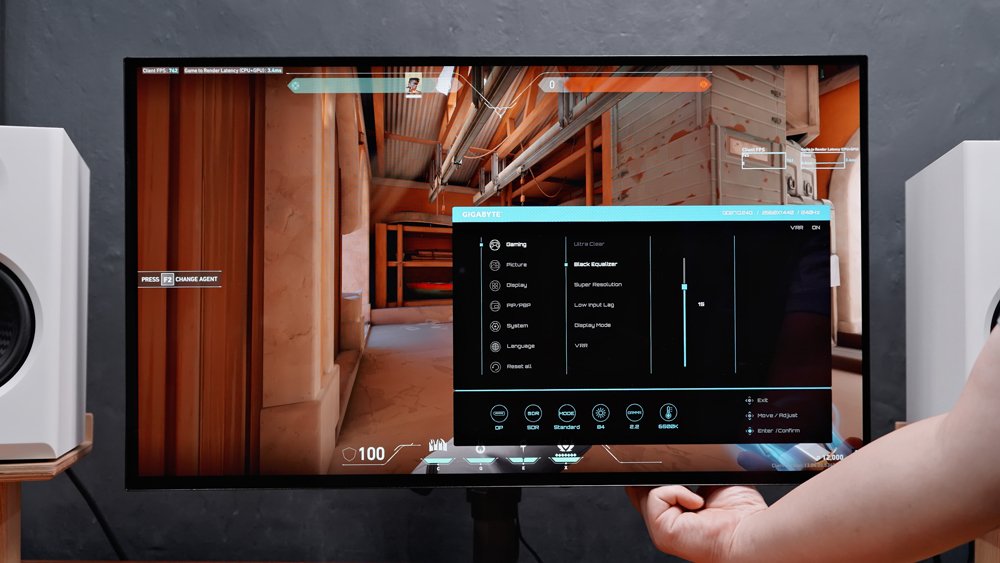
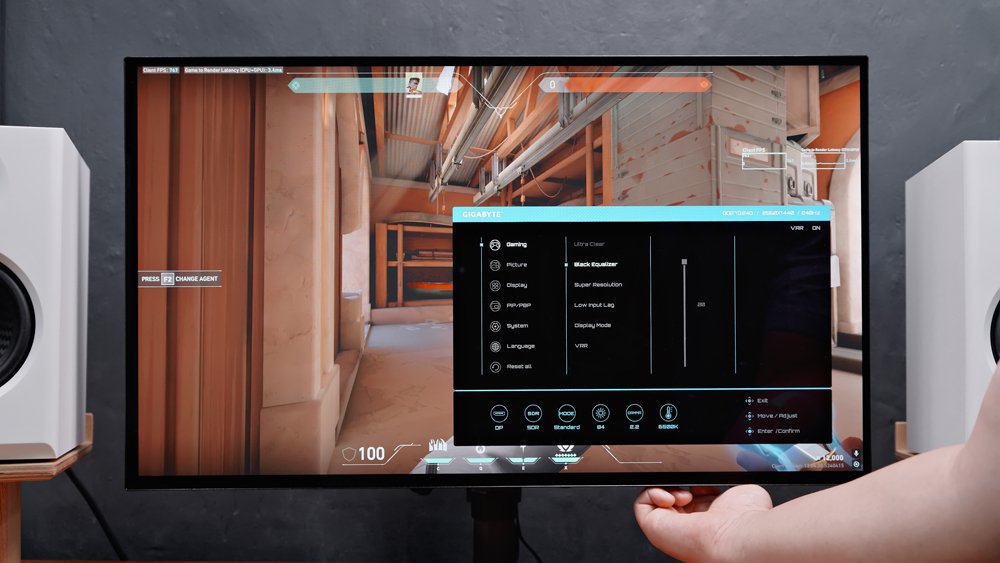
This is incredibly helpful for games with a lot of dark areas.
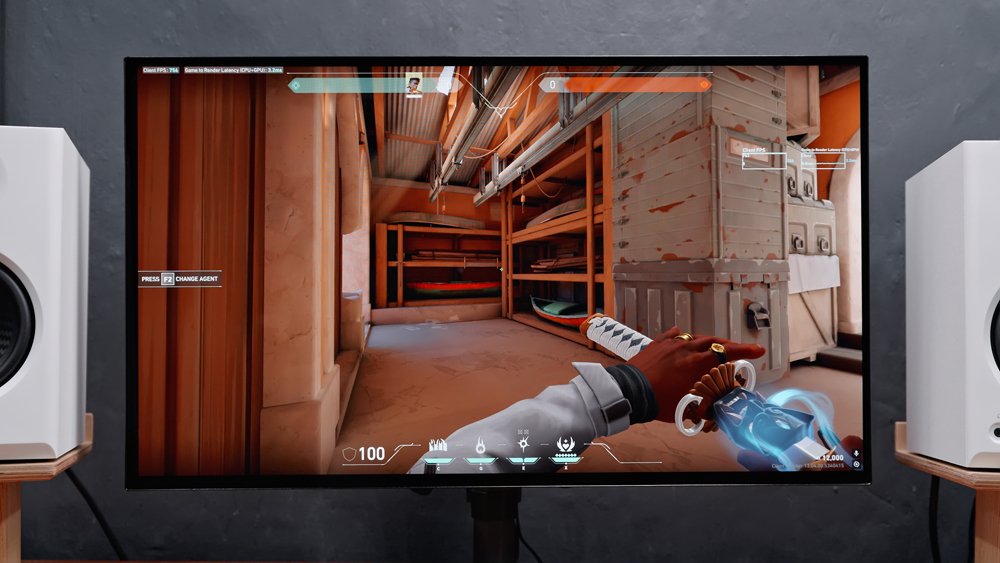
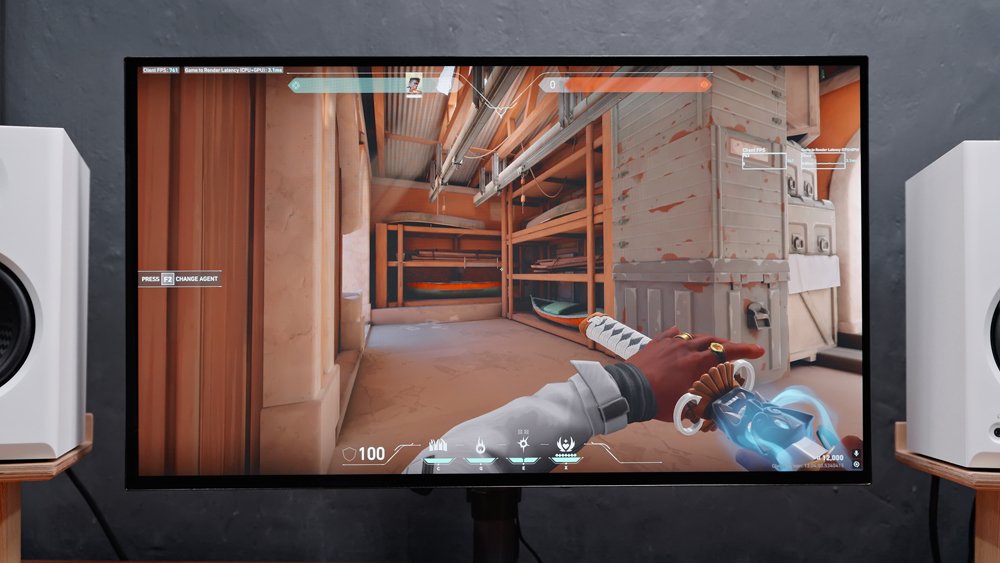
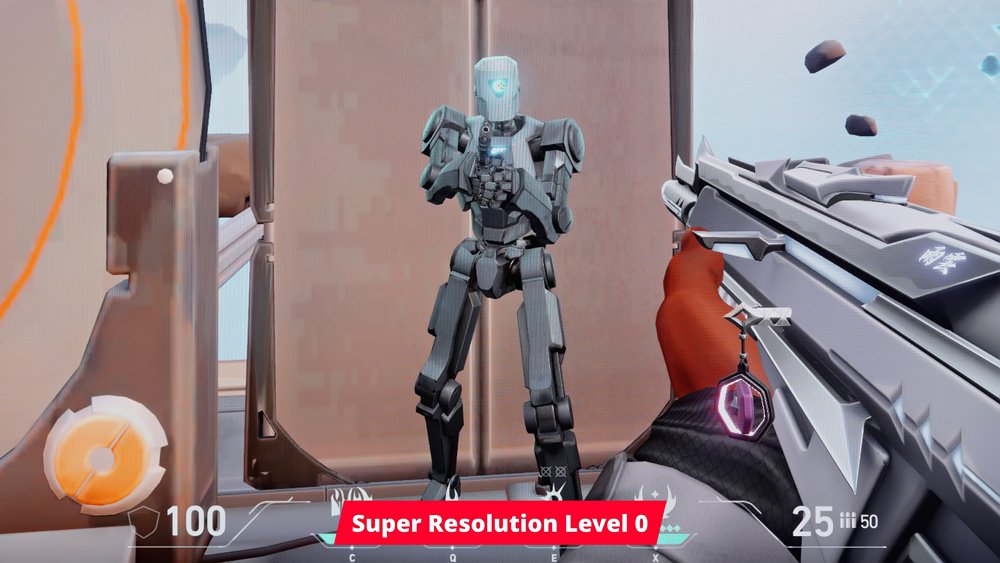
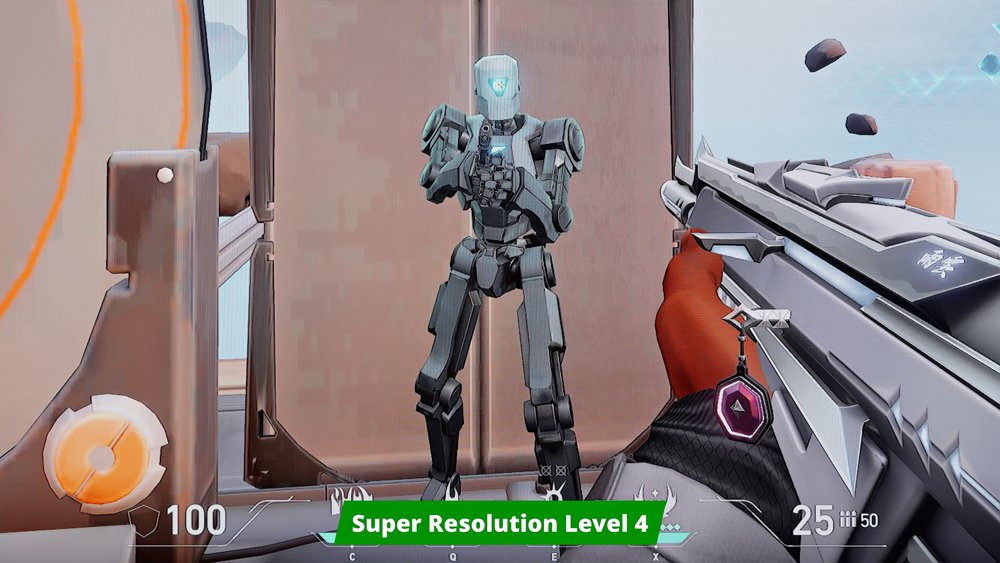
Now, if you want a sharper image, you can also enable the Super Resolution setting. It also includes an anti-flicker feature as well, though I haven’t experienced any flickering even with this disabled.
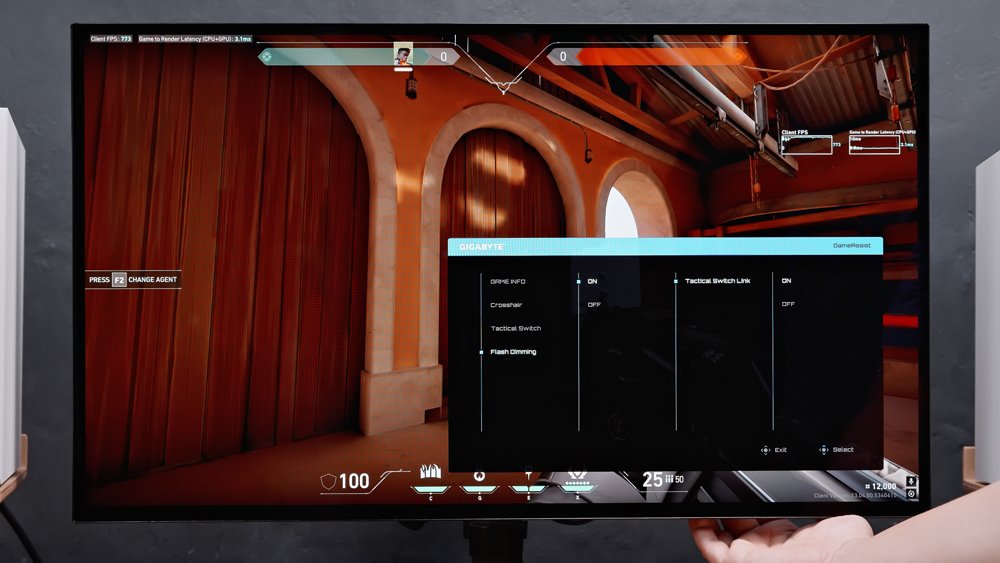
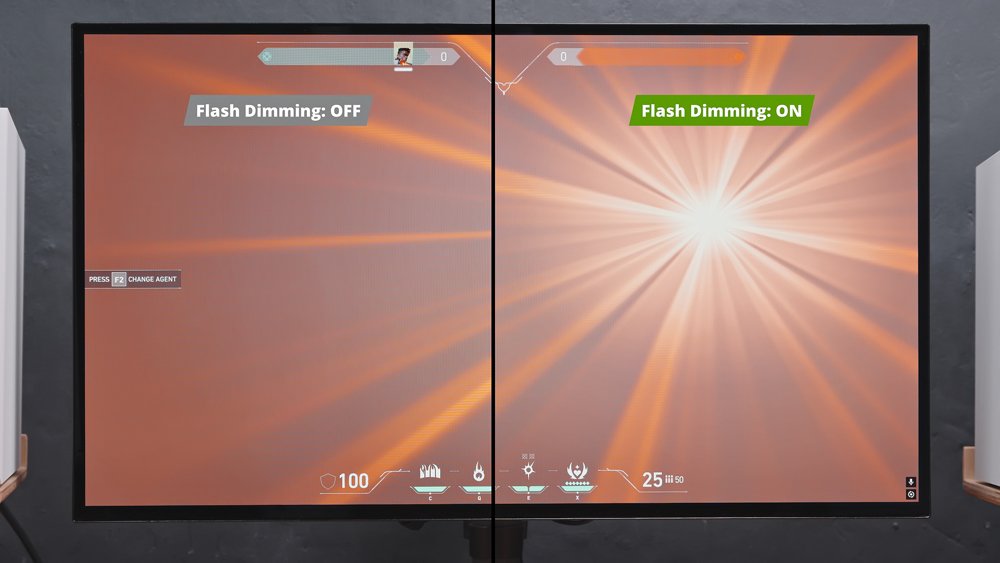
It also has a flash dimming feature that supposedly minimizes the effect of an in-game flash, but I honestly can’t see a noticeable difference here, at least for valorant.
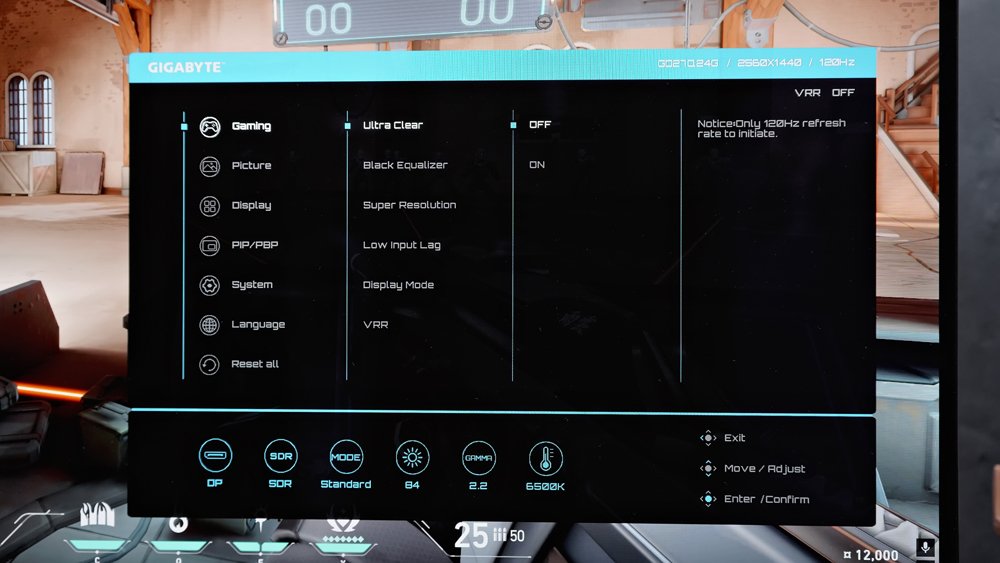
And lastly, it comes with an Ultra Clear feature, which is Gigabyte’s version of backlight strobing designed to reduce motion blur.
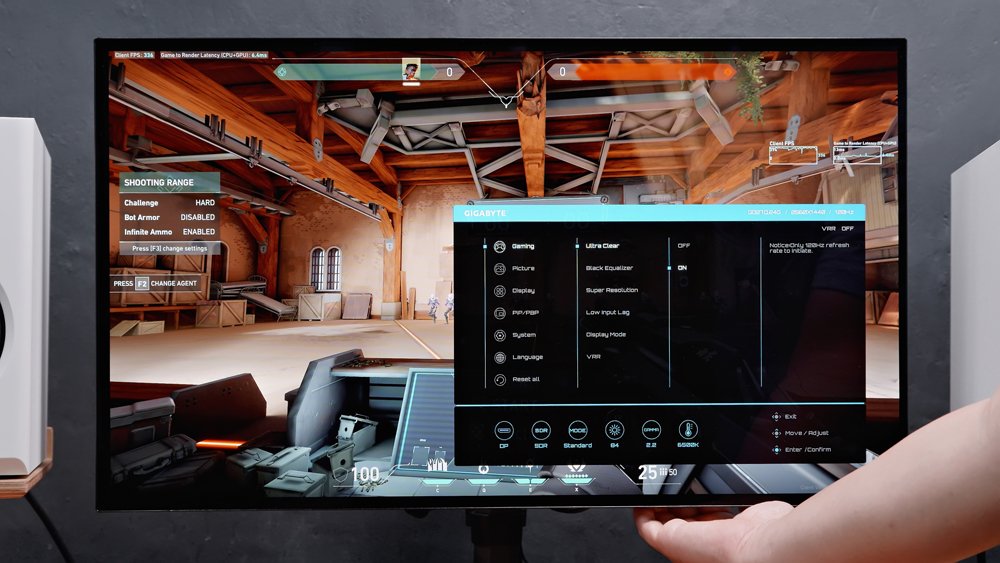
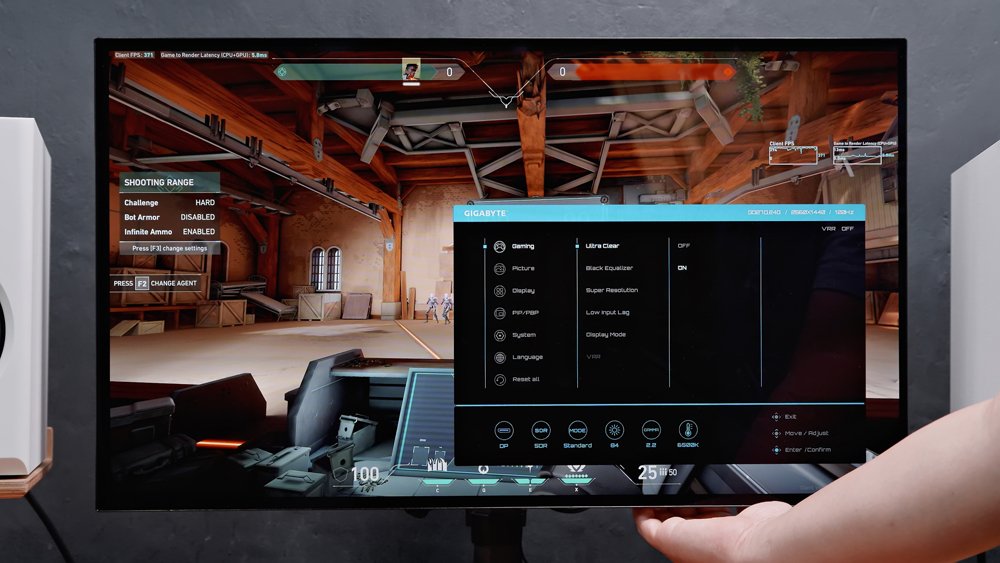
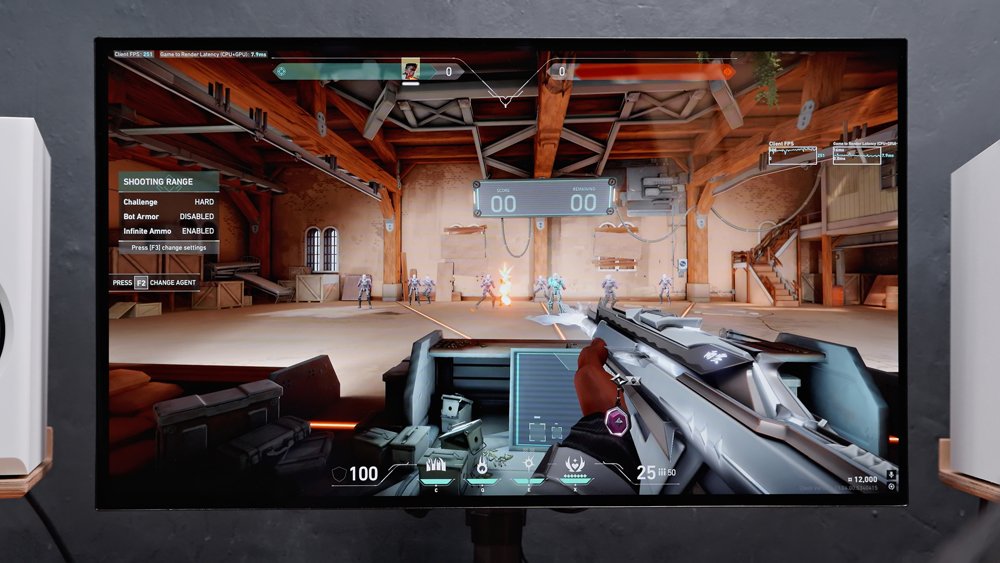
However, it only works at 120Hz and requires variable refresh rate to be turned off. So for me, I’m much better off running VRR at 240Hz. And with the panel’s native 0.03ms GTG response time, I think that’s already more than enough to minimize ghosting. And yes, it fully supports both FreeSync and G-Sync.
Now, given its extremely competitive price, it’s inevitable to have a few compromises, right? Well, yes.
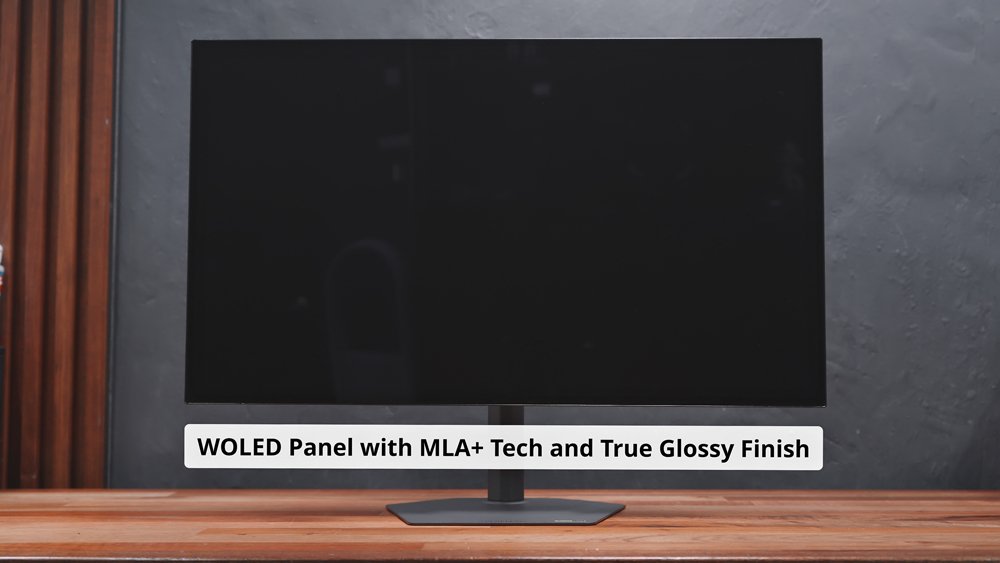
It actually uses an older WOLED Panel from LG but with MLA+ Technology to improve brightness, which we’ve tackled in detail earlier. It also uses a glossy finish called RealBlack Glossy to minimize purple tint, which results in an overall outstanding image quality.
However, since it’s still an older-generation WOLED Panel, it still uses the RWBG subpixel layout, which is less than ideal in terms of text clarity, resulting in some noticeable color fringing.
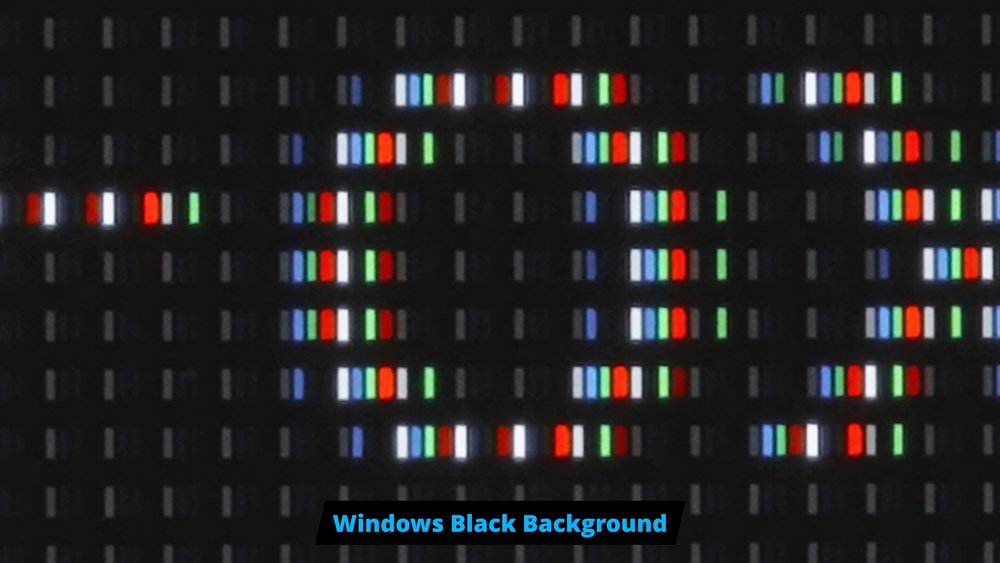
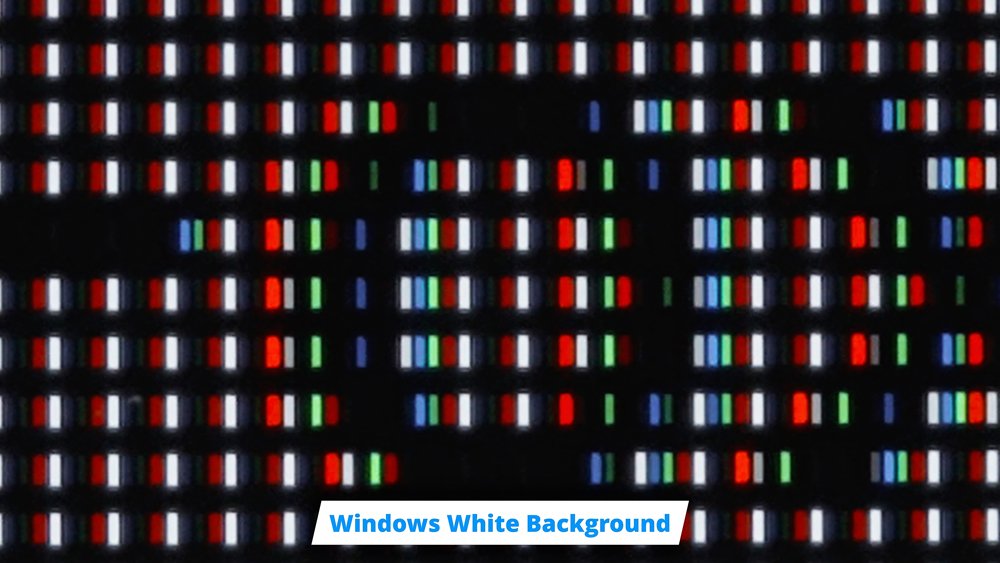
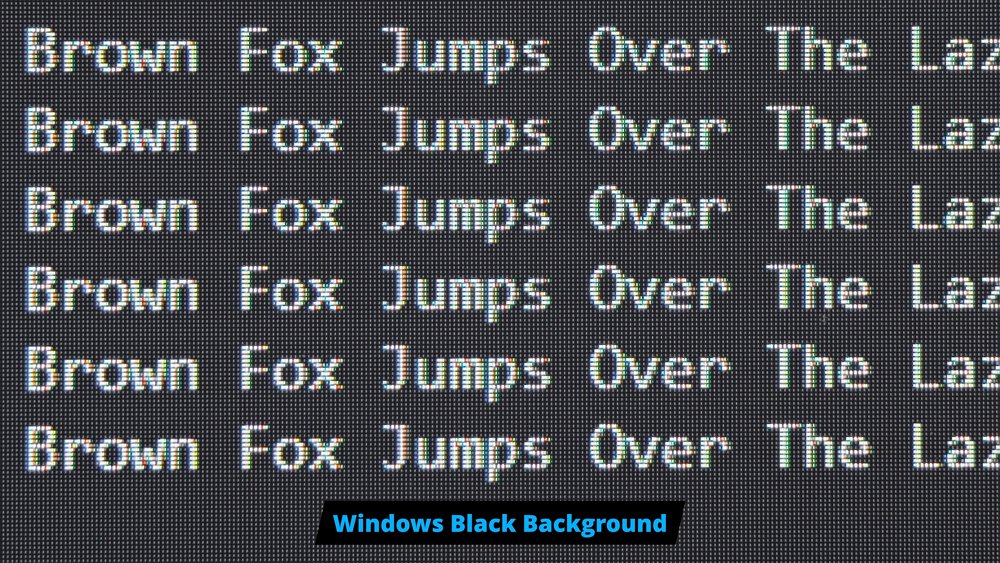
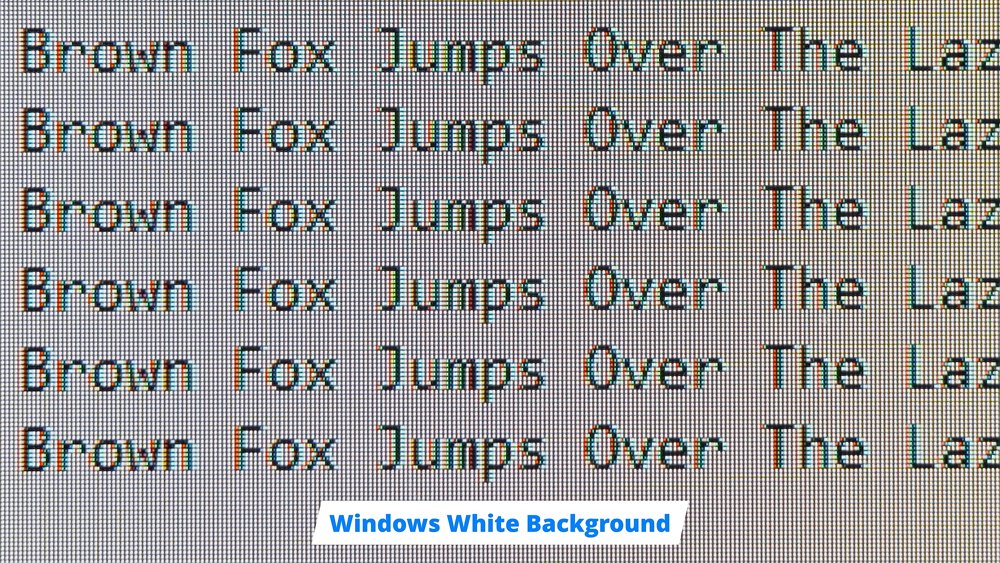
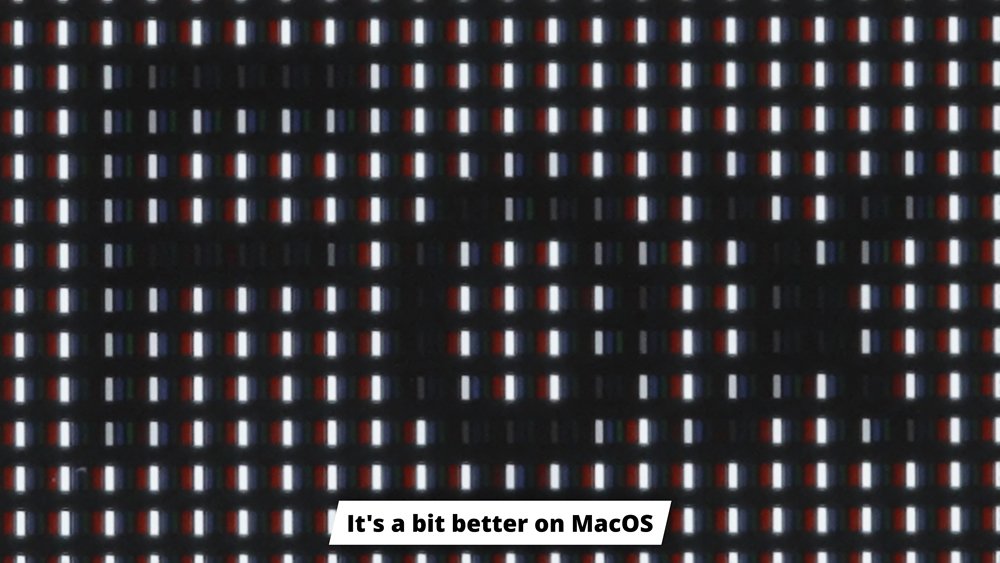
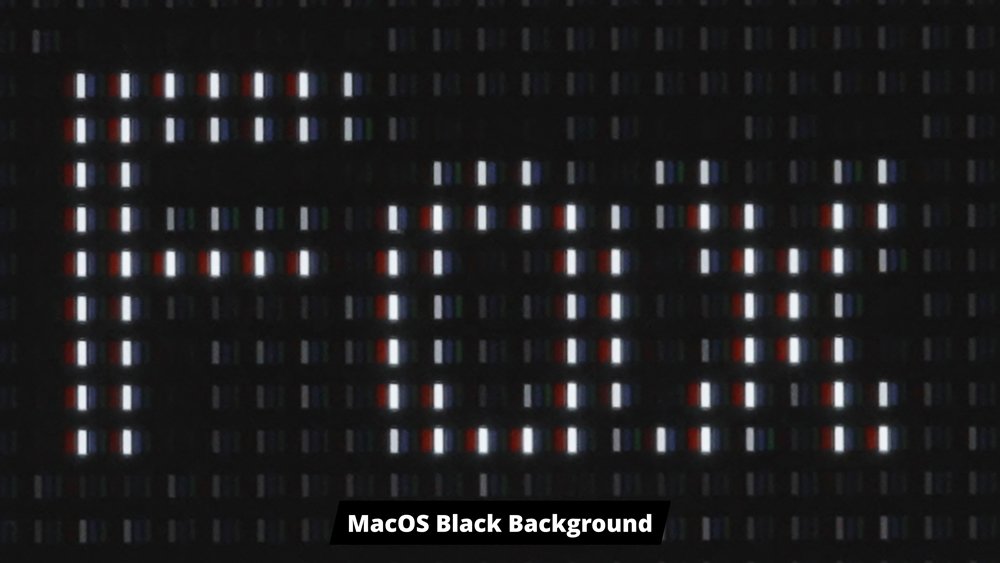
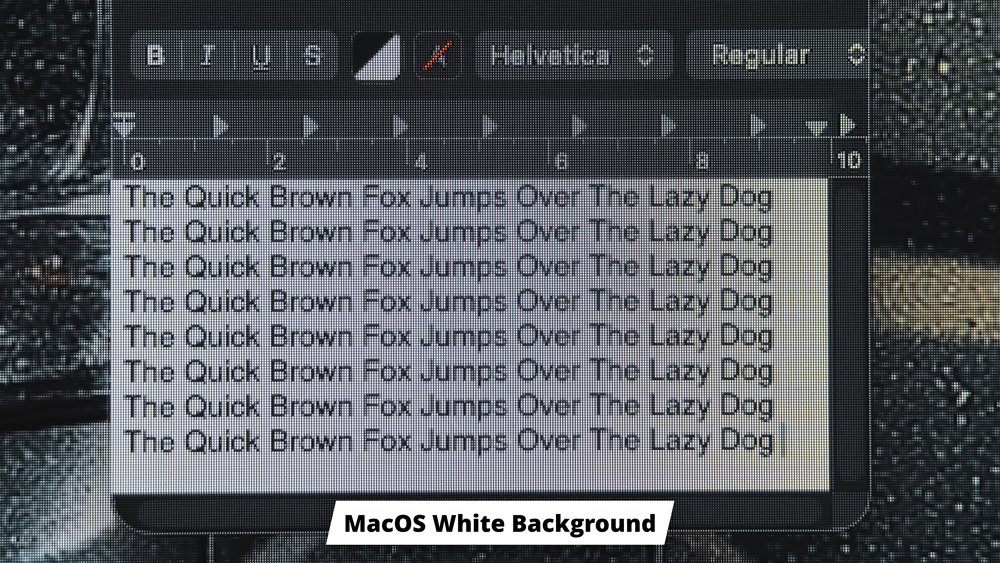
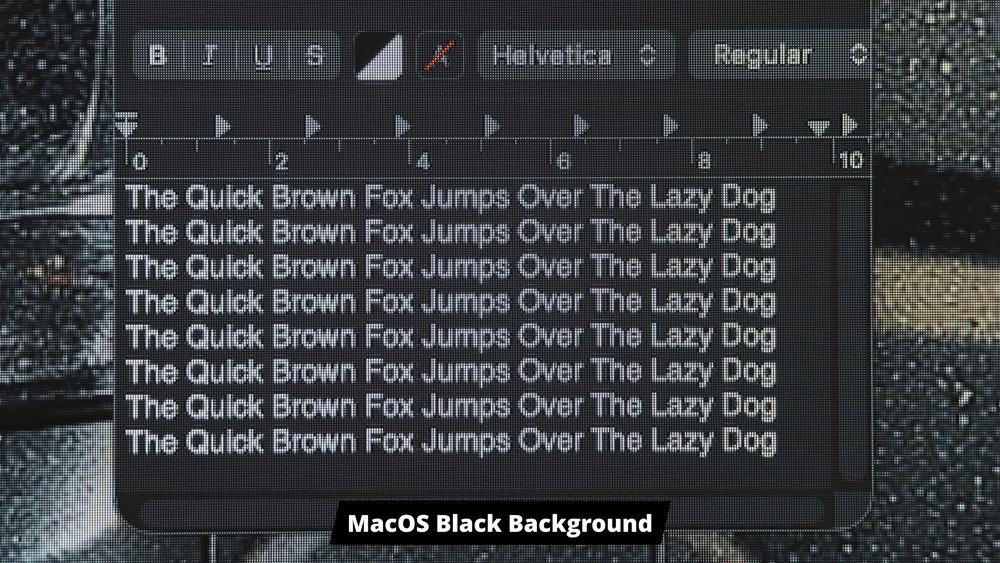
For gaming and media consumption, it’s not an issue at all, but if you plan on using this for productivity tasks dealing with a lot of text, you might find the text clarity a bit jarring. I’ve used a similar panel before for more than a year, and I guess I just got used to it. But yeah, definitely something that you need to consider.
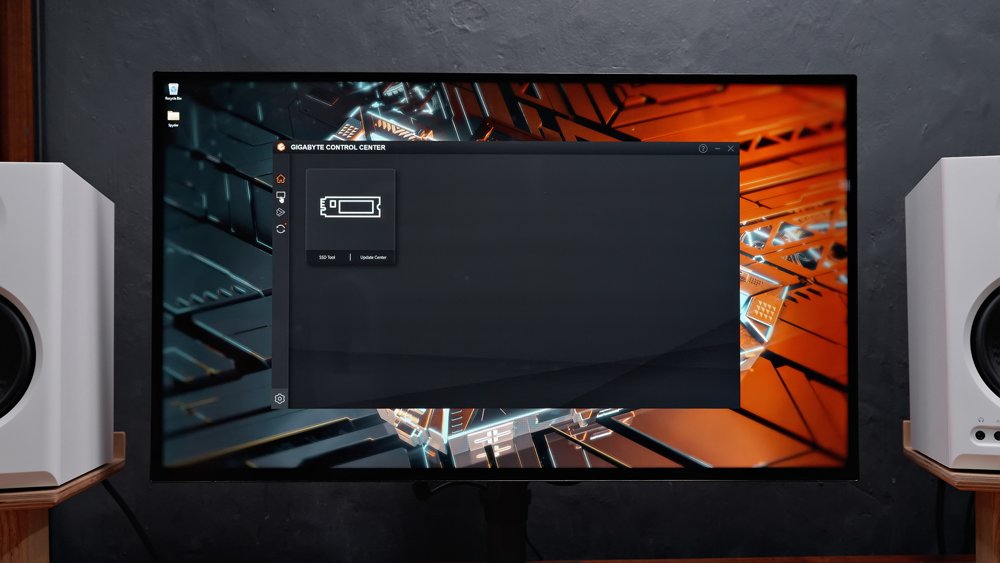
Aside from that, it’s also not compatible with the Gigabyte Control Center software, including the OSD Sidekick, so you’ll have to use the traditional OSD settings.
It also doesn’t have built-in speakers, a USB hub, a KVM switch function, or other bells and whistles that you otherwise will find on more expensive gaming monitors.
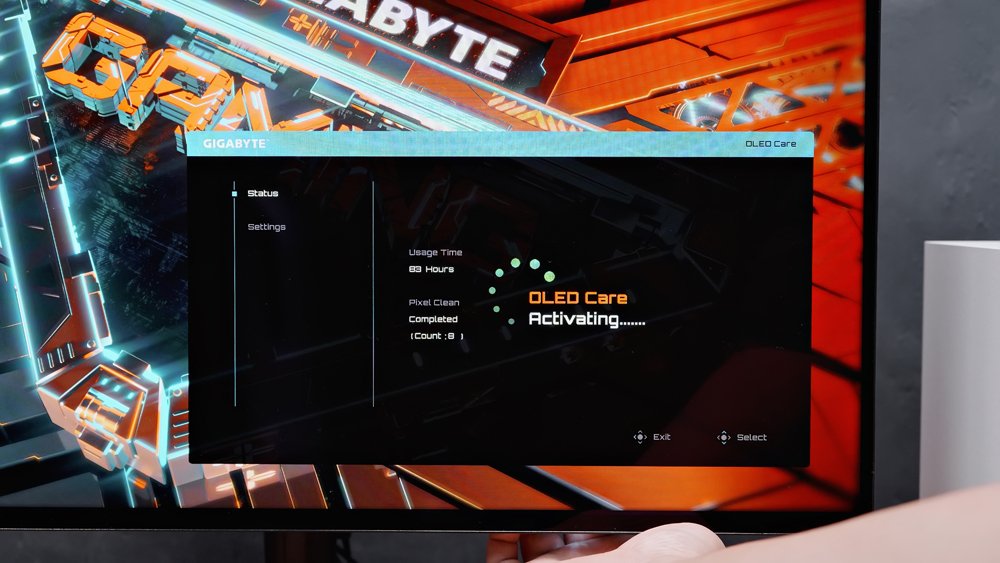
And lastly, before we wrap this up, if you’re concerned about OLED burn-in issues, rest assured that Gigabyte’s got you covered not just with a bunch of OLED care features but also with a 3-year warranty, which includes burn-in.
Overall, it’s a refreshed WOLED panel with a bunch of improvements tailored for better image quality and higher brightness, so for gaming, photo and video editing, and media consumption, this is an easy recommendation, especially given its price. It offers a good balance in terms of color accuracy, image quality, gaming features, and performance. But for productivity, dealing with a lot of text, you might want to go for a more recent OLED panel.
And there you have it, guys. Huge thanks to Gigabyte Philippines for letting me experience this monitor. You can get this using the links below.
Shopee 👉 https://s.shopee.ph/qjE99n3Kq
Lazada 👉 https://s.lazada.com.ph/s.ZSiXec?c=c&t=p-iGzJRoh-s2Ld3cak
International 👉 https://amzn.to/4id7jDh
Gigabyte GO27Q24G Review – BEST Value WOLED Gaming Monitor!