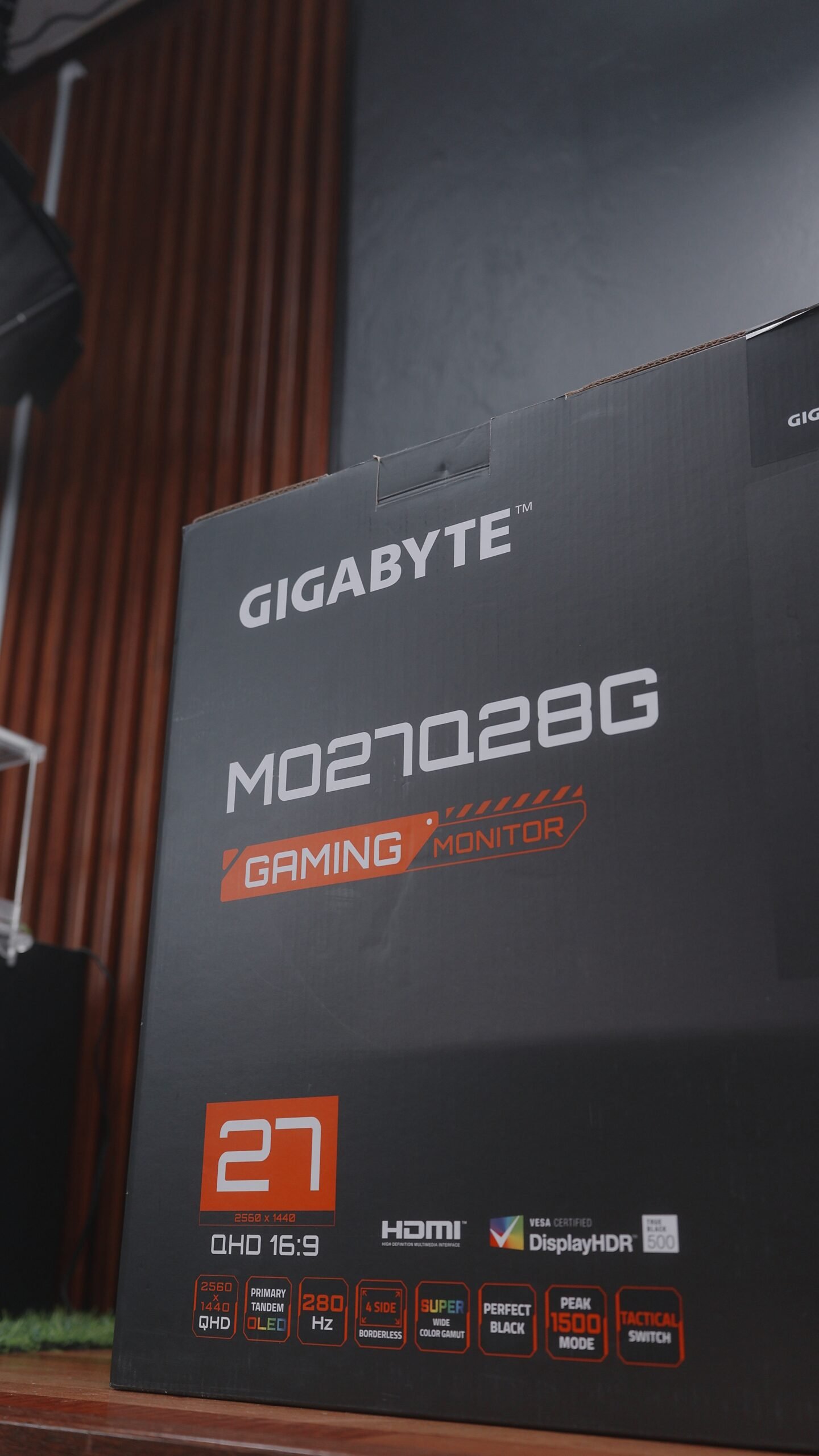
Are you ready to upgrade to an OLED Gaming Monitor? Well, you might want to consider the Gigabyte MO27Q28G OLED Gaming Monitor, because it offers excellent value in terms of design, features, and performance.
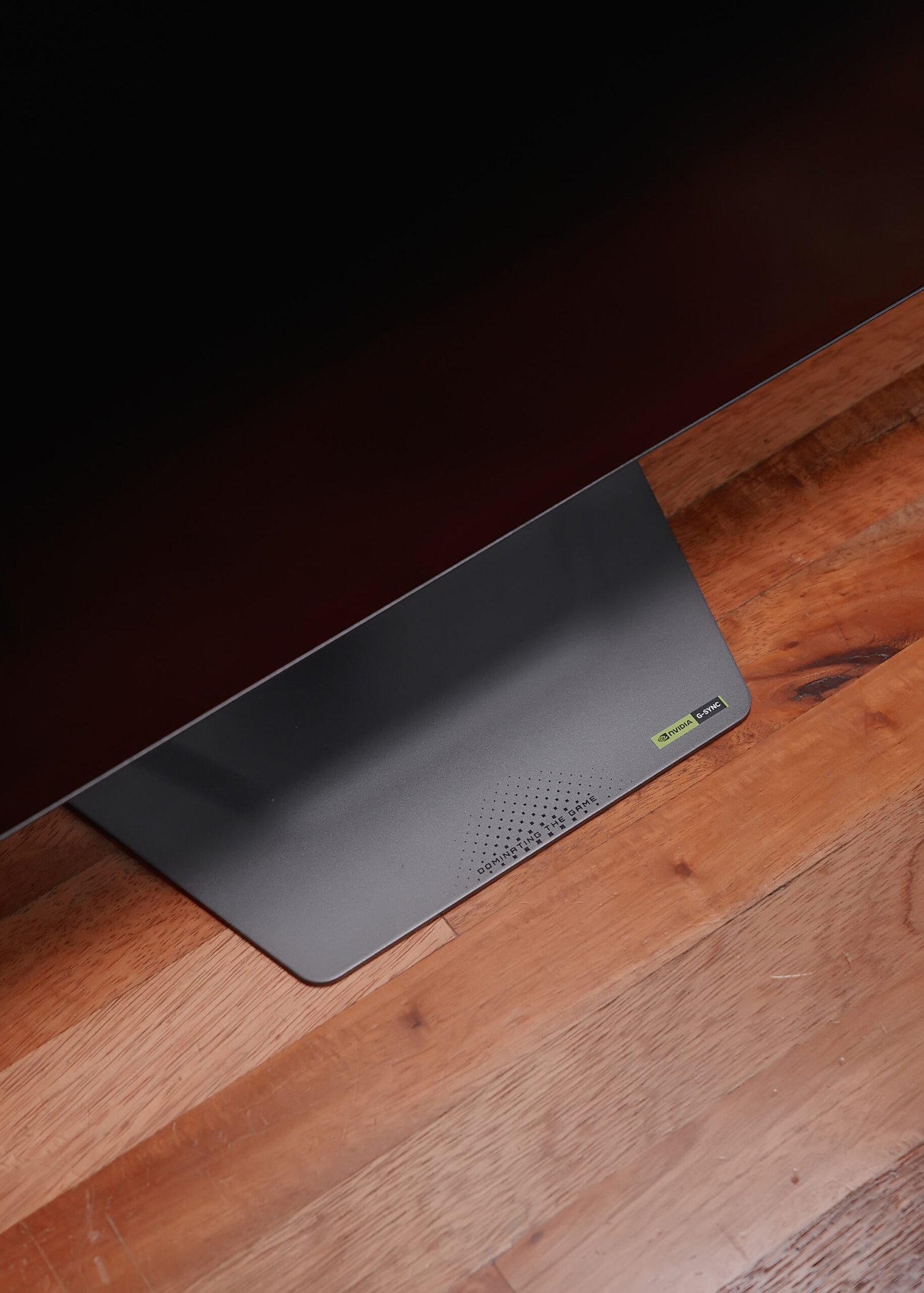
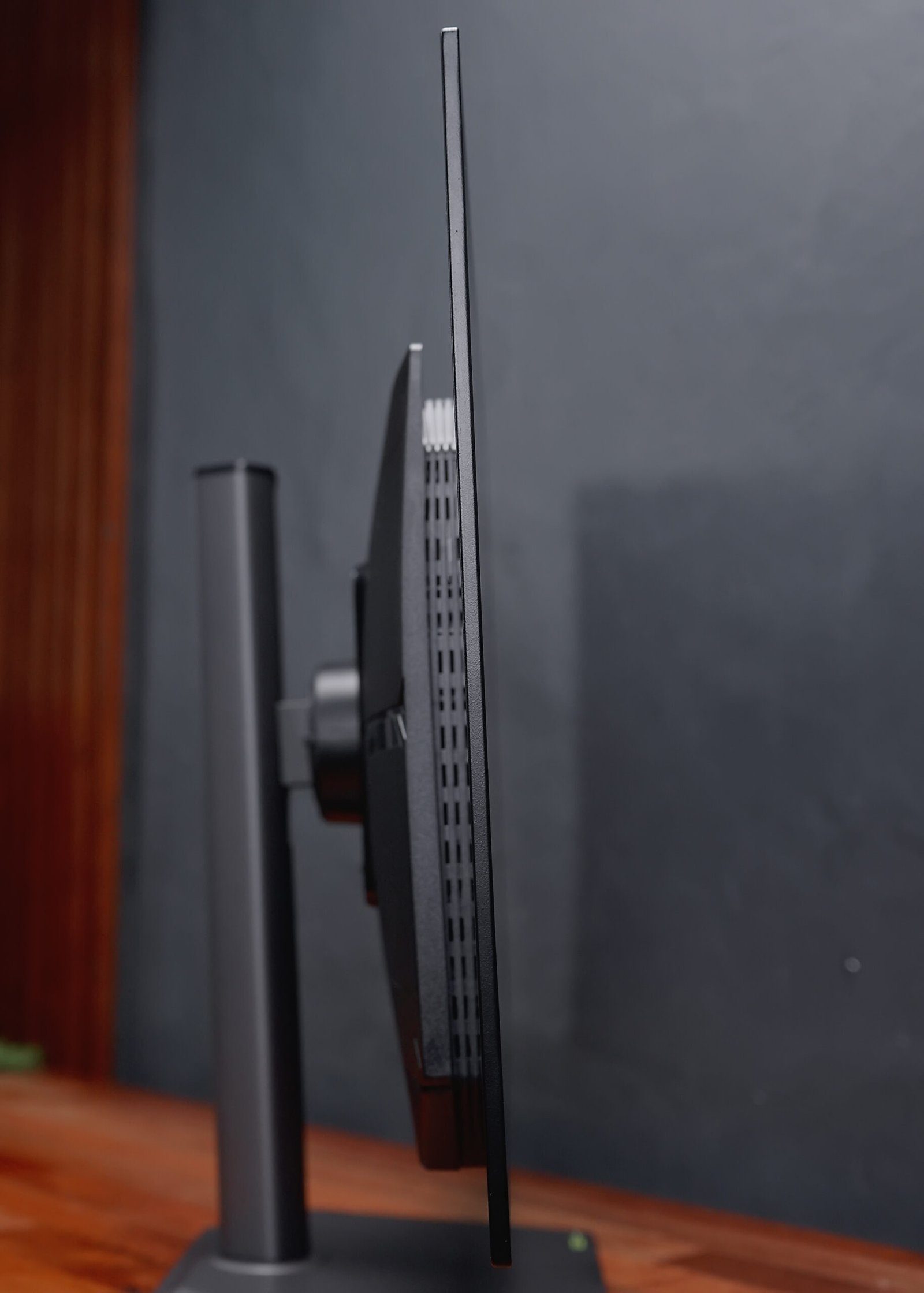
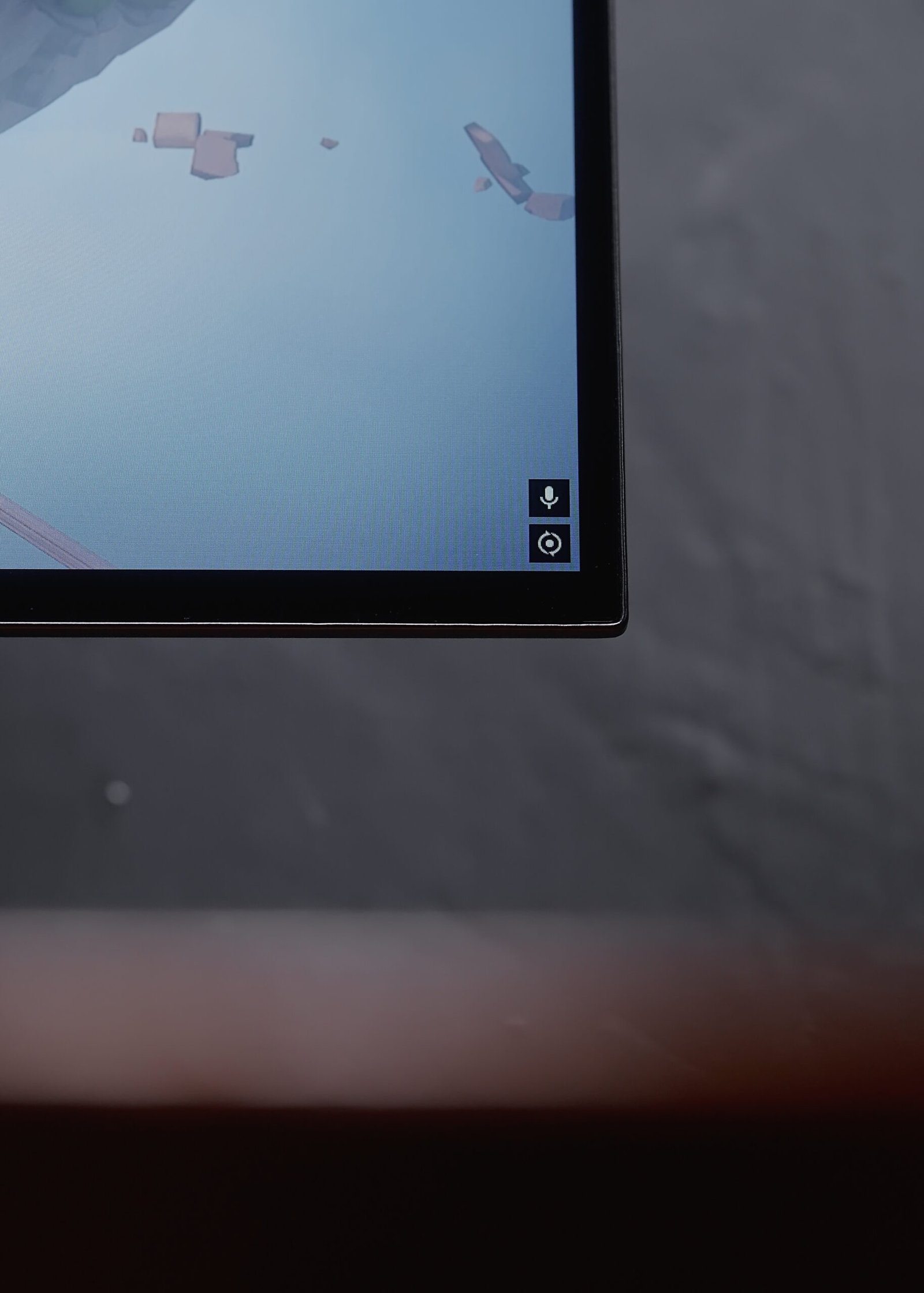
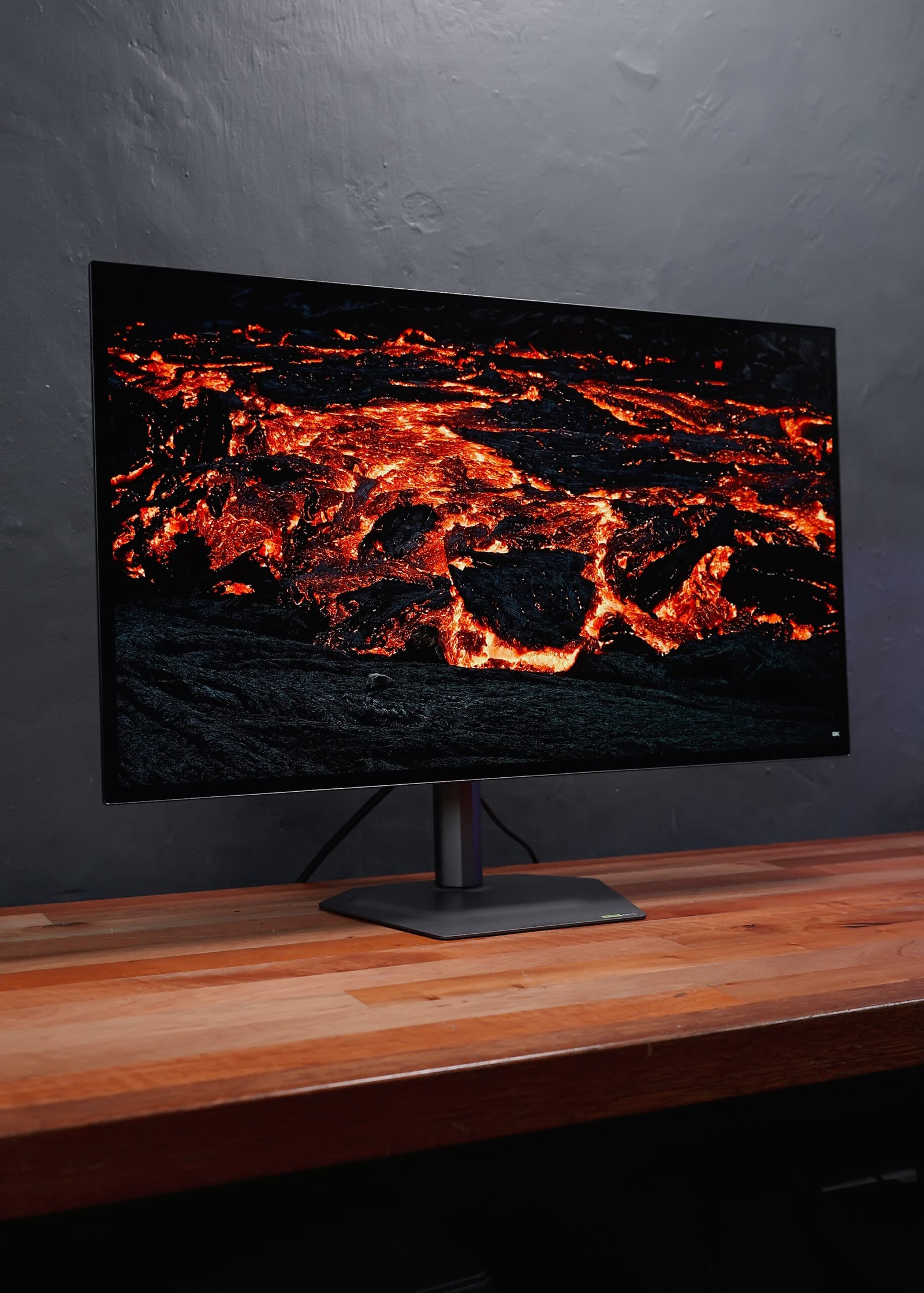
For starters, the design is super clean—minimal footprint with modern aesthetics. The components are sleek and robust, from the sturdy aluminum support bar to the solid metal polygonal base. This is probably one of the most compact 27” monitors I’ve tried, and the bezels are extremely thin on all sides with no lip or branding. It just looks really clean.
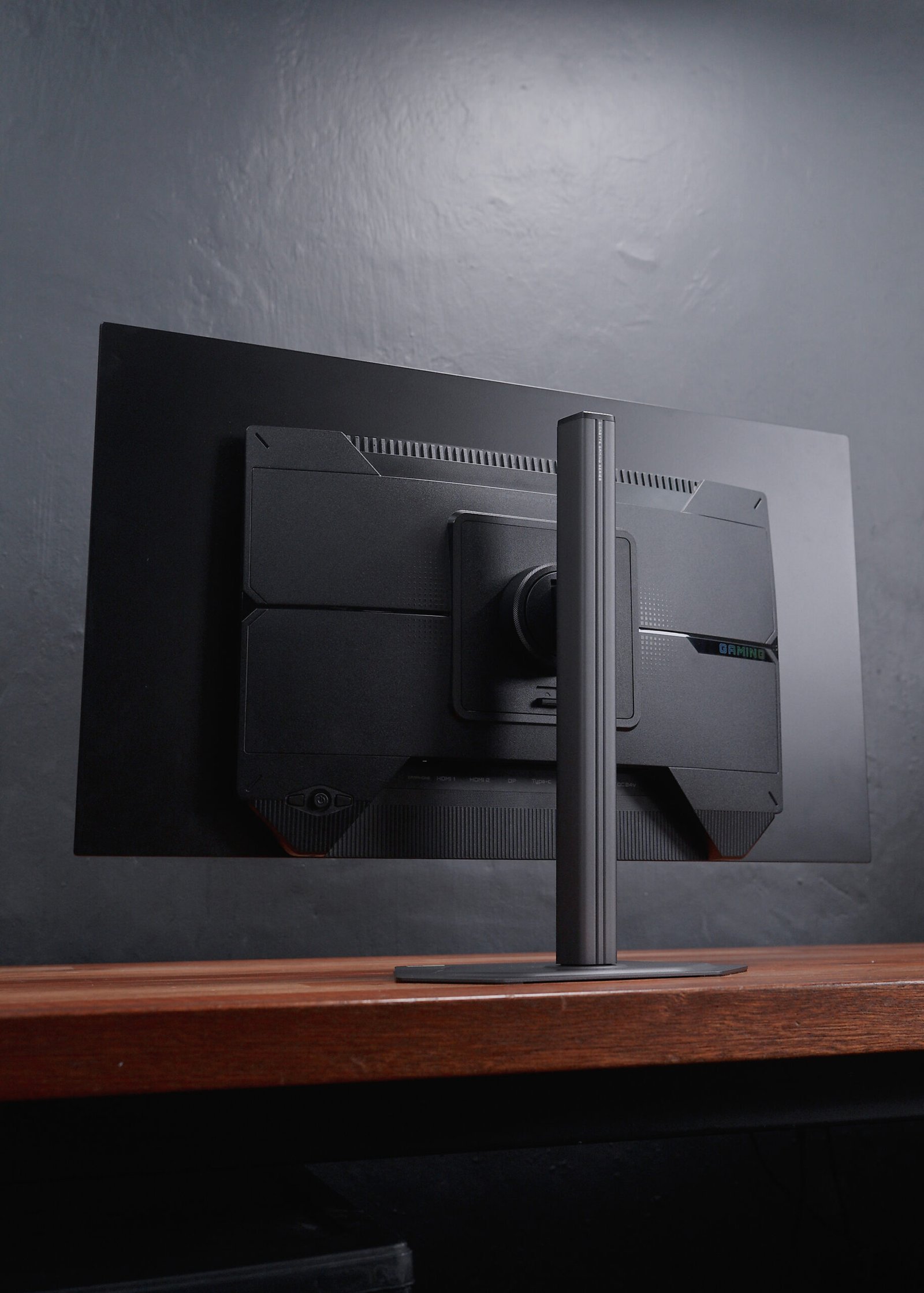


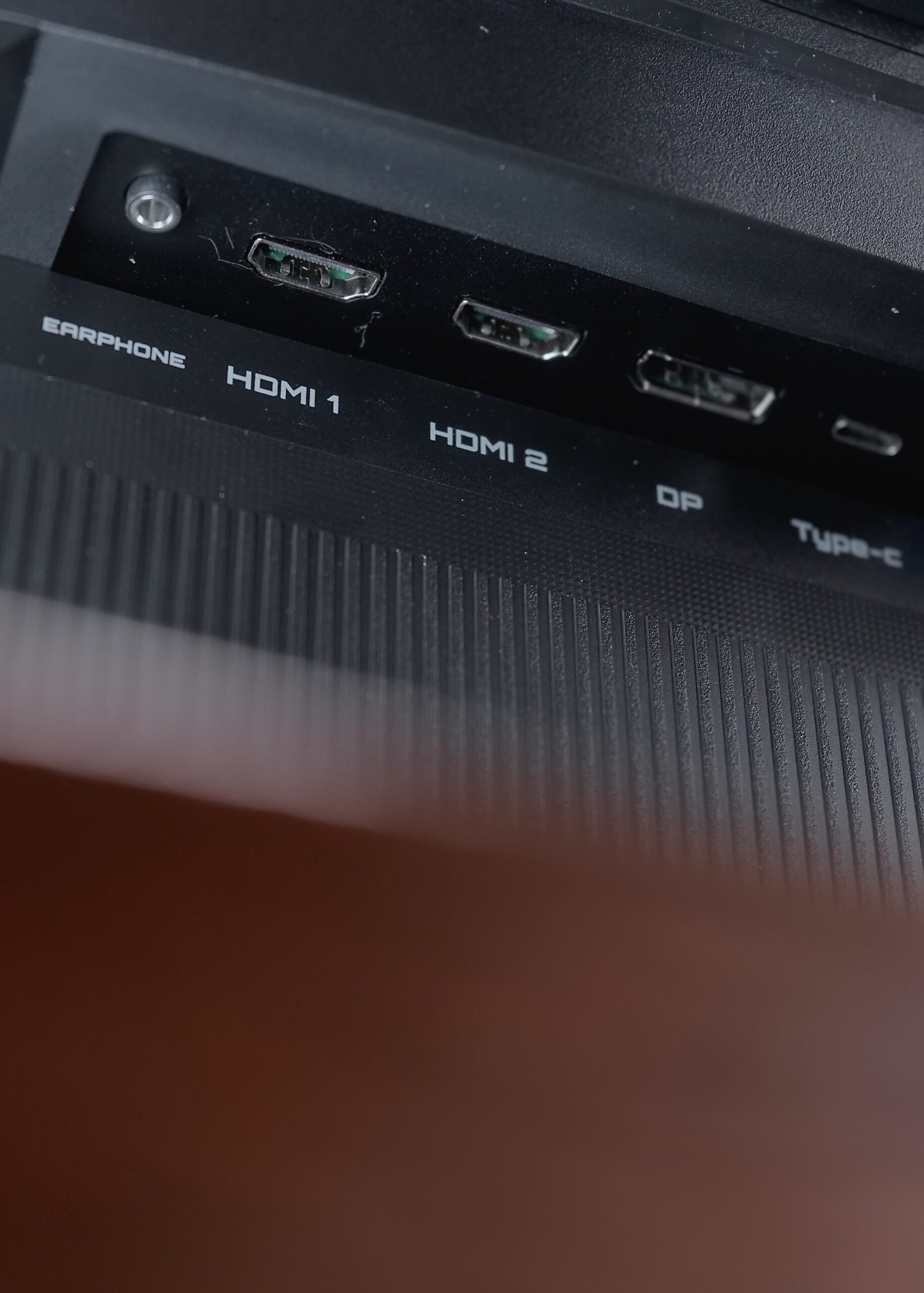
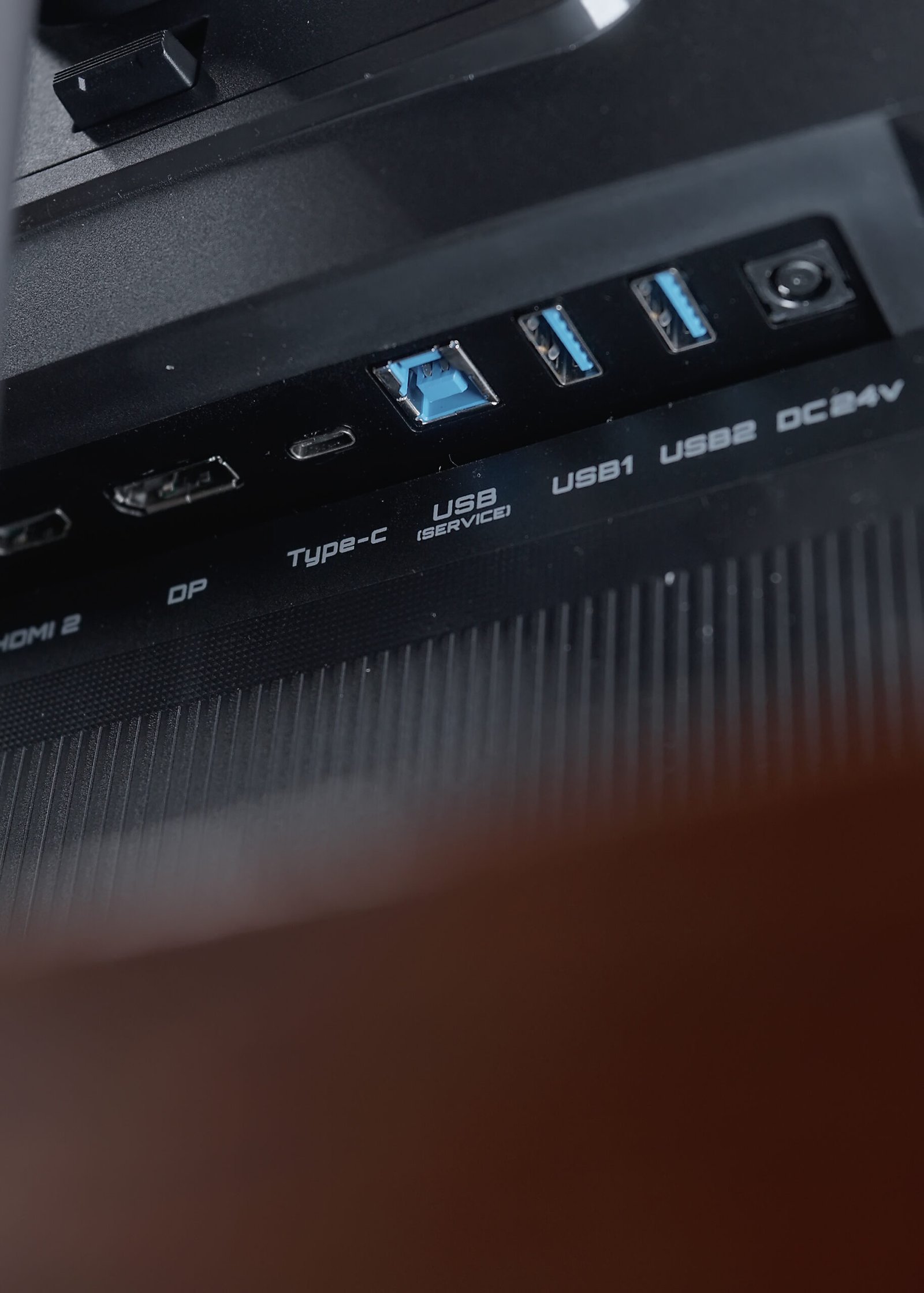
When it comes to features, you’re fully covered on I/O, including a USB-C port with DisplayPort Alt Mode, plus a USB Hub with a KVM feature.
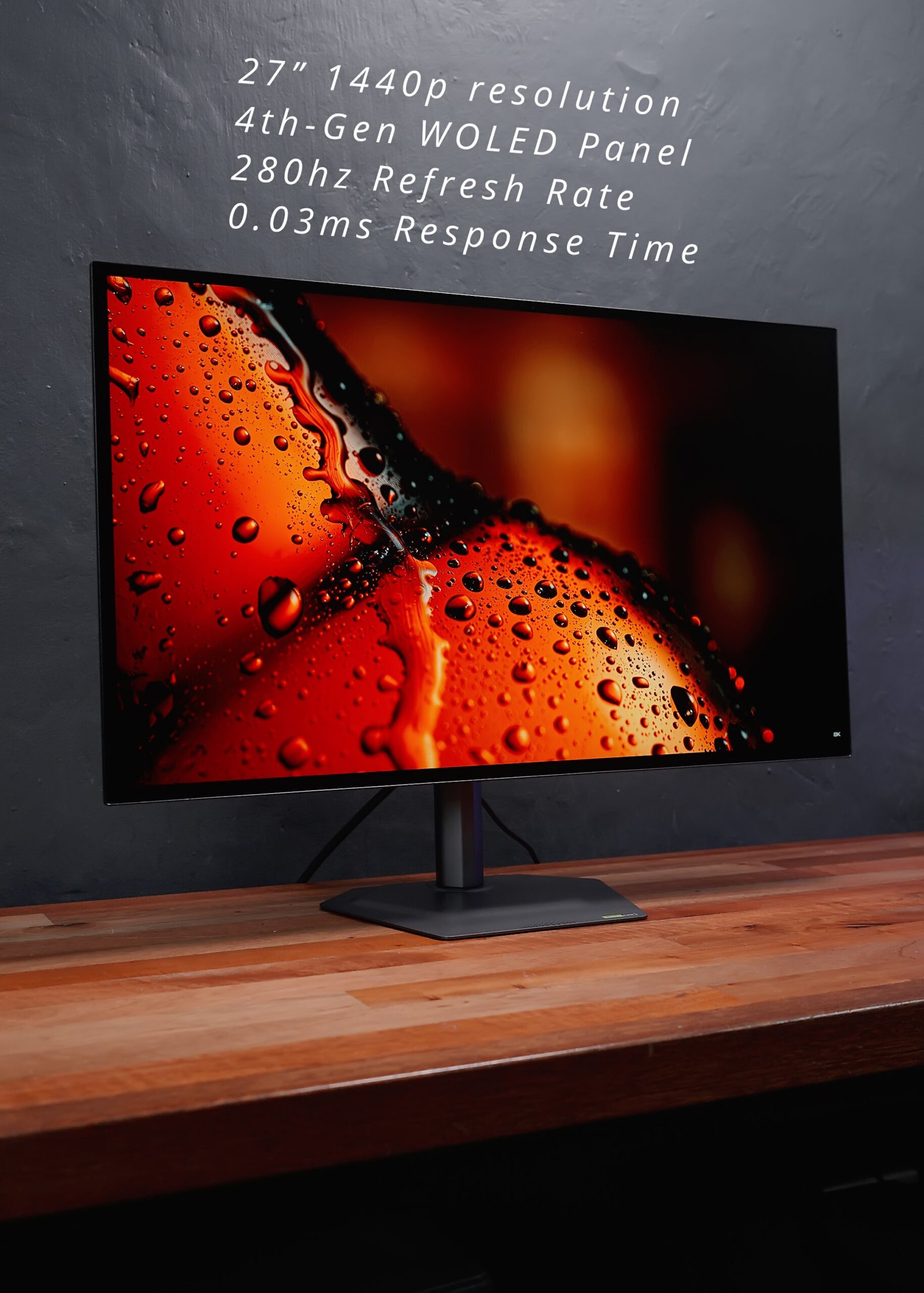
As for the panel itself, we’re looking at a 27” 1440p resolution 4th Gen WOLED panel with up to 280Hz refresh rate and 0.03ms response time.
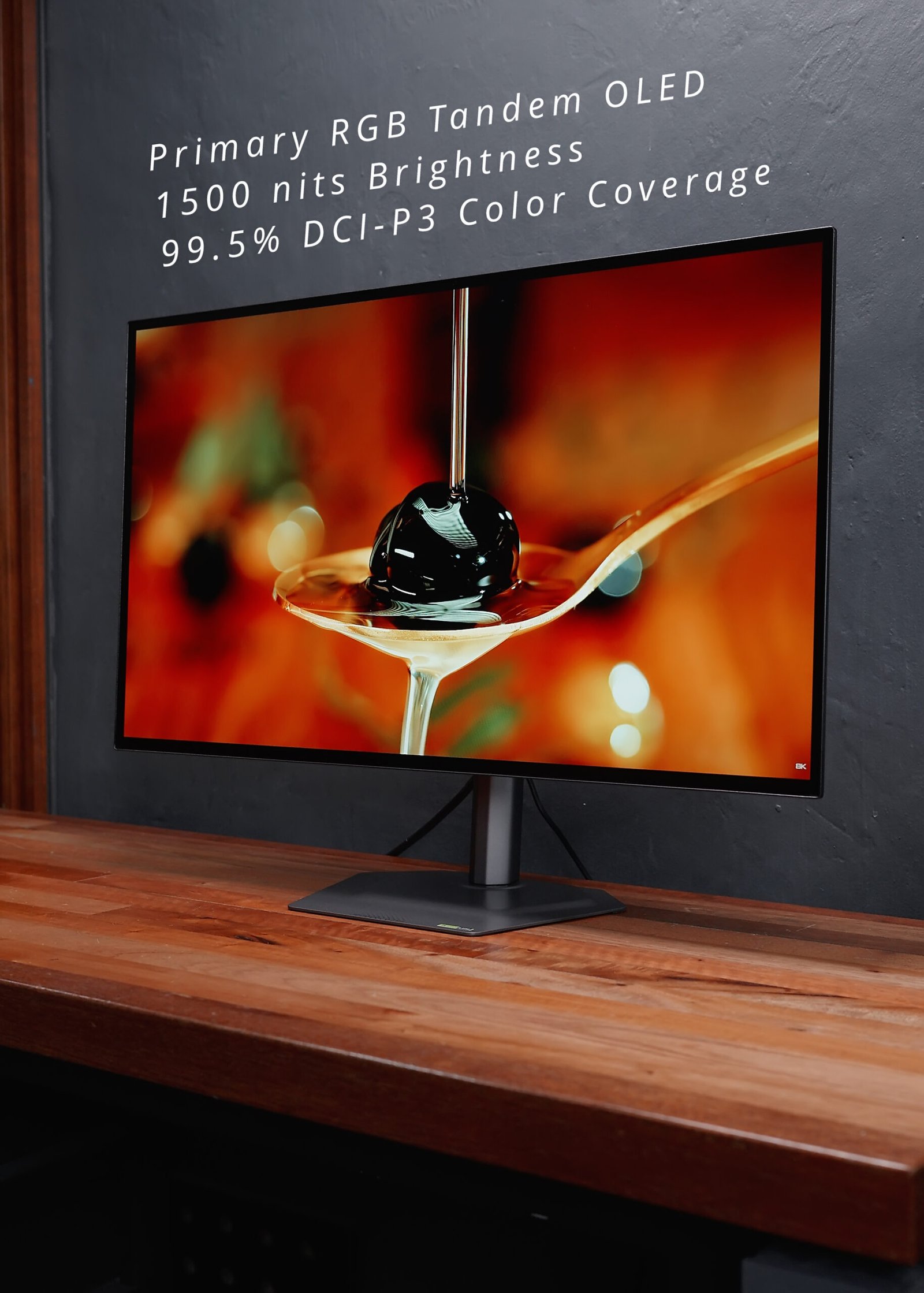
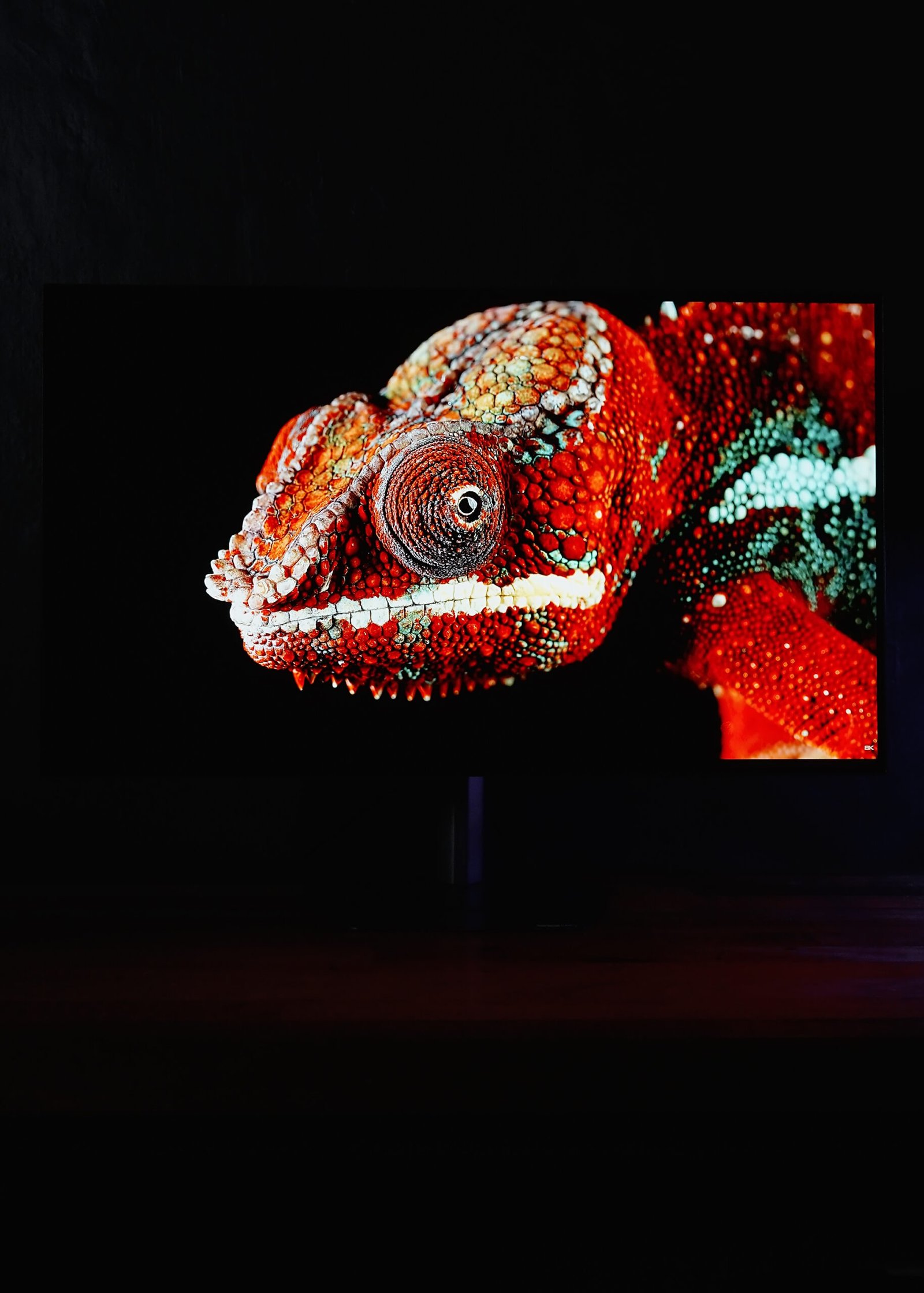
This uses Primary RGB Tandem OLED, which means you get deep blacks, vibrant colors, and up to 1500 nits peak brightness with outstanding 99.5% DCI-P3 color accuracy. And it even consumes 20% less power thanks to the latest tech.
As per testing, it covers at least 100% sRGB, 93% AdobeRGB, 90% NTSC, and 99% P3, which perfectly matches its specifications.

Its peak brightness on SDR is also up to 349 nits, which also matches and even exceeds its rated 335 nits peak brightness.

What’s great here is that regardless of your lighting environment, the black levels remain consistent—even in a bright room—unlike, say, a QD-OLED monitor.



Reflections are minimal, and there’s no tint under bright lights, which makes it really pleasing to the eyes.
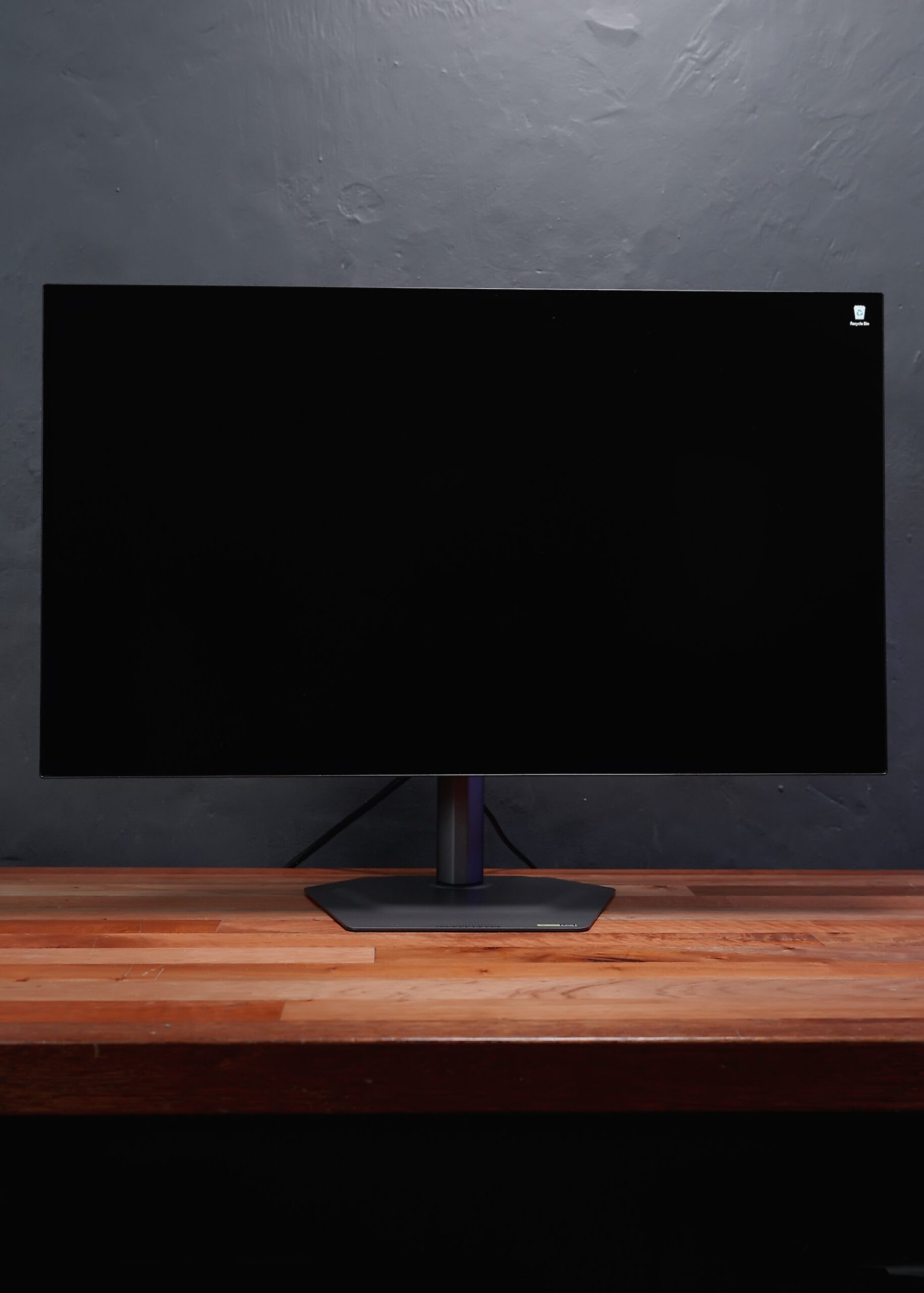

The image quality of a WOLED monitor is simply stunning. Like I always say, once you’ve tried OLED, you’ll never go back to VA or IPS panels. And yes, this one is VESA DisplayHDR True Black 500 certified.

Now, for gaming features, Gigabyte has you covered. What’s particularly interesting for me is the Tactical Switch 2.0, which lets you switch resolutions with just a click of a button.


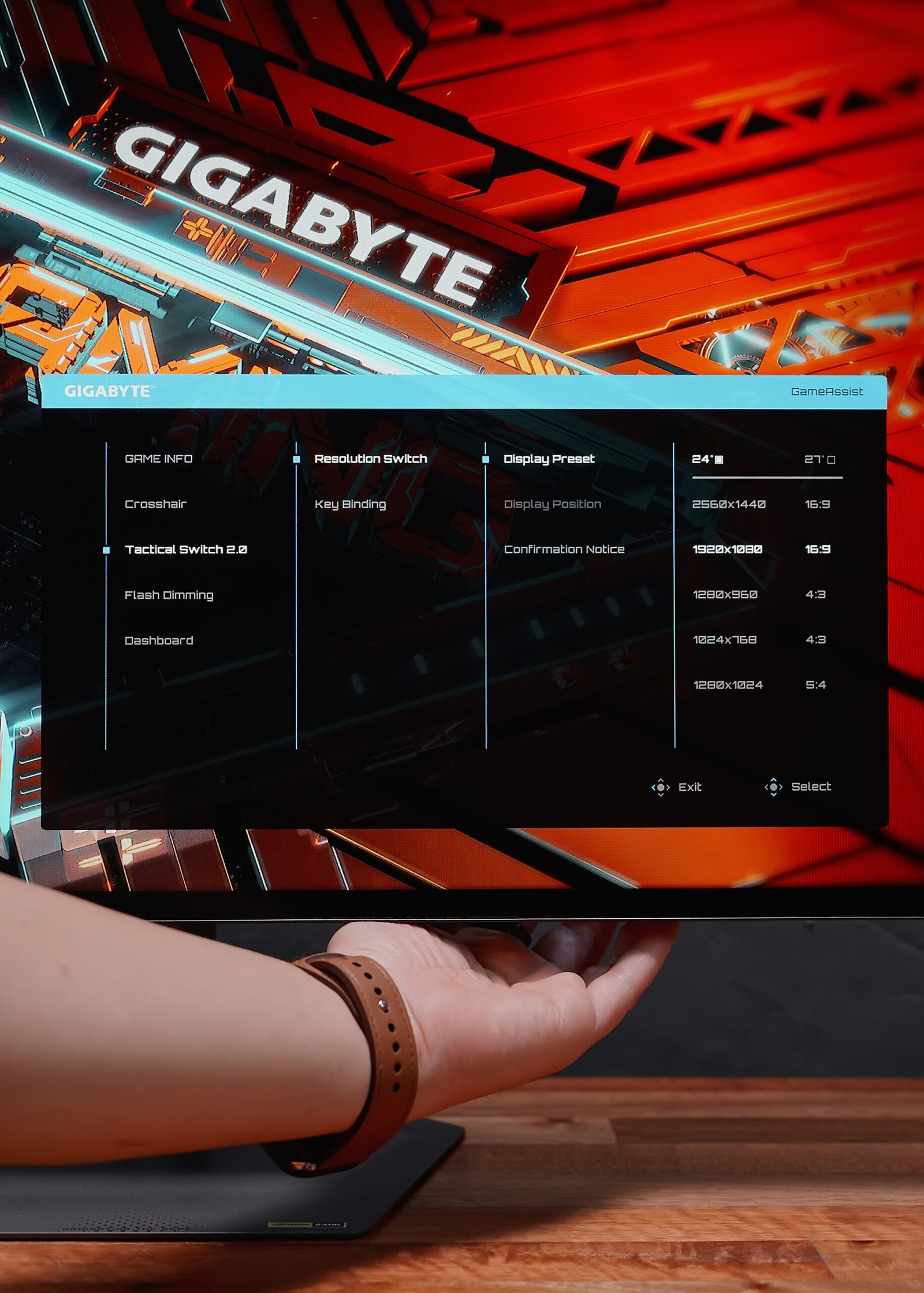
For example, in FPS games, if you’re more comfortable with a 24” size and 1080p resolution, you can easily set that here. Once configured, just click the button next to the joystick and voila—your resolution changes. You can even adjust the location around the screen if you want.

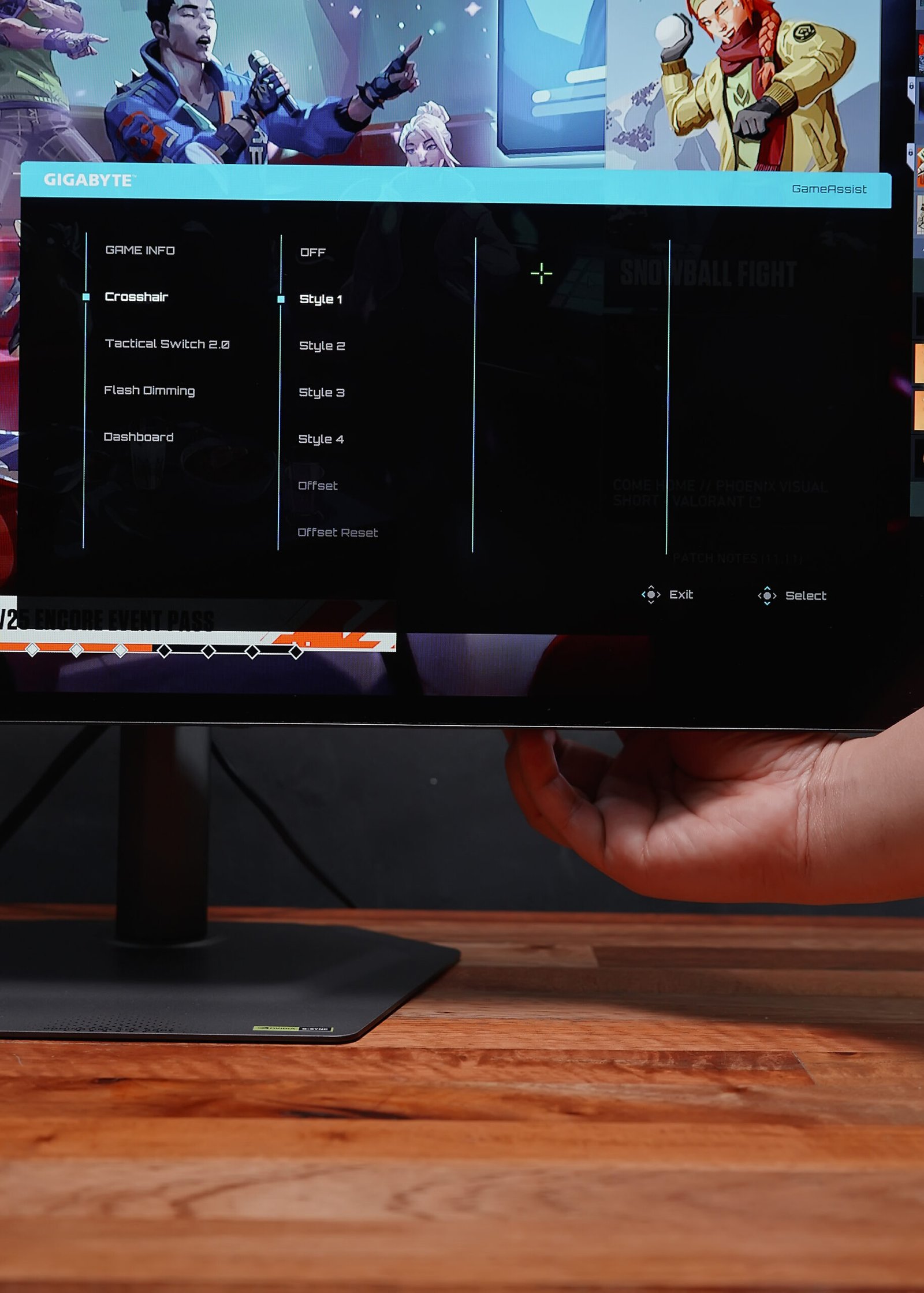
Aside from that, you still get the usual gaming features like crosshairs, timer, and refresh rate overlays.

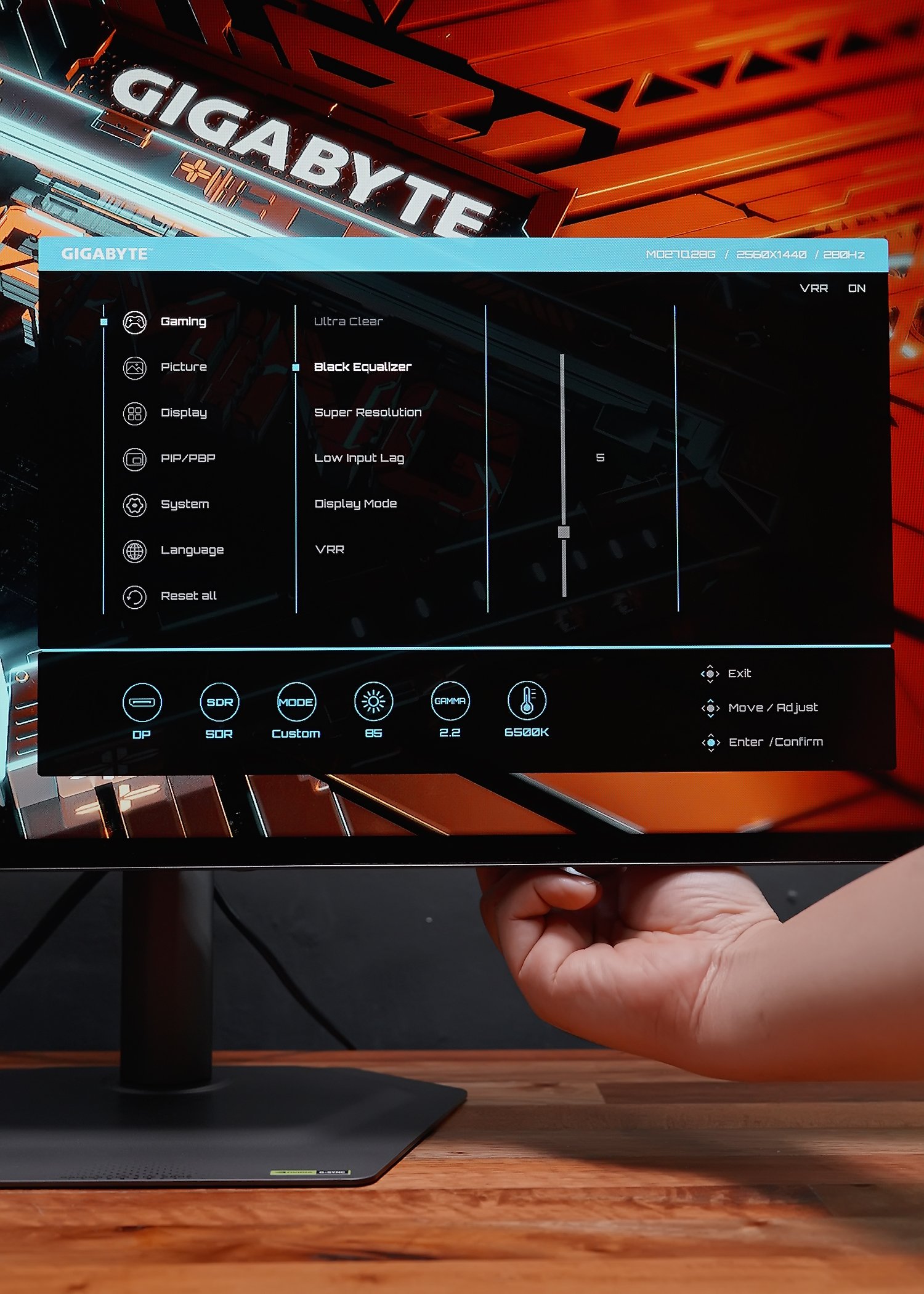
You can also take advantage of the Black Equalizer to fine-tune black levels to your preference.
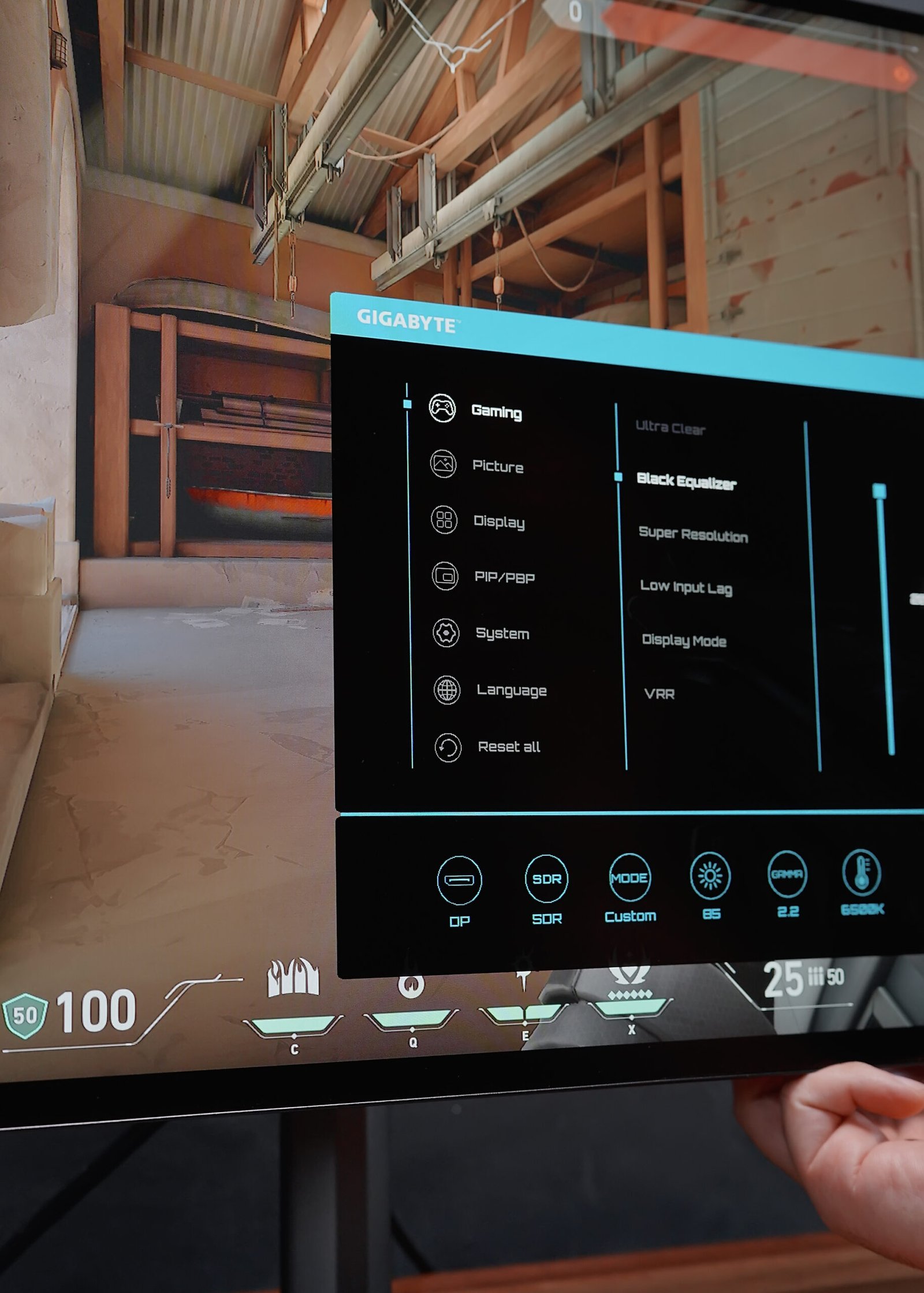
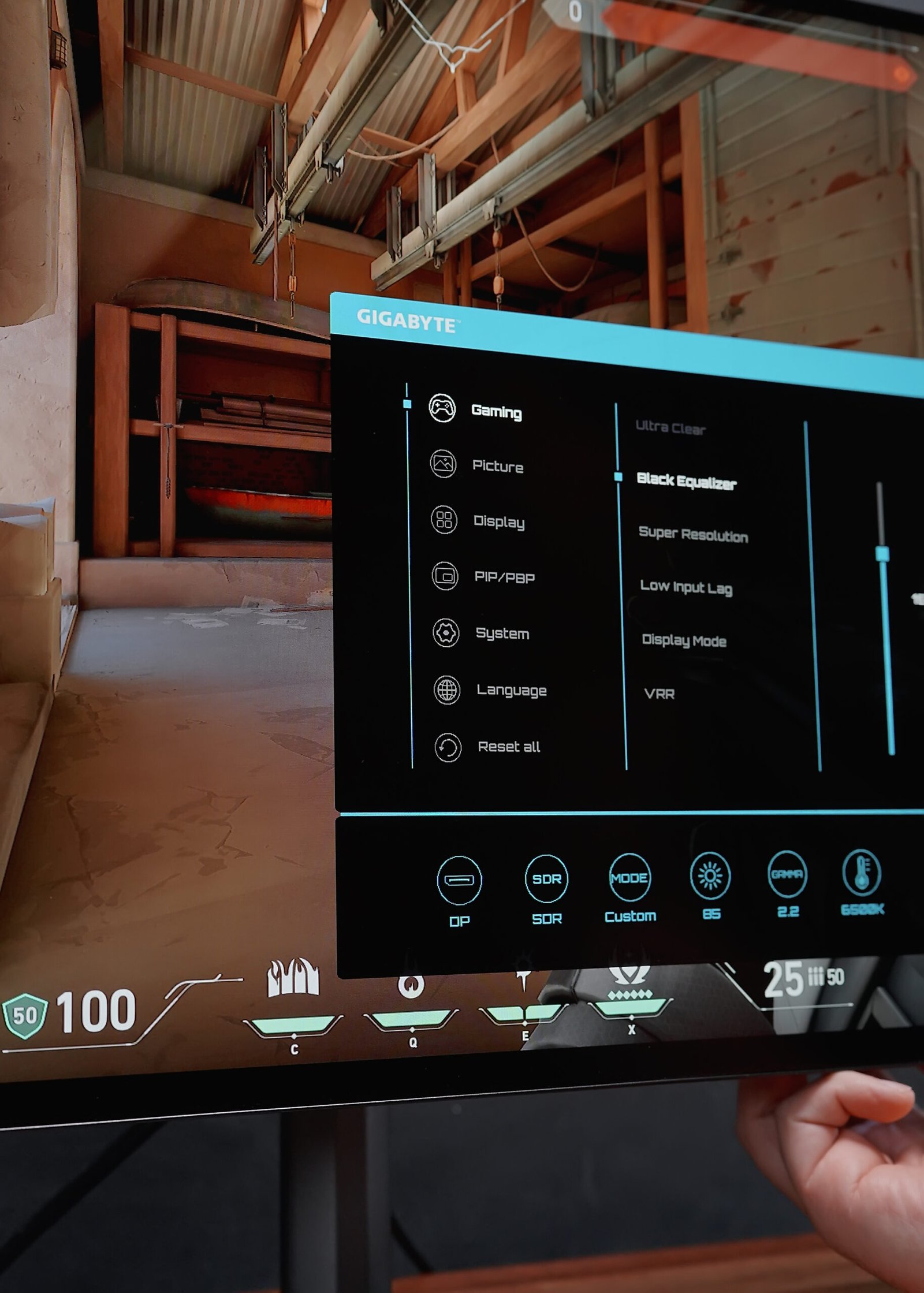
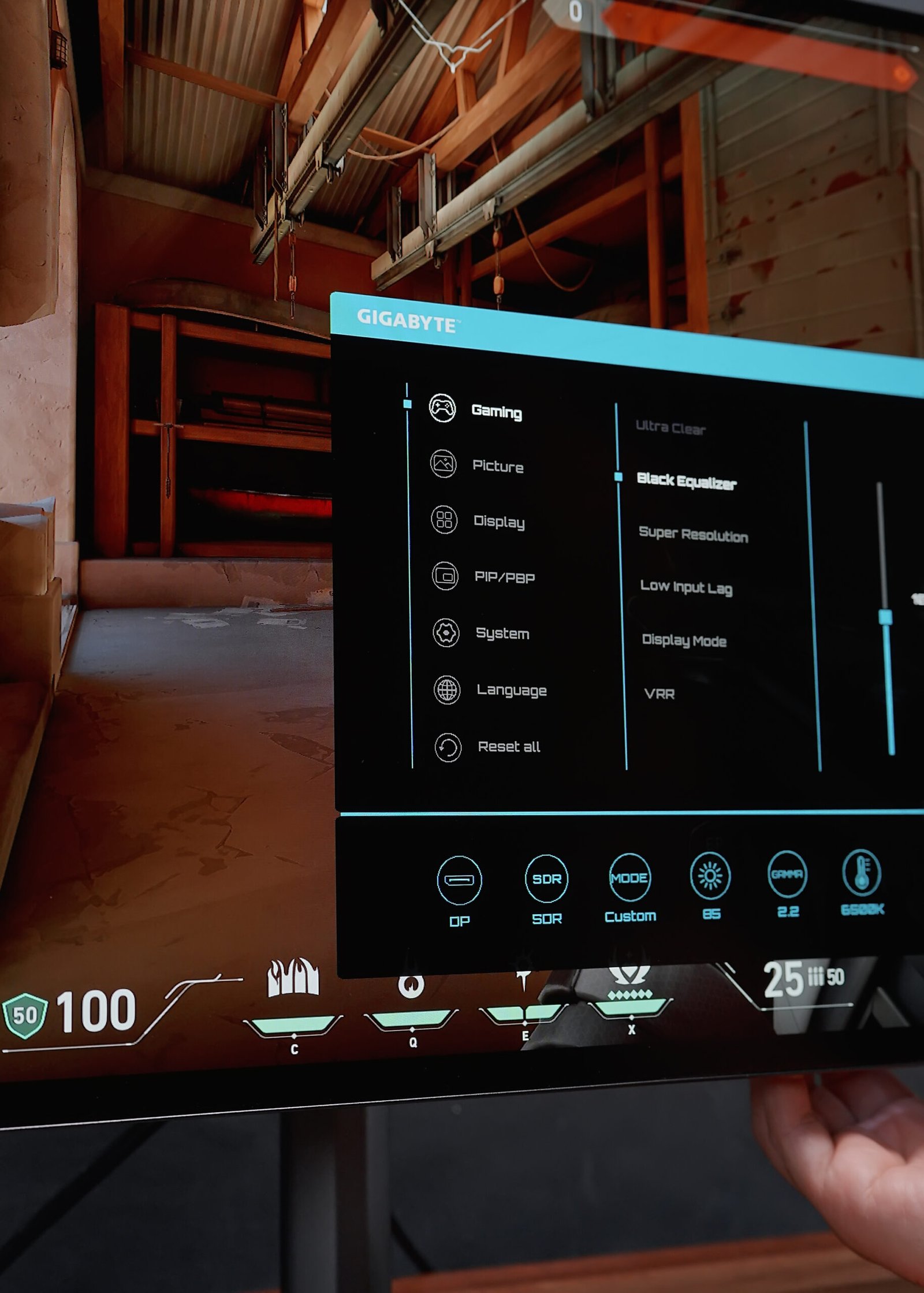
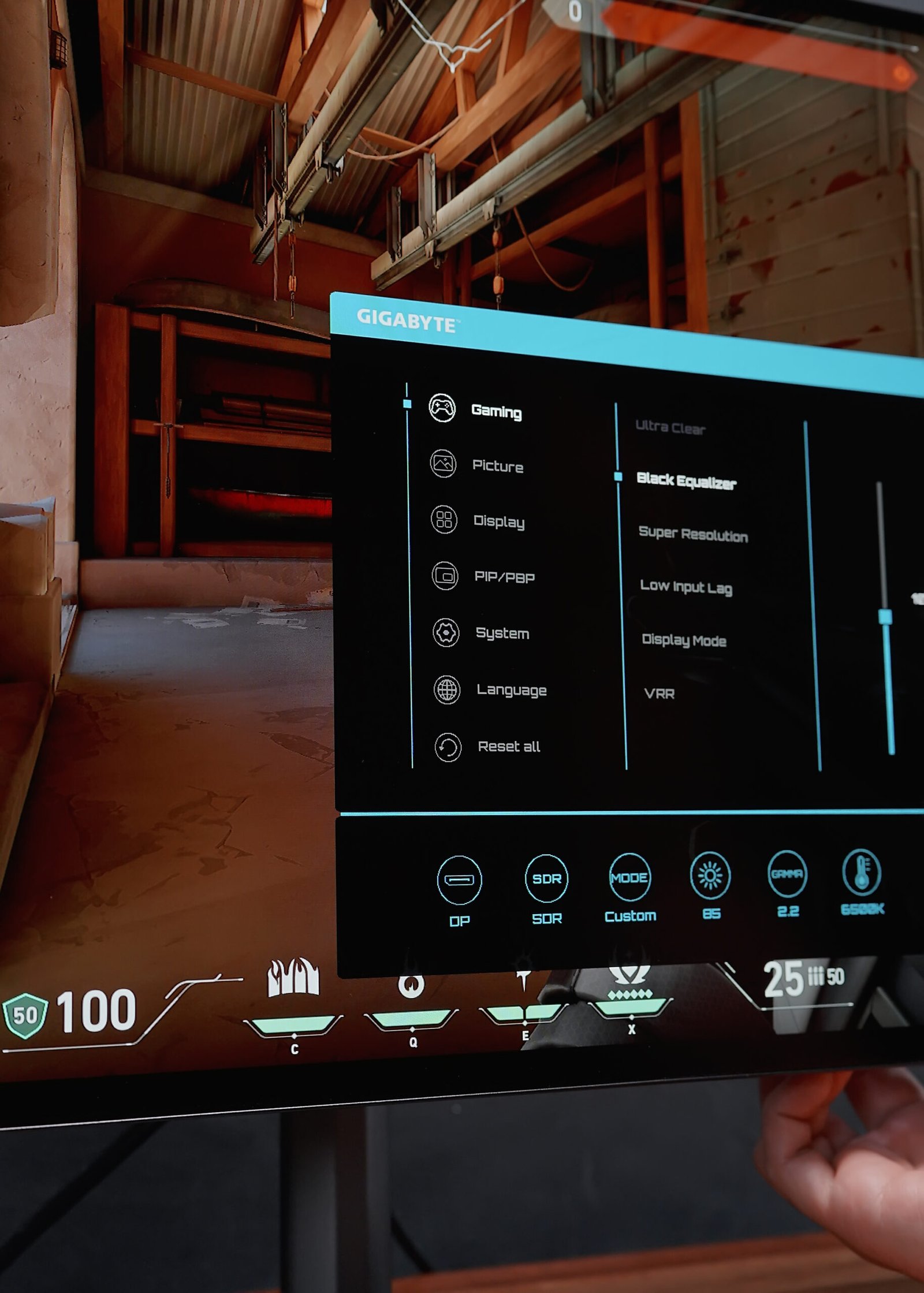
And if you want to push it further, you can use Super Resolution to increase sharpness and detail up to level 4.

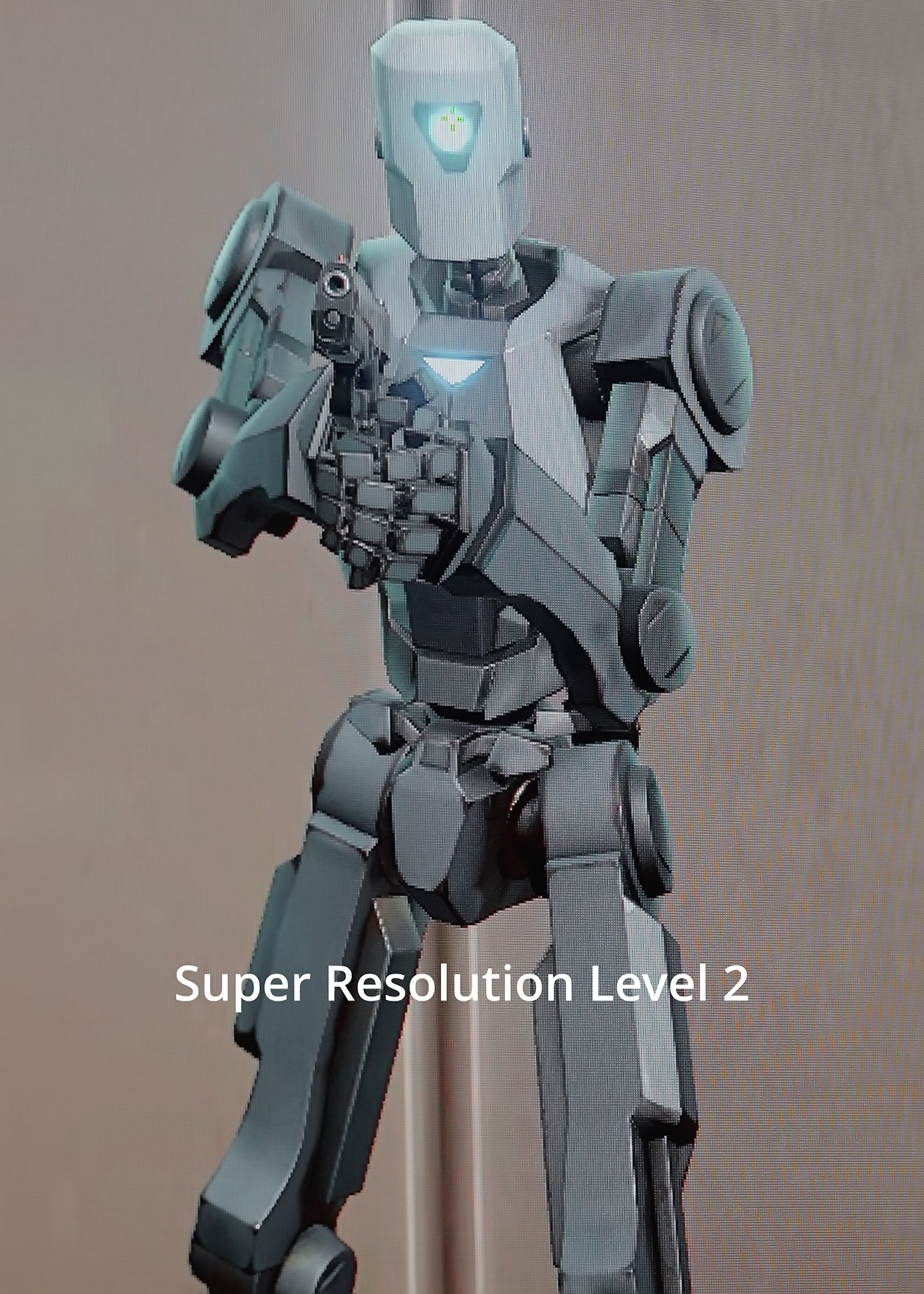
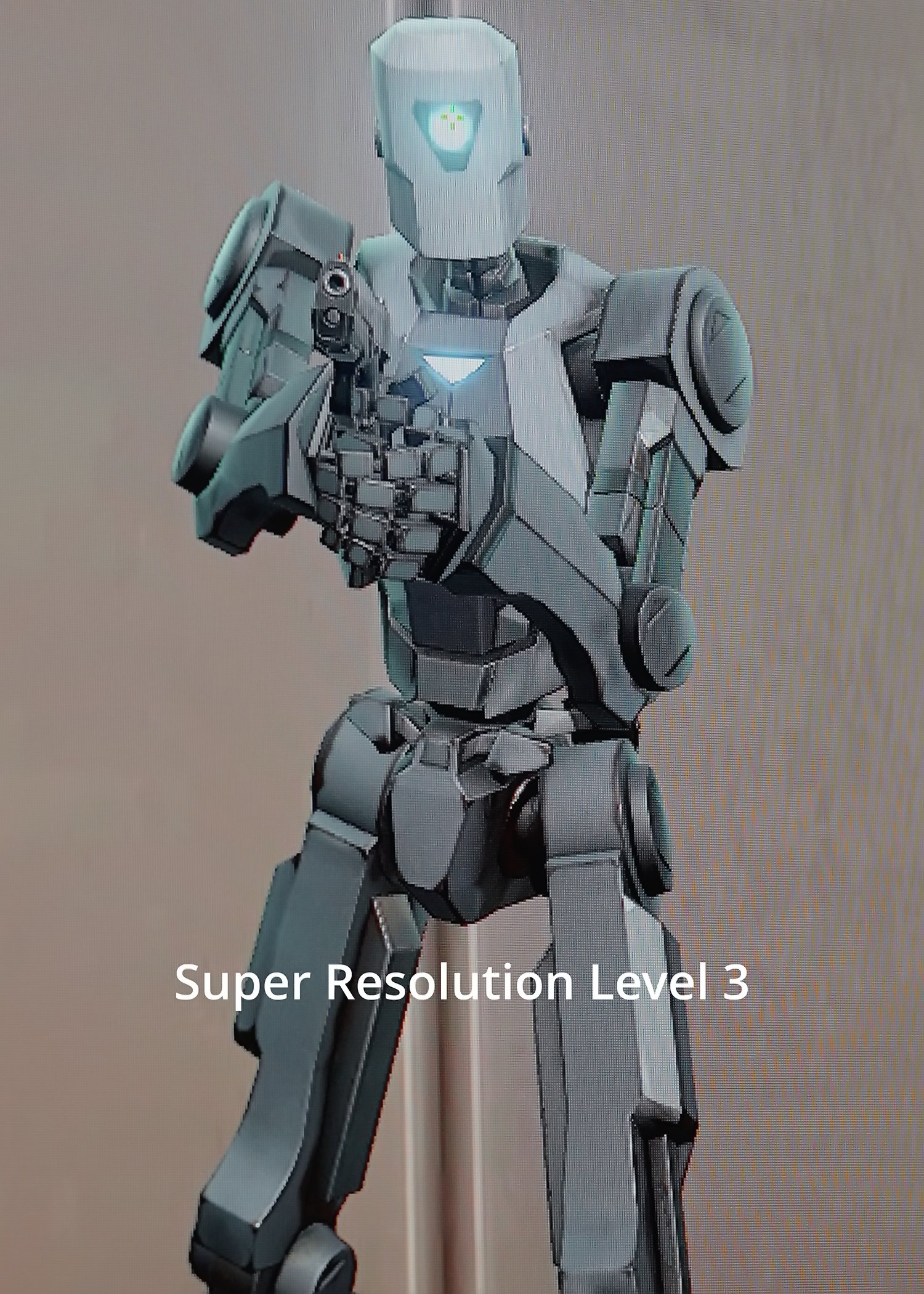

All of these tactical features can be adjusted either through the built-in OSD controls or via the OSD Sidekick software.

This monitor also comes with OLED VRR Anti-flicker and is NVIDIA G-Sync Compatible, ensuring clean image quality for both competitive gaming and eye comfort.
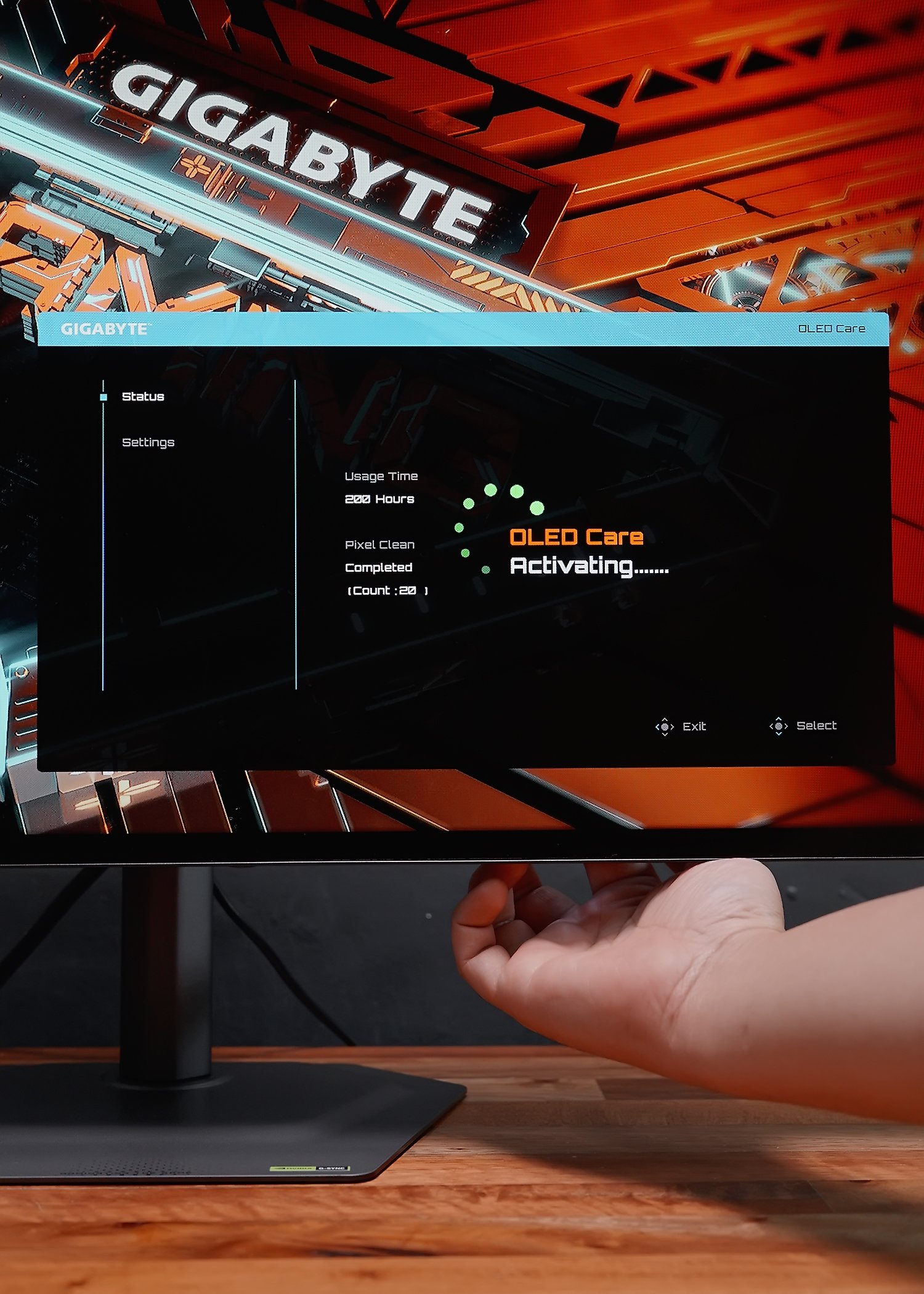
And lastly, it includes a suite of AI OLED care features and is backed by up to 3 years warranty—including burn-in coverage. So you can enjoy the monitor worry-free for the next 3 years. Personally, I don’t stress about burn-in anymore—I just enjoy the monitor.


Overall, like I said earlier, this monitor strikes a great balance of value in terms of design, features, and performance, and it’s relatively affordable too. If this monitor piqued your interest, go ahead and check the link below to learn more, especially about current promos.
GIGA-GIFT SEASON PROMO
Where to Get  https://bit.ly/TechBrollxMO27Q28G